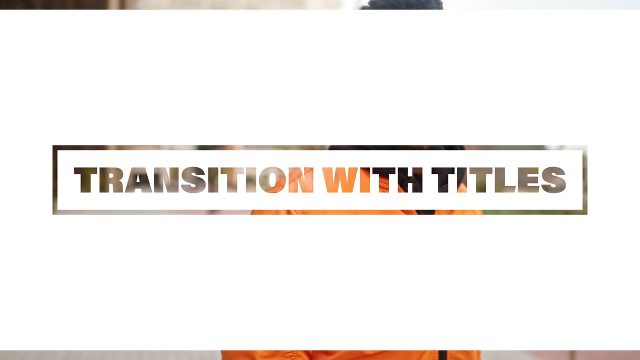
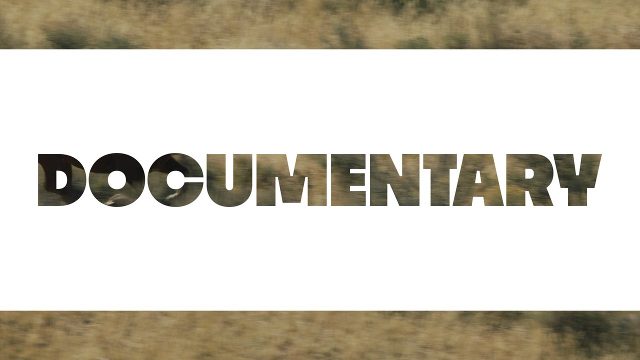
Animated Cutout Transitions with Thin Outline Box Text for Short Films Premiere Pro MOGRT Templates
Animated Cutout Transitions with Thin Outline Box Text for Short Films: Premiere Pro transition template, editable text and colors, 60 fps. Premium.
Attributes
- Application Premiere Pro
- Version Premiere Pro 2023 or later
- Resolution Horizontal · Resizable
- File size 0.13 MB
- Fonts Acumin Pro (Adobe Fonts)
- Required plugins None
- Tutorial PDF included
- License Commercial use
About this template
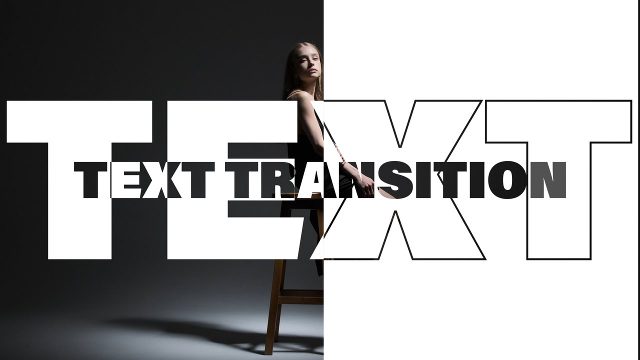
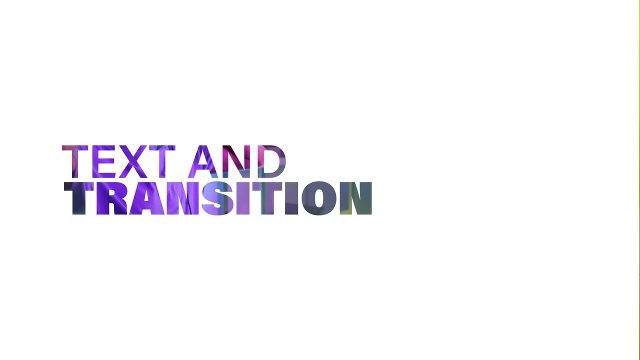
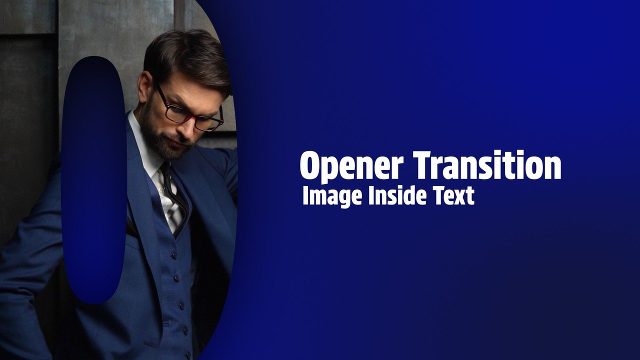
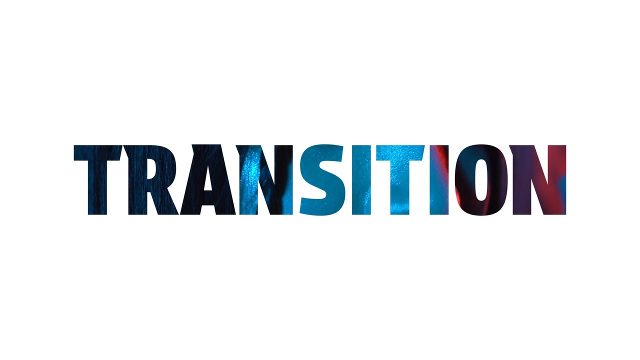
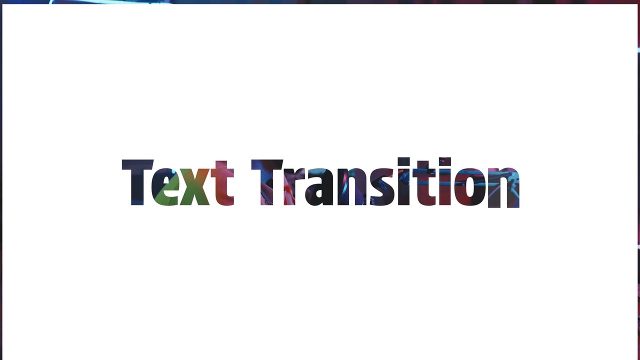
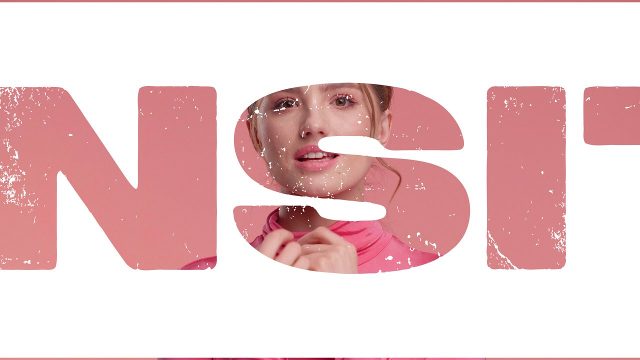
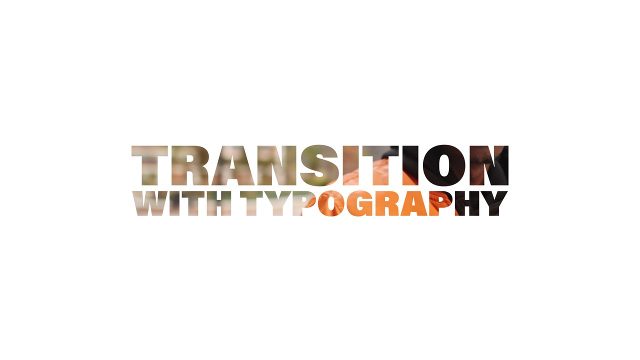
On screen you get a thin outline box text. Put it on top of two clips and the cut out text carries the viewer from one scene to the next. Ideal for short films and commercials, and just as handy for vlogs. A bold, creative video transition with motion graphics and kinetic typography. Font: Acumin Pro (Adobe Fonts, free with a Creative Cloud plan).
No After Effects needed: 1 text field and 3 color controls change right in the Premiere Pro timeline. It runs about 5 seconds at 60 fps. Install it once and it stays in your Essential Graphics library for every new project. The solid background and slide colors are editable, and the background can be switched off. Preview footage is for demonstration only and is not part of the download. Combine this video template with more cutout transitions and titles templates for a consistent edit.