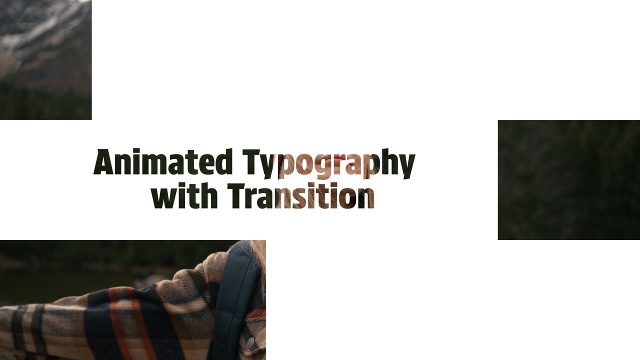
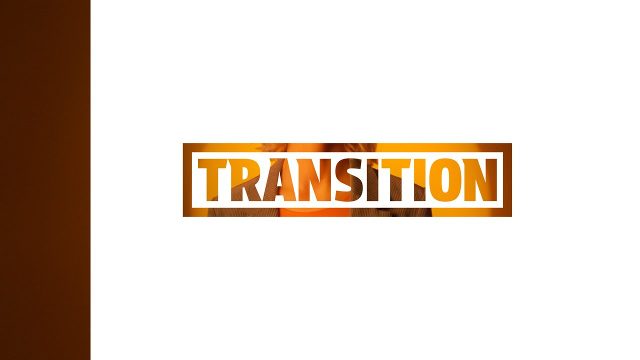
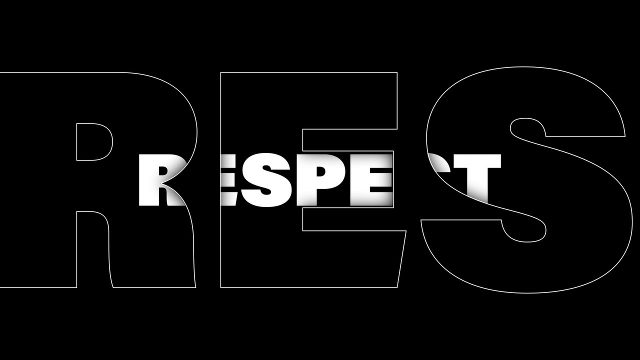
Animated Documentary Transitions with Italic Two Line Heading for Film Editing Premiere Pro Motion Graphics Template
Animated Documentary Transitions with Italic Two Line Heading for Film Editing: Premiere Pro transition template, editable text and colors, 60 fps. Premium.
Attributes
- Application Premiere Pro
- Version Premiere Pro 2023 or later
- Resolution Horizontal · Resizable
- File size 0.14 MB
- Fonts Acumin Pro (Adobe Fonts)
- Required plugins None
- Tutorial PDF included
- License Commercial use
About this template
Expect an italic two line heading. Drop it on a cut between scenes and the text works as a window into the next clip, a classic cut-out transition look. Use it for vlogs, documentaries and promo videos. A dynamic, sleek cut-out transition with a cinematic feel and bold type. Font: Acumin Pro (Adobe Fonts, free with a Creative Cloud plan).
In the Essential Graphics panel you get 2 text fields and 2 color controls, plus scale and position controls; 60 fps, about 5 seconds. Drag it onto the cut between two clips and adjust its length on the timeline. Change the slide and background colors to match your brand, or switch the background off. The footage seen in the preview is not included. It is a ready-to-use video template, and it sits well alongside our other transition templates.