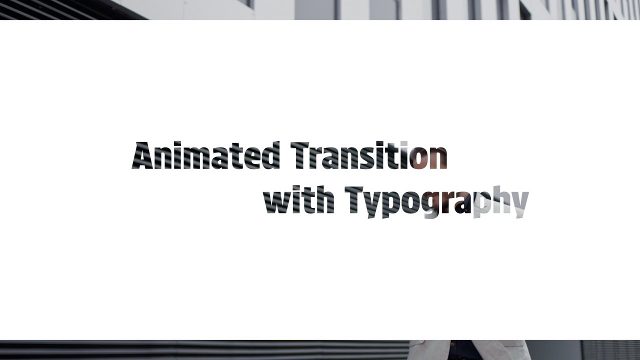
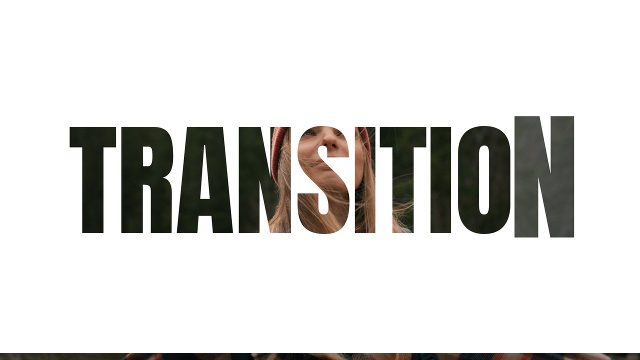
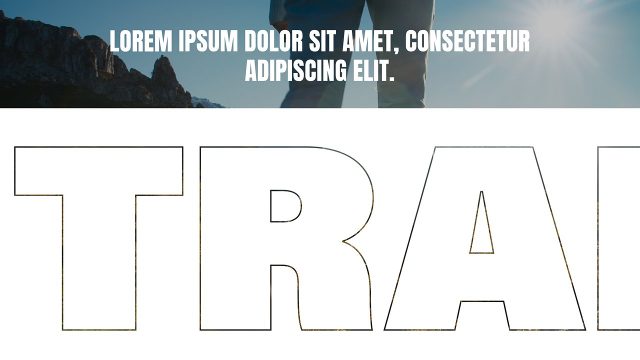
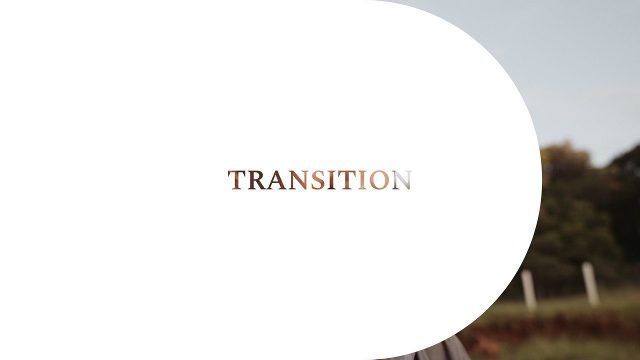
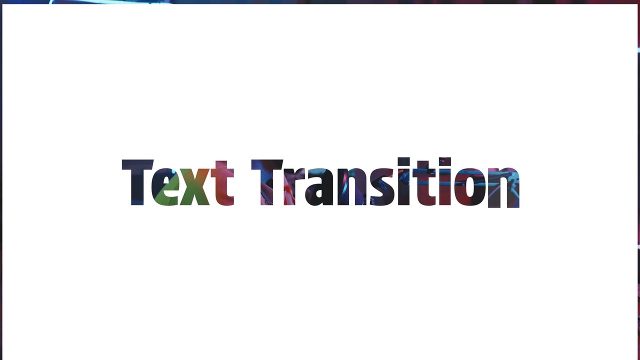
Animated Film Transition with Diagonal Panel Heading for Documentaries Premiere Pro Template
Animated Film Transition with Diagonal Panel Heading for Documentaries: Premiere Pro transition template, editable text and colors, 60 fps. Premium.
Attributes
- Application Premiere Pro
- Version Premiere Pro 2023 or later
- Resolution Horizontal · Resizable
- File size 0.13 MB
- Fonts Noka (Adobe Fonts)
- Required plugins None
- Tutorial PDF included
- License Commercial use
About this template
The cut is built from a diagonal panel heading. Your own footage shows through the cutout letters, so the move from one shot to the next feels seamless. Expect a trendy, dynamic typography transition built on cut-out letters and editable text. It uses Noka from Adobe Fonts, which every Creative Cloud member can activate for free. Typical uses: educational videos, documentaries, travel documentaries and history videos.
No After Effects needed: 1 text field and 4 color controls change right in the Premiere Pro timeline. It runs about 4 seconds at 60 fps. No plugins are needed, only Premiere Pro 2023 or newer. Change the slide and background colors to match your brand, or switch the background off. Preview footage is for demonstration only and is not part of the download. Combine this video template with more cutout transitions and titles templates for a consistent edit.