Animated Minimal Scene Transition featuring Color Panel Slide and Bold Text MOGRT for Premiere Pro
Animated Minimal Scene Transition featuring Color Panel Slide and Bold Text: Premiere Pro transition template, editable text and colors, 60 fps. Premium.
Attributes
- Application Premiere Pro
- Version Premiere Pro 2023 or later
- Resolution Horizontal · Resizable
- File size 0.13 MB
- Fonts Acumin Pro (Adobe Fonts)
- Required plugins None
- Tutorial PDF included
- License Commercial use
About this template
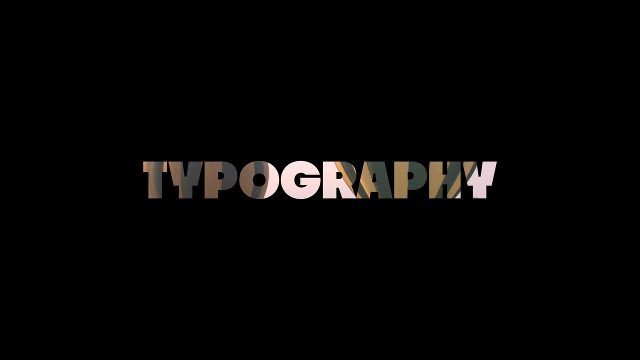
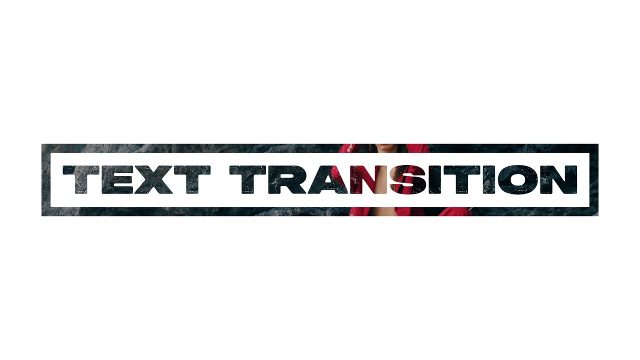
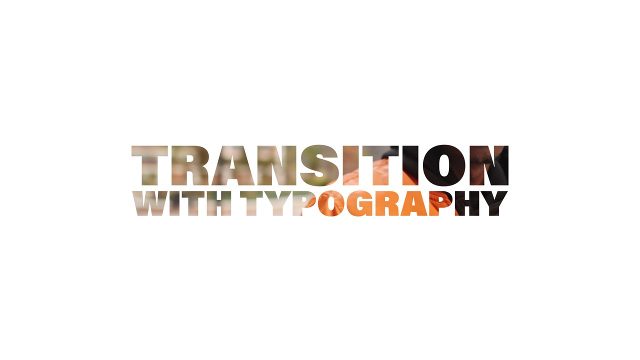
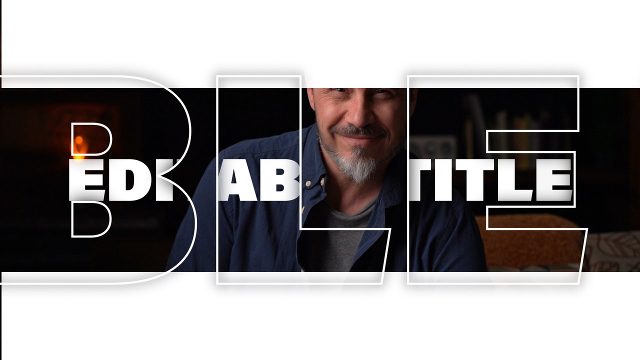
Expect a color panel slide and bold text. Drop it on a cut between scenes and the text works as a window into the next clip, a classic cut-out transition look. This clean cutout transition pairs bold type with editable text for an elegant result. Ideal for social media reels and event recaps, and just as handy for YouTube videos. The type is Acumin Pro, included with Creative Cloud via Adobe Fonts.
In the Essential Graphics panel you get 1 text field and 2 color controls, plus scale and position controls; 60 fps, about 5 seconds. Every setting lives in the Edit tab, so editors never need to open After Effects. Background and slide colors have their own controls, and the background layer can be turned off. Preview footage is for demonstration only and is not part of the download. Combine this video template with more cutout transitions and titles templates for a consistent edit.