
After Effects 2027 (27.0): All New Features from Adobe MAX 2026
After Effects 2027 is out. Here is everything new in After Effects 27.0 from Adobe MAX 2026: the AI Assistant, materials on 3D text and shapes, editable Illustrator text, Contour Paint and the system requirements.
 8 min read
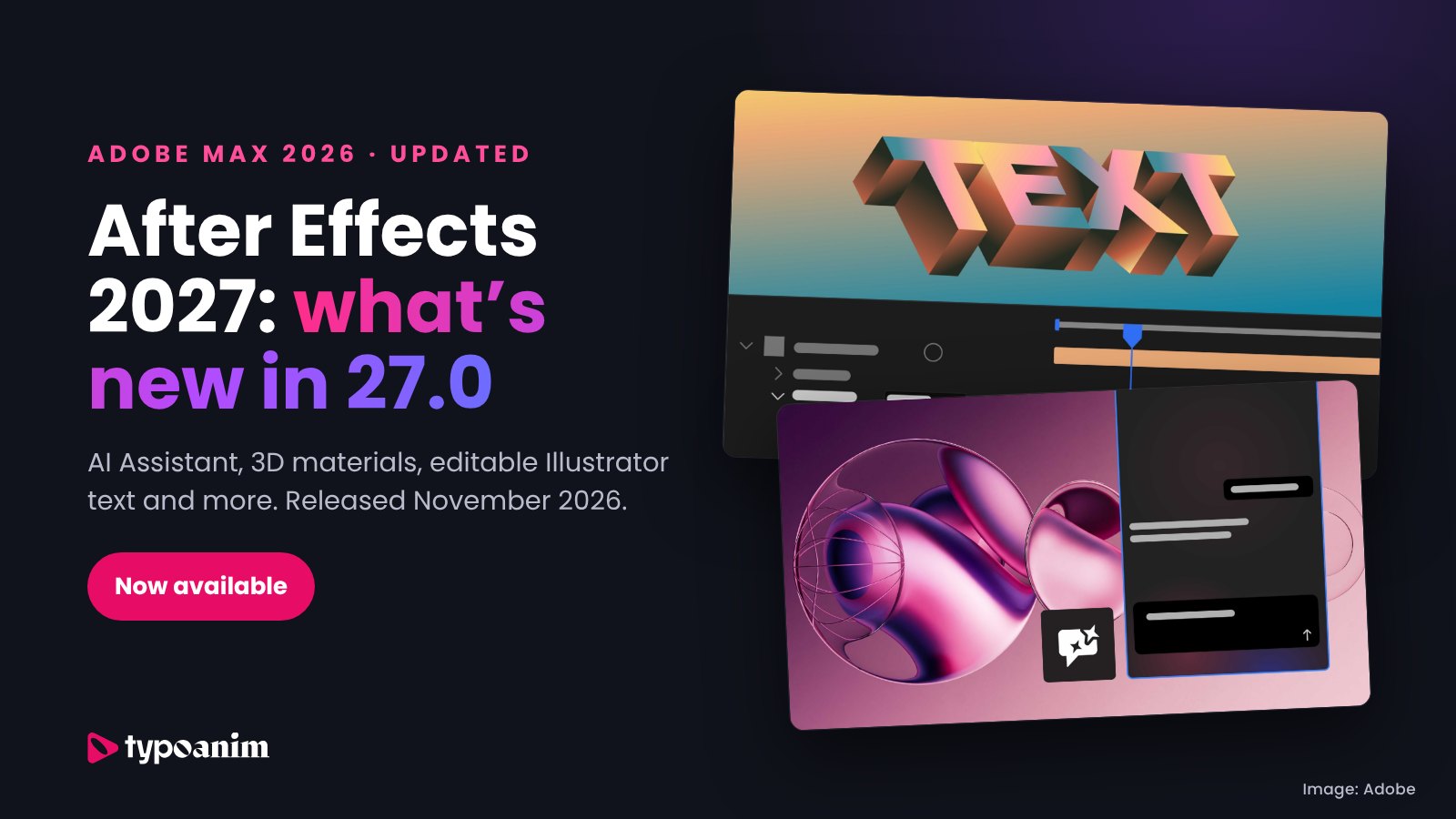
Updated November 12, 2026: Adobe released After Effects 27.0 at Adobe MAX 2026. This article now covers the After Effects 2027 features that actually shipped, what is still in beta and what to check before you update.
After Effects 2027 is here. Adobe released After Effects 27.0 in November 2026, together with the Adobe MAX 2026 announcements. This version brings an AI Assistant panel, Substance materials for 3D text and shapes, layers as 3D materials, editable text from Illustrator files, the new Contour Paint effect and many workflow improvements for motion designers.
Before MAX we wrote about the features being tested in the After Effects beta. Below is the updated guide: everything new in After Effects 2027, what each feature does, which tools shipped earlier in 2026, the system requirements and whether you should update right away.
In this After Effects 2027 guide
- When was After Effects 2027 released?
- All new features in After Effects 2027
- After Effects AI Assistant
- Materials on 3D text and shapes
- Editable text from Illustrator files
- Contour Paint and De-esser effects
- Adobe Stock panel, Auto-Save and other updates
- Features that shipped earlier in 2026
- After Effects 2027 system requirements
- Should you update to After Effects 27.0 now?
- Do After Effects templates work in After Effects 2027?
- After Effects 2027 FAQ
When was After Effects 2027 released?
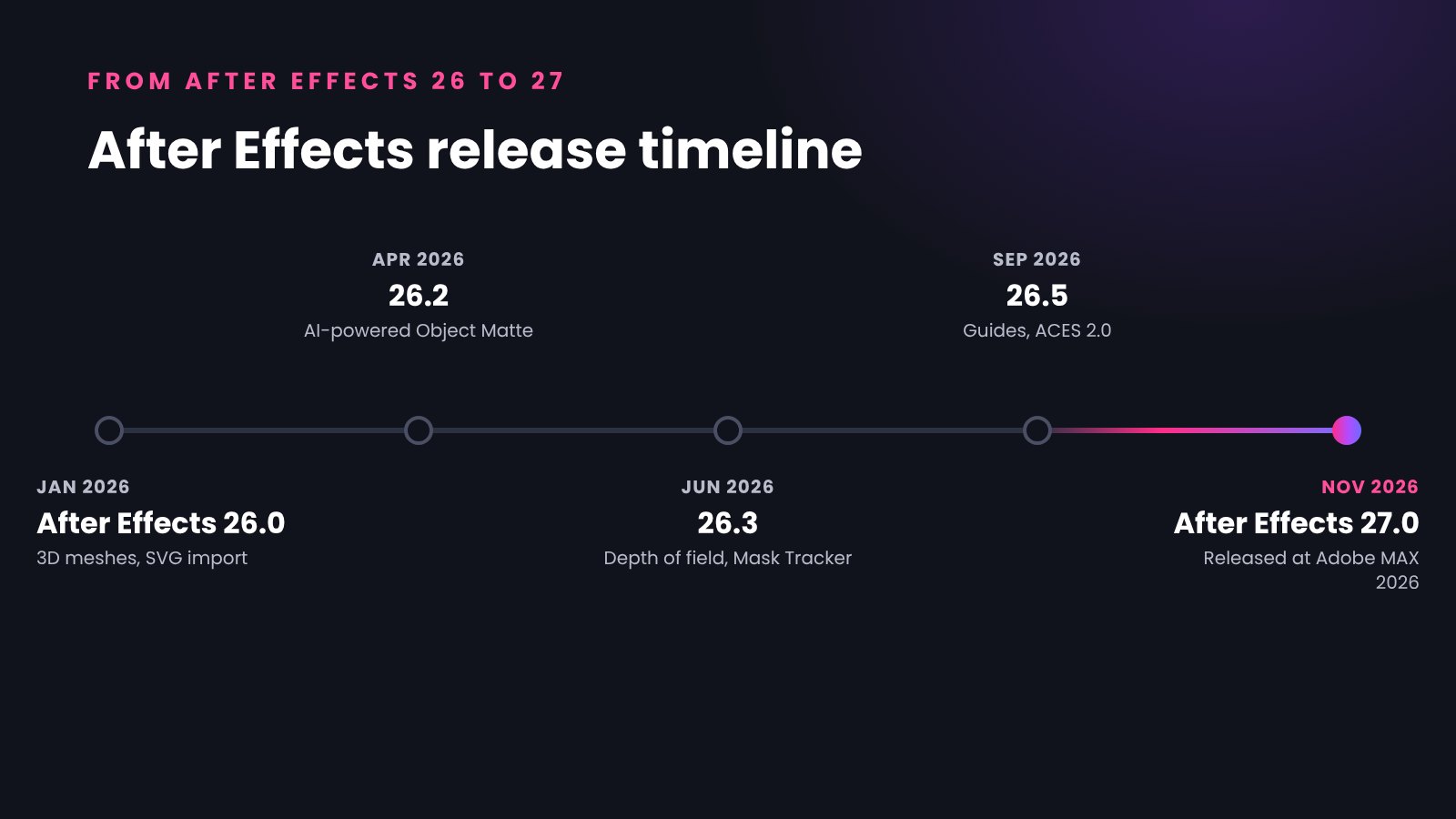
After Effects 2027 (version 27.0) was released in November 2026 as part of Adobe MAX 2026. Creative Cloud subscribers can install it as a free update from the Creative Cloud desktop app. Here is the After Effects release timeline in 2026:
- January 2026: After Effects 26.0 with native 3D parametric meshes and editable SVG import.
- April 2026: After Effects 26.2 with the AI-powered Object Matte.
- June 2026: After Effects 26.3 with depth of field in the Advanced 3D renderer, an updated Mask Tracker and the Curl Noise effect.
- September 2026: After Effects 26.5 with new guides, color labels for effects and ACES 2.0 support.
- November 2026: After Effects 27.0 released at Adobe MAX 2026.
If Adobe's naming is new to you: Adobe calls this release After Effects 27.0, and many motion designers search for it as After Effects 2027. Both mean the same version.
All new features in After Effects 2027
According to Adobe's official "What's new in After Effects" page, After Effects 27.0 includes:
- After Effects AI Assistant panel
- Substance 3D materials on 3D text and shape layers
- Layers as material sources in the Advanced 3D renderer
- Illustrator text imported as editable text layers
- Adobe Stock panel inside After Effects
- Contour Paint effect
- Improved Auto-Save and crash recovery
- PNG compression level on export
- De-esser audio effect
- Recent items in Quick Apply
Below are the most important After Effects 2027 features in more detail.
After Effects AI Assistant: describe a task in plain words
The After Effects AI Assistant is a new panel (Window > Assistant) where you describe what you need in natural language. According to Adobe, it can organize your project, explain, rename and color-code project items, write and debug expressions, and generate images and video with Adobe Firefly and partner models. You can also add custom skills to tailor it to your own workflows.
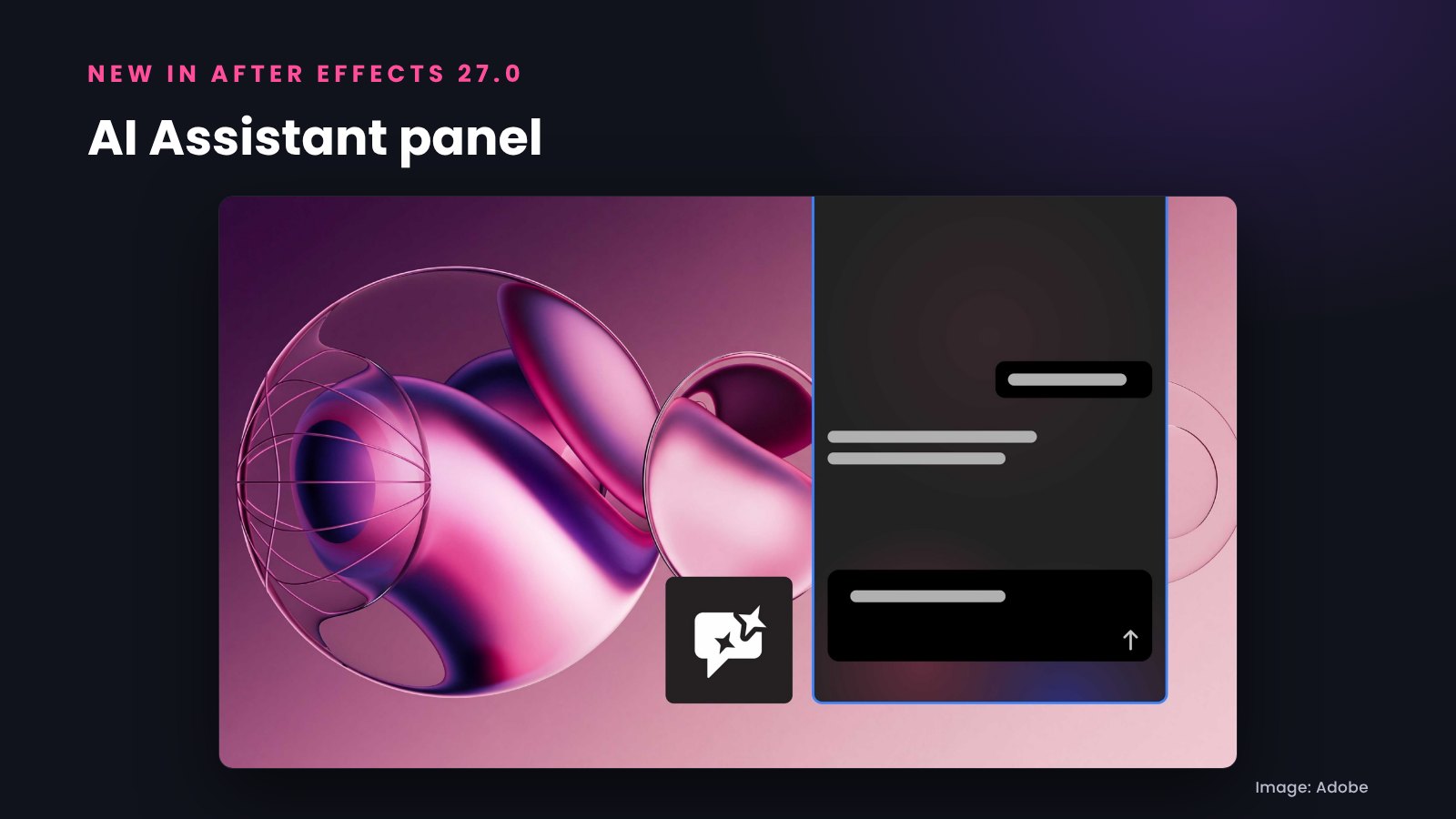
For many After Effects users, expressions are the hardest part of the program, so an assistant that can write a wiggle or loopOut expression, or explain why an expression is broken, can save a lot of time. Adobe still labels its AI Assistants as beta, and generating images or video with AI uses generative credits.
Materials on 3D text and shapes in After Effects 2027
The Advanced 3D renderer keeps growing. In After Effects 27.0 you can apply Substance 3D Materials to 3D text and 3D shape layers, so extruded titles can look like metal, plastic, wood or glass without leaving After Effects.
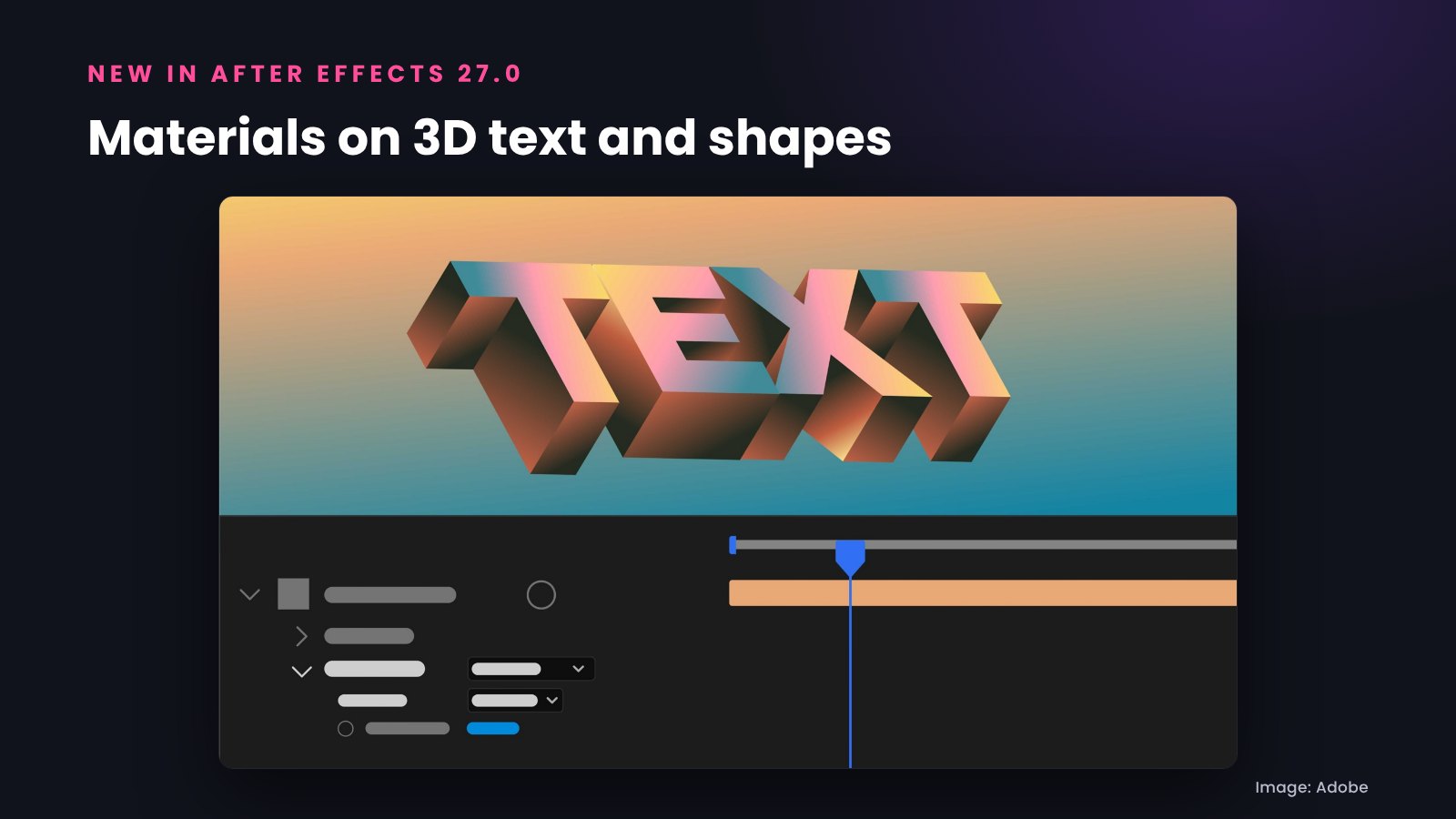
You can also use layers as material sources: animated precomps, solids, images and videos can become materials for 3D objects in the Advanced 3D renderer. That means an animated pattern or a video can wrap around a 3D shape.
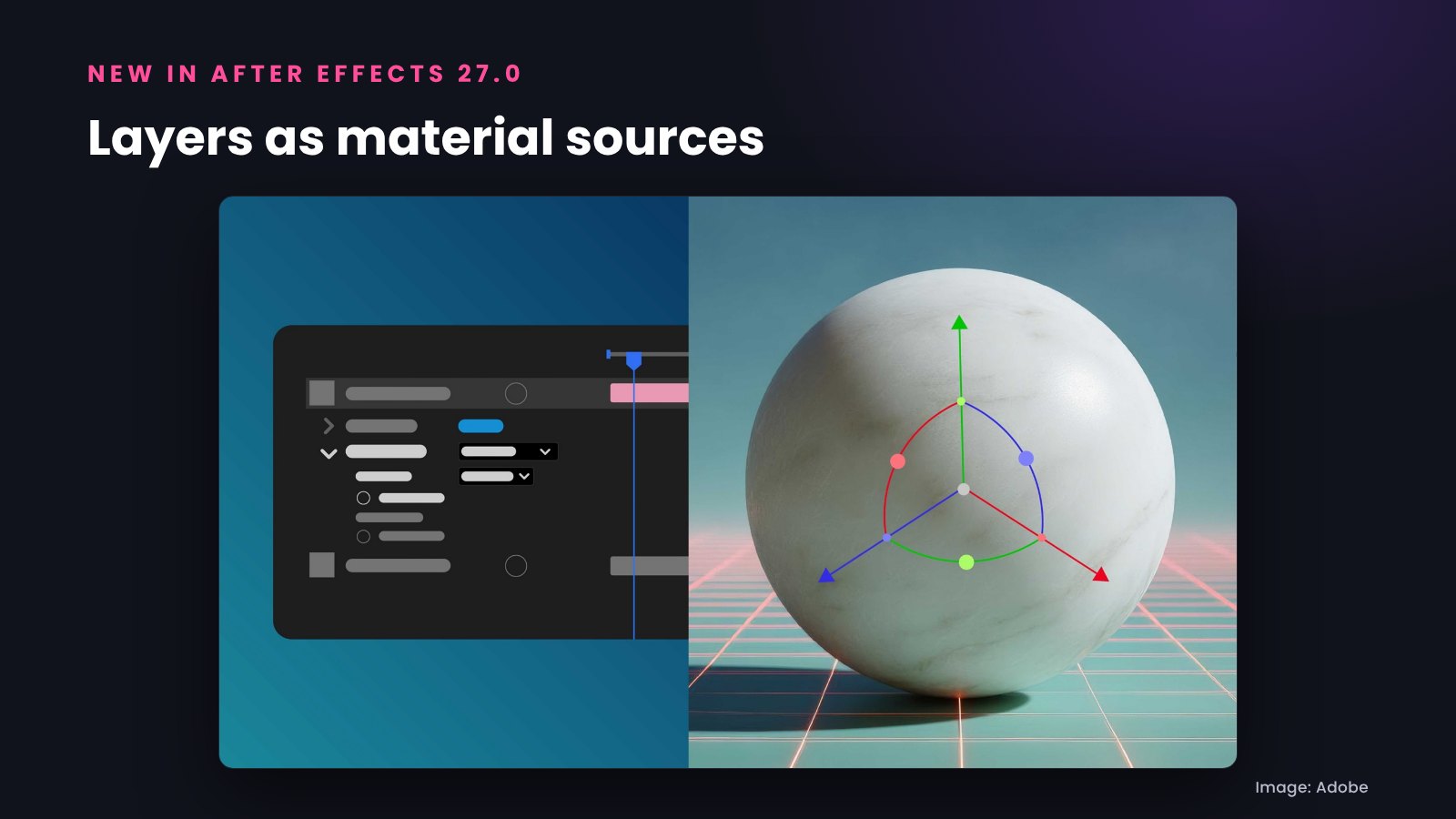
Together with depth of field from After Effects 26.3, this brings native 3D motion graphics much closer to dedicated 3D software. If you create 3D titles, logo animations or product promos, these are the After Effects 2027 features to try first.
Editable text from Illustrator files
Bringing Illustrator artwork into After Effects always had one weak spot: text. In After Effects 2027, Illustrator text can be converted into editable After Effects text layers that keep the fonts, size, fills, positions, styles and variable font settings.
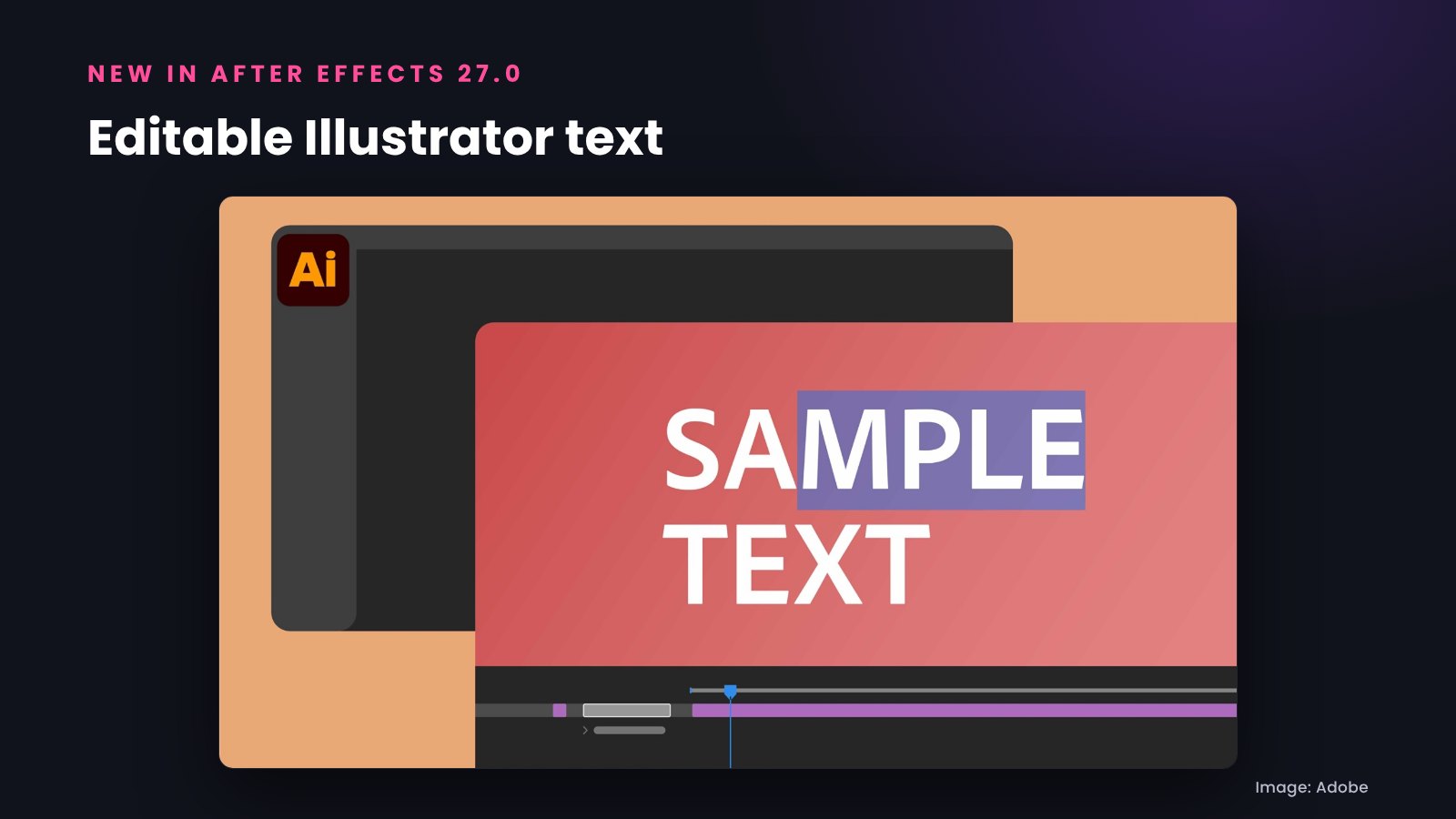
This matters for anyone who animates posters, social media designs or brand layouts created in Illustrator. Instead of retyping every headline, you can animate the original text directly.
Contour Paint and De-esser effects
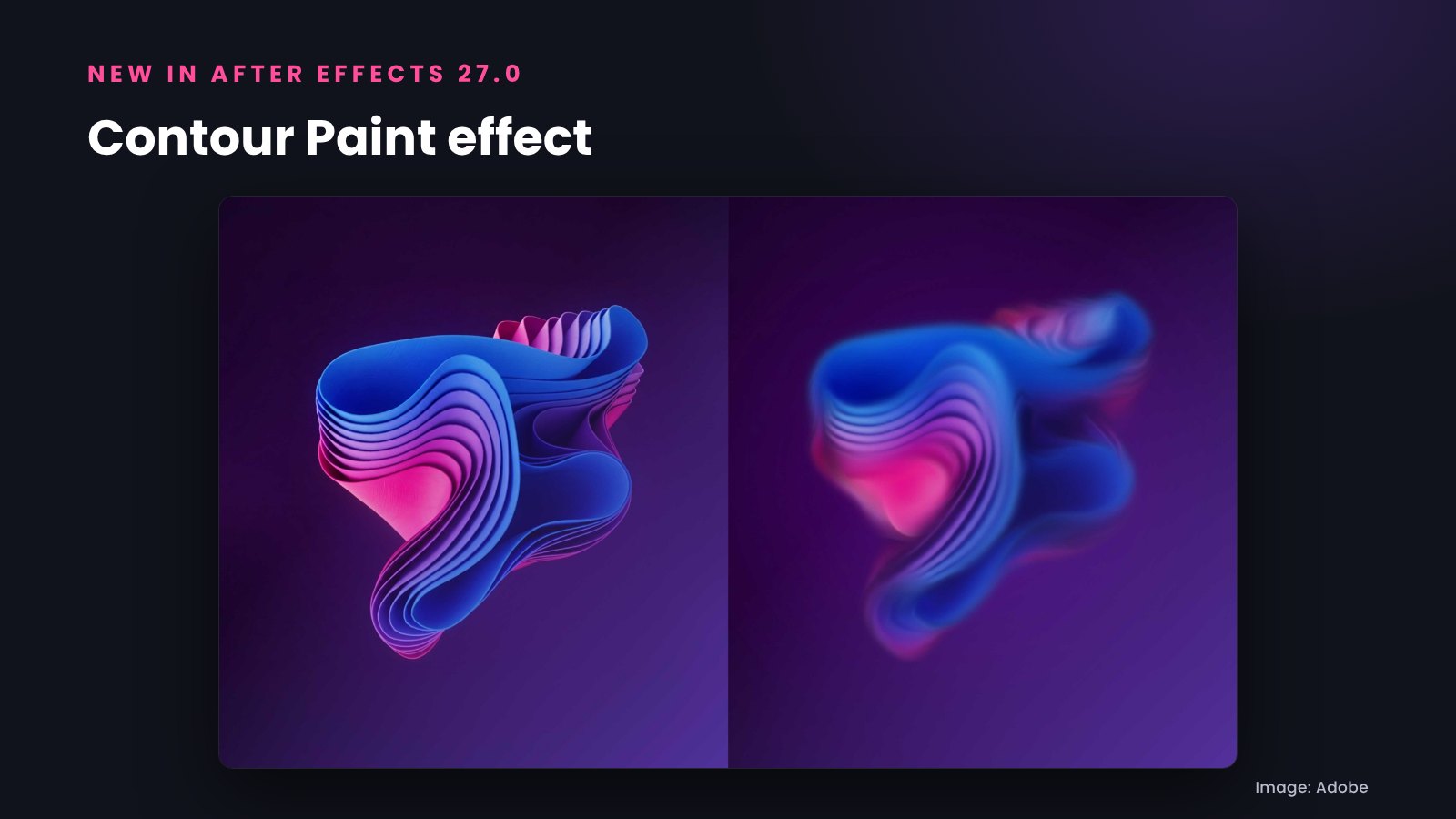
Contour Paint is a new stylize effect. It analyzes the contours in your frame, then smears and posterizes pixels along those contours for a painted, highly stylized look.
The new De-esser audio effect automatically detects harsh "s" and "sh" sounds and lowers them until the harshness passes, which is useful for voice-overs and interviews in explainer videos.
Adobe Stock panel, Auto-Save and other updates
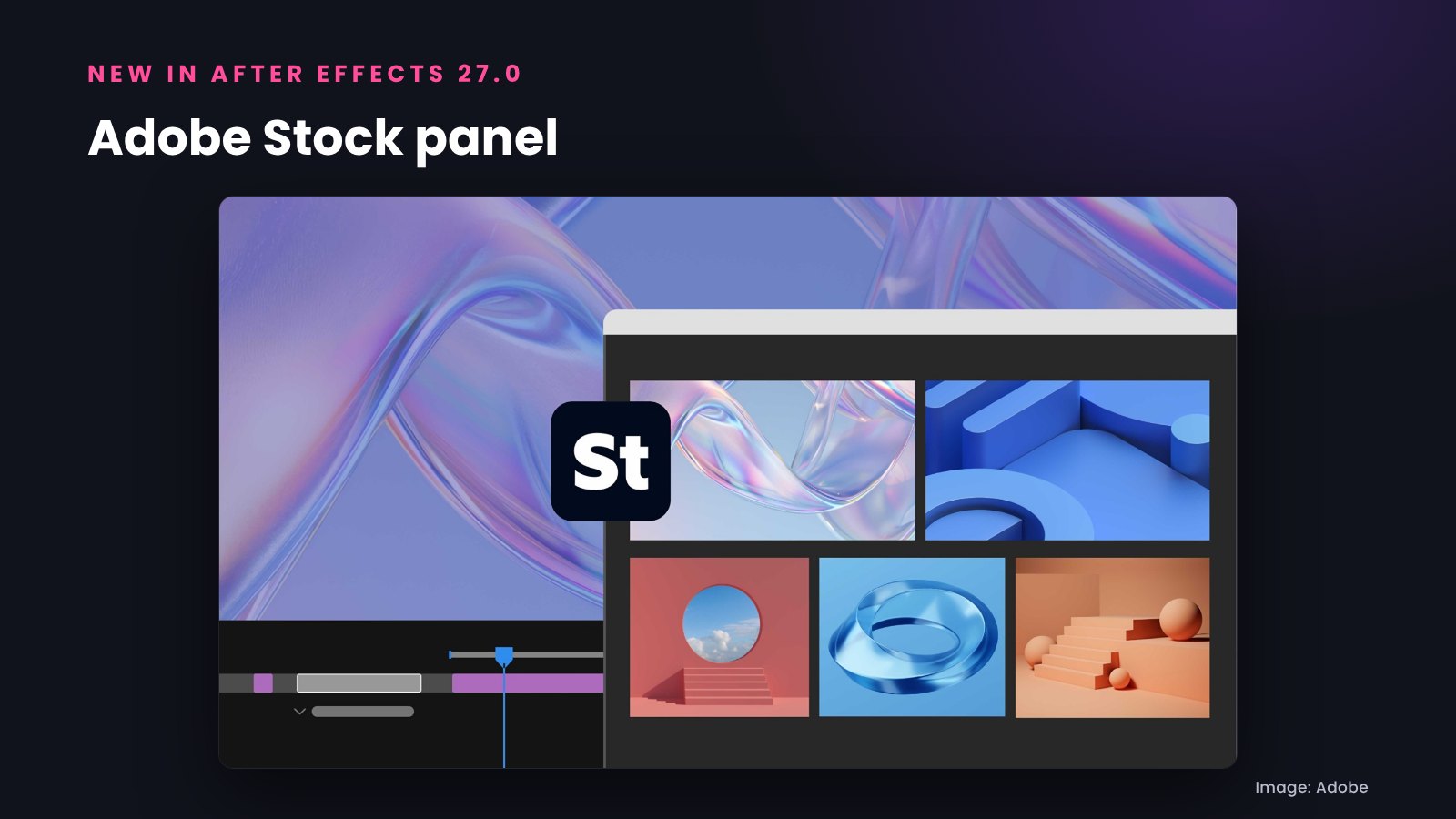
With the new Adobe Stock panel you can find Stock assets and download them straight into your Project panel without leaving After Effects.
- Improved Auto-Save: faster recovery of your work after an unexpected crash.
- PNG compression level: a Compression slider for PNG sequence exports that balances file size and export speed with the same lossless quality.
- Quick Apply history: reuse recently applied effects, animation presets and menu commands without searching again.
- AI agents and MCP (preview): at MAX 2026 Adobe also previewed local MCP integrations that will let third-party AI agents work directly in After Effects project files, with compositions staying editable.
Features that shipped earlier in 2026
Some features we listed before MAX were already released during 2026, so they are part of After Effects 26.x and of course After Effects 2027:
- Object Matte, Adobe's AI-powered subject selection and rotoscoping tool, shipped in After Effects 26.2 in April 2026. Disk caching for Object Matte followed in 26.5.
- New guides, color labels for effects and the modernized Effect Controls panel shipped in After Effects 26.5 in September 2026.
Two small beta features, Quick Set Anchor and Alt/Option-drag to duplicate layers, are not listed in Adobe's After Effects 27.0 notes.
After Effects 2027 system requirements
Adobe announced new requirements for version 27.0 of its video and audio apps, including After Effects:
- Mac: an Apple silicon Mac (M1 or later) running macOS 15 or later. Intel Macs are not supported for 27.0 and can keep using After Effects 26.x.
- Windows: Windows 11, version 24H2 or later. Windows 11 23H2 cannot install 27.0.
Should you update to After Effects 27.0 now?
- Do not switch versions in the middle of a client project. Finish it in the version you started with.
- When you update in the Creative Cloud app, turn off "Remove old versions" so After Effects 26.x stays installed.
- Third-party plugins sometimes need an update for a new major version, so check your plugins before switching.
Tip: After Effects projects saved in 27.0 usually cannot be opened in older versions. If you share project files with a client or a team, check which After Effects version they use before you save.
Do After Effects templates work in After Effects 2027?
Yes. New versions of After Effects open projects created in earlier versions, so existing After Effects templates keep working in After Effects 2027. All Typoanim After Effects templates support After Effects 2023 and later, and every download includes a PDF tutorial. Our Premiere Pro templates (MOGRT) support Premiere Pro 2023 and later.
If you are new to templates, read our step-by-step guide on how to use After Effects templates. You can also browse premium After Effects templates, free After Effects templates, animated titles, lower thirds and logo animations. Editing in Premiere too? Read our Premiere Pro 2027 guide.
After Effects 2027 FAQ
Is After Effects 2027 out?
Yes. After Effects 2027 (version 27.0) was released in November 2026 at Adobe MAX 2026.
What is new in After Effects 2027?
The main new features are the AI Assistant panel, Substance materials on 3D text and shapes, layers as 3D material sources, editable Illustrator text, the Adobe Stock panel, the Contour Paint and De-esser effects, improved Auto-Save and PNG compression control.
Does After Effects 2027 run on an Intel Mac?
No. After Effects 27.0 requires an Apple silicon Mac with macOS 15 or later. Intel Macs can keep using After Effects 26.x.
Is Object Matte new in After Effects 2027?
No. Object Matte shipped earlier, in After Effects 26.2 in April 2026, so it is also available in After Effects 2027.
How do I update to After Effects 2027?
Open the Creative Cloud desktop app, go to Apps and click Update next to After Effects. The update is free for Creative Cloud subscribers.
After Effects 2027: the short version
After Effects 2027 (version 27.0) was released in November 2026 at Adobe MAX 2026. It adds an AI Assistant for expressions and project organization, real materials for 3D text and shapes, layers as 3D materials, editable Illustrator text and the Contour Paint effect, plus many workflow improvements. It requires Apple silicon on Mac or Windows 11 24H2 on Windows. If you work with After Effects templates, your existing projects and templates will keep working in the new version.
— Mansura