
Premiere Pro 2027 (Premiere 27.0): All New Features from Adobe MAX 2026
Premiere Pro 2027 is out. Here is everything new in Premiere 27.0 from Adobe MAX 2026: Color Mode, the AI Assistant, Generate Music, Separate Crosstalk, HSL Masking, new effects and the system requirements.
 9 min read
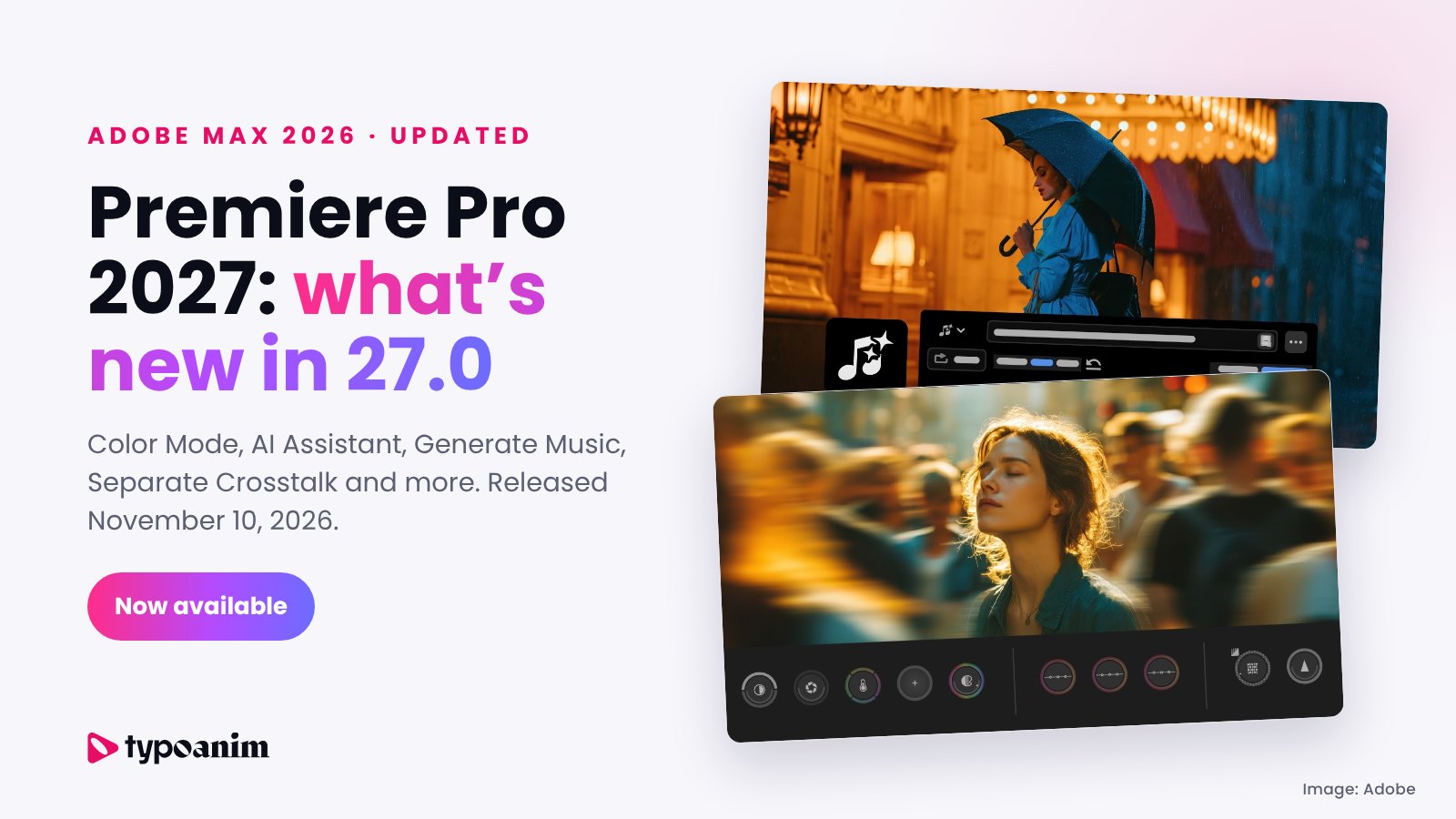
Updated November 12, 2026: Adobe released Premiere 27.0 at Adobe MAX 2026 on November 10. This article now covers the Premiere Pro 2027 features that actually shipped, which ones are still in beta, and what to check before you update.
Premiere Pro 2027 is here. Adobe released Premiere 27.0 on November 10, 2026, on the first day of Adobe MAX 2026 in Miami Beach. It is the biggest Premiere update of the year: a new Color Mode for color grading, an AI Assistant panel, AI music and sound effect generation, smarter audio cleanup, new effects and a refreshed Effects panel.
Many of these features were in the Premiere beta for months, and we covered them in this post before MAX. Below is the updated guide: everything new in Premiere Pro 2027, what each feature does, which tools are still in beta, the new system requirements and whether you should update right away.
In this Premiere Pro 2027 guide
- When was Premiere Pro 2027 released?
- Premiere Pro or Adobe Premiere?
- All new features in Premiere Pro 2027
- Color Mode: color grading built for editors
- AI Assistant panel
- Generate Music, sound effects and soundscapes
- Separate Crosstalk and smarter audio tools
- New effects, Effects panel and HSL Masking
- Generative Remove (still in beta)
- Workflow and performance updates
- Premiere Pro 2027 system requirements
- Should you update to Premiere 27.0 now?
- Do Premiere Pro templates and MOGRTs work in Premiere Pro 2027?
- Premiere Pro 2027 FAQ
When was Premiere Pro 2027 released?
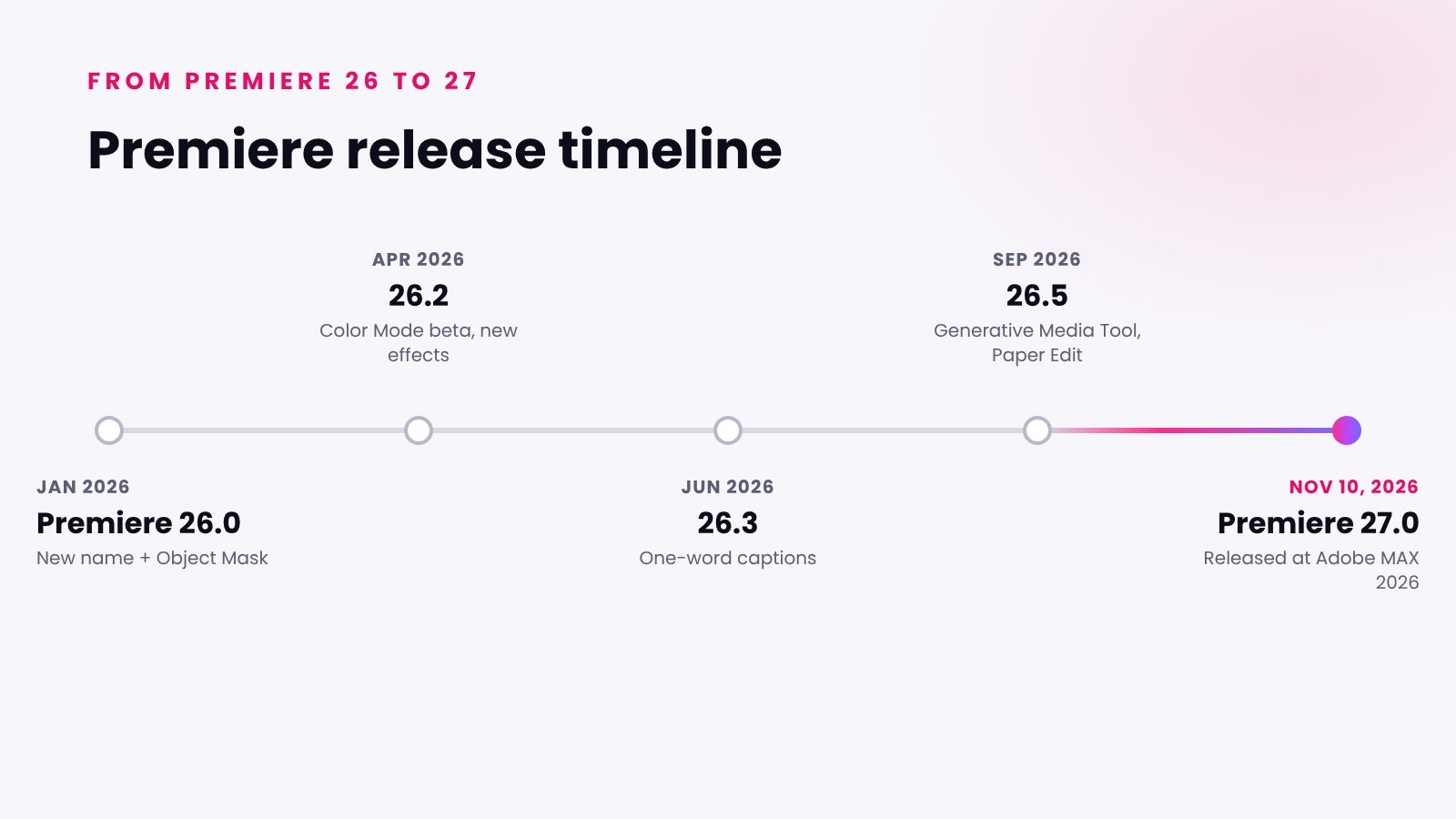
Premiere Pro 2027 (version 27.0) was released on November 10, 2026, together with the Adobe MAX 2026 announcements. Creative Cloud subscribers can install it as a free update from the Creative Cloud desktop app. Here is how Premiere got here in 2026:
- January 2026: Premiere 26.0 arrived with a new name and the AI-powered Object Mask.
- April 2026: Premiere 26.2 added new effects and transitions and opened the Color Mode public beta.
- June 2026: Premiere 26.3 brought one-word captions and the Shape Dissolve transition.
- September 2026: Premiere 26.5 added the Generative Media Tool and Paper Edit.
- November 10, 2026: Premiere 27.0 released at Adobe MAX 2026.
Premiere Pro or Adobe Premiere? The name explained
Since version 26.0 the app is officially called Adobe Premiere, without "Pro". It is the same professional video editor with the same projects and workflows. Adobe calls the new release Premiere 27.0, while many editors search for "Premiere Pro 2027". In this article Premiere Pro 2027, Adobe Premiere 2027 and Premiere 27.0 all mean the same version.
All new features in Premiere Pro 2027
According to Adobe's official Premiere 27.0 release announcement, these are the new features in Premiere Pro 2027:
- Color and AI: Color Mode, the AI Assistant panel, image generation in the Generative Media Tool.
- Generative audio: Generate Music, Generate Sound Effects and Generate Soundscape.
- Audio cleanup: an updated Enhance Audio, Separate Crosstalk and an improved Auto Ducking.
- Effects and masks: a refreshed Effects panel, eight new effects, effects as cards in the Properties panel, HSL Masking, better Object Mask and Generative Extend for transitions.
- Workflow: native Windows on ARM support for NVIDIA RTX Spark, live waveforms while recording, iXML audio metadata and a redesigned Speed/Duration dialog.
Below are the most important Premiere Pro 2027 features in more detail.
Color Mode: color grading built for editors
Color Mode is the headline feature of Premiere Pro 2027. After months in public beta, it is now part of Premiere 27.0. Adobe describes it as a first-of-its-kind color grading system that lives right next to your edit: you switch from editing to color correction and grading without leaving your project or breaking your flow.
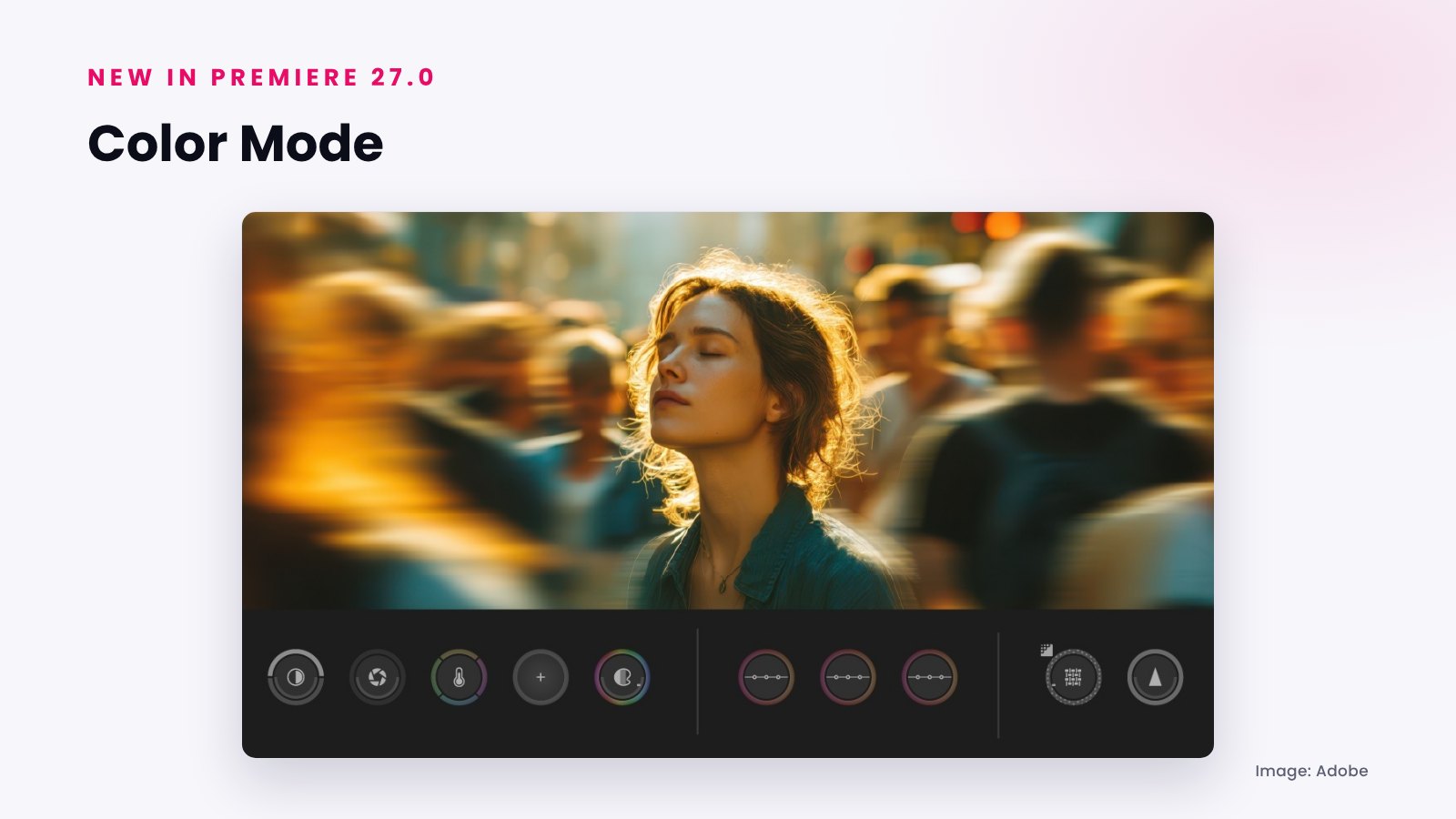
Color Mode is designed to be easy for editors who are new to color, while still giving the control needed for detailed corrections and stylized looks. For YouTube videos, client work and social media content, it means faster and more consistent color without sending your project to another app.
AI Assistant panel in Premiere Pro 2027
The AI Assistant panel understands your Premiere project and helps with editing tasks you describe in plain language. You can hand off repetitive work such as organizing footage into bins, adding markers, creating stringouts and building rough assemblies, and everything it creates stays editable and can be undone.
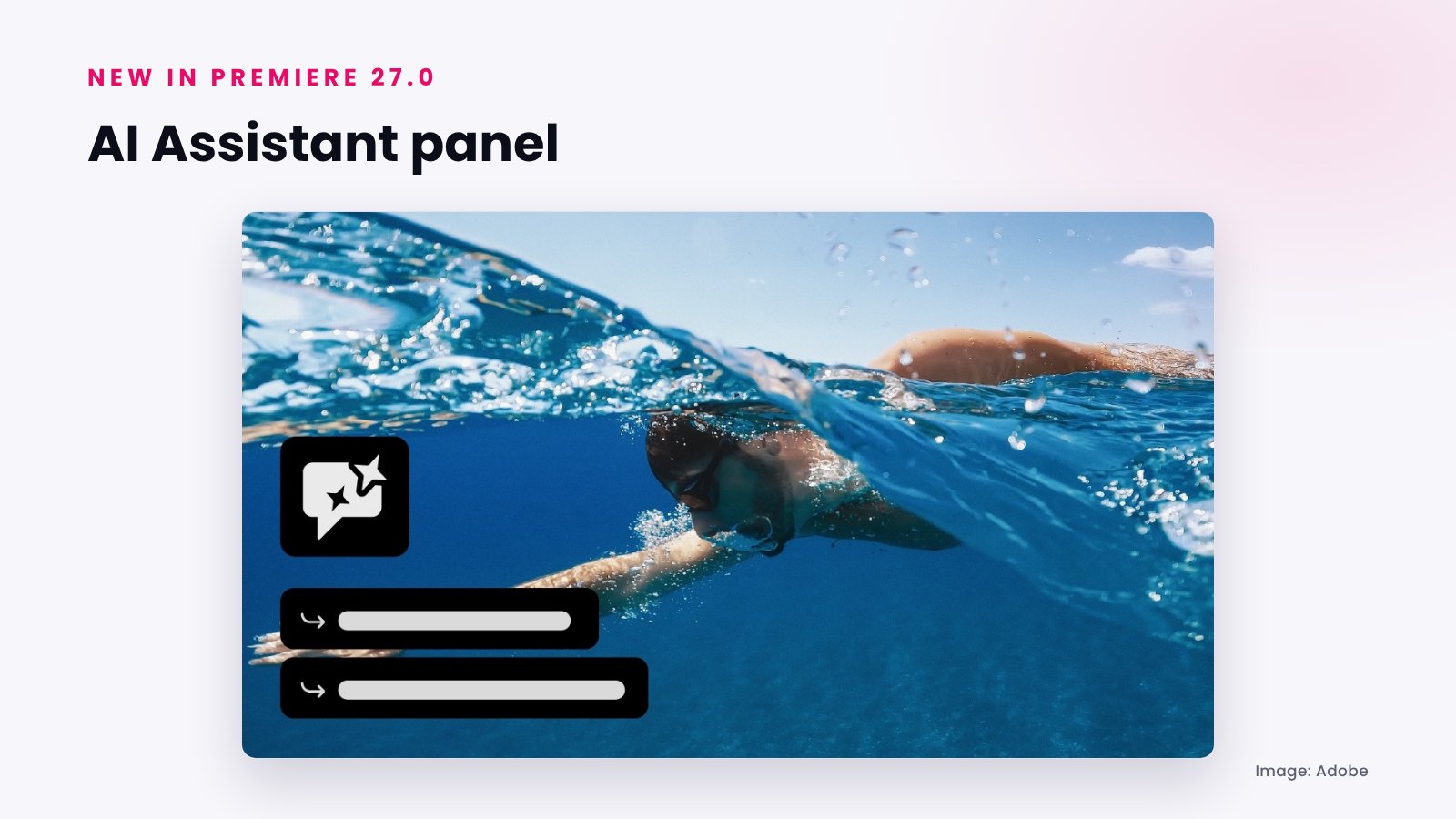
Adobe still labels its AI Assistants as beta. They are powered by the Adobe Creative Agent, and at MAX 2026 Adobe added new agent capabilities in Premiere, including applying effects across every clip in a sequence, tracking masked subjects and adjusting color and exposure across a whole sequence at once.
Generate Music, sound effects and soundscapes
Premiere Pro 2027 can now create audio for your edit from text prompts. Generate Music creates background music and Generate Sound Effects creates custom sound effects without leaving Premiere. Generate Soundscape goes further: it analyzes your video and builds matching ambience and sound effect layers on the timeline as a starting point.
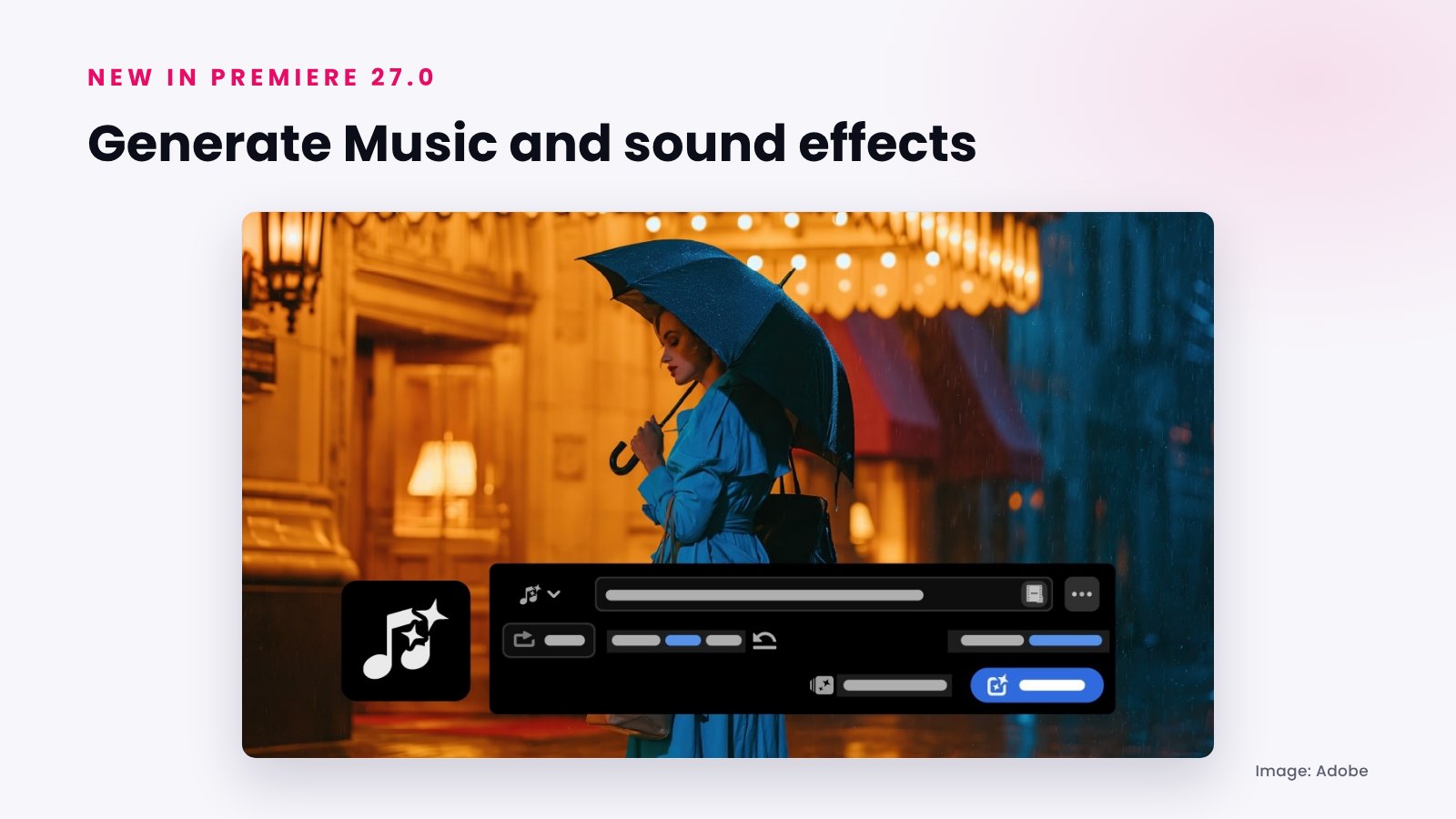
The Generative Media Tool also gained image generation in 27.0: select a region of the timeline, type a prompt and the result is added to your sequence. Generating media uses generative credits, and Premiere shows the estimated credit cost before you generate. Adobe says its Firefly models are designed to be commercially safe; if you choose a partner model, check its terms before using the result in commercial work.
Separate Crosstalk and smarter audio tools
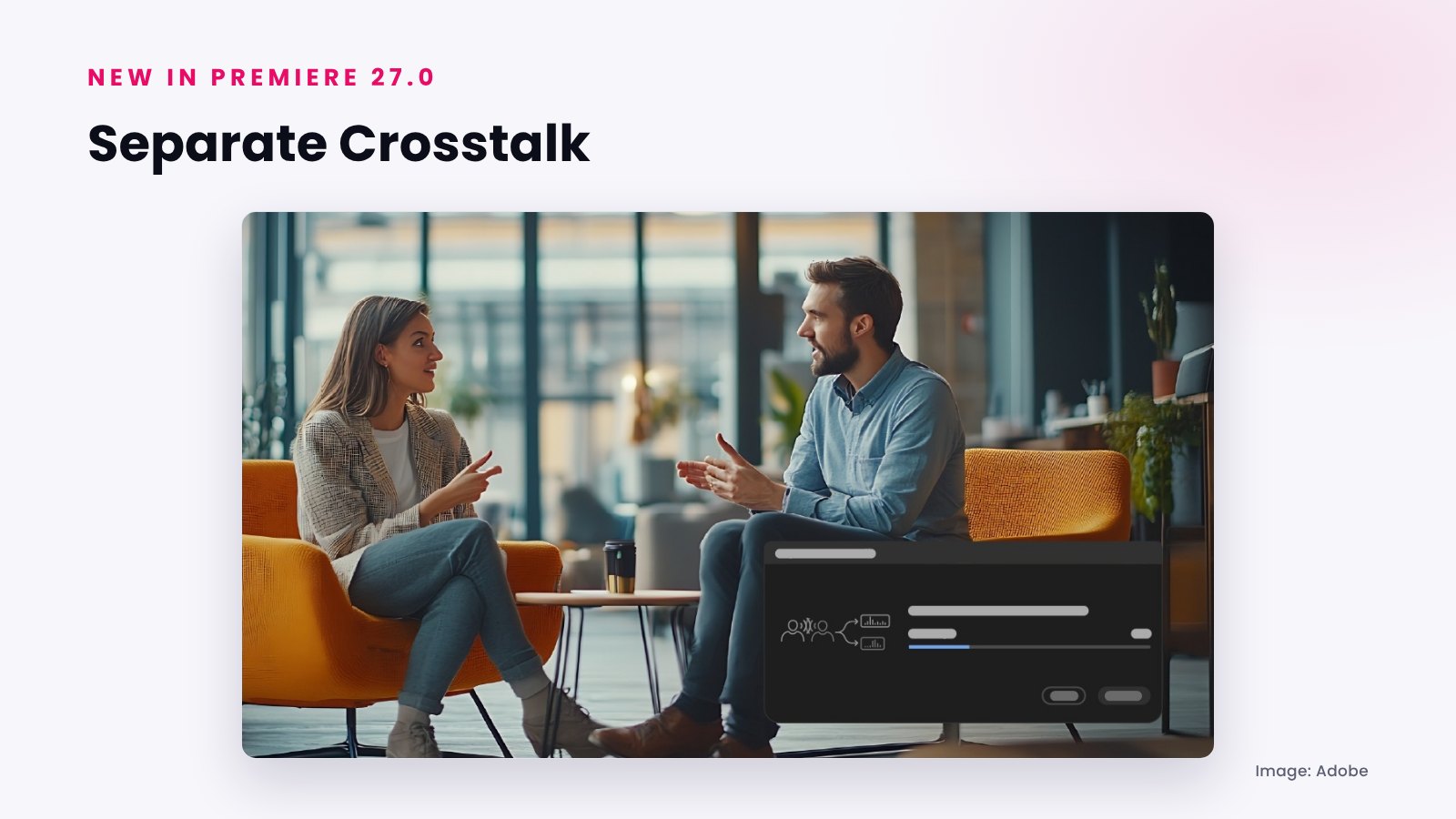
Audio got a lot of attention in Premiere Pro 2027. Separate Crosstalk detects two people talking over each other on one audio track and splits them into separate stems, so you can edit and mix each voice. It uses Adobe Firefly audio technology.
- Enhance Audio has updated controls and a new experience for clearer dialogue.
- Auto Ducking now updates keyframes automatically when you add, trim or mute clips.
- Live waveforms appear on the timeline while you record a voice-over.
- Speed/Duration has new audio stretching modes and pitch controls, so speed changes sound natural.
New effects, Effects panel and HSL Masking
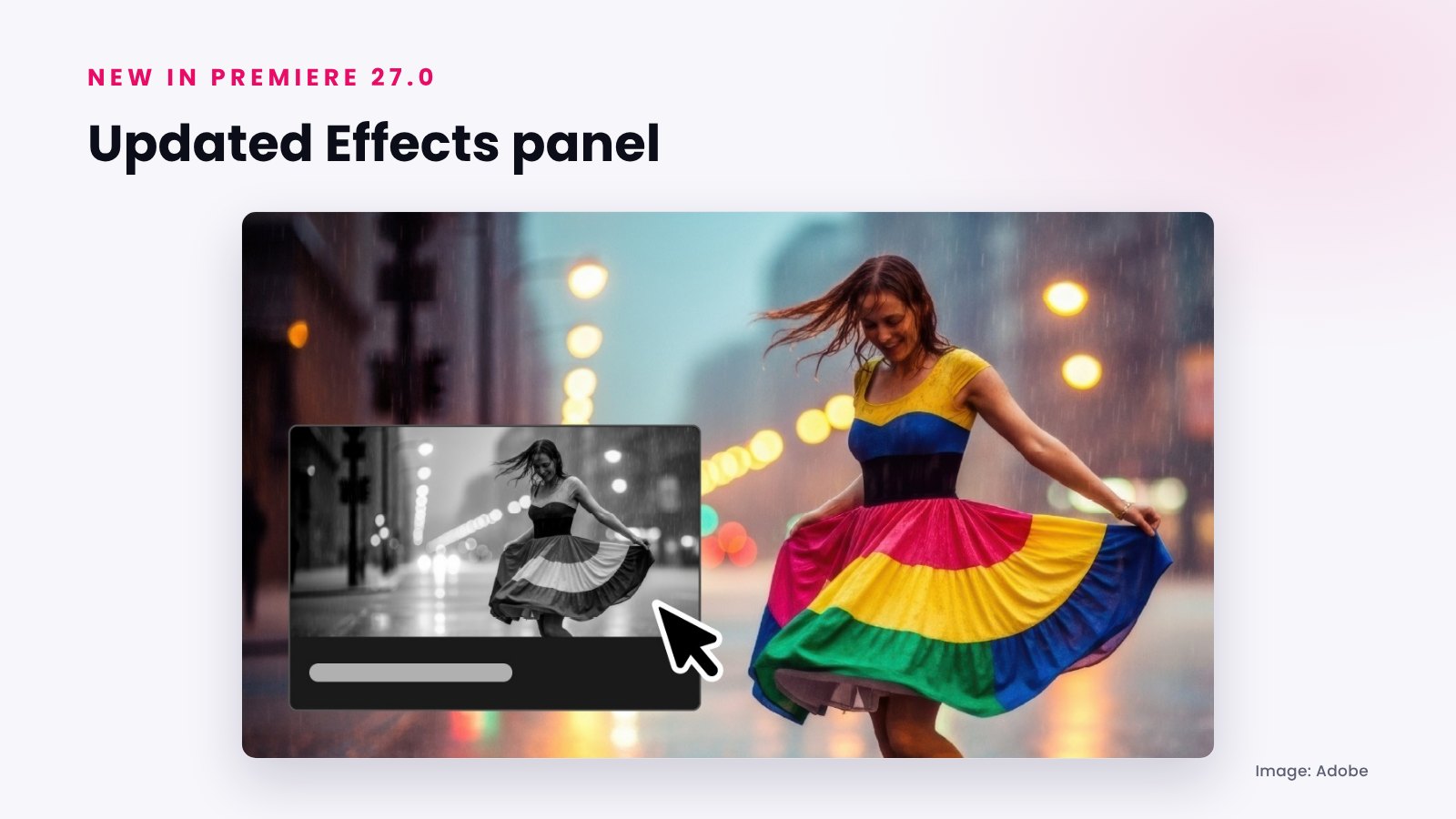
The Effects panel was redesigned with animated thumbnails, better search with everyday words and Preview from Source, so you can see an effect on your own footage before applying it. Premiere Pro 2027 also adds eight new effects, including Bevel Alpha, Bevel & Emboss, Posterize, Radial Blur and Zoom Blur, and shows video effects, audio effects and masks as collapsible cards in the Properties panel.
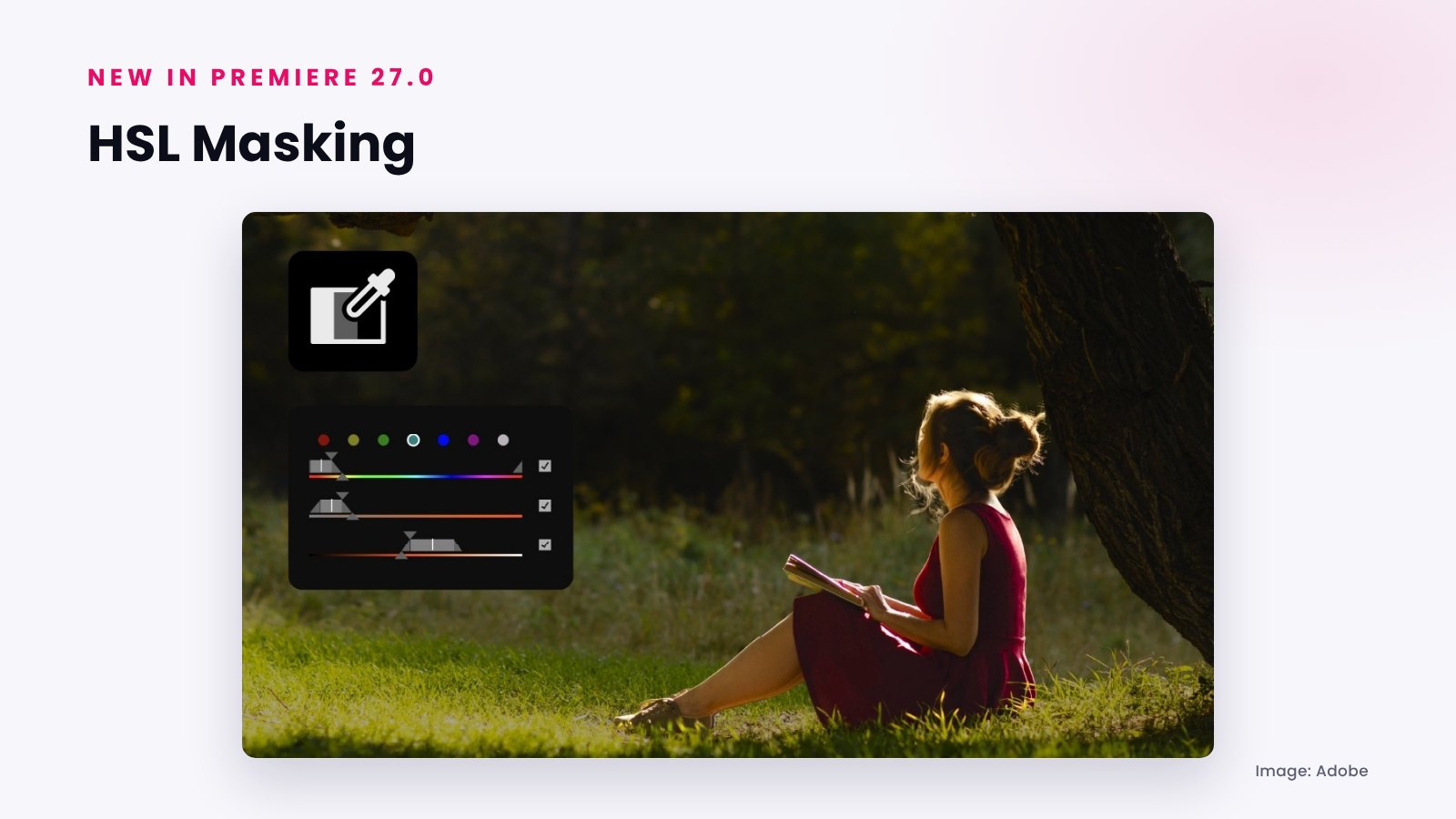
HSL Masking isolates parts of the image by hue, saturation and luminance, so you can change one color without touching the rest. It can be combined with other masks, including in Color Mode. Object Mask also got better tracking, mask quality and file handling, and Generative Extend can now create the missing frames a transition needs.
Generative Remove is still in beta
Generative Remove, which removes unwanted objects such as a boom microphone or a person in the background from a shot, is not part of Premiere 27.0 yet. Adobe lists it as Generative Remove (beta), so you can test it in the Premiere beta app. It needs an internet connection and uses generative credits.
Workflow and performance updates
- Windows on ARM: native support for PCs with the NVIDIA RTX Spark (N1X) chip, with hardware acceleration for on-device AI features such as Object Mask and Enhance Speech.
- iXML metadata: production audio metadata can now be shown on clips in the timeline and Source Monitor.
- AI agents and MCP (preview): at MAX 2026 Adobe also previewed local MCP integrations that will let third-party AI agents work directly in Premiere and After Effects project files, with sequences staying editable.
Premiere Pro 2027 system requirements
Premiere 27.0 has new minimum requirements. Check your computer before you update:
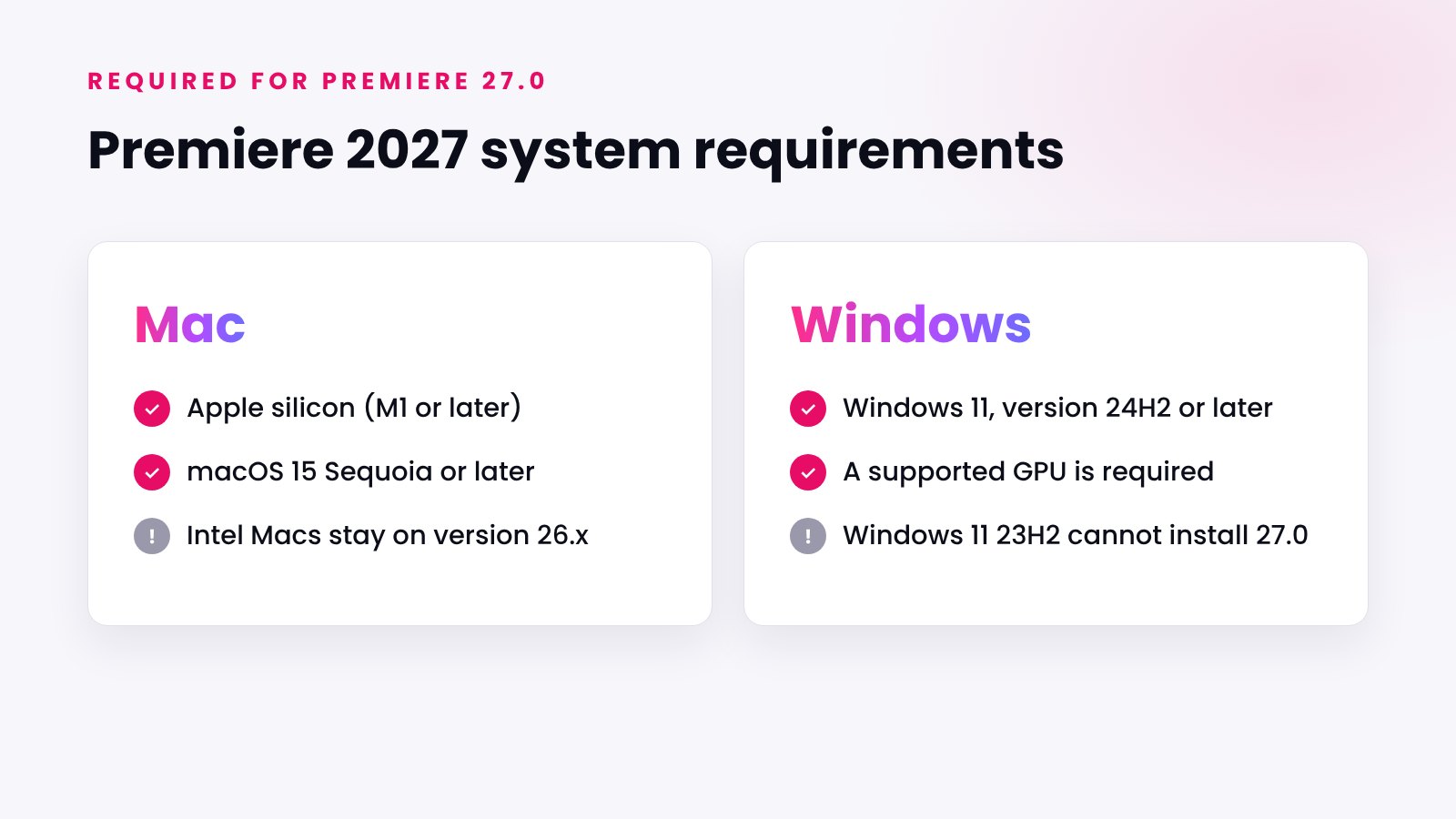
- Mac: an Apple silicon Mac (M1 or later) running macOS 15 or later. Intel Macs are not supported and stay on Premiere 26.x.
- Windows: Windows 11, version 24H2 or later, and a detected, supported GPU.
Should you update to Premiere 27.0 now?
For personal projects, go ahead and try the new features. For client work, many experienced editors recommend a little patience:
- Do not switch versions in the middle of a project. Finish it in the version you started with.
- When you update in the Creative Cloud app, turn off "Remove old versions" so Premiere 26.x stays installed.
- Waiting a week or two gives Adobe time to release the first bug-fix update.
Tip: Premiere projects saved in 27.0 cannot be opened in Premiere 26.x. If you share project files with a client or a team, check which Premiere version they use before you save.
Do Premiere Pro templates and MOGRTs work in Premiere Pro 2027?
Yes. New versions of Premiere open projects and Motion Graphics templates (MOGRT files) made for earlier versions, so your existing Premiere Pro templates keep working in Premiere Pro 2027. All Typoanim Premiere Pro templates (MOGRT) support Premiere Pro 2023 and later.
New to MOGRT files? Read our step-by-step guide on how to use MOGRT templates in Premiere Pro. You can also browse premium Premiere Pro templates, free Premiere Pro templates, Premiere Pro title templates, lower thirds and logo animations. Working in After Effects too? Read our After Effects 2027 guide.
Premiere Pro 2027 FAQ
Is Premiere Pro 2027 out?
Yes. Premiere Pro 2027 (Premiere 27.0) was released on November 10, 2026, at Adobe MAX 2026.
What is new in Premiere Pro 2027?
The main new features are Color Mode, the AI Assistant panel, Generate Music, Generate Sound Effects, Generate Soundscape, Separate Crosstalk, an updated Enhance Audio, HSL Masking, a refreshed Effects panel and eight new effects.
Is Generative Remove in Premiere Pro 2027?
Not yet. Generative Remove is still in beta and can be tested in the Premiere beta app.
Does Premiere Pro 2027 run on an Intel Mac?
No. Premiere 27.0 requires an Apple silicon Mac with macOS 15 or later. Intel Macs can keep using Premiere 26.x.
How do I update to Premiere Pro 2027?
Open the Creative Cloud desktop app, go to Apps and click Update next to Premiere. The update is free for Creative Cloud subscribers.
Is Premiere Pro now called Adobe Premiere?
Yes. Since version 26.0 the app is officially called Adobe Premiere. Premiere Pro 2027 and Premiere 27.0 are the same release.
Premiere Pro 2027: the short version
Premiere Pro 2027 (version 27.0) was released on November 10, 2026. It turns Color Mode into a full part of Premiere, adds an AI Assistant for repetitive editing tasks, brings AI-generated music, sound effects and soundscapes to the timeline and makes dialogue cleanup much easier with Separate Crosstalk. Generative Remove is still in beta, and the update requires Apple silicon on Mac or Windows 11 24H2 on Windows. If you work with Premiere Pro templates, your MOGRT files will keep working in the new version.
— Mansura