Create Elegant Typography Moments in your Videos with a Free Premiere Pro Title Template
Download this free Premiere Pro title animation: Create Elegant Typography Moments in your Videos with. 2 editable texts, no plugins, commercial use.
No account needed · Up to 3 free downloads every 24 hours · Unlimited with Premium
Attributes
- Application Premiere Pro
- Version Premiere Pro 2023 or later
- Resolution Horizontal · Resizable
- File size 2.23 MB
- Fonts Free Google Fonts
- Required plugins None
- Tutorial PDF included
- License Commercial use
About this template
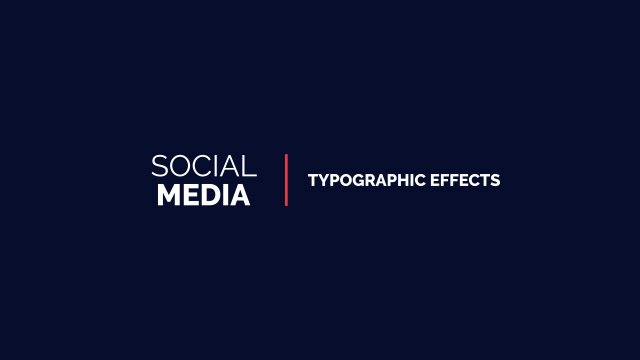
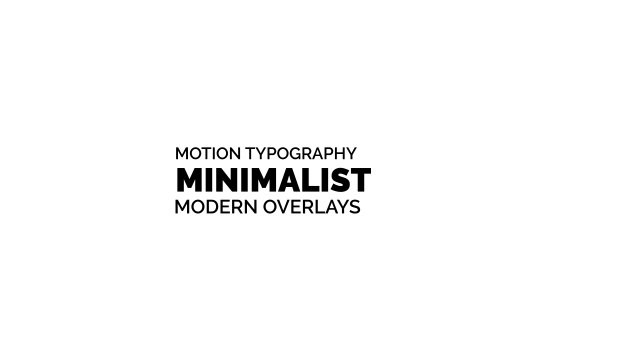
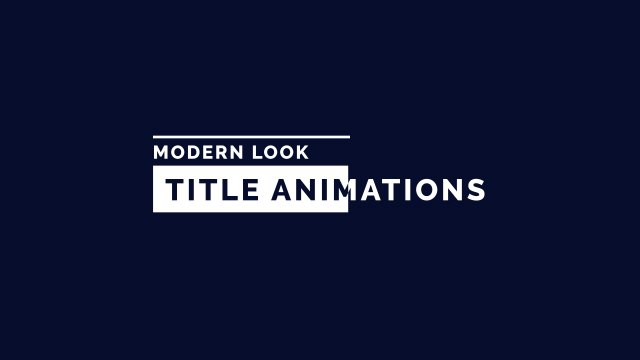
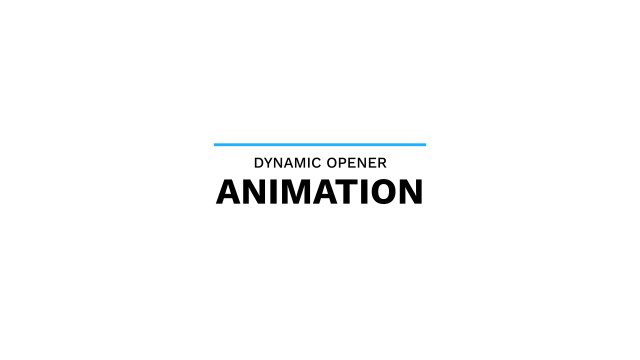
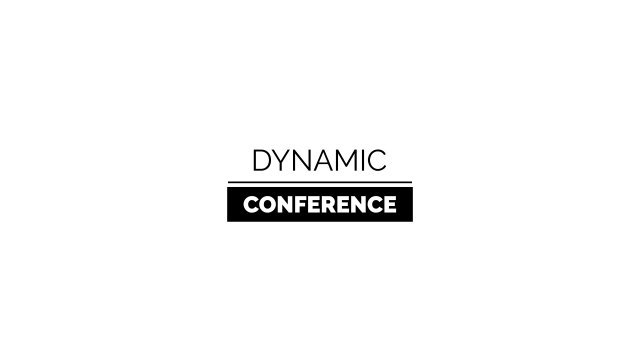
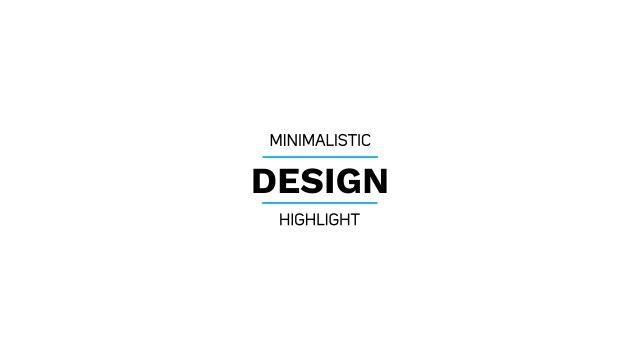
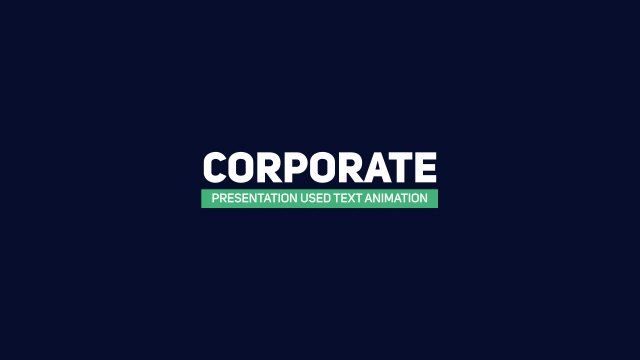
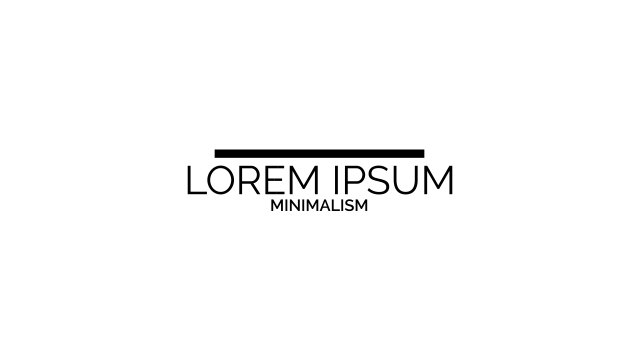
A big bold word with a colored underline and a spaced caption beneath creates an elegant typography moment. Use it for titles, chapter cards, quotes and highlights in any style of video.
Editing happens entirely inside Premiere Pro: import the .mogrt file into the Essential Graphics panel, drag it onto your timeline and adjust it like any other clip — no After Effects required. You get 2 editable text fields and 3 color controls plus position and scale controls so you can place it anywhere in the frame, all neatly labelled in Essential Graphics. The motion is animated at a smooth 60 fps, and the horizontal layout stays fully resizable for square or vertical cuts. No plugins are needed; just install the free Google Fonts listed in the README and follow the bundled PDF tutorial if you are new to MOGRT files.
It is 100% free with commercial rights included: put it in YouTube videos, Instagram and TikTok posts, corporate projects or client deliverables, credit-free. No account is needed to download, and you can grab up to three free templates every 24 hours. Explore more free title templates for Premiere Pro in the Typoanim library, or go unlimited with Premium.