Editable Text Overlays Toolkit for Free Premiere Pro Motion Graphics Templates
Download this free Premiere Pro title animation: Editable Text Overlays Toolkit for Motion Graphics Templates. 1 editable text, no plugins, commercial use.
No account needed · Up to 3 free downloads every 24 hours · Unlimited with Premium
Attributes
- Application Premiere Pro
- Version Premiere Pro 2023 or later
- Resolution Horizontal · Resizable
- File size 2.24 MB
- Fonts Free Google Fonts
- Required plugins None
- Tutorial PDF included
- License Commercial use
About this template
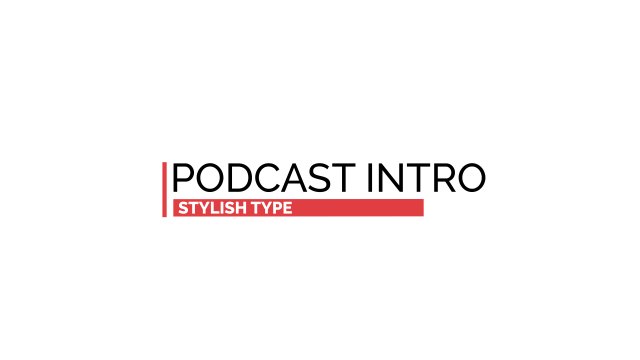
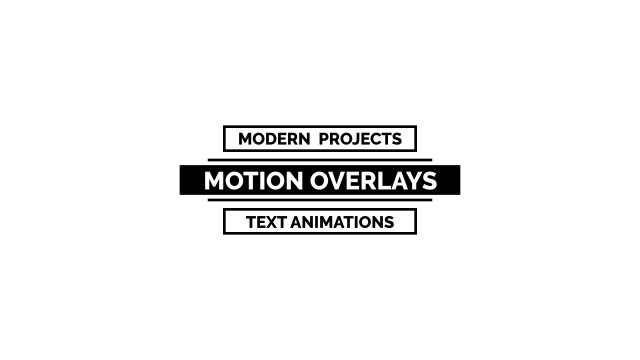
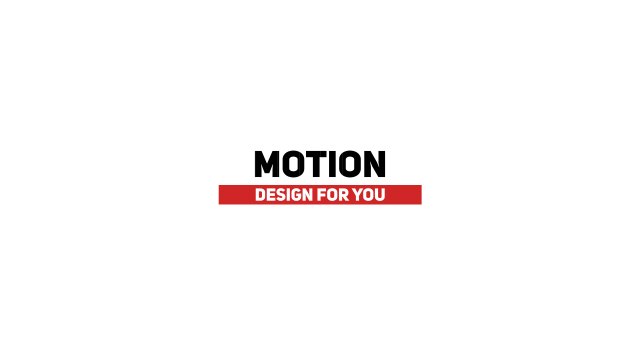
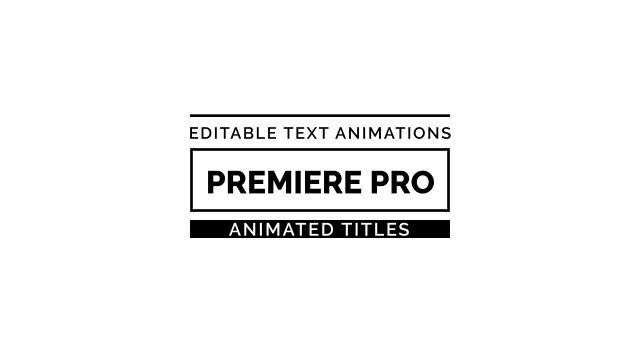
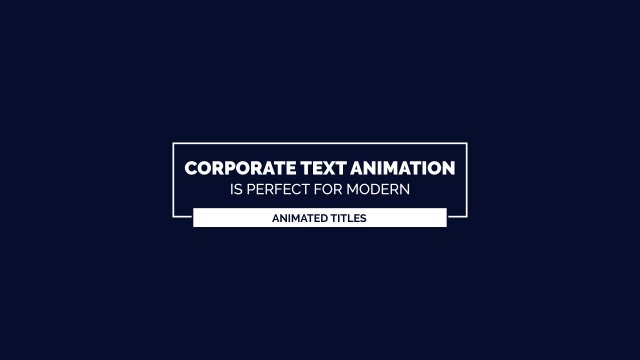
A large corporate headline with a colored caption tag beneath — a dependable text overlay for business presentations, company updates, training videos and product explainers. Its single main text field keeps editing quick when you need many titles in one project.
Installing the template takes seconds: add the .mogrt file to Essential Graphics in Premiere Pro, drop it on the timeline above your footage and start typing. In the Edit tab you will find 1 editable text field and 3 color controls plus position and scale controls so you can place it anywhere in the frame. Keyframes are already baked in at 60 frames per second, giving you fluid easing in a horizontal layout that can be resized for social formats. No plugins are needed; just install the free Google Fonts listed in the README and follow the bundled PDF tutorial if you are new to MOGRT files.
The template is free to download and includes a full commercial license, so you can use it for personal videos, client work, advertising and monetized channels with no credit required. No account is needed to download, and you can grab up to three free templates every 24 hours. Explore more free title templates for Premiere Pro in the Typoanim library, or go unlimited with Premium.