Modern Typography Free Premiere Pro Text Animation Template for Clean Motion Graphics
Download this free Premiere Pro title animation: Modern Typography Text Animation Template. 2 editable texts, no plugins, commercial use. Quick to edit.
No account needed · Up to 3 free downloads every 24 hours · Unlimited with Premium
Attributes
- Application Premiere Pro
- Version Premiere Pro 2023 or later
- Resolution Horizontal · Resizable
- File size 2.23 MB
- Fonts Free Google Fonts
- Required plugins None
- Tutorial PDF included
- License Commercial use
About this template
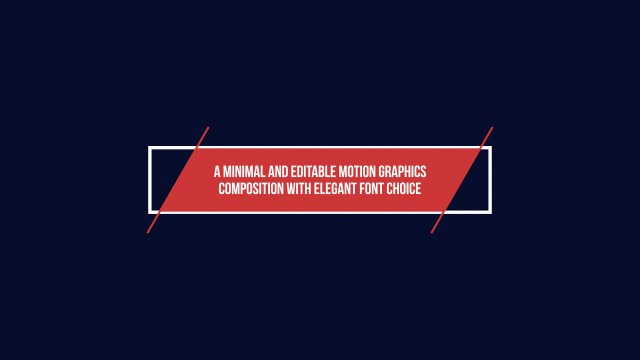
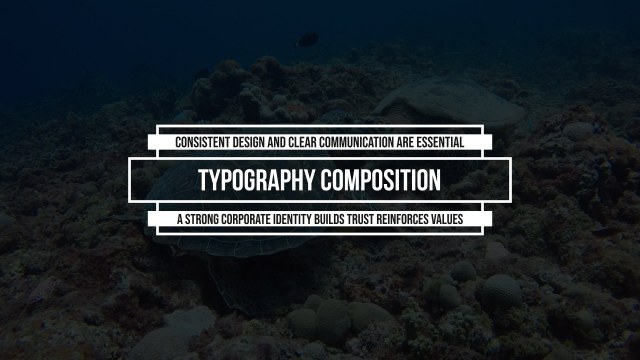
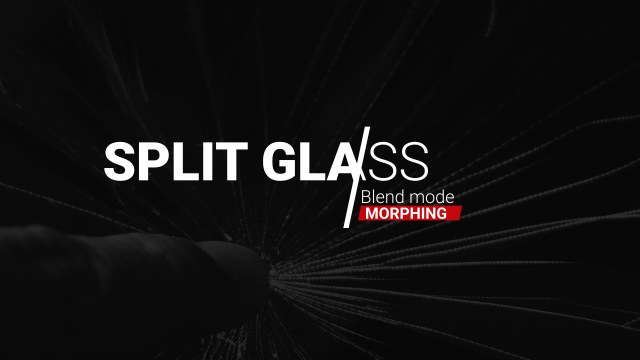
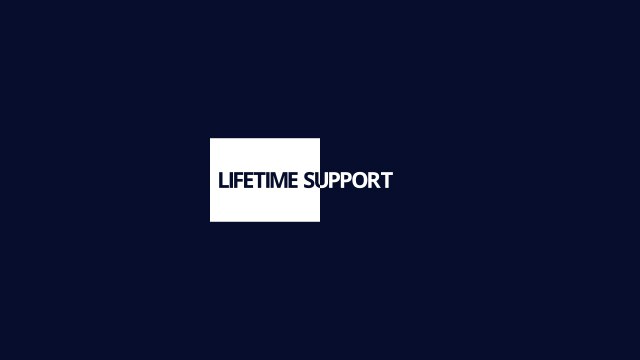
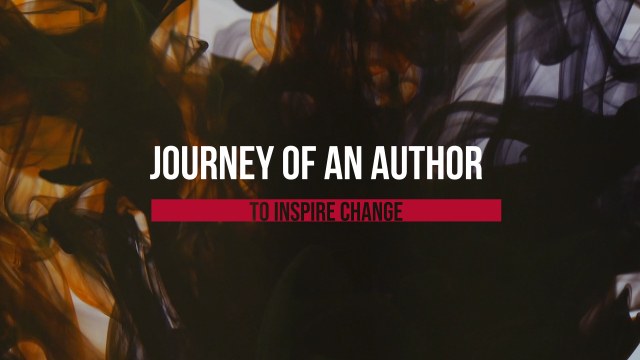
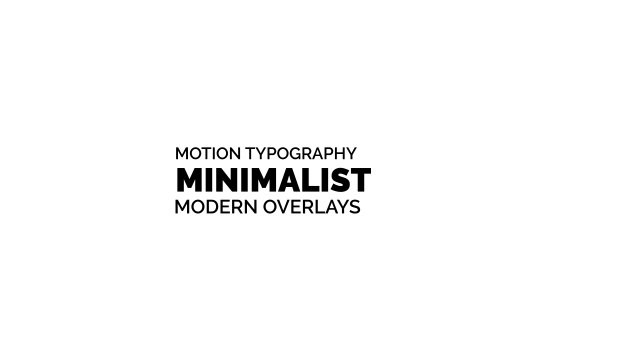
A strong two-line title where a heavy headline is split by a sharp diagonal slash and a lighter subtitle settles beneath it. The clean modern typography reads well over busy footage, so it works for brand stories, team spotlights, product features and YouTube chapter titles. Swap the words in seconds and keep the slash accent in your own brand color. It is set in Roboto, a free Google Font with a friendly, contemporary character.
Installing the template takes seconds: add the .mogrt file to Essential Graphics in Premiere Pro, drop it on the timeline above your footage and start typing. The panel gives you 2 editable text fields and 4 color controls plus position and scale controls so you can place it anywhere in the frame. It plays crisply at 60 fps in a horizontal layout and can be scaled to fit larger timelines, vertical Reels or square posts. A short PDF tutorial is included, along with a note naming the free Google Font used, so the template looks exactly like the preview.
You can use it commercially right away in client edits, brand videos, paid ads and monetized content, and attribution is never required. No account is needed to download, and you can grab up to three free templates every 24 hours. Looking for more? Browse our growing collection of free Premiere Pro title templates or unlock everything with Premium.