Red Tick Frame Text Animation MOGRT for Lecture Recordings – Free Premiere Pro
Free Premiere Pro title animation for documentary films. Red Tick Frame Text Animation MOGRT with 2 editable text fields, commercial use. PDF tutorial included.
No account needed · Up to 3 free downloads every 24 hours · Unlimited with Premium
Attributes
- Application Premiere Pro
- Version Premiere Pro 2023 or later
- Resolution Horizontal · Resizable
- File size 2.23 MB
- Fonts Free Google Fonts
- Required plugins None
- Tutorial PDF included
- License Commercial use
About this template
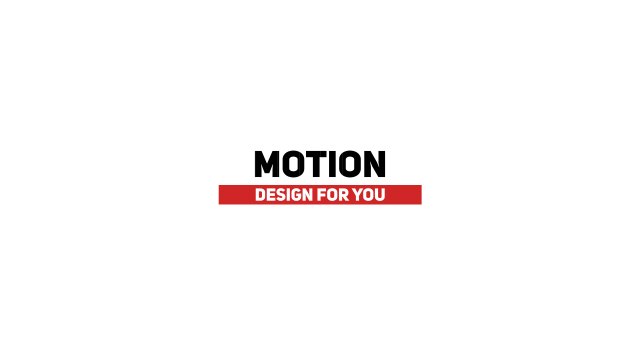
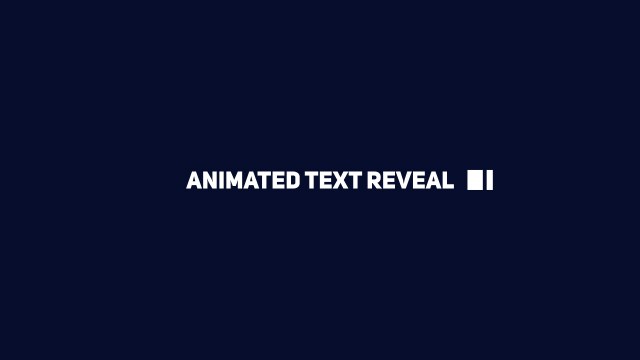
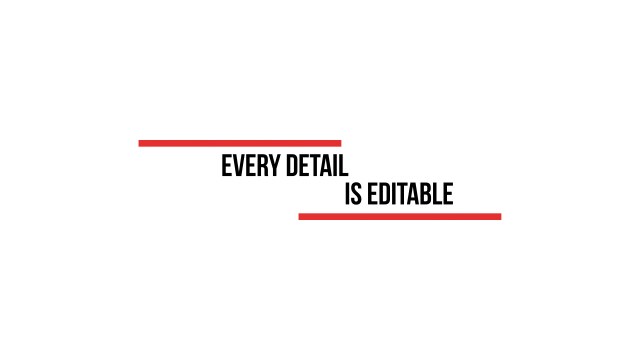
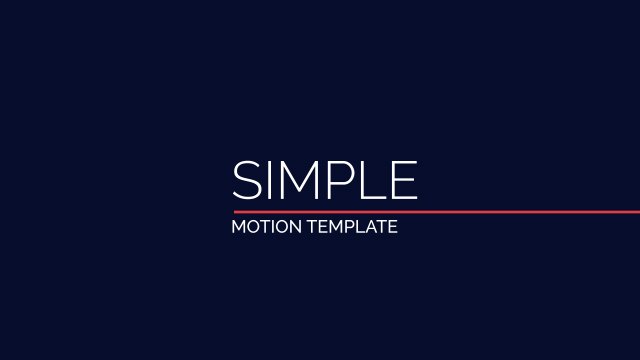
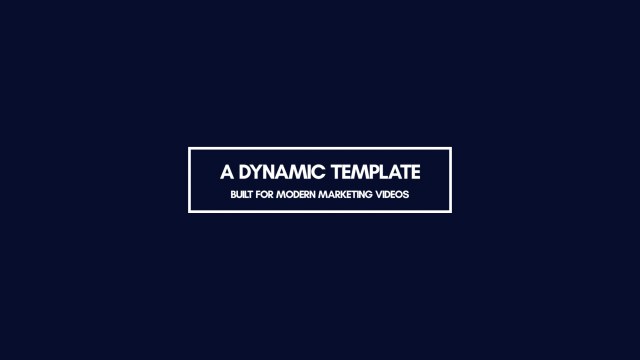
The design centres on an open-top frame with small red ticks around a headline and subtitle. Every element enters with smooth, eased movement, so the result feels polished without ever looking busy. Editors use designs like this for lecture recordings, documentary films and company profiles. Tall Bebas Neue lettering, free from Google Fonts, keeps even longer titles compact.
Everything happens inside Premiere Pro: add the .mogrt file to the Essential Graphics panel, drag it onto the timeline and edit it like any other clip. The Edit tab offers 2 editable text fields and 4 color controls plus position and scale controls. The motion runs at a smooth 60 fps, and the horizontal layout stays resizable for square or vertical cuts. The bundled PDF tutorial walks through installation, and the font note links the free Google Font used in the preview.
It is free to download with a full commercial license, so you can use it in personal videos, client work, advertising and monetized channels without credit. Download it without signing up; the free plan allows three downloads every 24 hours. Explore the rest of our free title templates for Premiere Pro, or go unlimited with Premium.