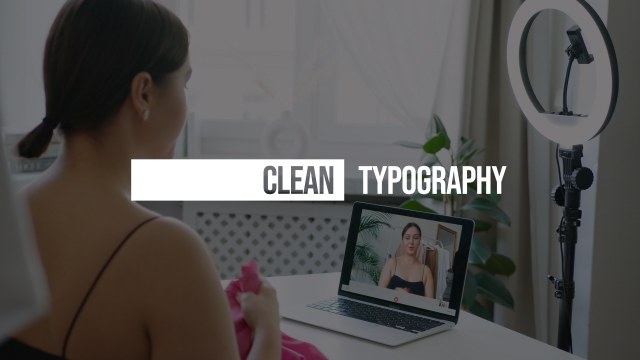
Vertical Rule Subtitle Title MOGRT for Video Essays – Free Premiere Pro
Download the Vertical Rule Subtitle Title MOGRT, a minimal Premiere Pro title animation for B2B explainers. 2 editable text fields, free. Easy to edit.
No account needed · Up to 3 free downloads every 24 hours · Unlimited with Premium
Attributes
- Application Premiere Pro
- Version Premiere Pro 2023 or later
- Resolution Horizontal · Resizable
- File size 2.24 MB
- Fonts Free Google Fonts
- Required plugins None
- Tutorial PDF included
- License Commercial use
About this template
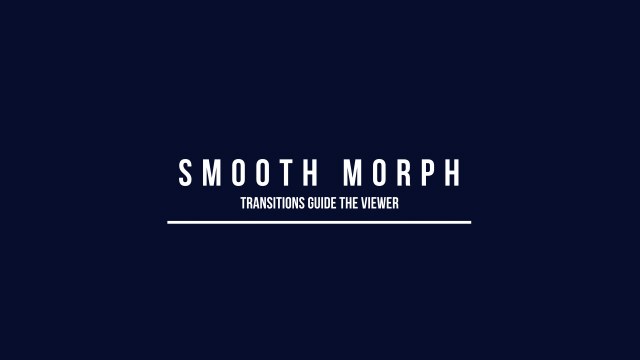
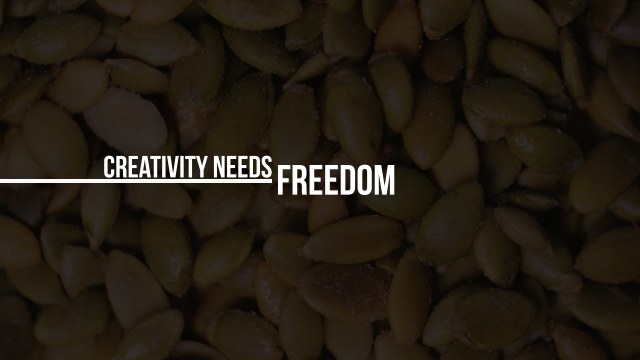
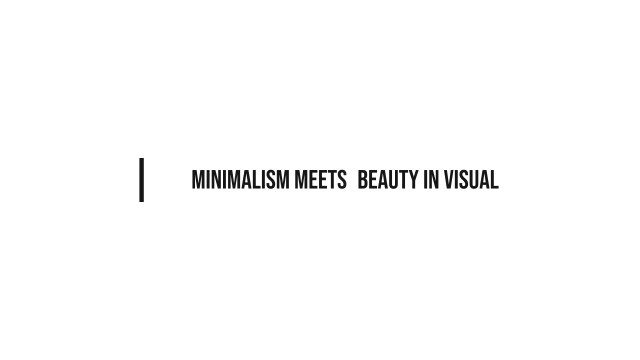
Visually, it comes down to a vertical line on the left of a headline and subtitle and nothing more. The reveal is quick but never rushed, which keeps viewers focused on the message. Use it in video essays, B2B explainers or corporate presentations. The headline is set in Bebas Neue, a free condensed Google Font with a tall, confident look. The restrained look makes it easy to reuse across a whole series without it feeling repetitive.
Everything happens inside Premiere Pro: add the .mogrt file to the Essential Graphics panel, drag it onto the timeline and edit it like any other clip. The Edit tab offers 2 editable text fields and 3 color controls plus position and scale controls. It plays crisply at 60 fps and scales to larger timelines, vertical Reels or square posts. A PDF tutorial and a font note with the free Google Font are included.
Like every free template on Typoanim, it includes a commercial license for client projects, monetized YouTube videos, ads and social media, with no attribution required. Download it without signing up; the free plan allows three downloads every 24 hours. Pair it with other free Premiere Pro title templates from Typoanim for a consistent look.