YouTube Grey Cap Label Typography – Free Premiere Pro Template
Download the YouTube Grey Cap Label Typography, a minimal Premiere Pro title animation for YouTube intros. 1 editable text field, free. Try it. Easy to edit.
No account needed · Up to 3 free downloads every 24 hours · Unlimited with Premium
Attributes
- Application Premiere Pro
- Version Premiere Pro 2023 or later
- Resolution Horizontal · Resizable
- File size 2.23 MB
- Fonts Free Google Fonts
- Required plugins None
- Tutorial PDF included
- License Commercial use
About this template
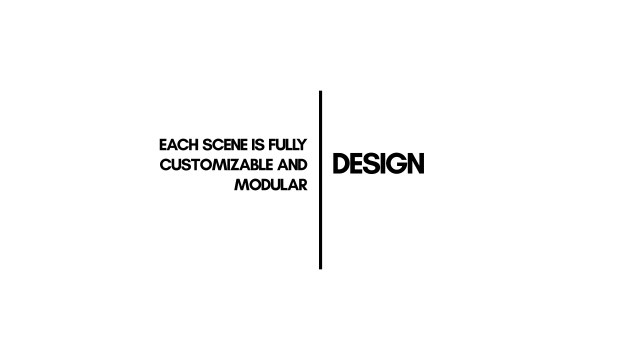
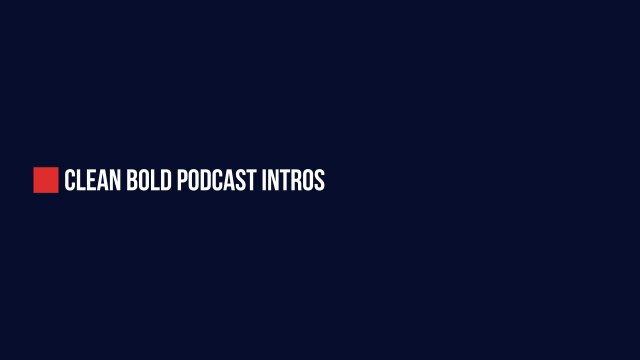
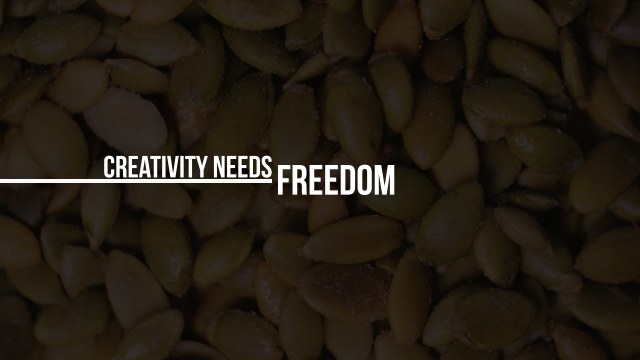
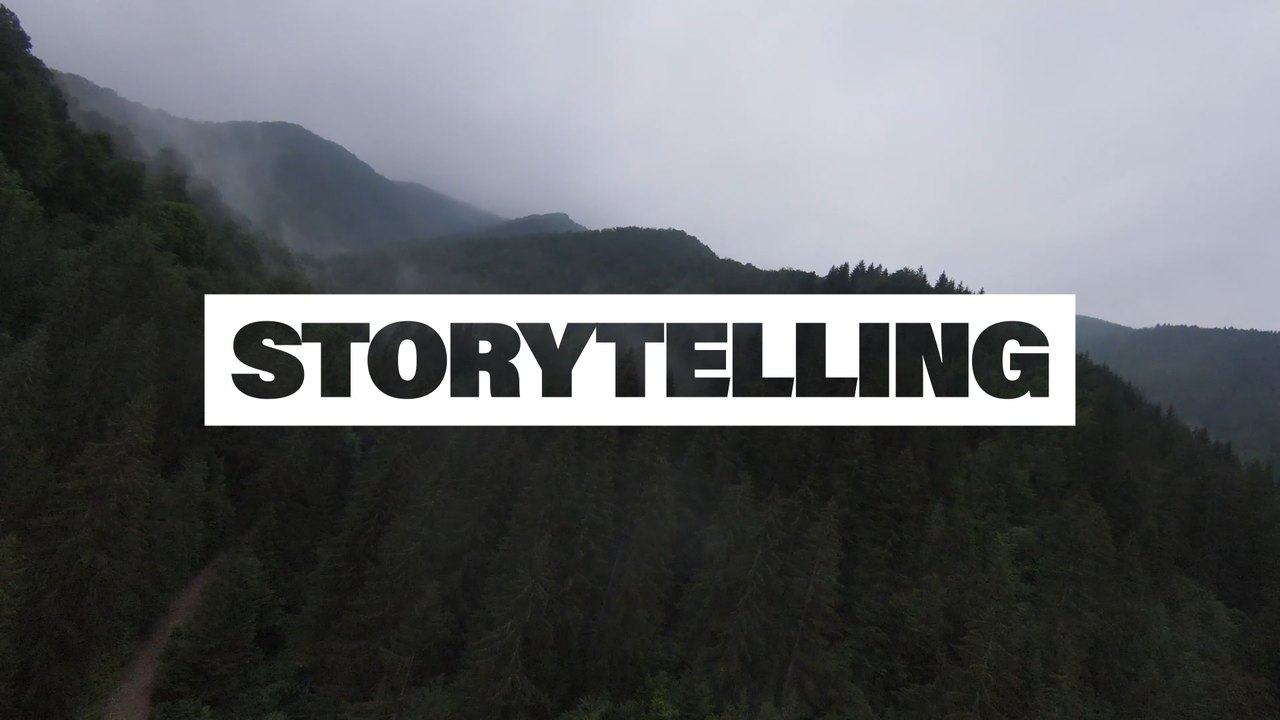
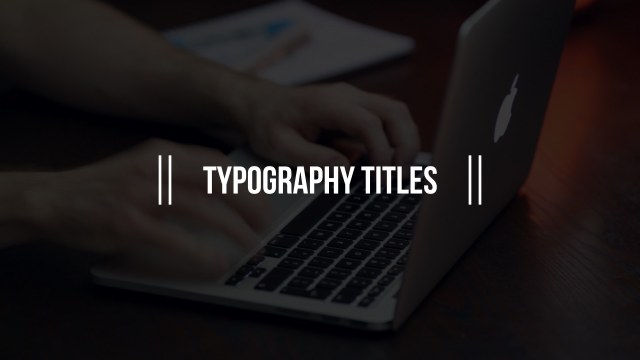
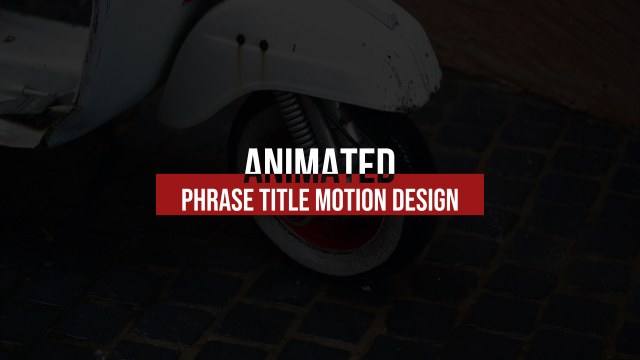
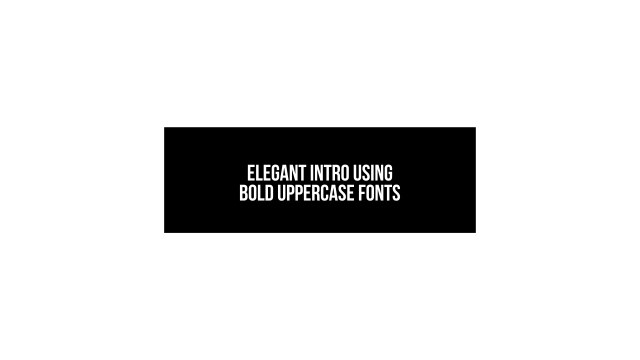
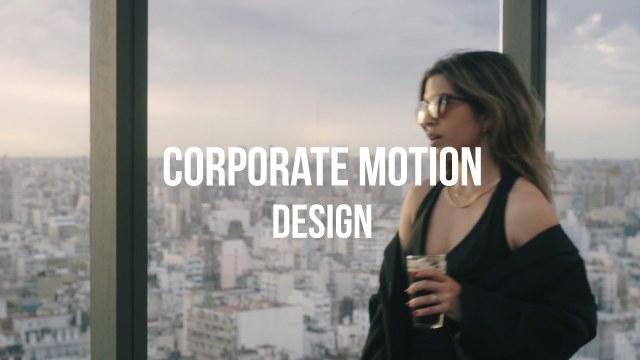
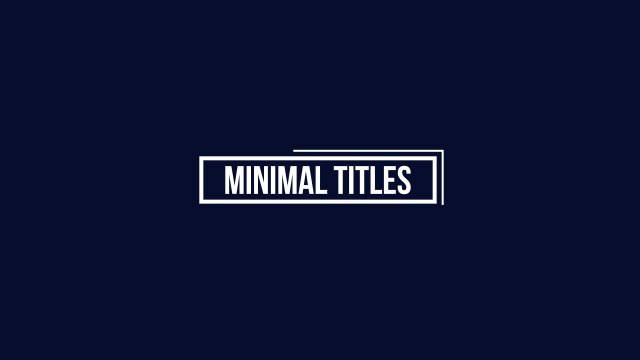
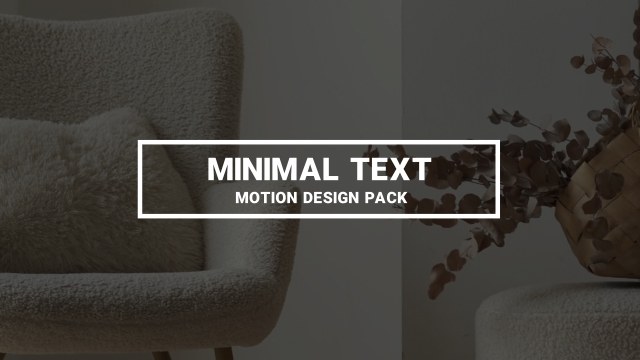
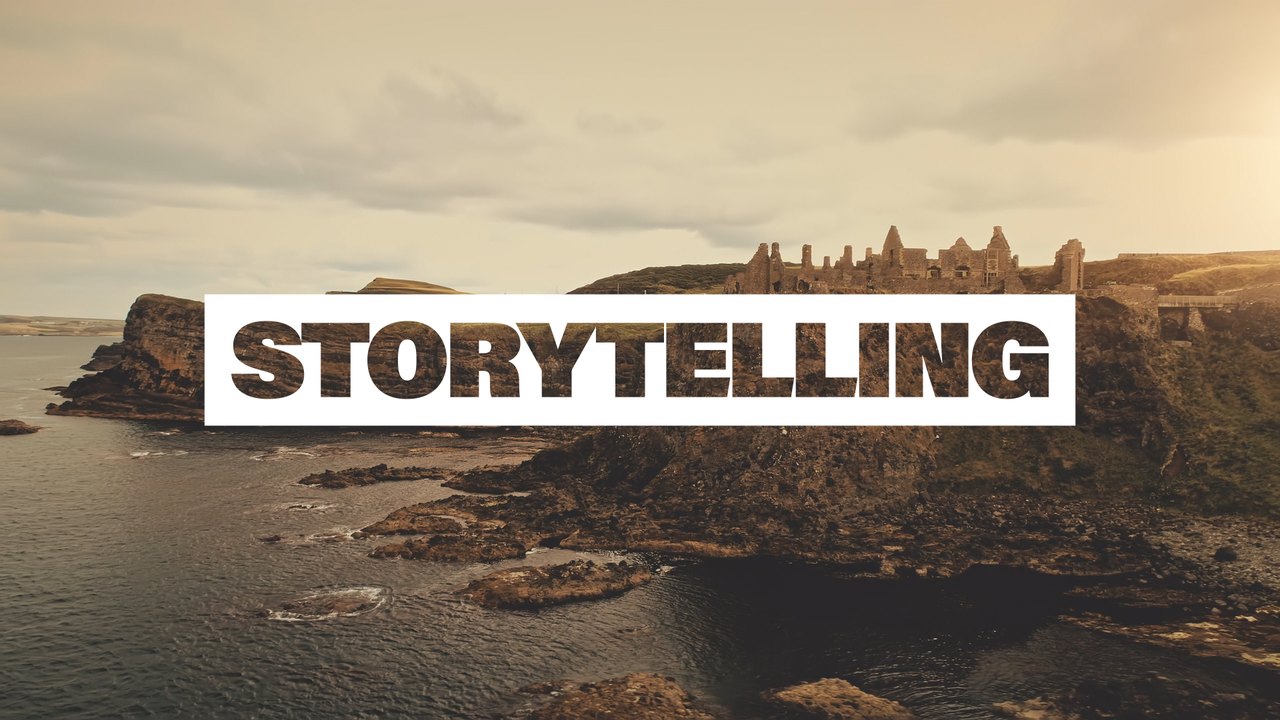
The design centres on a solid box with grey gradient end caps. The motion is calm and precise, with soft easing that keeps the layout clean from the first frame to the last. Typical uses include creator channels, YouTube intros and Instagram Reels. The headline is set in Bebas Neue, a free condensed Google Font with a tall, confident look. It is a quiet, professional choice when the content itself should stay in focus.
Installing takes seconds: import the .mogrt into Essential Graphics, drop it above your footage and start typing. You get 1 editable text field and 3 color controls plus position and scale controls, all clearly labelled. It plays crisply at 60 fps and scales to larger timelines, vertical Reels or square posts. A PDF tutorial and a font note with the free Google Font are included.
Like every free template on Typoanim, it includes a commercial license for client projects, monetized YouTube videos, ads and social media, with no attribution required. Download it without signing up; the free plan allows three downloads every 24 hours. Pair it with other free Premiere Pro title templates from Typoanim for a consistent look.