Outline Box and Diagonal Stroke Transition After Effects Template
Outline Box and Diagonal Stroke Transition: premium After Effects text transition with 1 editable text and 2 colors, 60 fps and a commercial license.
Attributes
- Application After Effects
- Version After Effects 2023 or later
- Resolution Horizontal · Resizable
- File size 0.12 MB
- Fonts Anton (Google Fonts)
- Required plugins None
- Tutorial PDF included
- License Commercial use
About this template
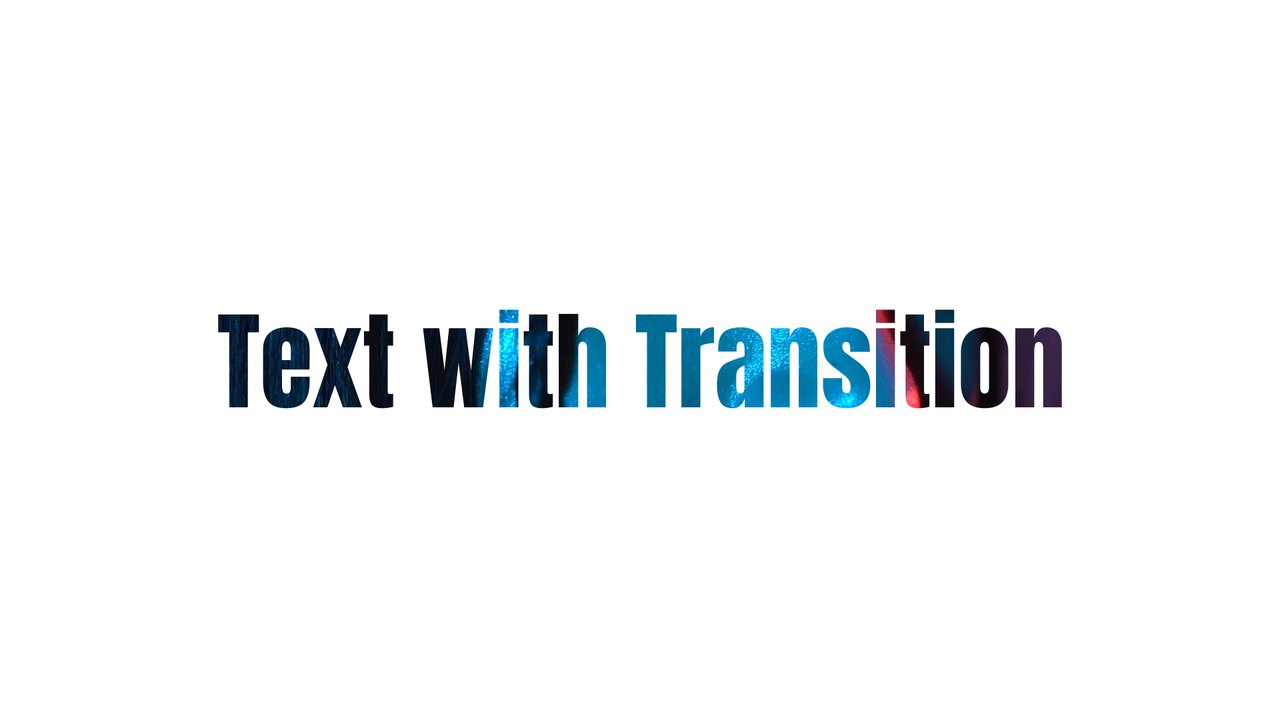
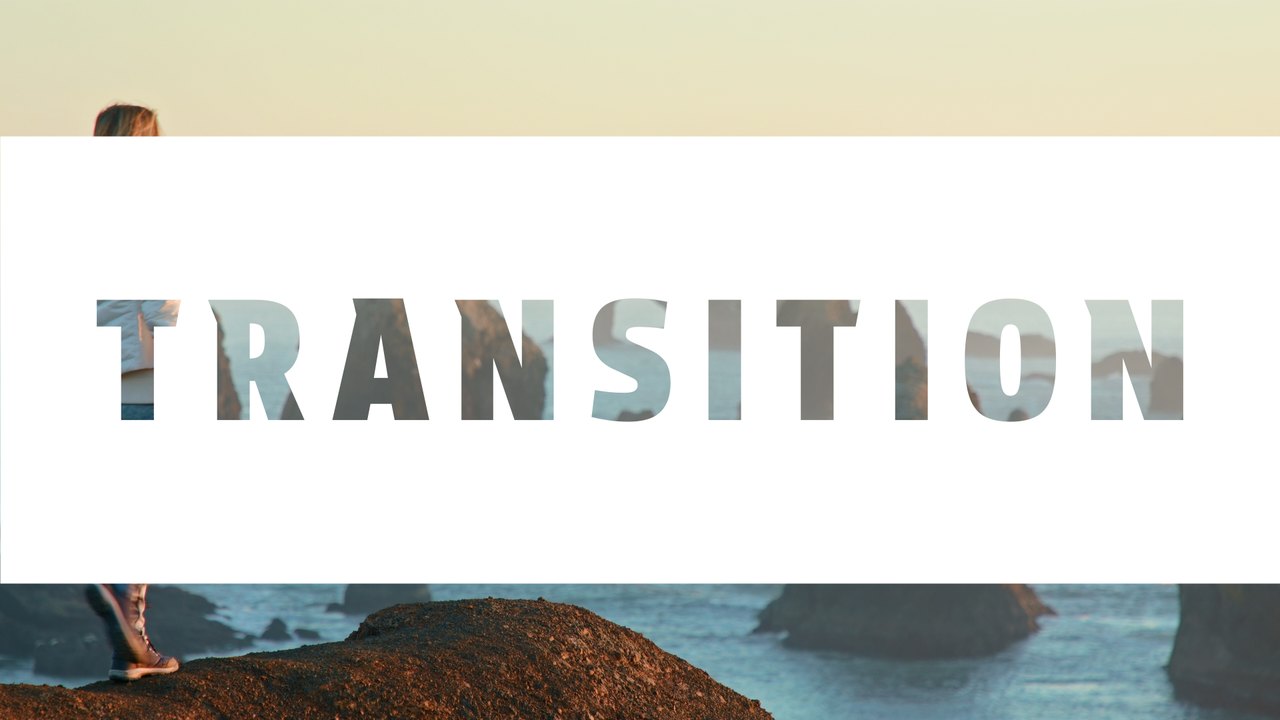
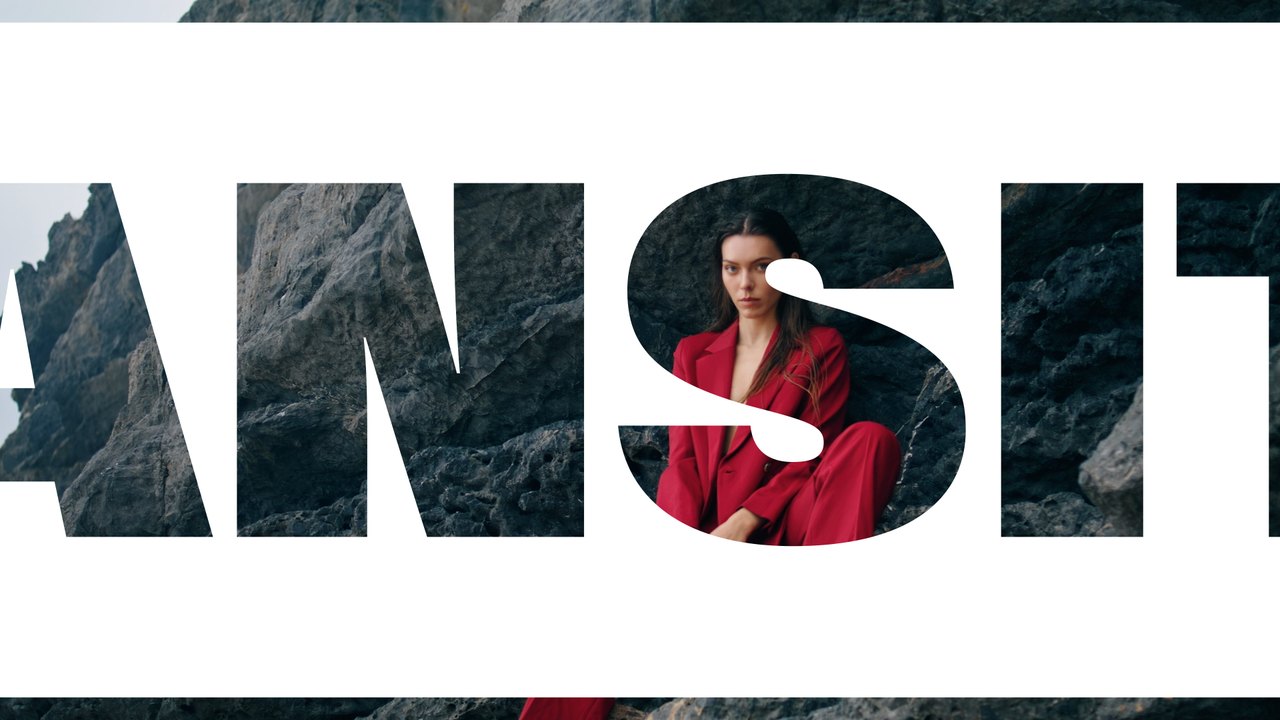
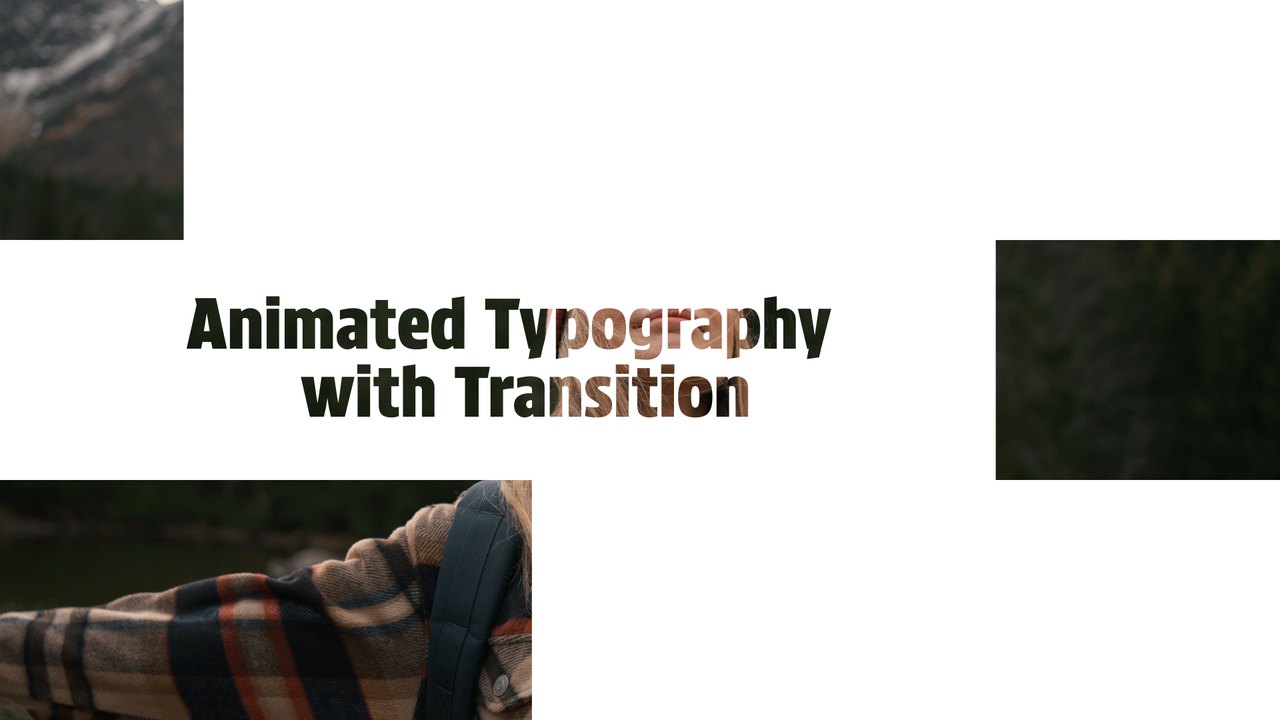
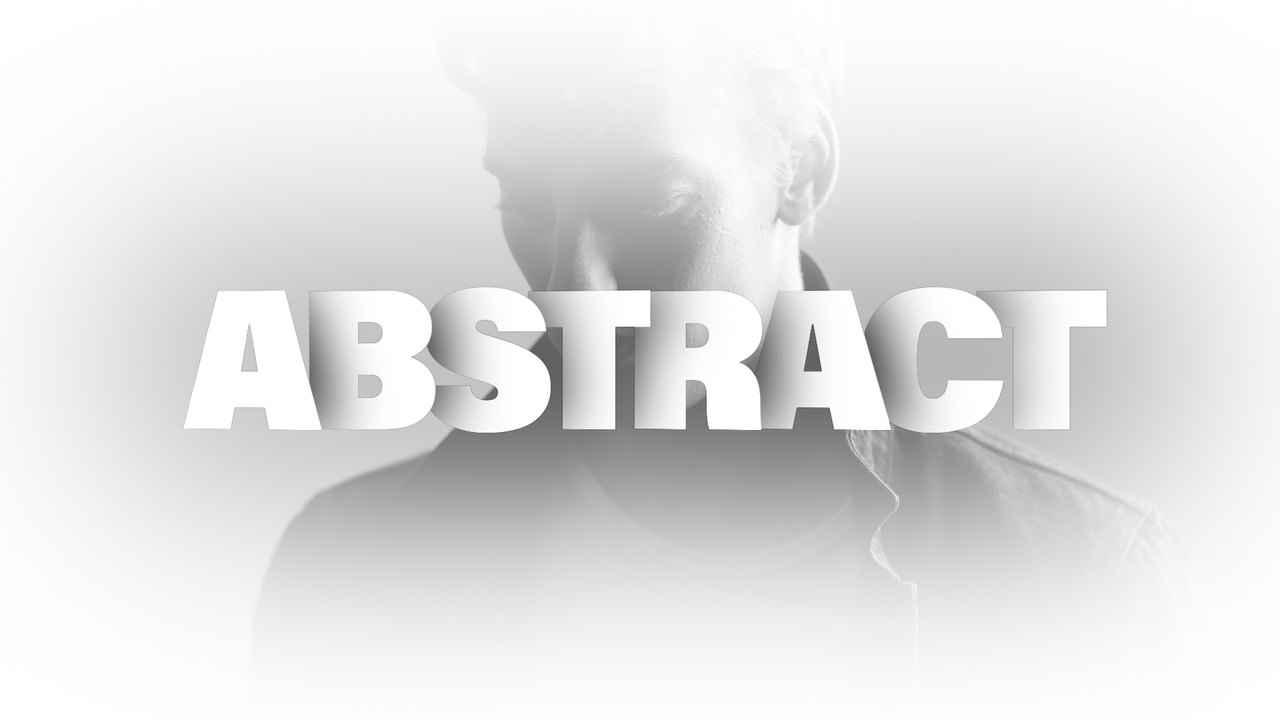
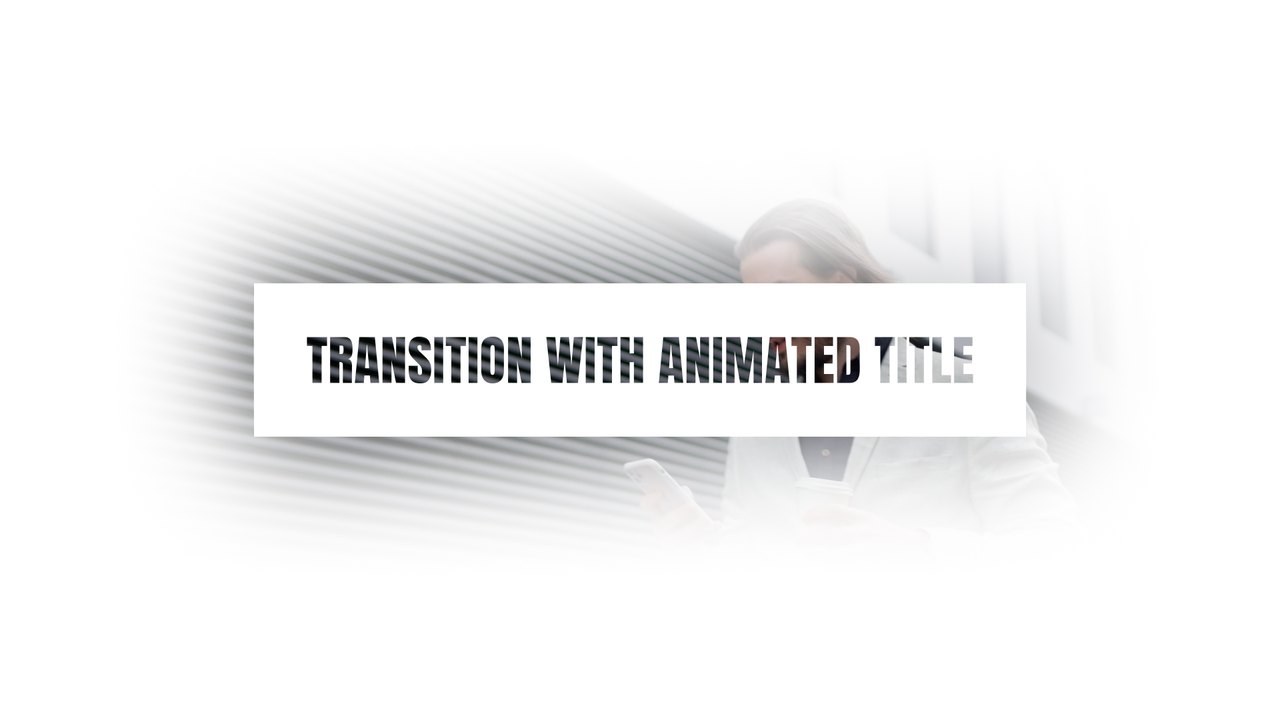
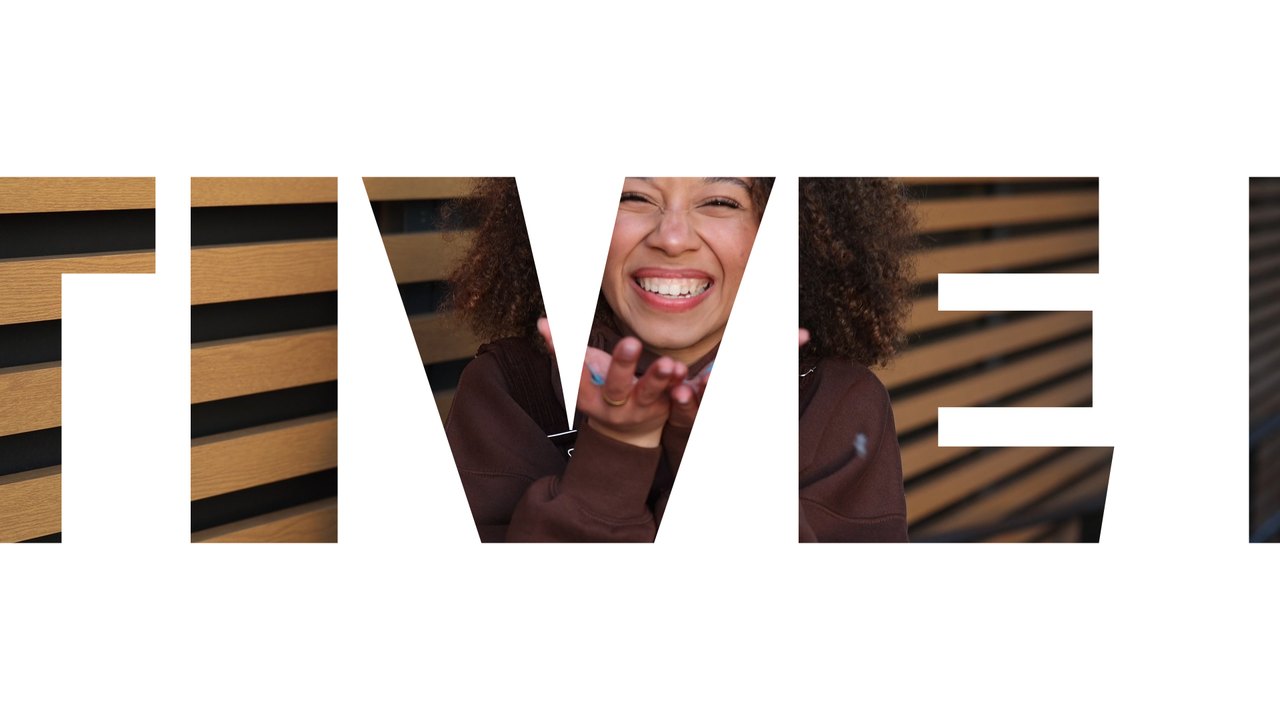
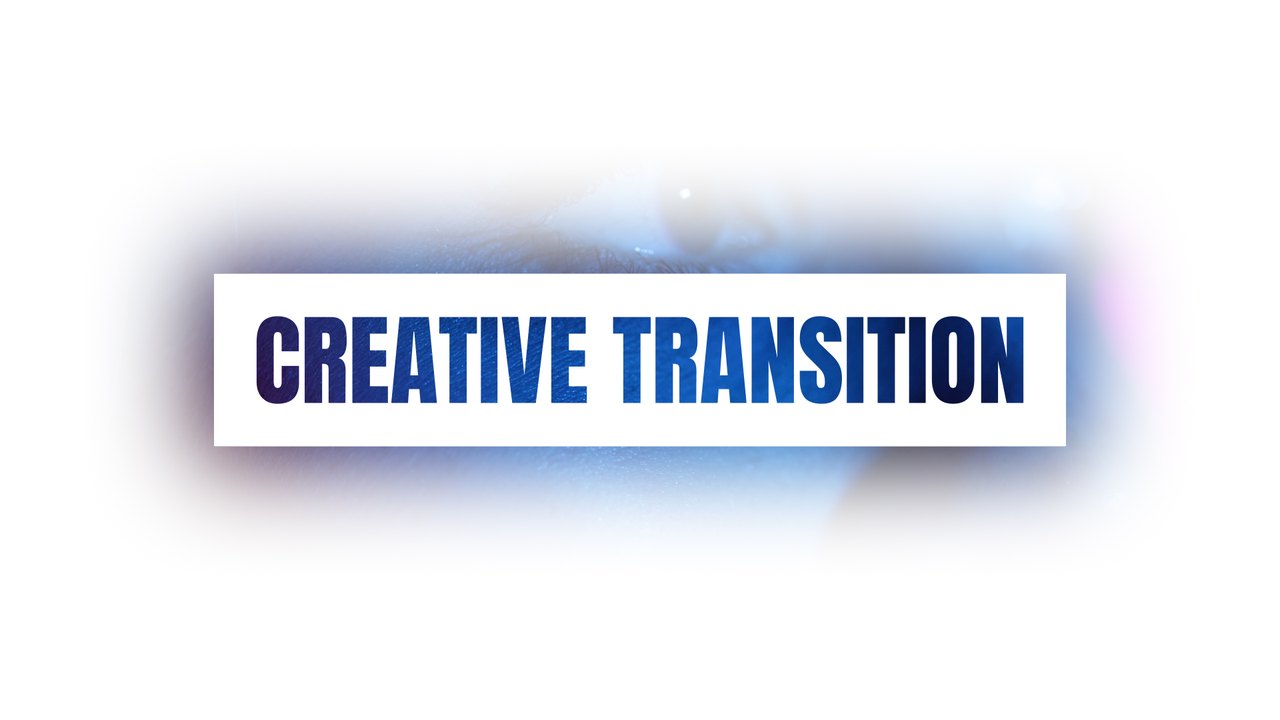
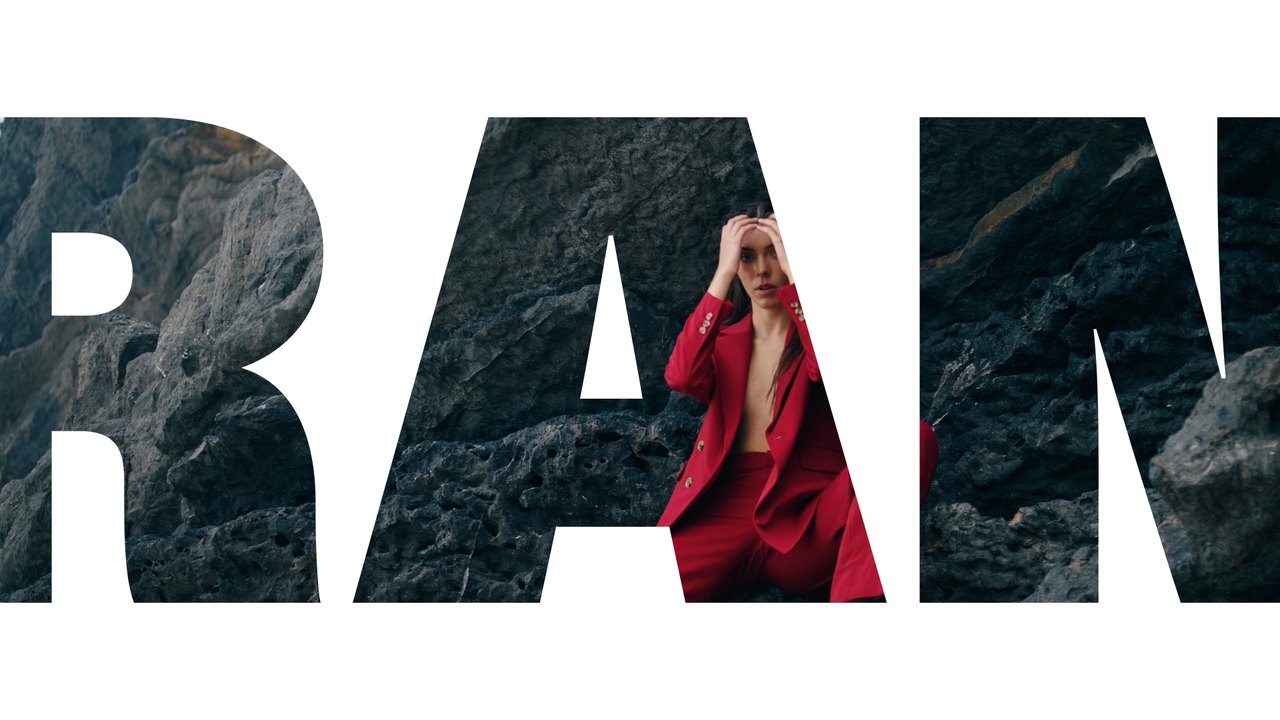
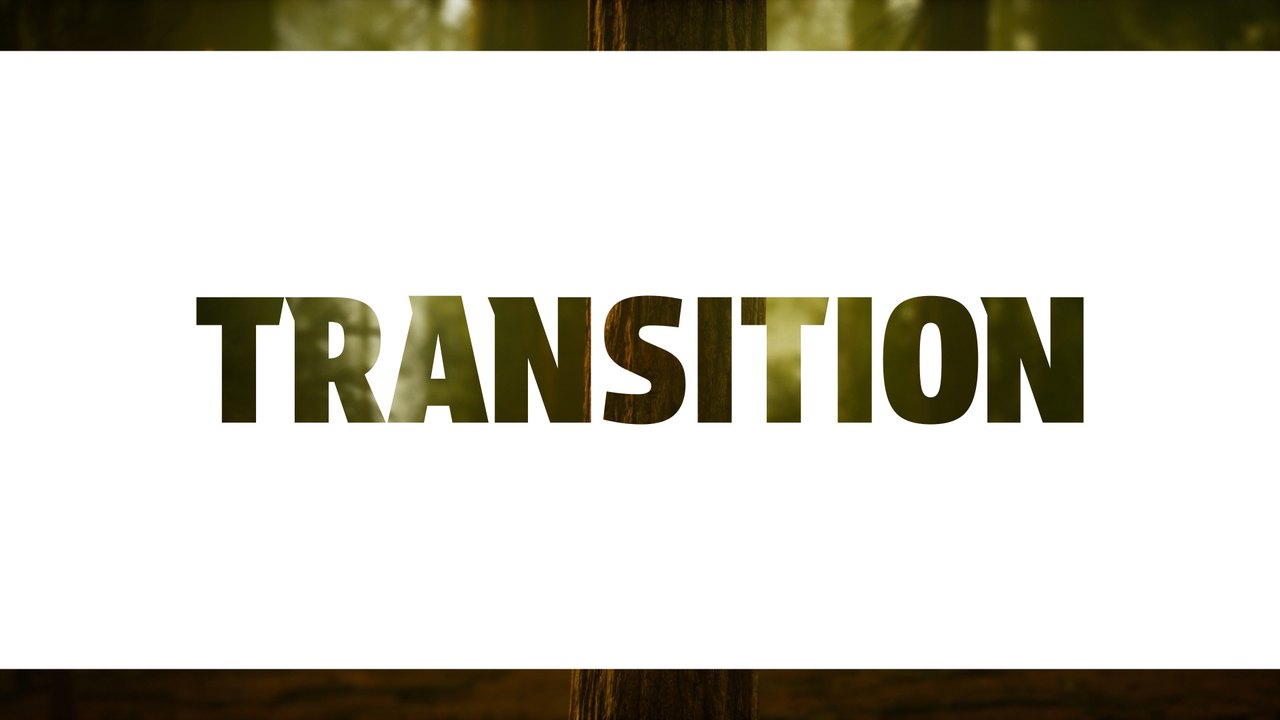
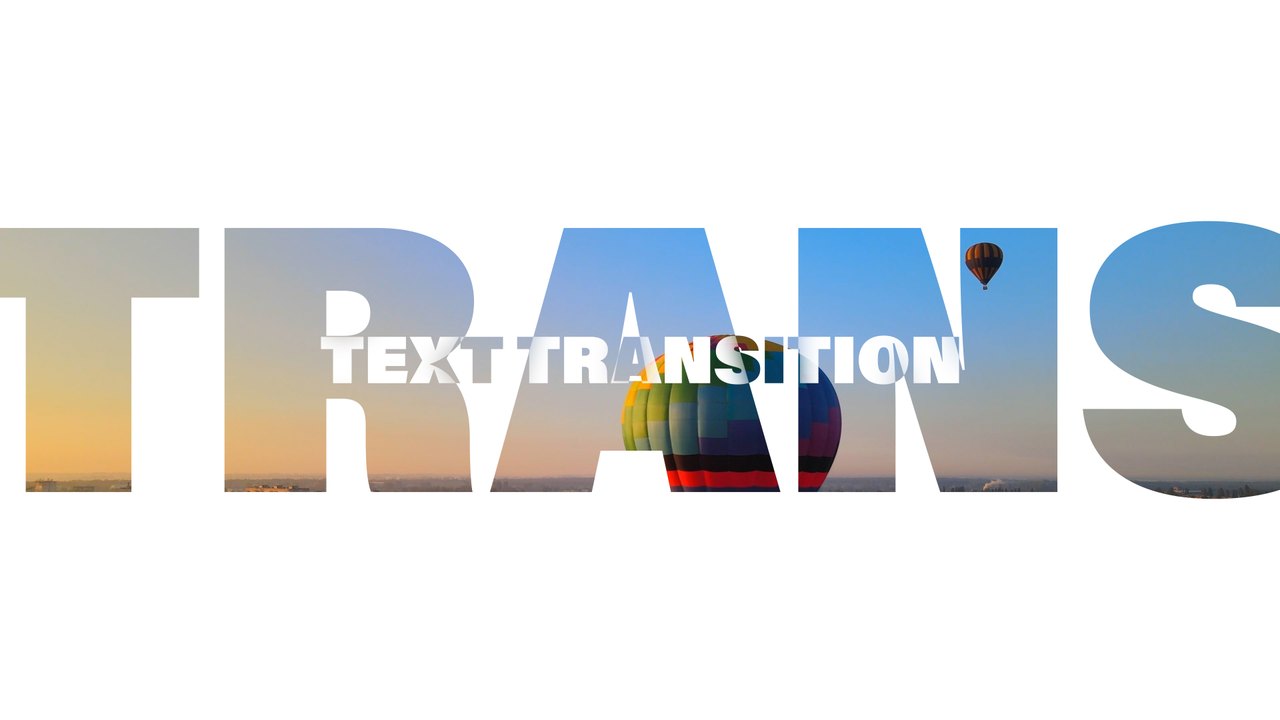
A condensed title inside an outlined box appears on white, then a thin diagonal stroke slashes through to reveal the next shot. It works for lifestyle vlogs, sunset portraits, personal brand videos and short documentary breaks. Anton, a free Google Font, gives the title its strong character.
The .aet template opens as a new project in After Effects 2023 or later; save it under your own name and start editing right away. Type your word in the EDIT composition (1 text layer) and set the slide, text and background colors from the CONTROL PANEL layer (2 color controls). Place the composition above the cut between two clips, or render it with alpha and drop it into any editor. It runs at 60 fps for about 5 seconds in Full HD. The download includes our step-by-step PDF tutorial and a font guide, and no third-party plugins are needed.
It belongs to the Typoanim Premium library and is unlocked with the Premium plan. The commercial license covers client projects, advertising, monetized YouTube channels and social media, with no attribution required. Combine it with other premium transitions for After Effects to keep a whole series consistent.