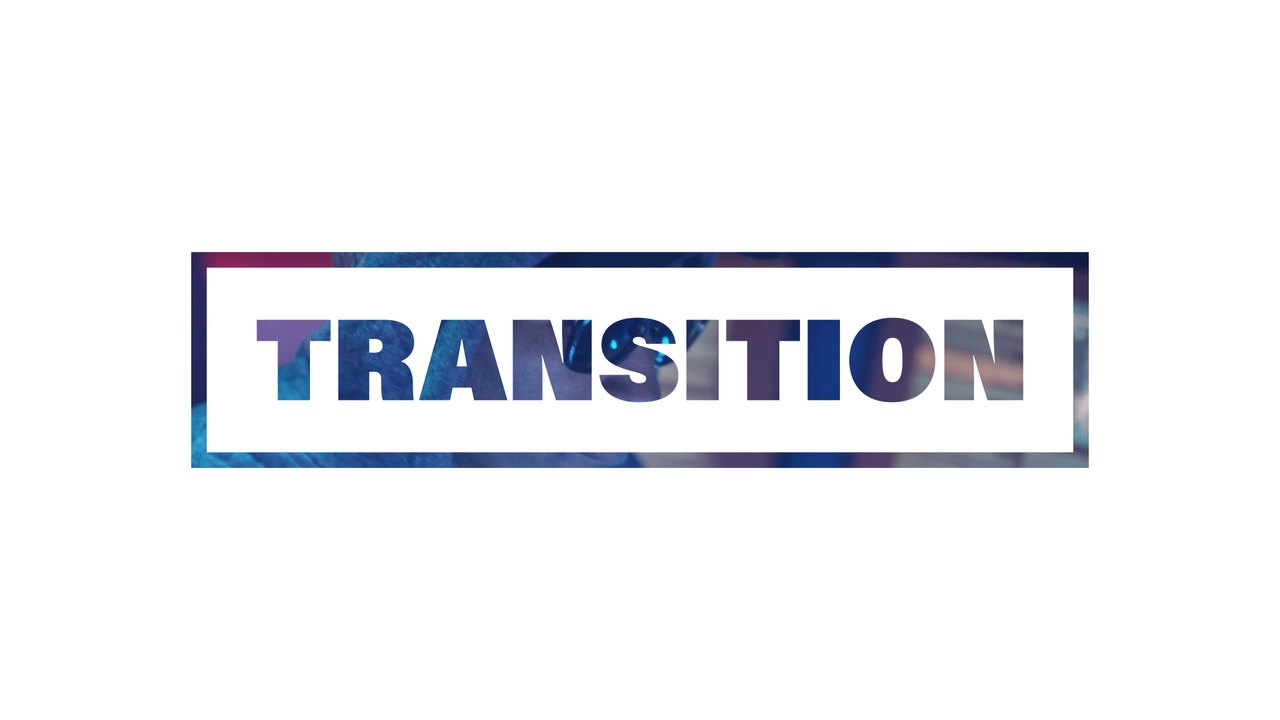
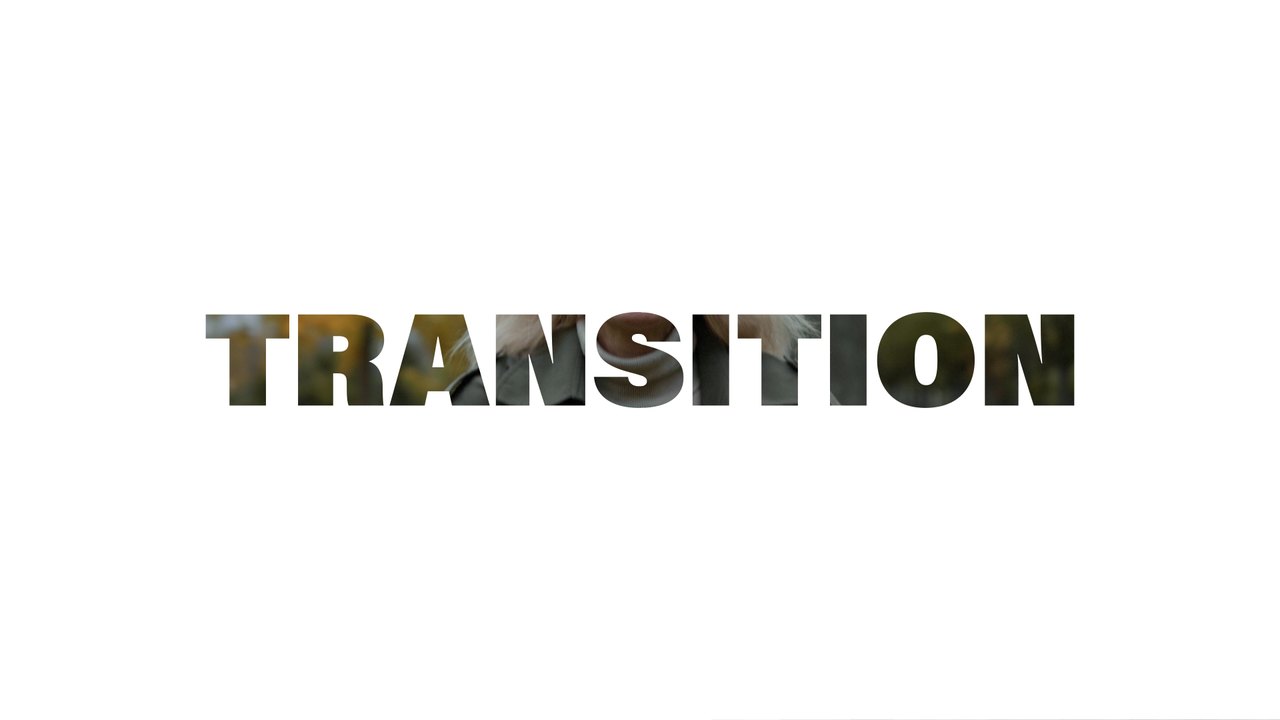
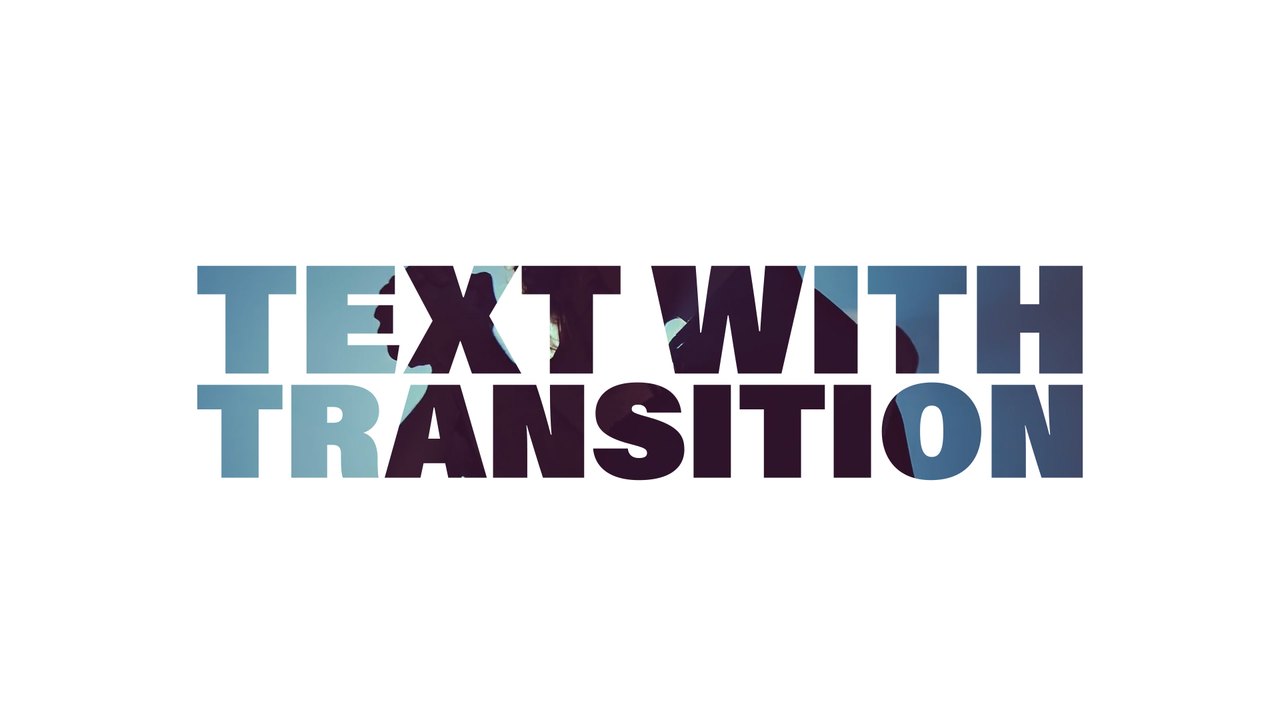
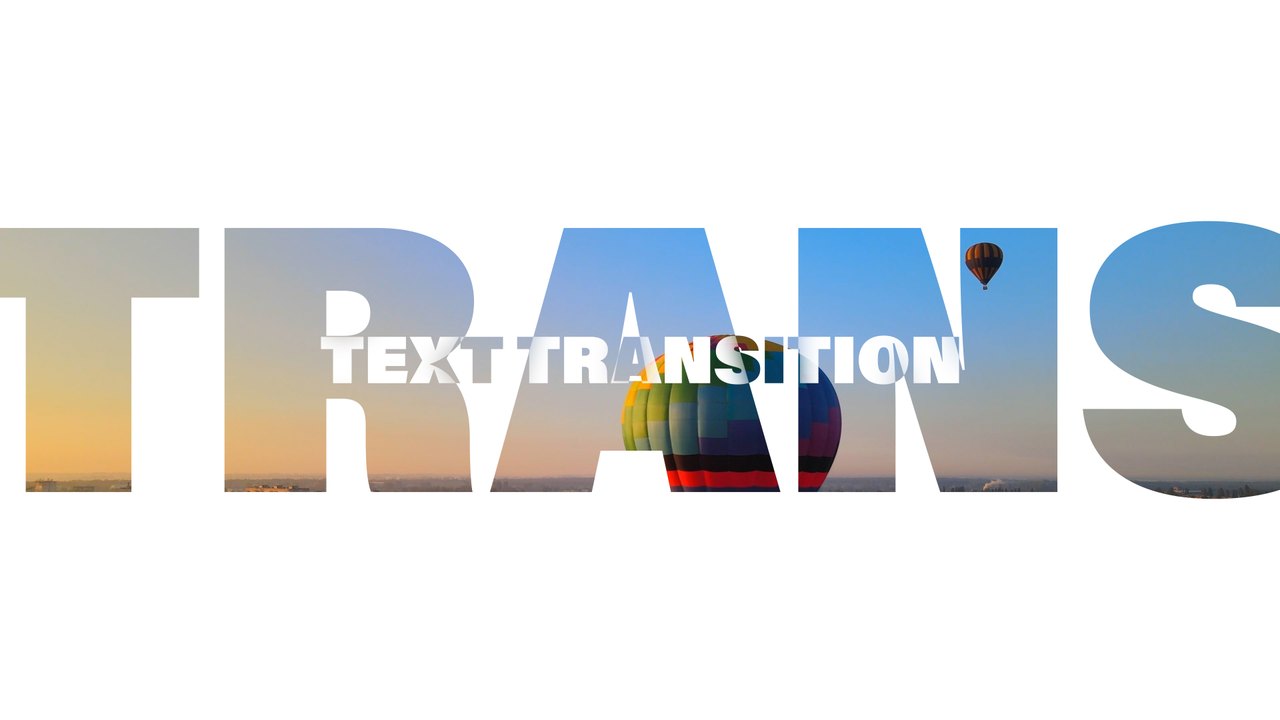
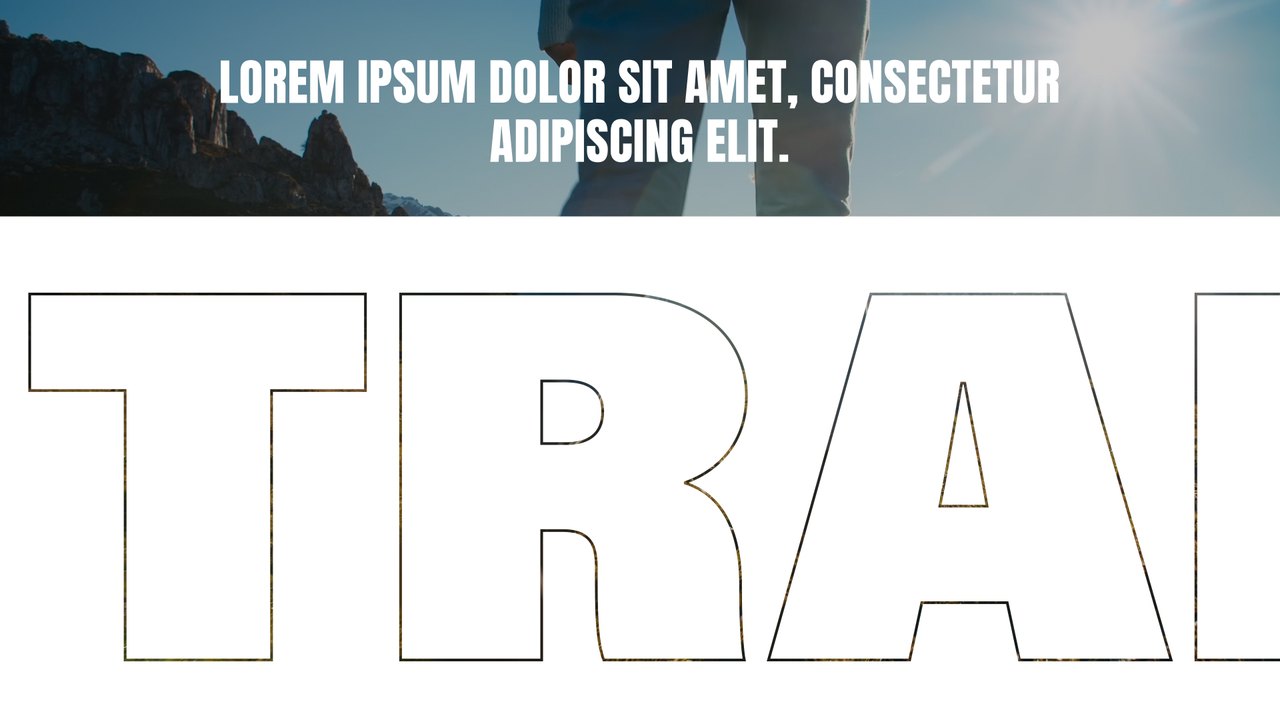
Two-Tone Condensed Word Transition After Effects Template
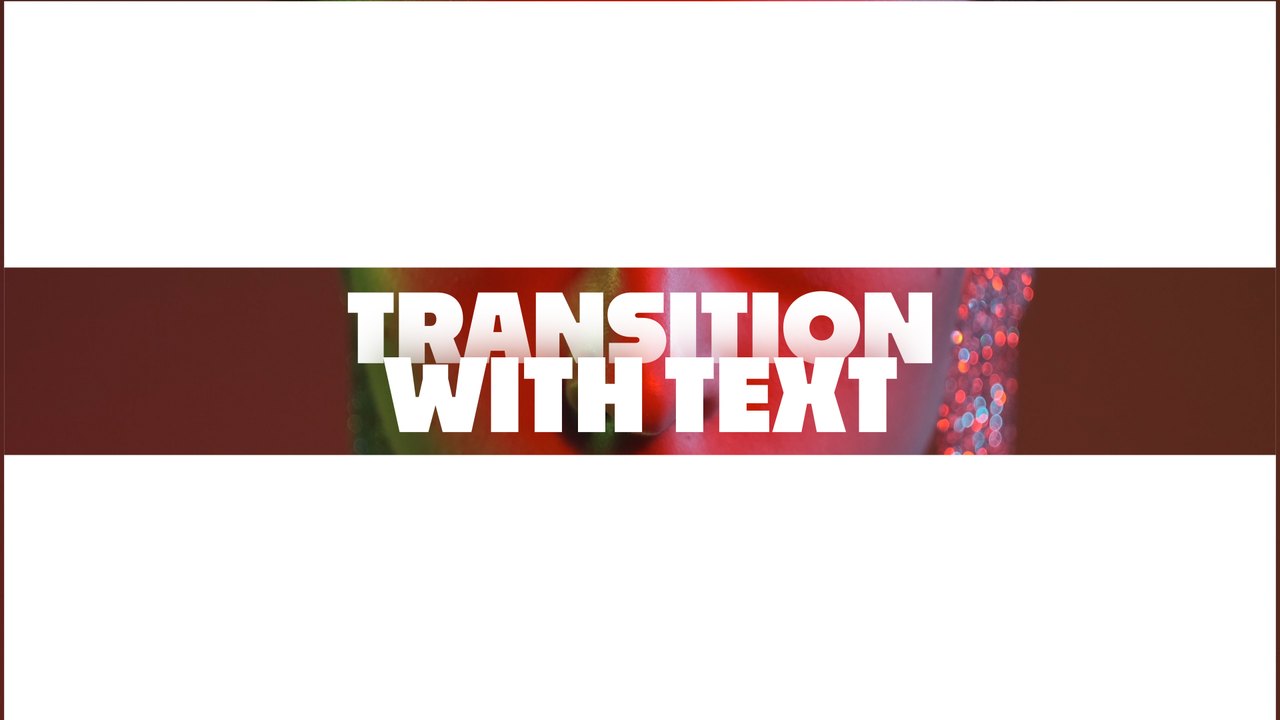
Premium After Effects transition — Two-Tone Condensed Word Transition. 1 editable text and 2 colors, 60 fps, tutorial included. For edits, promos and YouTube.
Attributes
- Application After Effects
- Version After Effects 2023 or later
- Resolution Horizontal · Resizable
- File size 0.12 MB
- Fonts Anton (Google Fonts)
- Required plugins None
- Tutorial PDF included
- License Commercial use
About this template
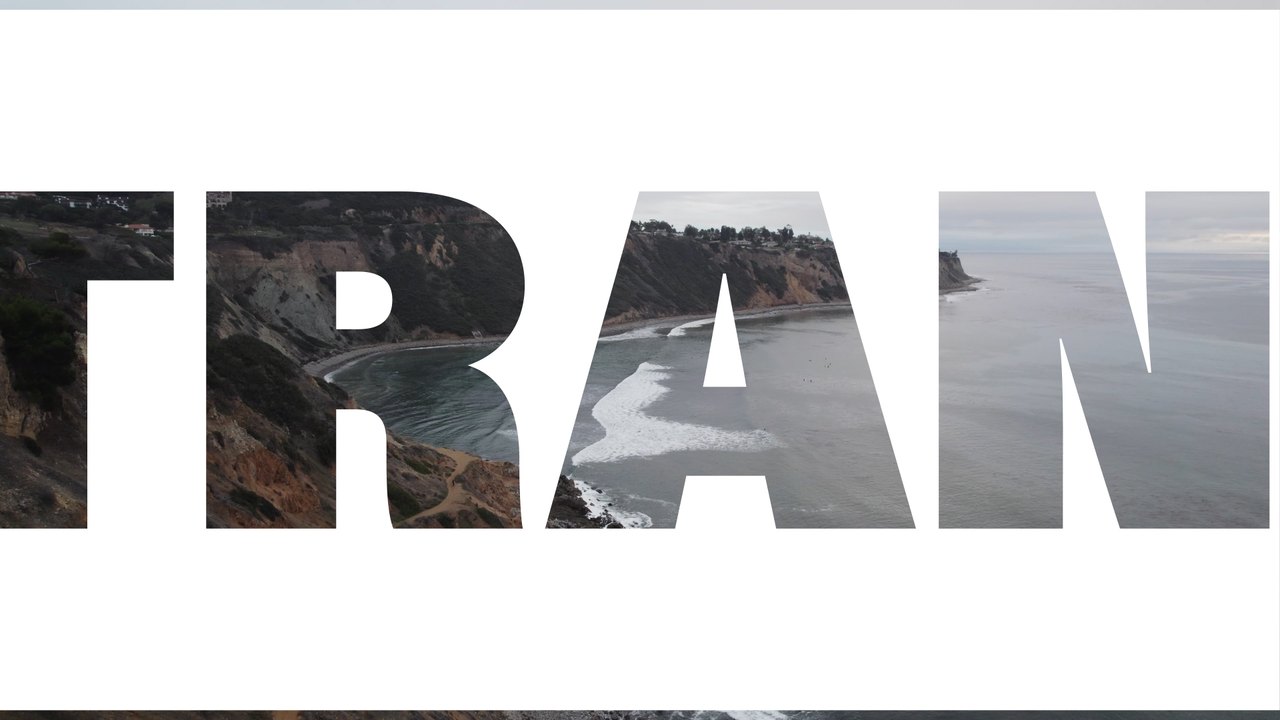
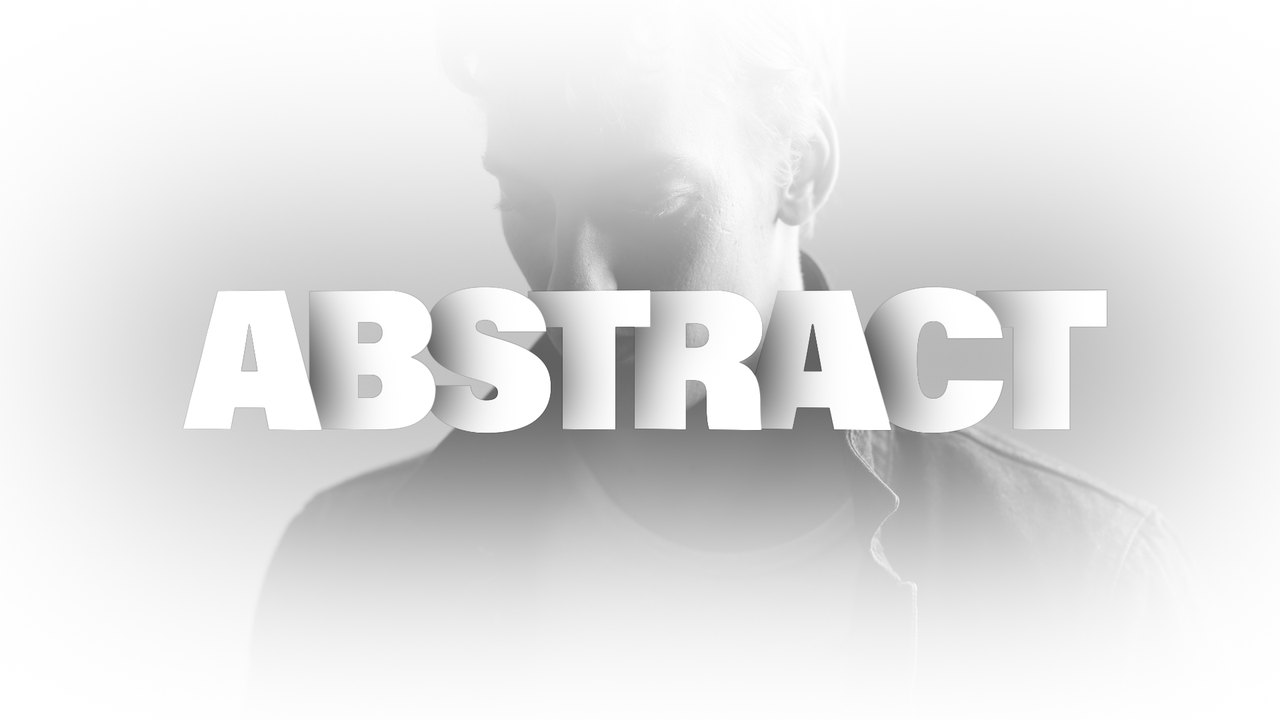
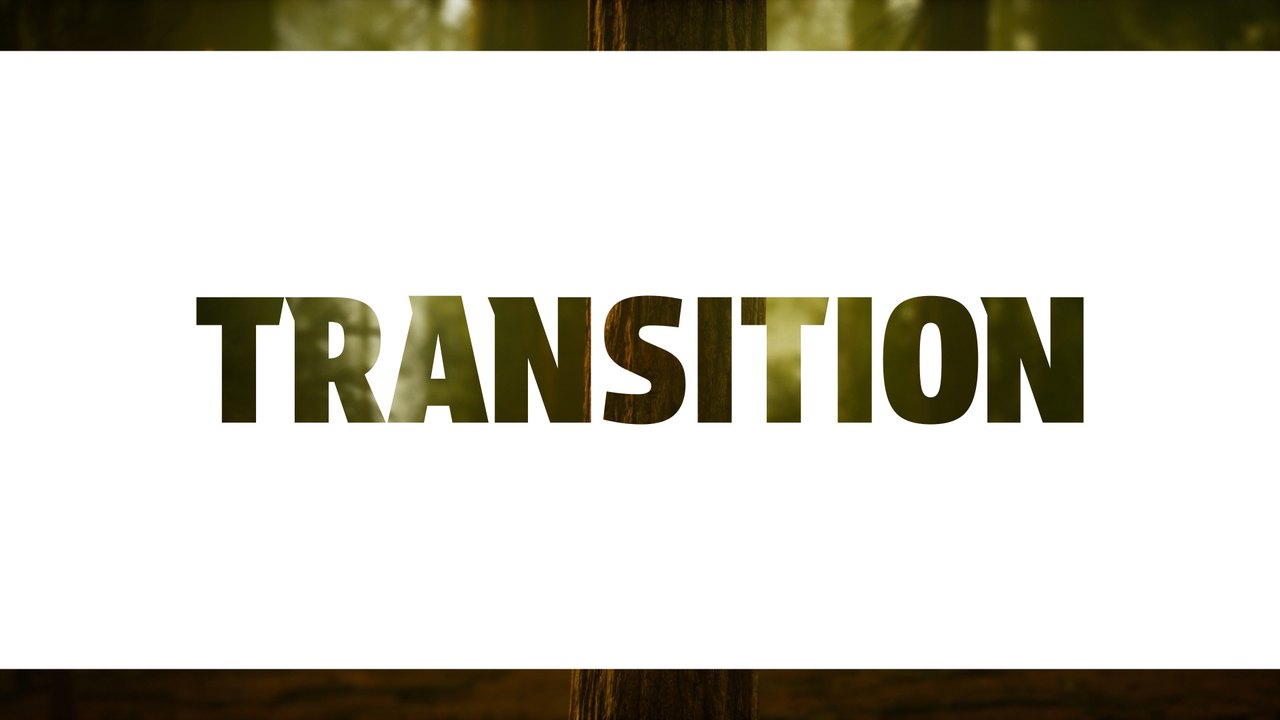
A condensed headline set in two tones, one dark word and one light, slides into a clean white frame between your clips. Thin bands push the slide in and out, keeping the cut quick and readable. It works well for neon portrait edits, makeup content, music promos and short-form social videos. The type is set in Anton, a free Google Font linked in the included font guide.
The .aet template opens as a new project in After Effects 2023 or later; save it under your own name and start editing right away. Type your word in the EDIT composition (1 text layer) and set the slide, text and background colors from the CONTROL PANEL layer (2 color controls). Put it on top of the cut between your two shots so the slide hides the edit, or render it with transparency for use in other software. The animation lasts roughly 5 seconds at 60 frames per second in 1920x1080. The download includes our step-by-step PDF tutorial and a font guide, and no third-party plugins are needed.
Premium members get this template, and the rest of the premium collection, with their plan. A commercial license is included for client work, paid ads, corporate videos and monetized content, credit-free. Browse more premium After Effects transitions on Typoanim.