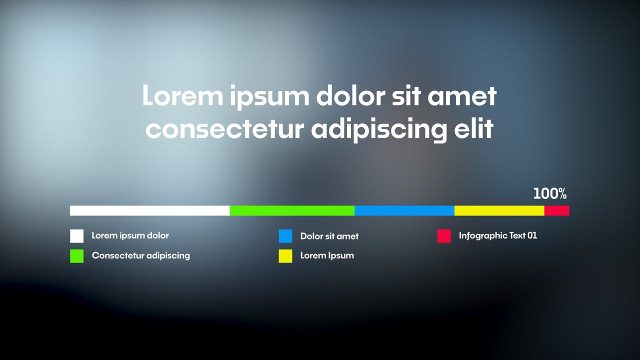
Two Series Day by Day Comparison Infographics Animation Premiere Pro Template
Two Series Day by Day Comparison Infographics Animation: Premiere Pro infographic template, editable text and colors, 60 fps. Premium.
Attributes
- Application Premiere Pro
- Version Premiere Pro 2023 or later
- Resolution Horizontal · Resizable
- File size 0.45 MB
- Fonts Noka (Adobe Fonts)
- Required plugins None
- Tutorial PDF included
- License Commercial use
About this template
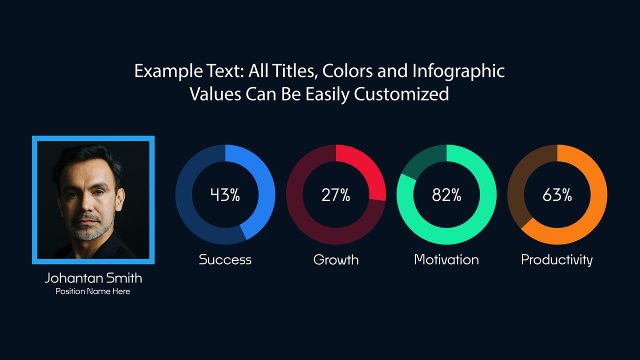
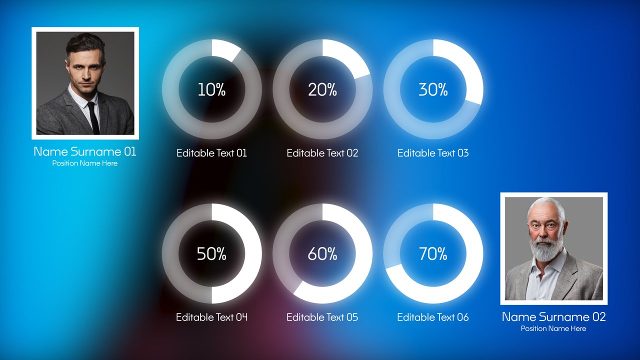
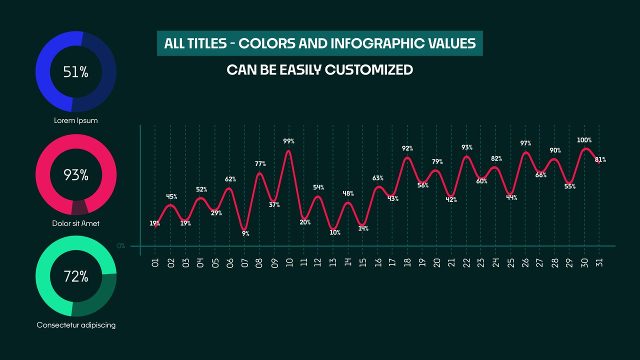
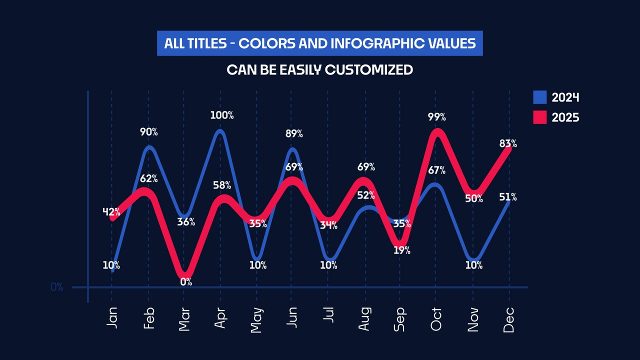
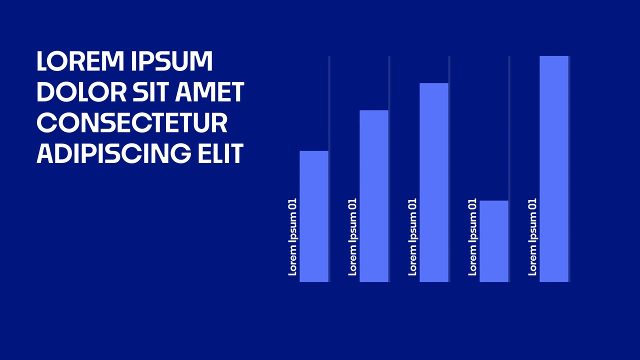
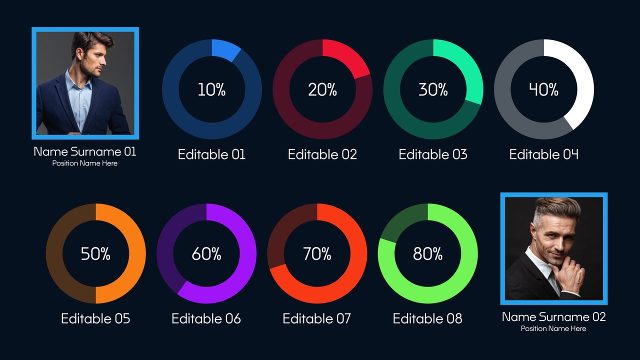
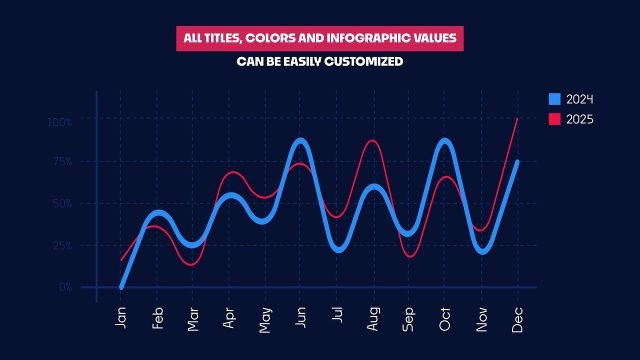
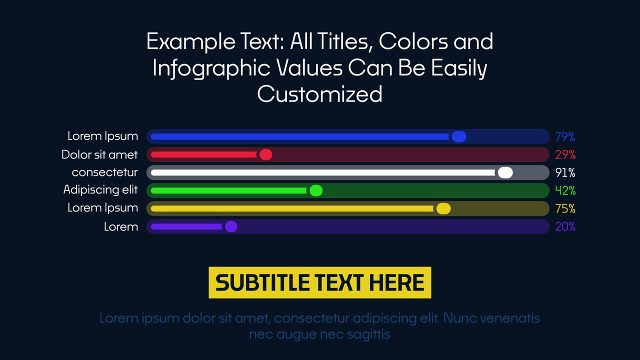
The infographic is built on a two series day by day comparison infographic. Type in new numbers and the charts redraw themselves, which makes monthly reports and annual reports quick to refresh. Use it to show daily trends next to monthly totals in one clean view. Expect a minimal, clean business infographic built on a dashboard style layout and smooth motion. It fits annual reports, investor pitches, corporate meetings and marketing reports. It uses Noka from Adobe Fonts, which every Creative Cloud member can activate for free.
Specs: MOGRT for Premiere Pro 2023 or later, 60 fps, 22 seconds, dozens of editable text and value fields and 11 color controls, horizontal, resizable. Stretch the clip on the timeline to give it a longer hold. A solid background with its own color control is built in, and you can switch it off to place the design over your own footage. The demo media behind it is only for the preview. Use this video template on its own or mix it with more infographic templates from the library.