Concentric Ring Lines Menu Promo with Discount Price MOGRT for Premiere Pro
Concentric Ring Lines Menu Promo with Discount Price: 4K food promo MOGRT for Premiere Pro. Add your images, prices and discounts.
Attributes
- Application Premiere Pro
- Version Premiere Pro 2023 or later
- Resolution Horizontal · 4K UHD
- File size 0.35 MB
- Fonts Montserrat · Anton · Poppins · Changeable
- Required plugins None
- Tutorial PDF included
- Video guide How to use MOGRT in Premiere Pro
- License Commercial use
About this template
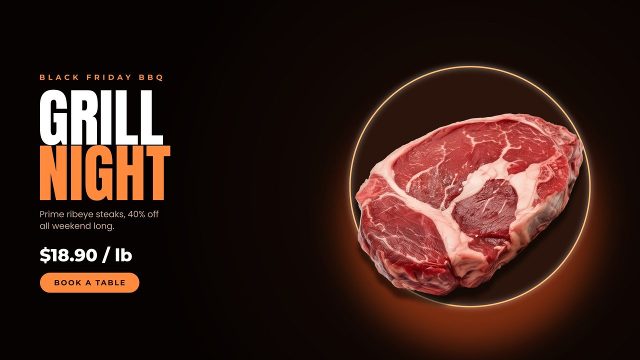
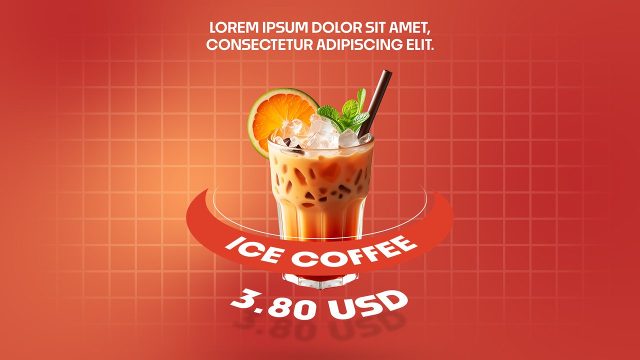
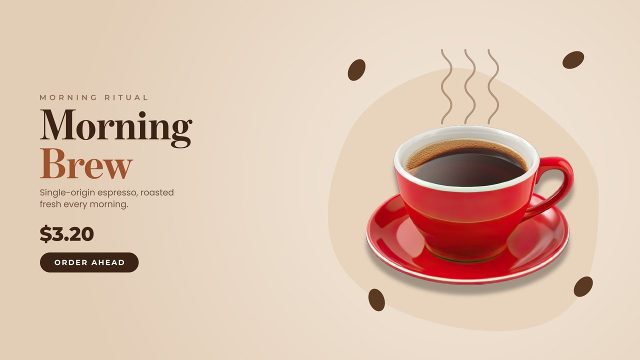
Looking for a polished cafe or restaurant promo for Premiere Pro? Concentric Ring Lines Menu Promo with Discount Price is a menu animation for restaurants, bistros and street food kitchens. Concentric ring lines and a bold color circle surround your image, next to stacked heavy type, a caption, the price and an order button. Shops use it as a happy hour offer in social media ads, digital signage and delivery app banners.
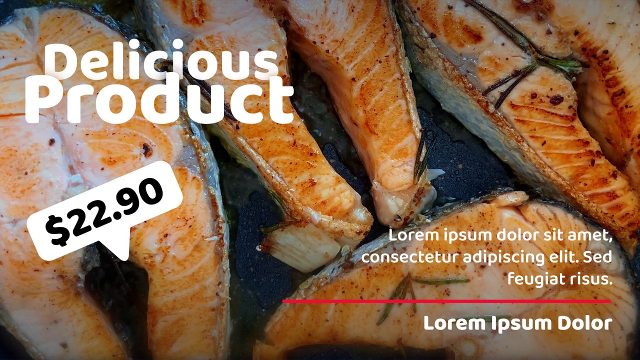
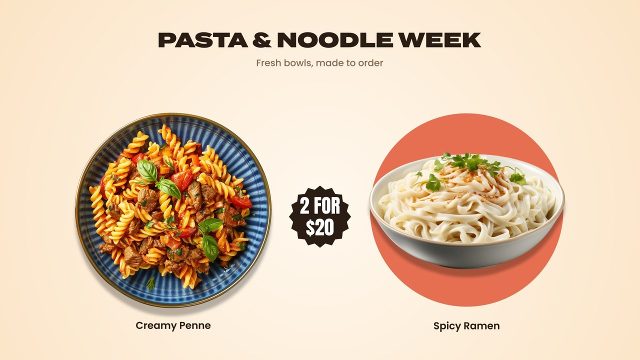
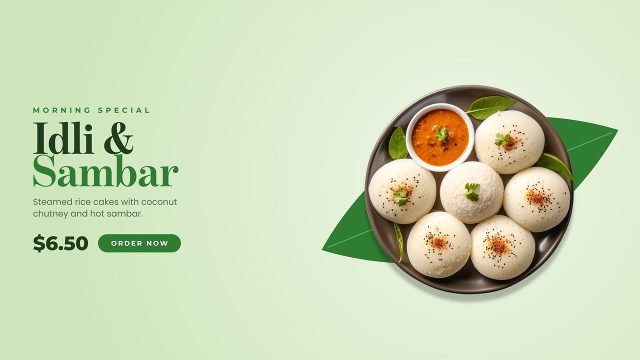
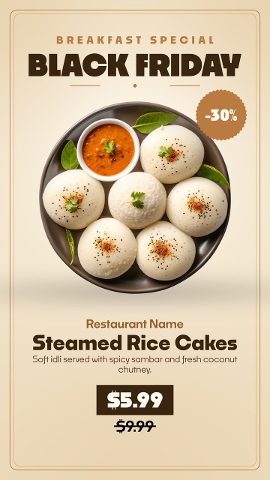
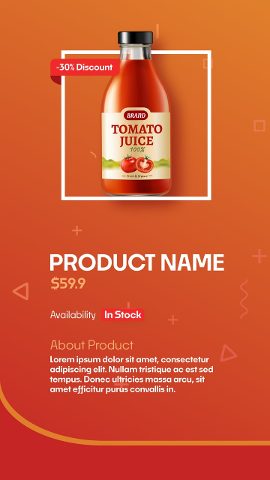
The MOGRT includes one image placeholder with media replacement, so your own products go in with a simple drag and drop. It is not limited to the dishes in the preview; use it for any food, drink or menu item. Keep in mind that the example photos in the video are not included in the files. All six text fields can be retyped in Premiere Pro: label, name, price, old price and button. Text boxes can be recolored too. You get 29 settings on the Edit tab, so brand colors, offsets and sizes are adjusted without leaving the timeline. Background Color 01 and 02 build the gradient, and Background On/Off lets you put your own video behind it. It works as a new menu teaser or a menu board video for restaurant websites and Facebook posts.
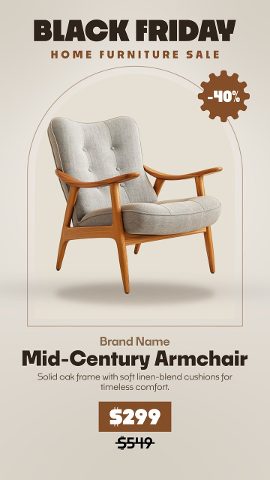
It works for daily specials all year and for seasonal food offers around Black Friday, Cyber Monday and the holidays. More promo templates in a matching style are available, so a whole campaign of products, offers and discounts can look consistent. A 8.7-second 4K sequence (3840x2160, 60 fps) keeps every edge crisp on large screens and in HD exports. Compatible with Premiere Pro 2023 and later versions, with zero third-party effects. Two PDFs ship with it: a how-to guide and a typeface list with links. Unlock it with Typoanim Premium and drop it into client edits, paid ads and monetized videos.