Dark Tech Grid Discount Promo with Price Tag MOGRT for Premiere Pro
Dark Tech Grid Discount Promo with Price Tag: 4K product promo MOGRT for Premiere Pro. Add your images, prices and discounts.
Attributes
- Application Premiere Pro
- Version Premiere Pro 2023 or later
- Resolution Horizontal · 4K UHD
- File size 0.36 MB
- Fonts Montserrat · Termina · Poppins · Changeable
- Required plugins None
- Tutorial PDF included
- Video guide How to use MOGRT in Premiere Pro
- License Commercial use
About this template
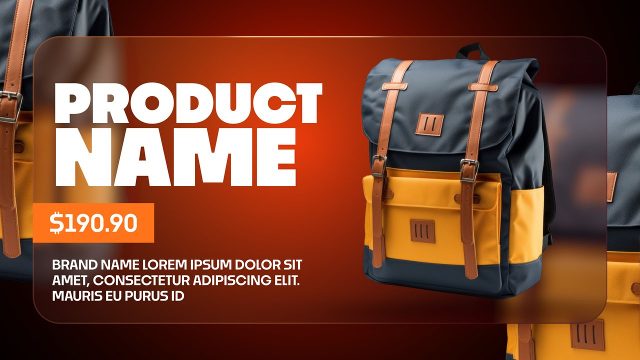
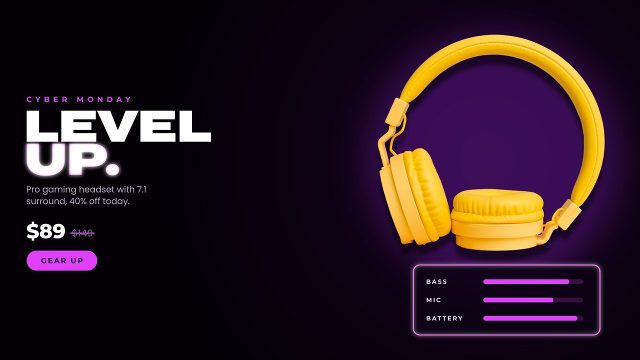
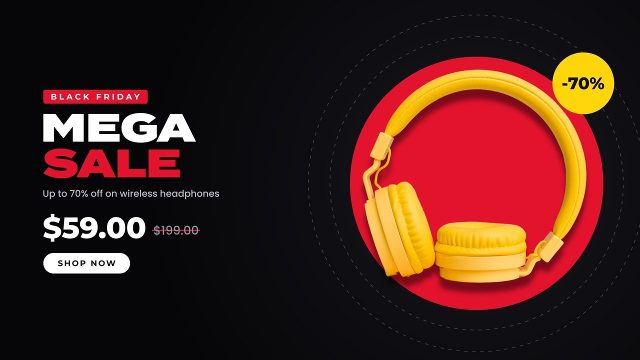
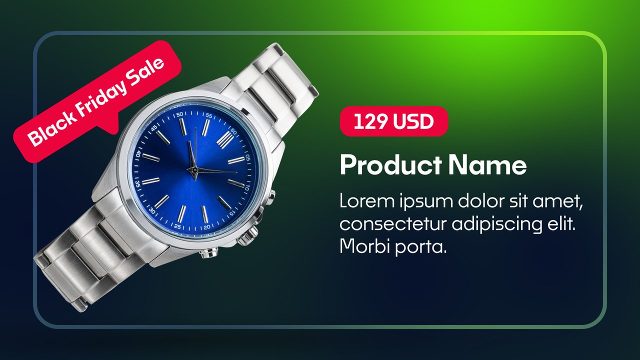
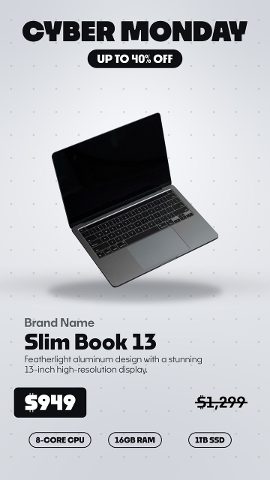
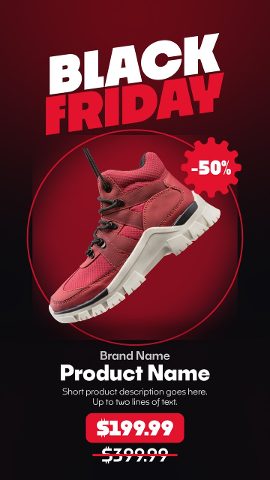
Dark Tech Grid Discount Promo with Price Tag turns any product into an eye-catching promo video in Premiere Pro, ideal for electronics stores, gadget shops and tech brands. A tech-style grid with soft glowing light spots frames your image, together with a big title, a caption, an up-to line and a pill button. Use it as a price drop promo for digital signage, or as a product sale ad on product catalogs.
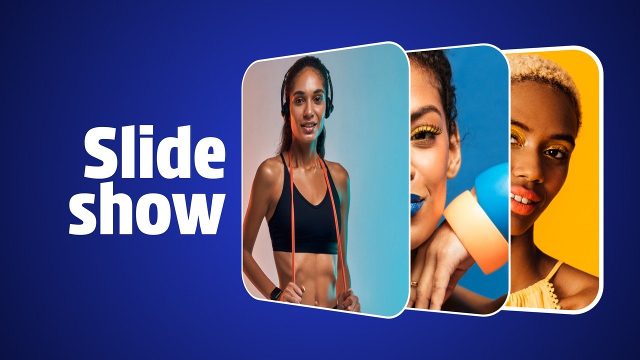
Drag your own pictures onto the image placeholder in the Essential Graphics panel; transparent PNG cut-outs look best. The design adapts to any item, from apparel and gadgets to cosmetics and home goods. The demo pictures from the preview video are not part of the package. Type your own headline, item names, prices and discounts into the six text fields. Text boxes can be recolored too. Grouped into clear sections, 34 settings handle overall size, text, images, graphic elements and the backdrop. Switch the two-color gradient background off to place the promo over your own clip. Duplicate it for several products to build a fast product slideshow, one slide per item. Shops use it as a clearance sale ad in online shop banners, store displays and email campaigns.
It suits big sale events such as Black Friday and Cyber Monday, but also launches, clearance sales and weekly offers. More promo templates in a matching style are available, so a whole campaign of products, offers and discounts can look consistent. The composition size is 4K UHD 3840x2160 with 60 fps motion and a running time of about 8.7 seconds. Compatible with Premiere Pro 2023 and later versions, with zero third-party effects. A quick-start guide and a typeface sheet with links are packed into the archive. Editors, agencies and shop owners can use it commercially with a Typoanim Premium plan.