Neon Glow Movie Title Animation with Extended Type Premiere Pro MOGRT
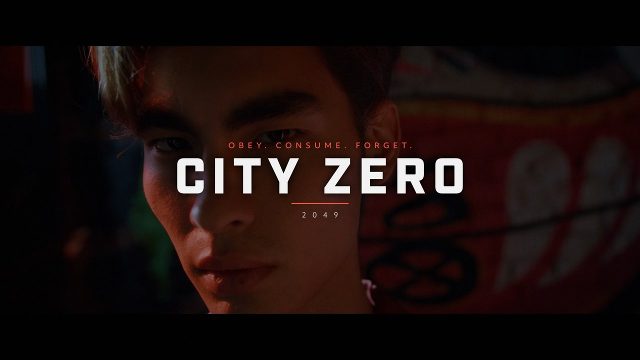
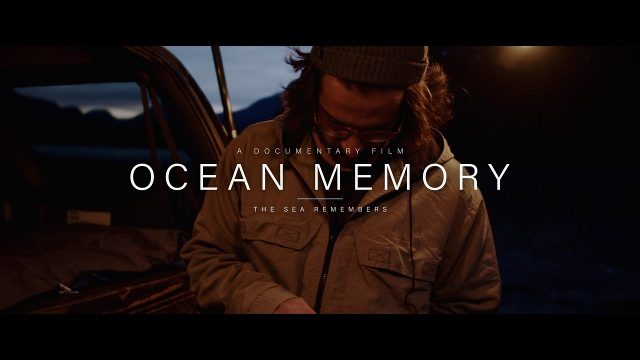
Neon Glow Movie Title Animation with Extended Type: 4K cinematic movie title MOGRT for Premiere Pro with letterbox and film controls.
Attributes
- Application Premiere Pro
- Version Premiere Pro 2023 or later
- Resolution Horizontal · 4K UHD
- File size 0.15 MB
- Fonts Objektiv Mk1 · Termina · Changeable
- Required plugins None
- Tutorial PDF included
- Video guide How to use MOGRT in Premiere Pro
- License Commercial use
About this template
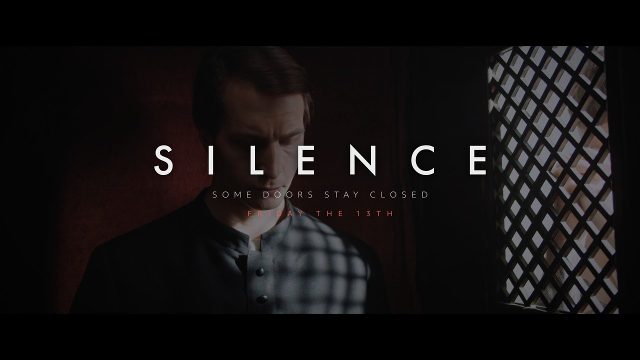
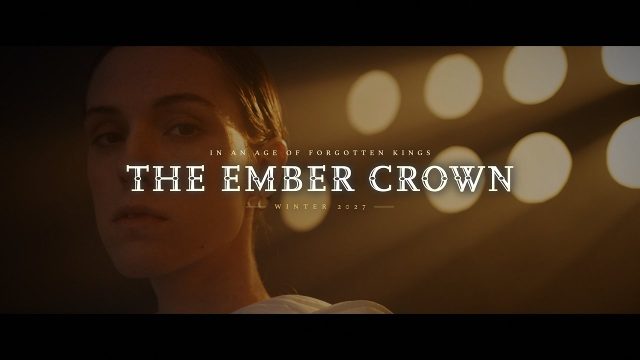
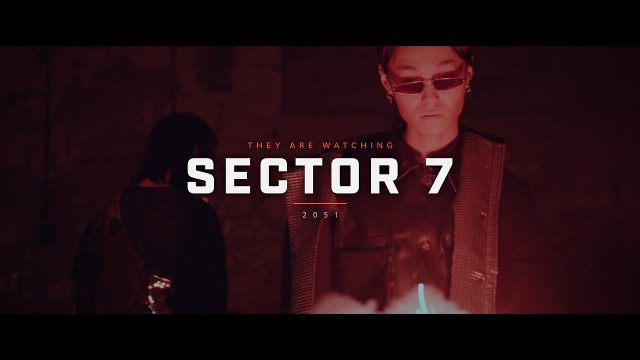
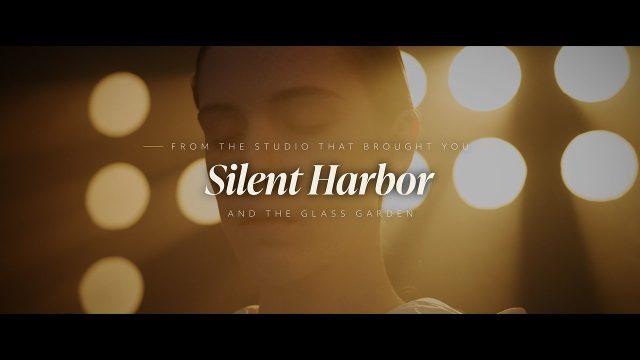
Made for trailers, short films and cinematic intros, Neon Glow Movie Title Animation with Extended Type adds a stylish movie title inside Premiere Pro. Extended display type with a soft glow builds the headline, and two small lines add a tagline and a premiere season for a futuristic, neon feel. Editors use it for teasers, series openers and movie trailers. From YouTube cinematic titles to film festival trailers, the text animation reads clearly on any screen.
All three text fields can be retyped in the Essential Graphics panel, covering the title, tagline and release lines. 21 settings in the Essential Graphics panel let you resize or move the title, add a text shadow and recolor every text, plus the color of the thin decorative lines. Add cinematic black bars with the letterbox checkbox, resize them, then use video darken, vignette and fade from black to set the mood. A light grain texture is baked in to keep the cinematic look. If you need a plain backdrop, enable the gradient background and pick two colors; disable it to see your own shot behind the text.
Use it as a title intro, a text intro or a trailer title; the animated titles keep their cinematic look at any size. Demo video clips from the preview are not part of the download; put the title on a track above your own footage. Built in a 3840x2160 4K composition at 60 fps, the animation runs for about 8.4 seconds. You only need Premiere Pro 2023 or newer, nothing else has to be installed. The fonts come from Adobe Fonts and activate with your Creative Cloud plan. The zip comes with an illustrated tutorial and a PDF that lists the typefaces with direct links. More film titles and trailer texts in a matching style are available for a consistent title sequence. Filmmakers, editors and agencies can use it commercially with a Typoanim Premium plan.