Thin Rule Corner Cross Glitch Text Animation Premiere Pro MOGRT
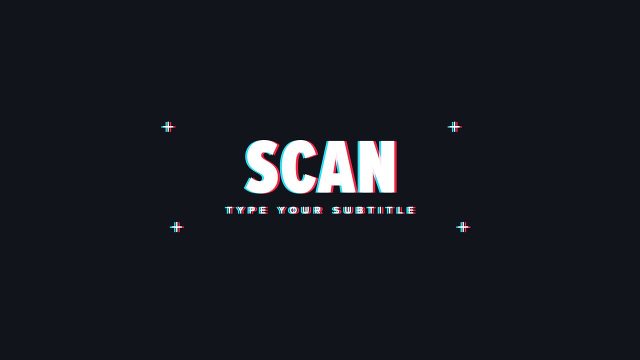
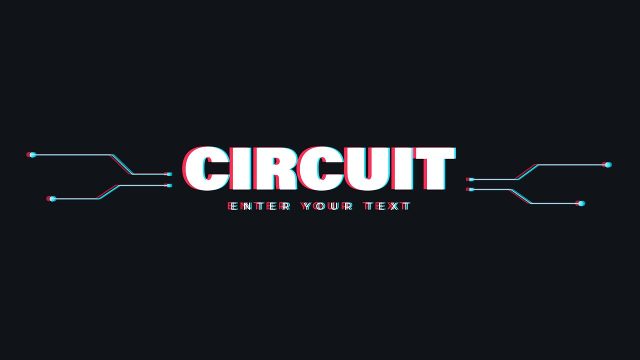
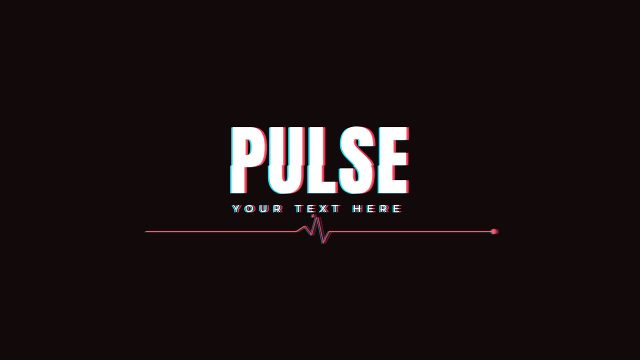
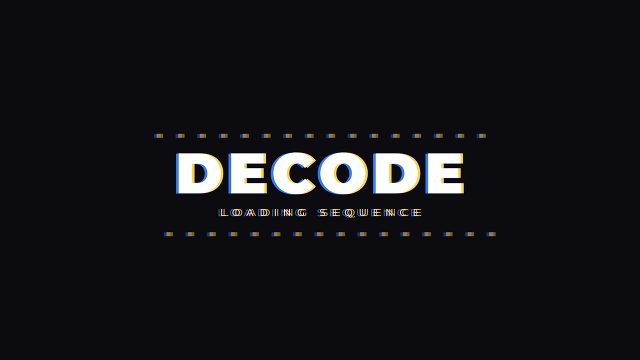
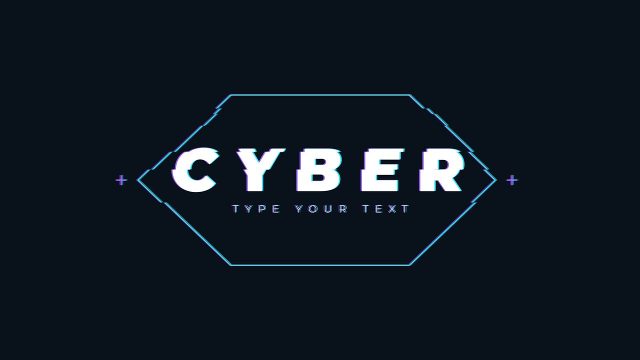
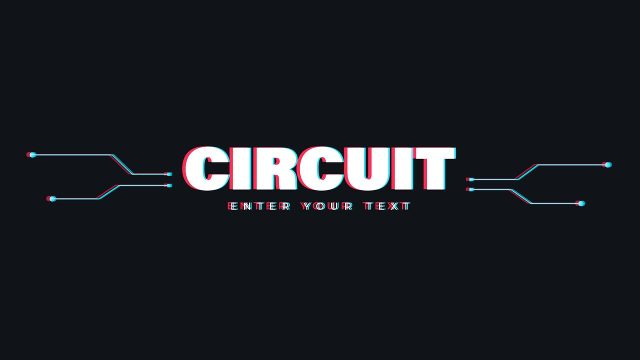
Thin Rule Corner Cross Glitch Text Animation: Premiere Pro glitch title with thin double lines with small yellow cross marks, editable text and colours, 60 fps.
Attributes
- Application Premiere Pro
- Version Premiere Pro 2023 or later
- Resolution Horizontal · Resizable
- File size 0.14 MB
- Fonts Anton · Montserrat · Changeable
- Required plugins None
- Tutorial PDF included
- Video guide How to use MOGRT in Premiere Pro
- License Commercial use
About this template
Thin Rule Corner Cross Glitch Text Animation is a digital glitch title template for Premiere Pro. Two thin rules, tiny yellow crosses and a heavy headline give this Premiere Pro glitch title a clean, technical look that still breaks up with RGB split and noise. RGB split, short noise bursts and a small idle glitch keep the cross marks alive while the title holds. Use it for event openers, podcast intros, gaming and esports videos and tech reviews. Typography: Anton and Montserrat, a free Google Font, so nothing needs to be bought.
The animation takes about 5 seconds from the first glitch to the glitch-out at the end. Properties > Templates gives you Global Scale and Position, two text lines with colour and position, Glitch Amount, RGB Split, Idle Glitch, two RGB colours, line color and cross color, plus a background on/off switch with its own colour. Made in 1920x1080 at 60 fps, the design with the cross marks scales with Global Scale and works in Premiere Pro 2023+.