Business Transitions with Slice Away Blue Heading Premiere Pro MOGRT
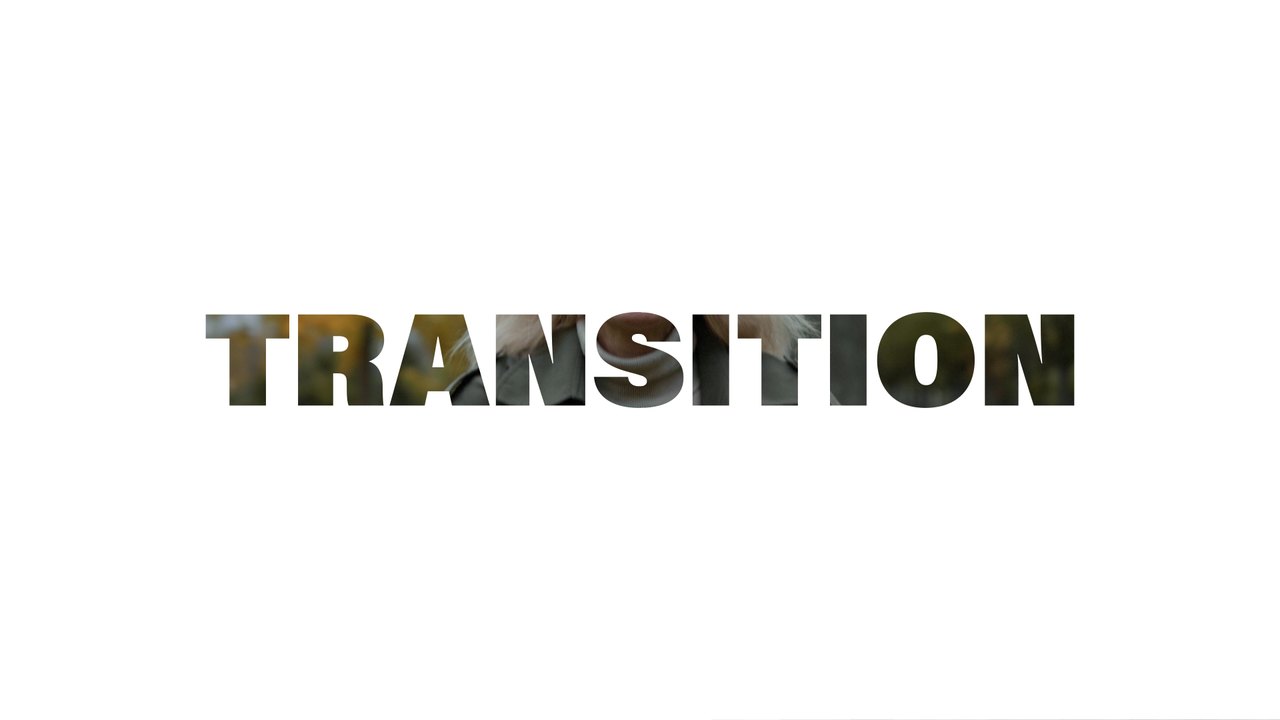
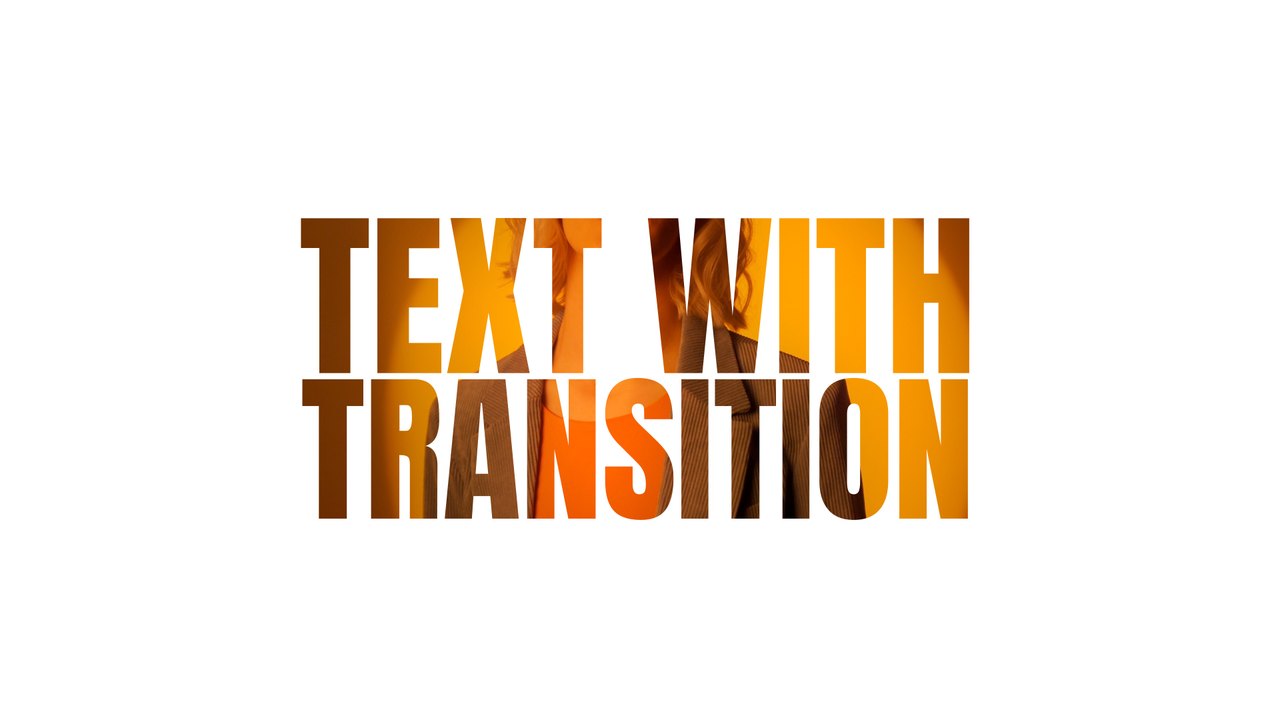
Business Transitions with Slice Away Blue Heading. A 16:9 text transition Premiere Pro MOGRT, fully editable and licensed for commercial projects.
Attributes
- Application Premiere Pro
- Version Premiere Pro 2023 or later
- Resolution Horizontal · Resizable
- File size 0.13 MB
- Fonts Protest Strike (Google Fonts)
- Required plugins None
- Tutorial PDF included
- License Commercial use
About this template
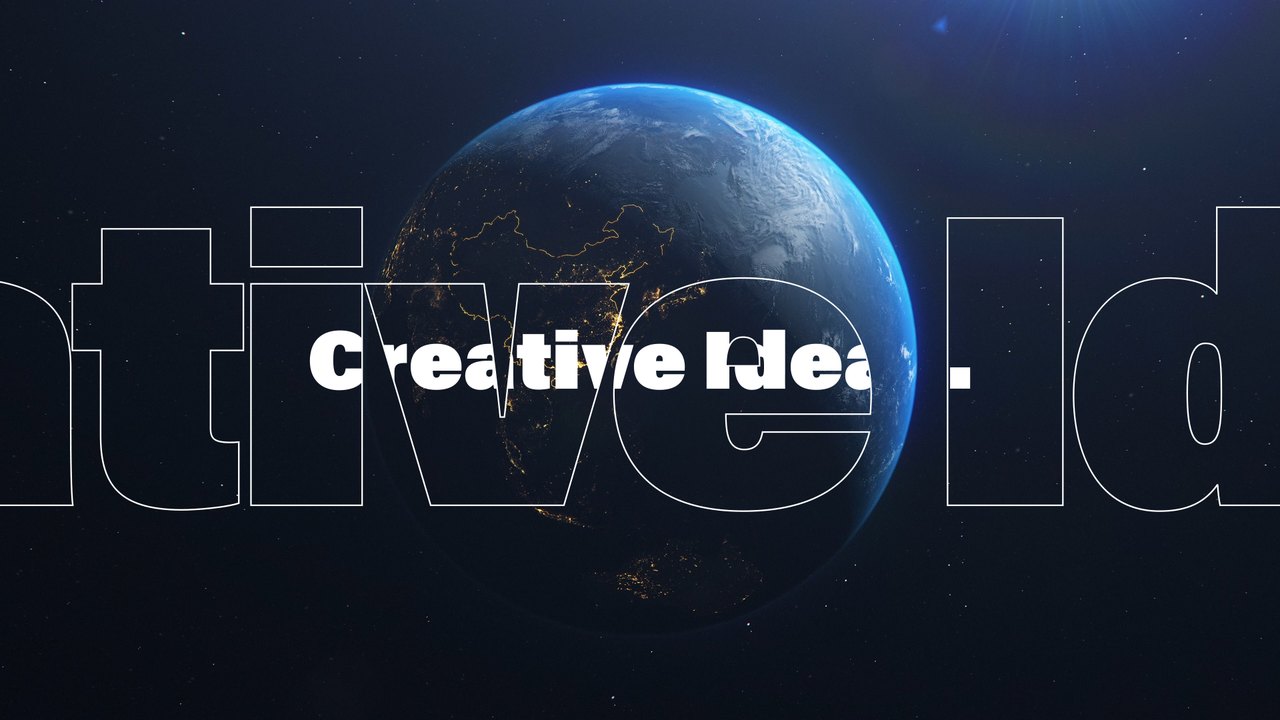
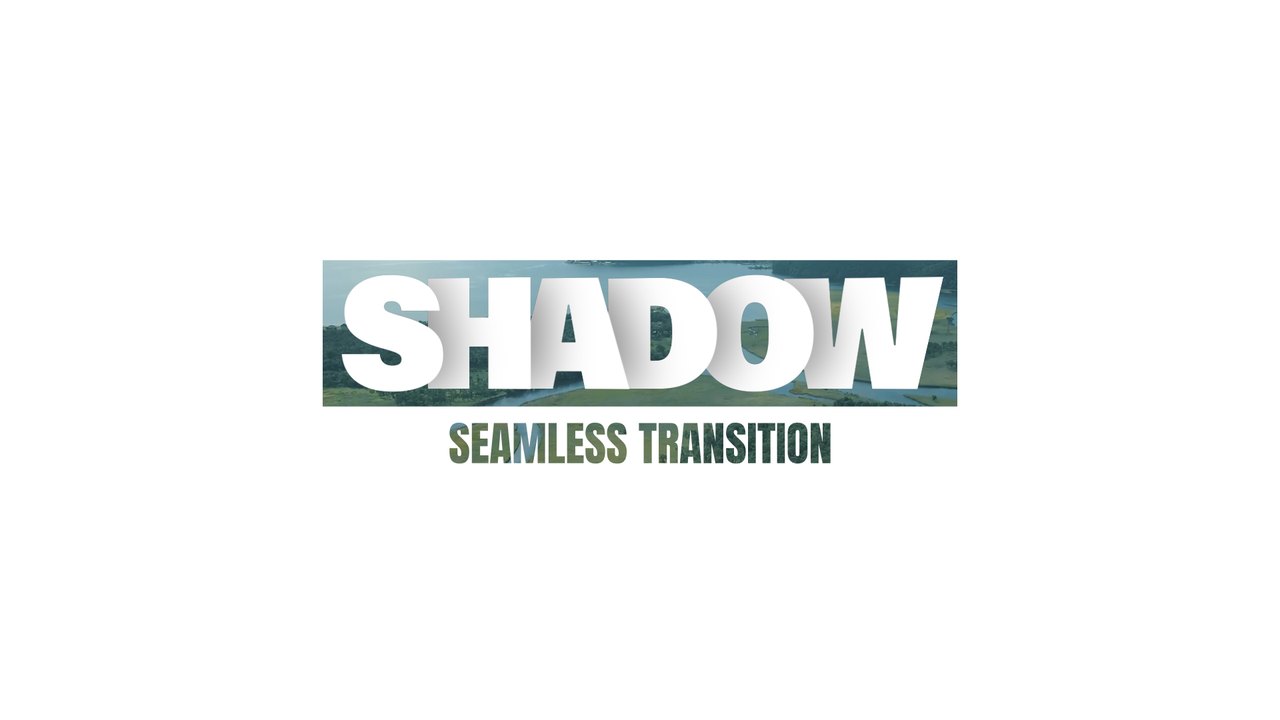
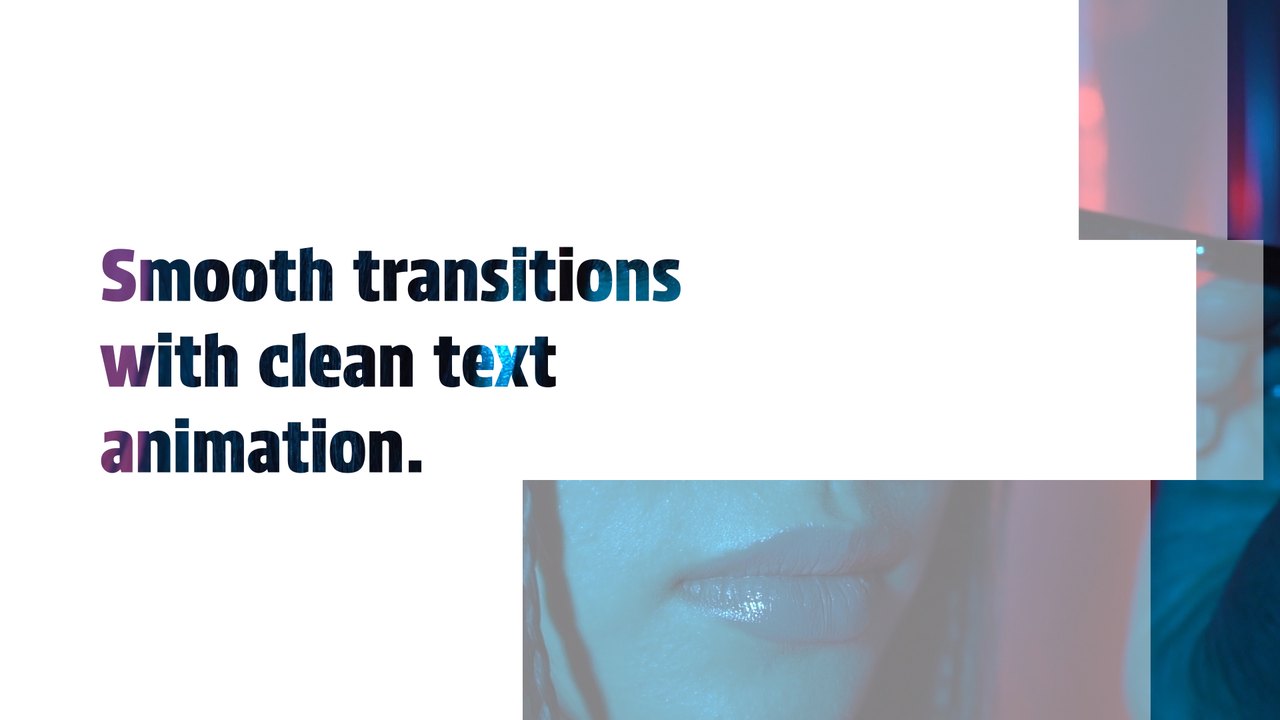
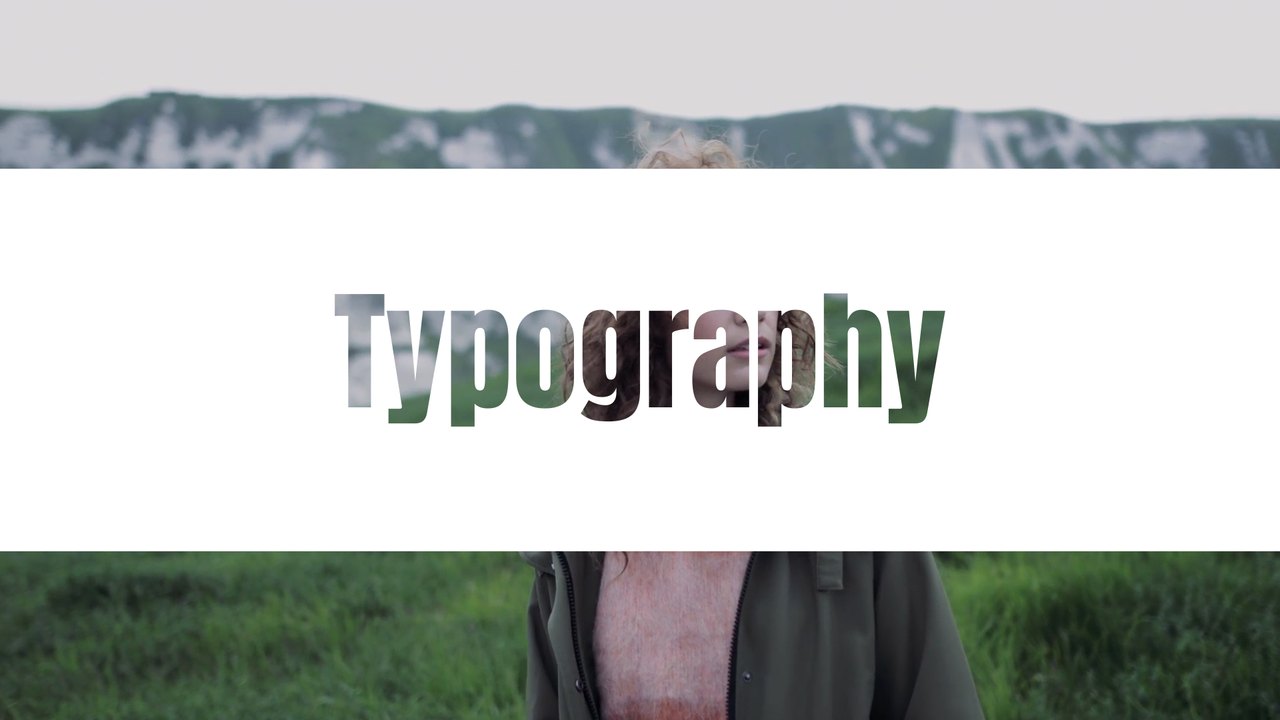
The first clip slices away to a clean white frame with a blue three-line heading, then the second clip is revealed. The letter mask effect shows your footage inside giant type, a bold transition for openers and promos. Great for video editors who want text transitions for intros, travel montages, business presentations and creator content. Swap the preview clips for your own videos in a few clicks; the text and motion stay the same. Type is set in Protest Strike, free on Google Fonts; the font guide links to it.
Install the .mogrt once through the Essential Graphics panel in Premiere Pro 2023 or later and drag it onto your timeline; After Effects is not required. You get 3 editable text fields and 5 color controls, with global position and scale. Preview footage is not included, so the text sits on top of your own clips. It plays at 60 fps for about 5 seconds in a 1920x1080 sequence. A Typoanim PDF tutorial and a font guide are included.
It belongs to the Typoanim Premium library and is unlocked with the Premium plan. A commercial license is included for client projects, ads, social media and monetized videos, credit-free. Browse more premium Premiere Pro transition templates on Typoanim.