Dark and Light Word Pair Transition Premiere Pro MOGRT
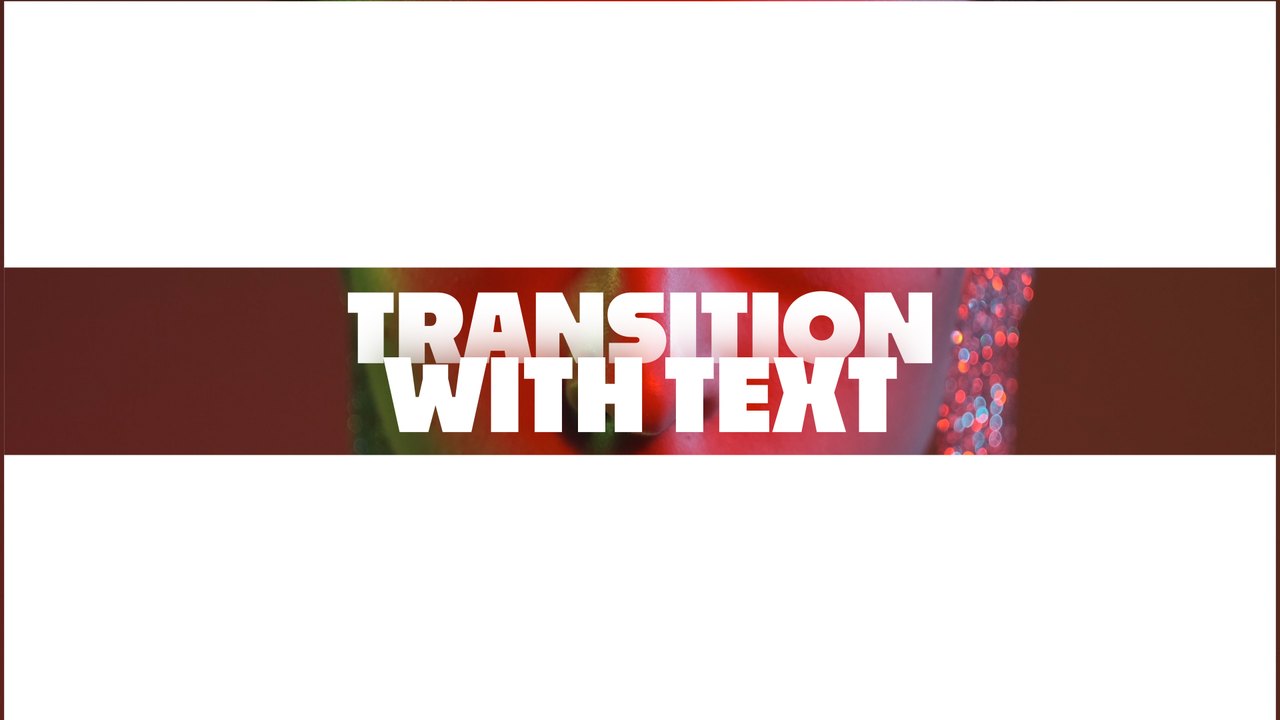
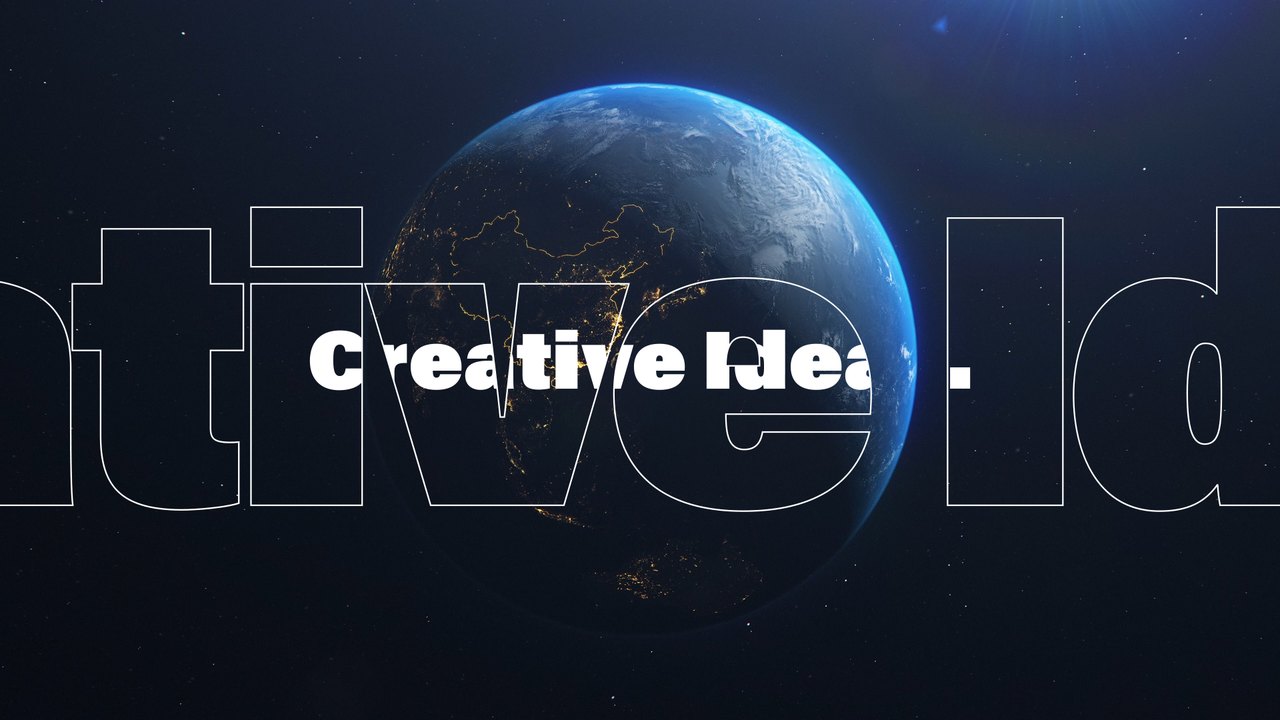
Premium Premiere Pro transition — Dark and Light Word Pair Transition. 1 editable text and 2 colors, 60 fps, tutorial included. For edits, promos and YouTube.
Attributes
- Application Premiere Pro
- Version Premiere Pro 2023 or later
- Resolution Horizontal · Resizable
- File size 0.13 MB
- Fonts Anton (Google Fonts)
- Required plugins None
- Tutorial PDF included
- License Commercial use
About this template
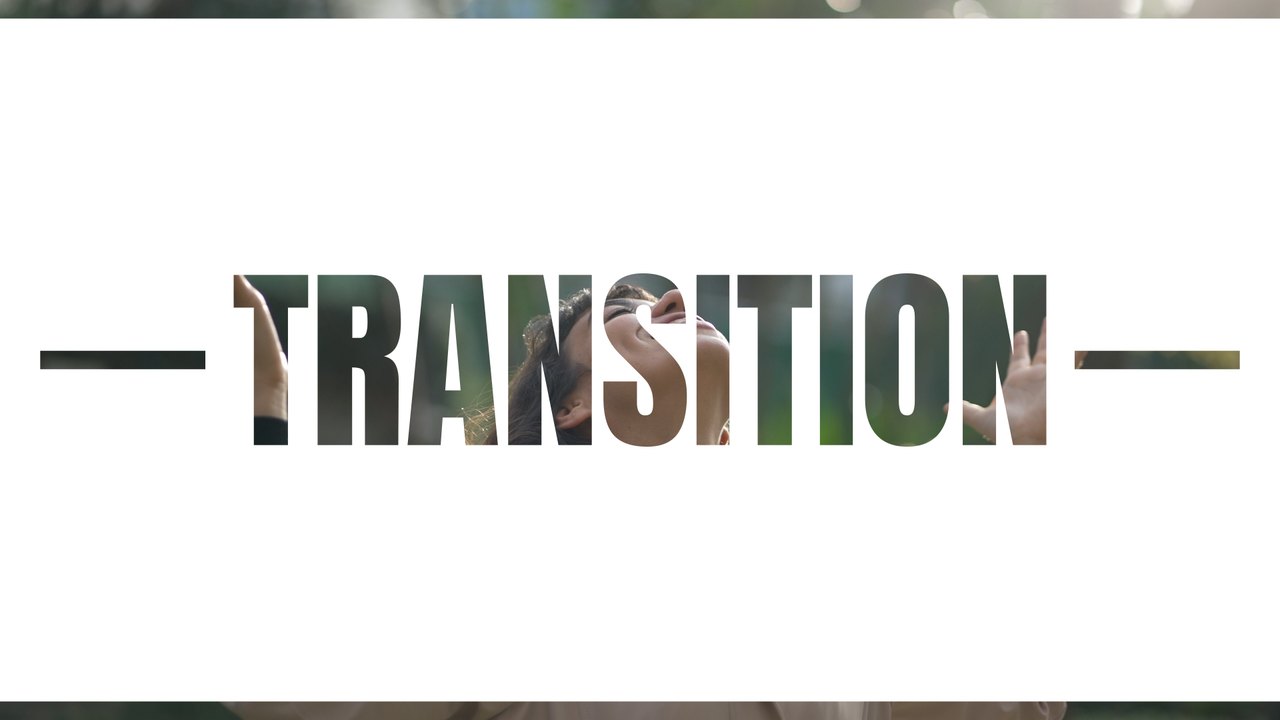
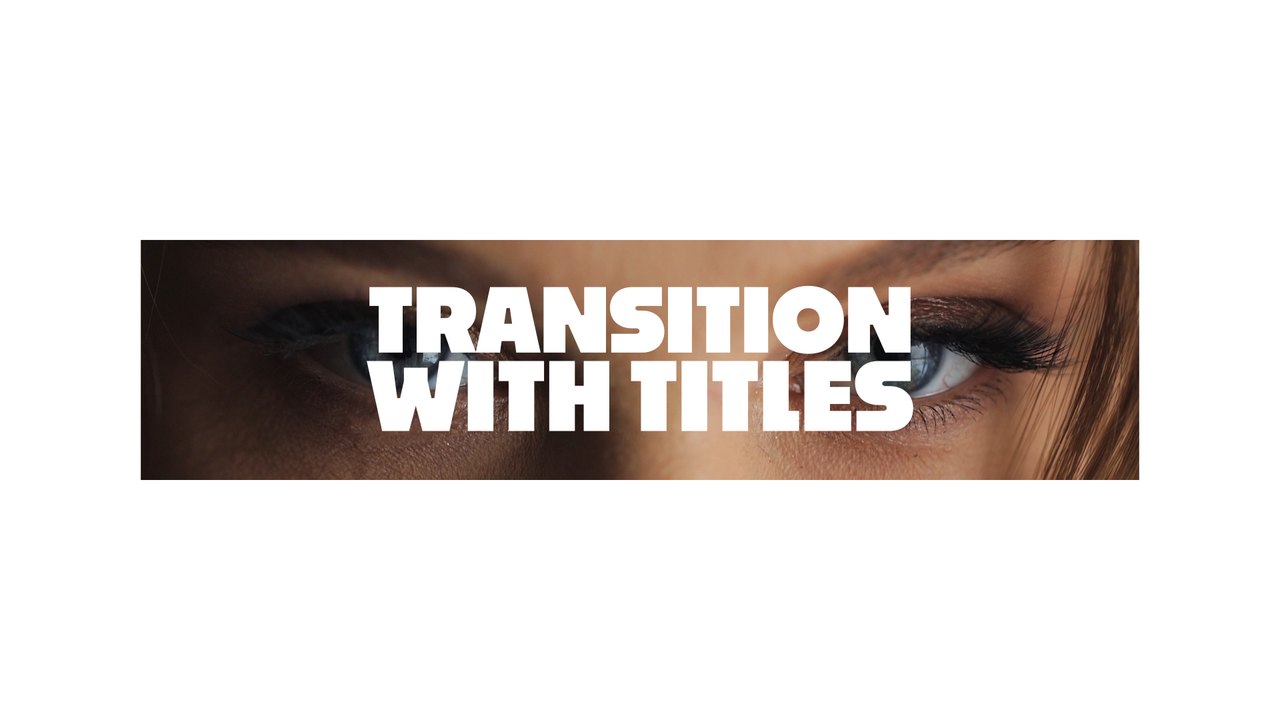
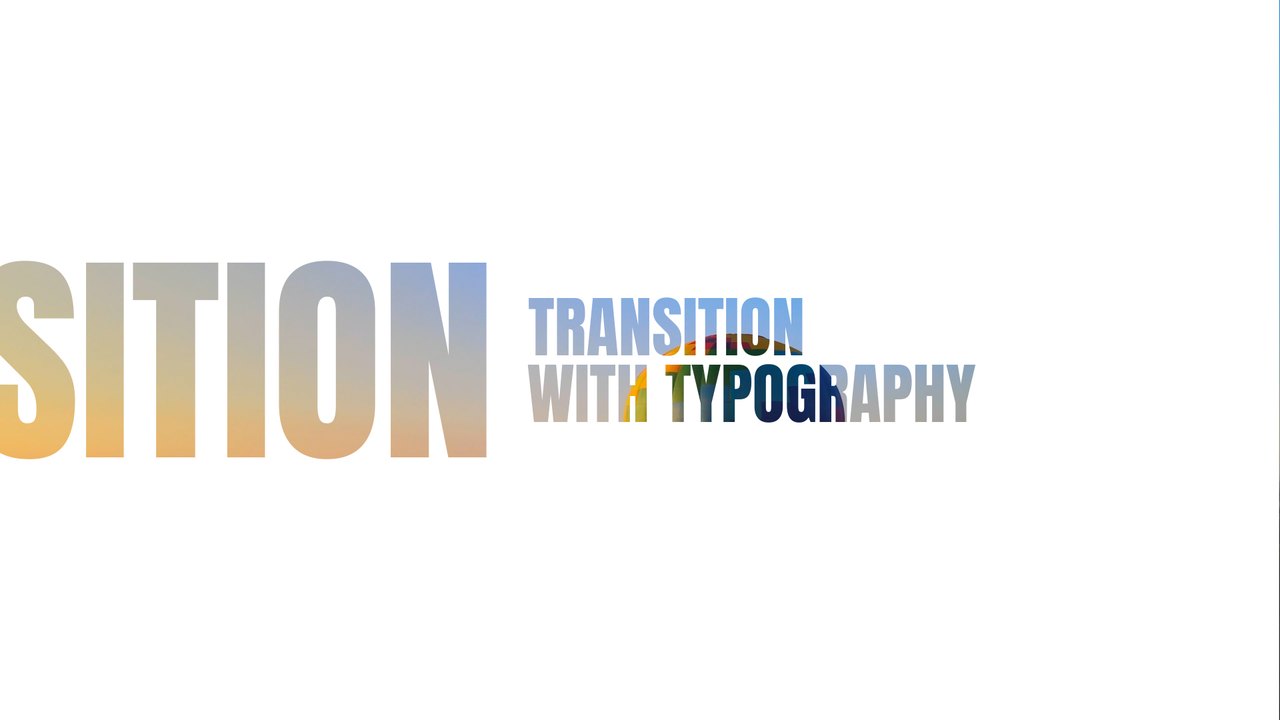
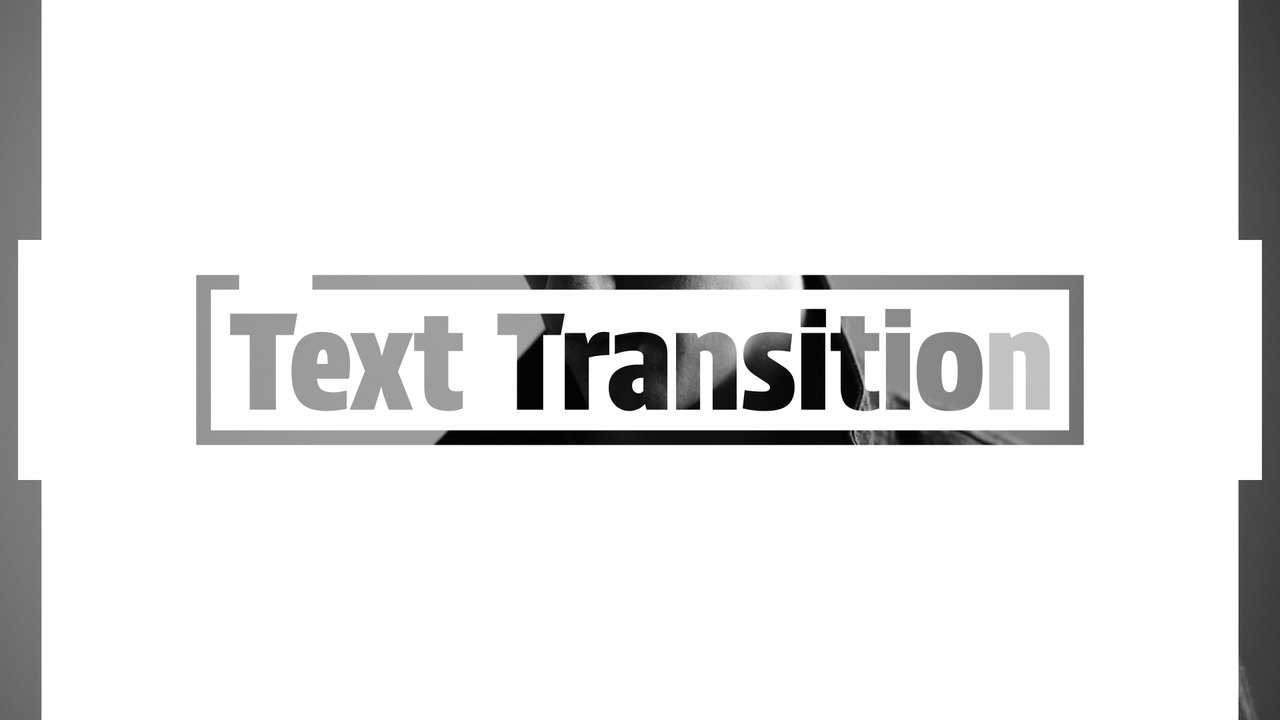
This Premiere Pro transition pairs a dark word with a light one in tall condensed type, framed by a white slide that wipes over the cut. It is perfect for beauty creators, nightlife promos, product teasers and Reels that need a clear title break. Anton, a free Google Font, gives the title its strong character.
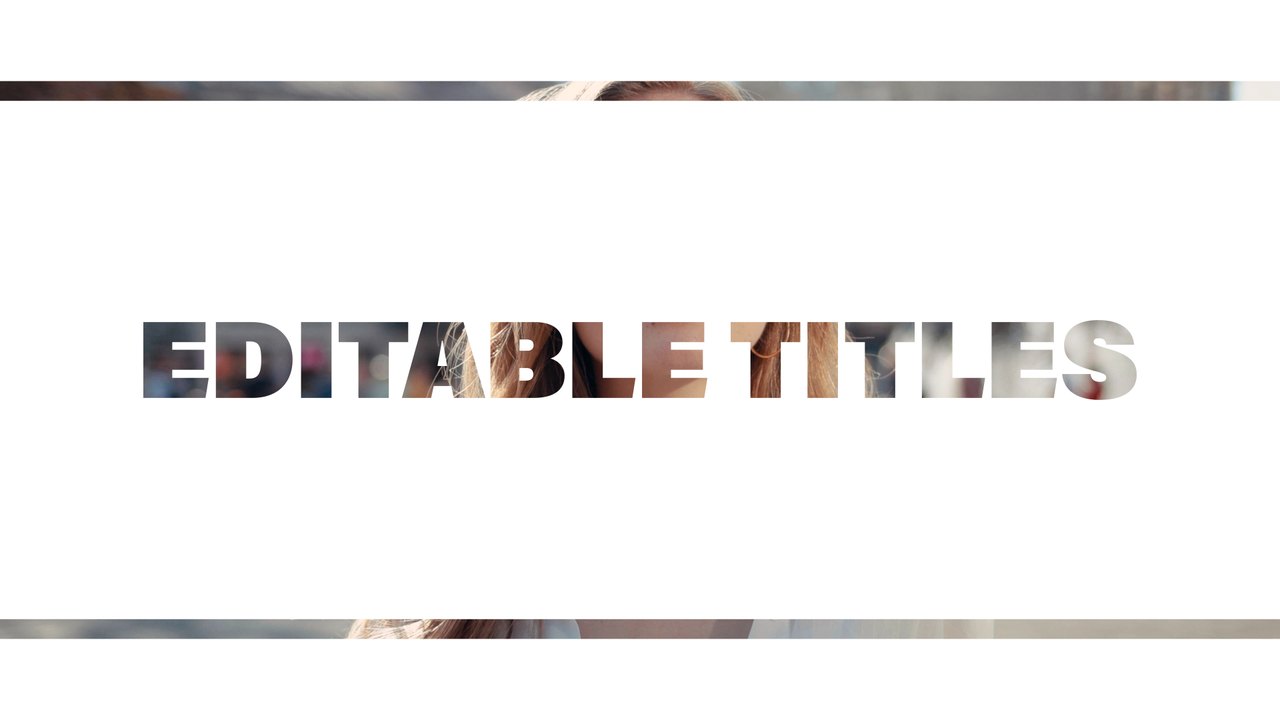
Install the .mogrt once through the Essential Graphics panel in Premiere Pro 2023 or later; After Effects is not needed. Place it over the edit point between two clips so the slide hides the cut while your words animate. You get 1 editable text field and 2 color controls, a background switch and global scale and position controls. The transition lasts roughly 5 seconds at 60 fps in a 1920x1080 sequence. A Typoanim PDF tutorial and a font guide come with the download. It also works over a single clip as an animated title card when you do not need a scene change.
It belongs to the Typoanim Premium library and is unlocked with the Premium plan. A commercial license is included for client work, paid ads, corporate videos and monetized content, credit-free. Explore the full premium collection of Premiere Pro templates on Typoanim.