Footage Lettering Text Transitions featuring Panel Wipe Premiere Pro MOGRT
Footage Lettering Text Transitions featuring Panel Wipe — premium 16:9 text transition for Premiere Pro MOGRT. Easy to edit, commercial use.
Attributes
- Application Premiere Pro
- Version Premiere Pro 2023 or later
- Resolution Horizontal · Resizable
- File size 0.13 MB
- Fonts Protest Strike (Google Fonts)
- Required plugins None
- Tutorial PDF included
- License Commercial use
About this template
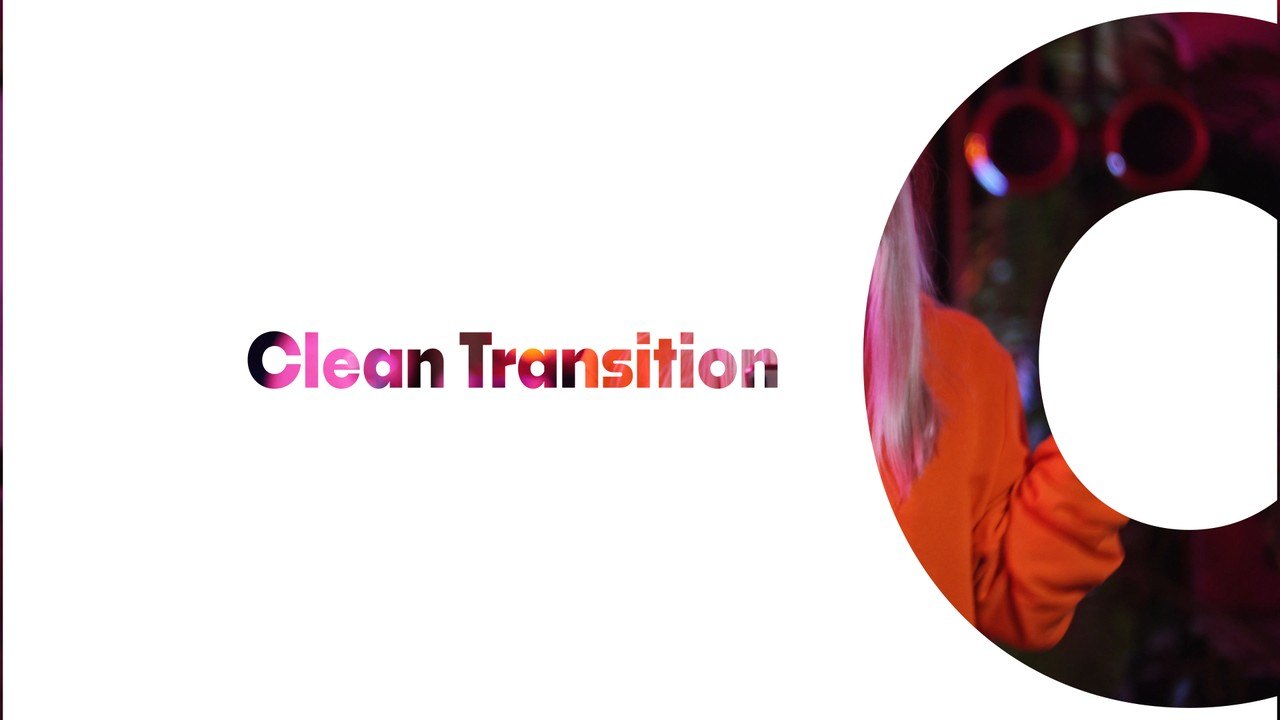
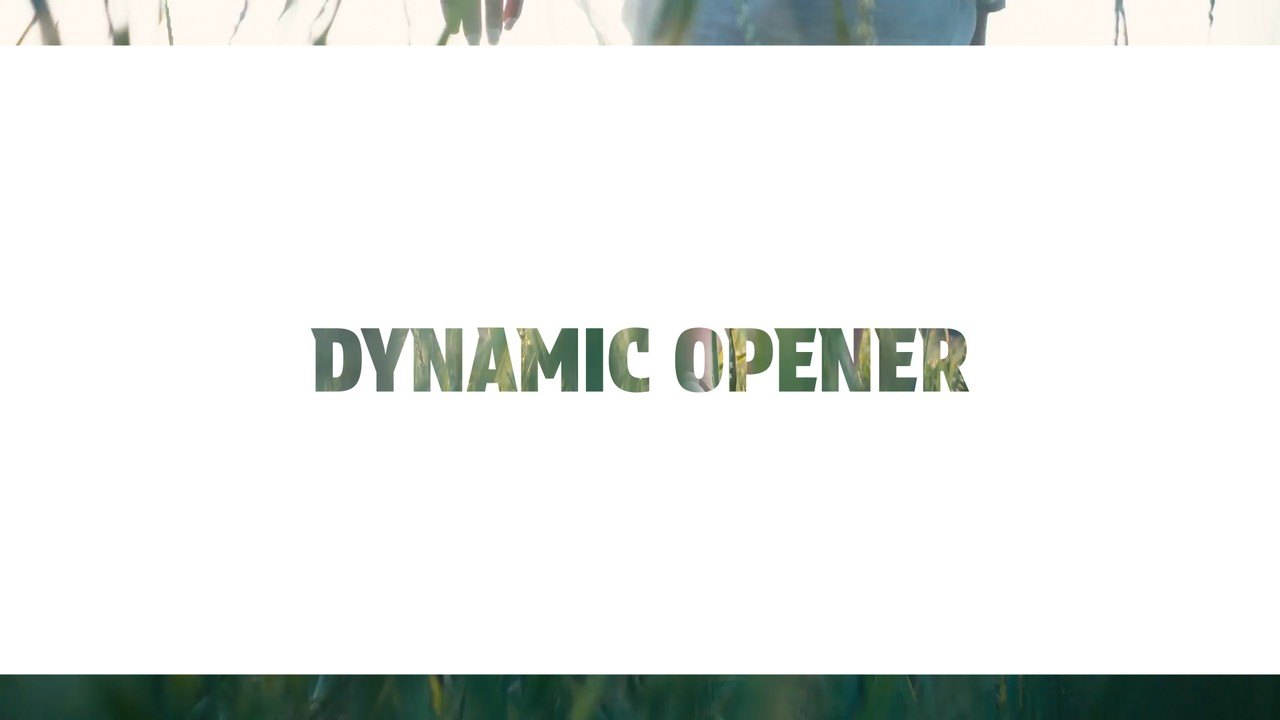
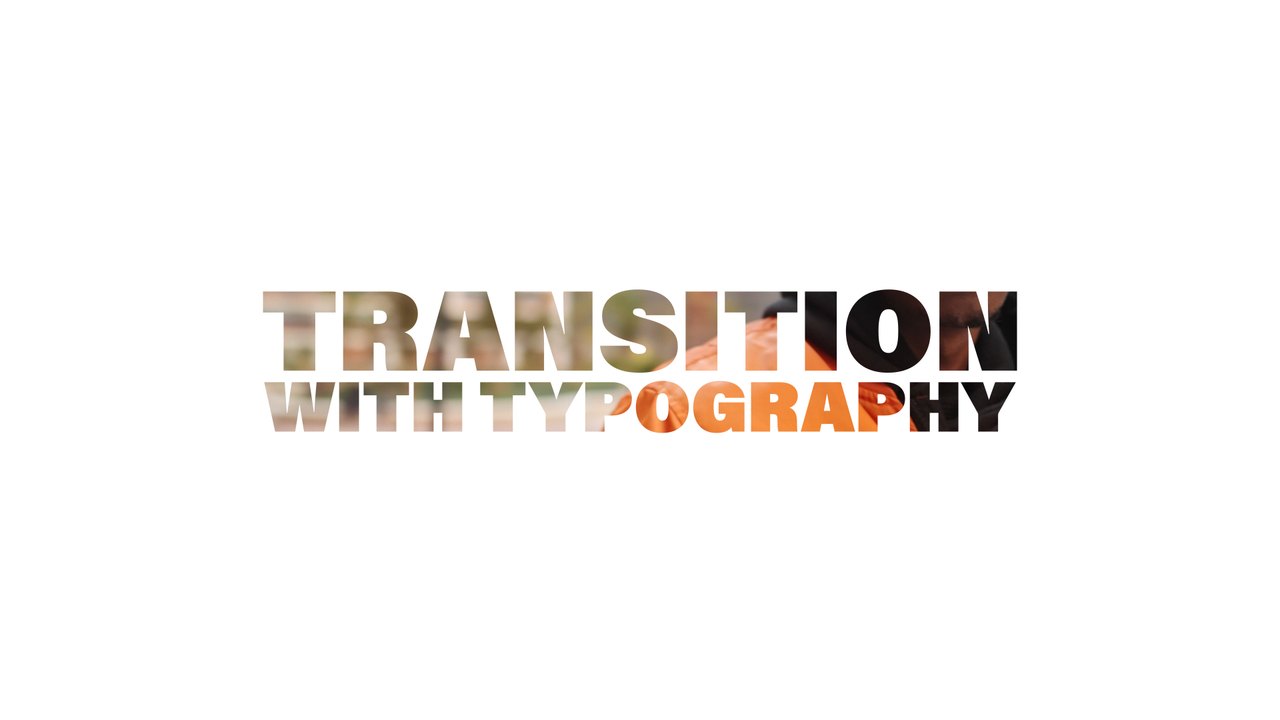
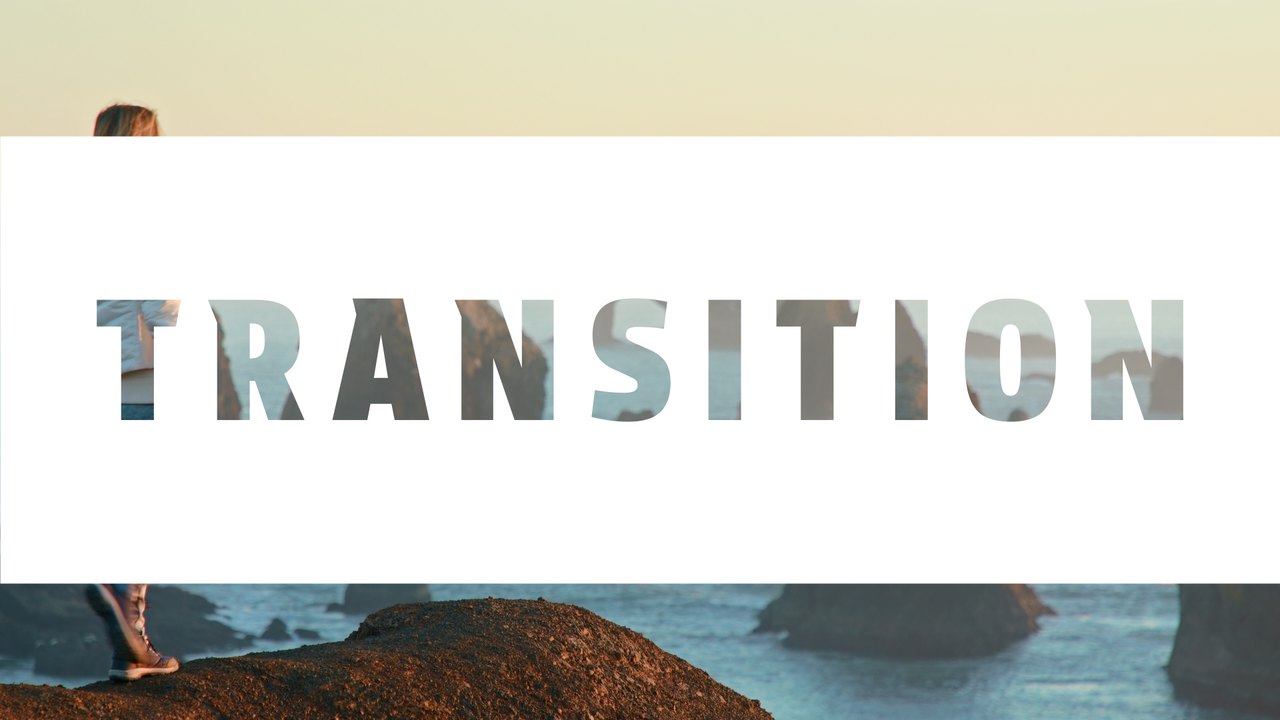
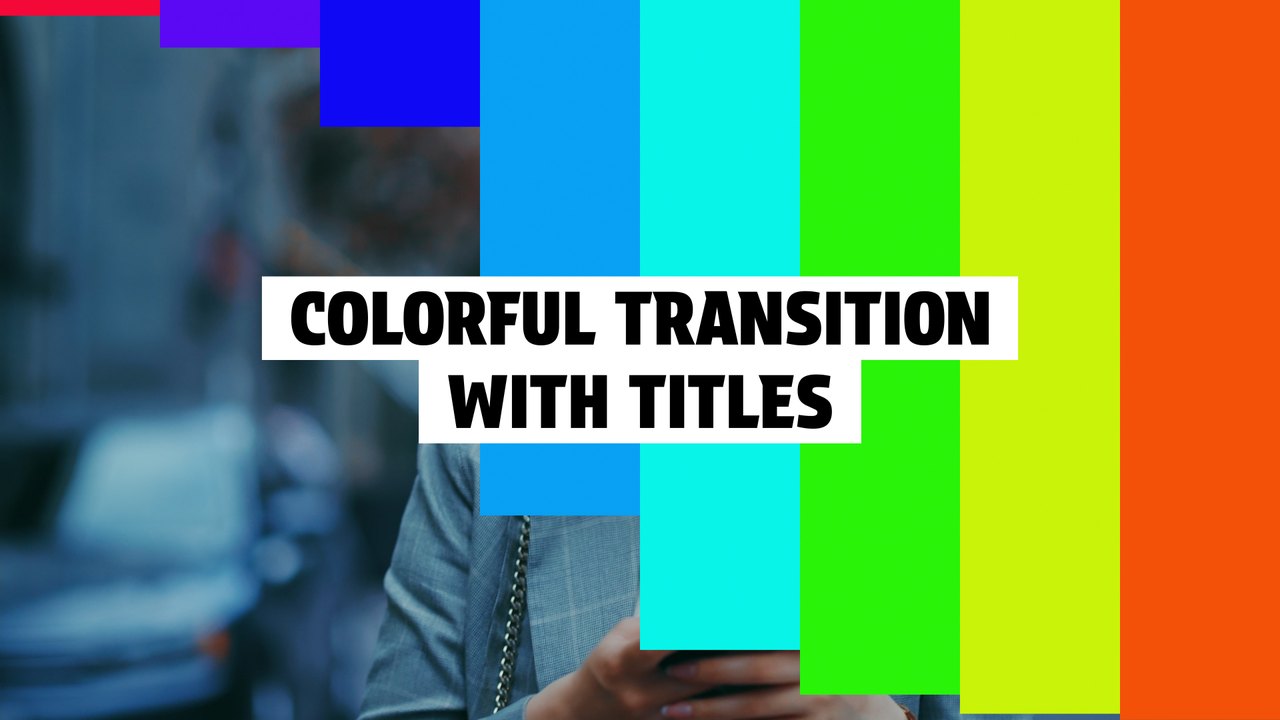
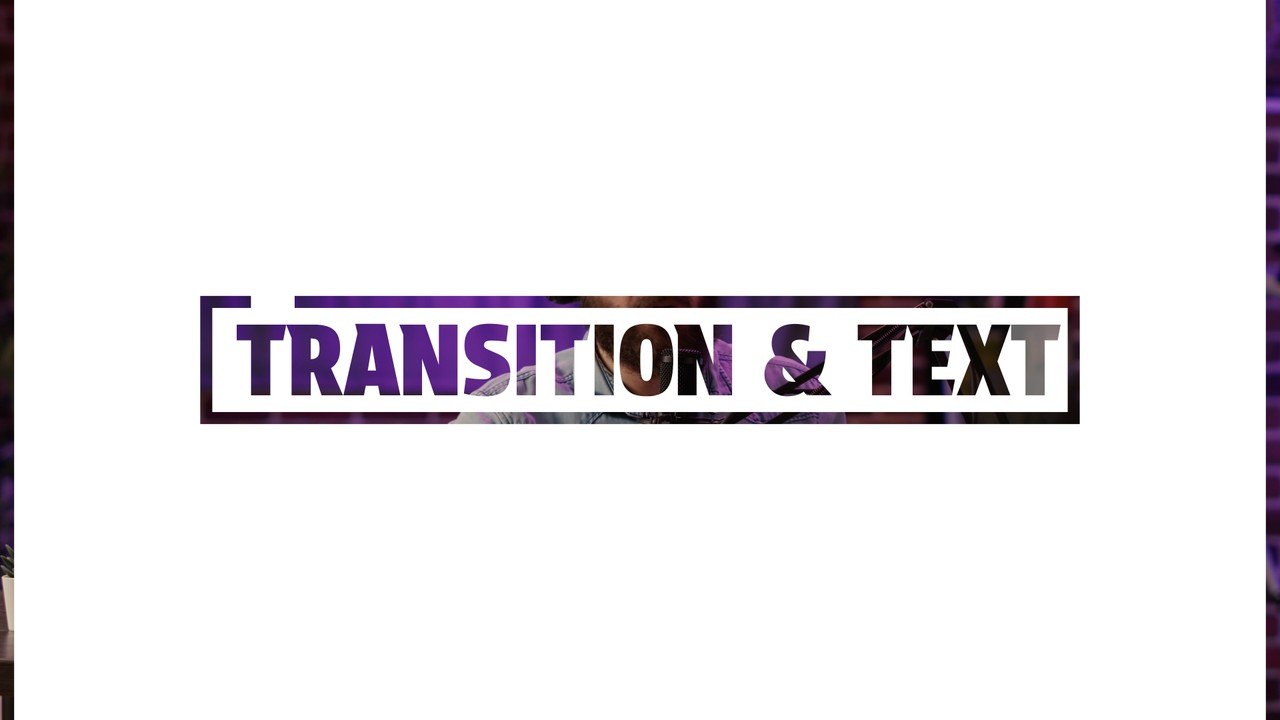
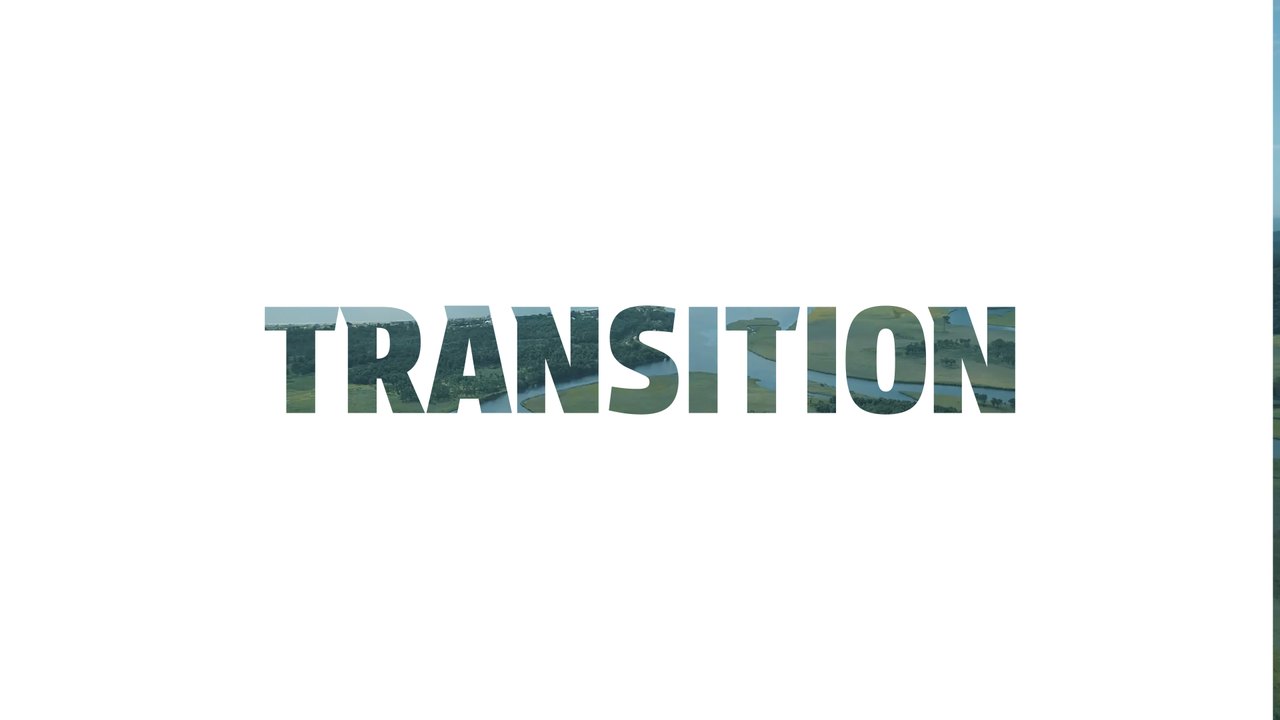
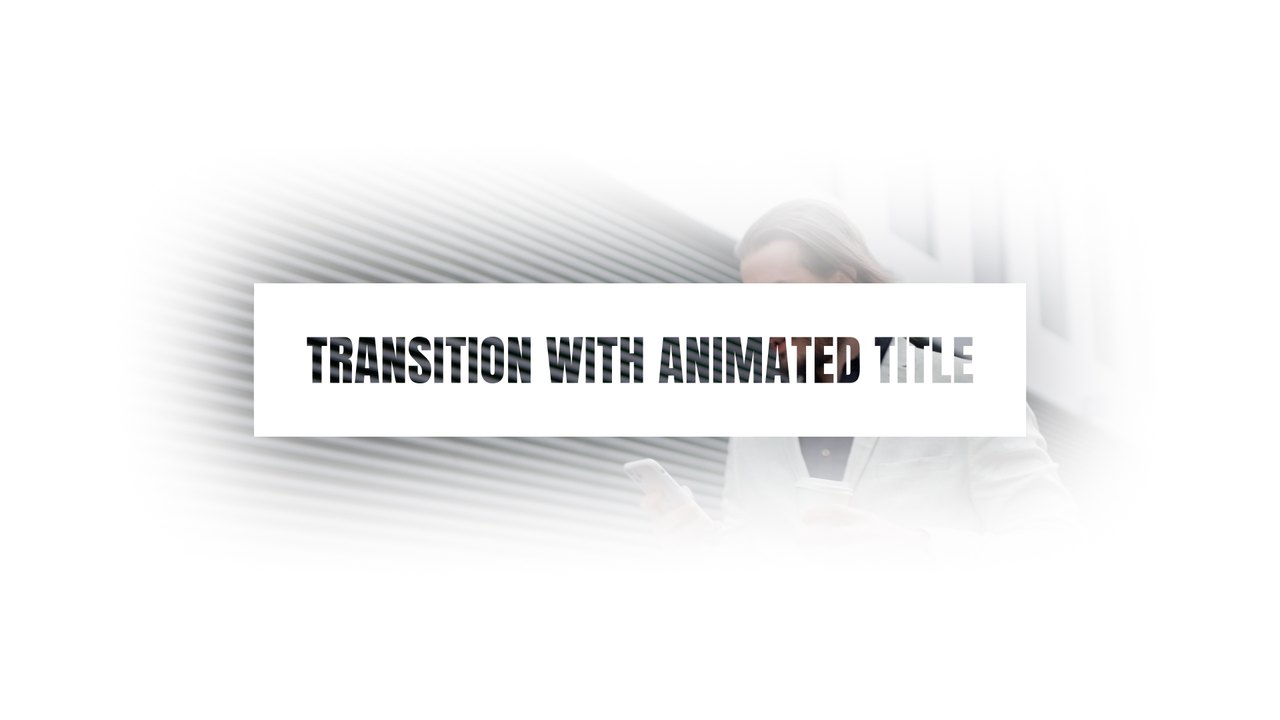
A bright panel wipes over the frame with footage-filled lettering, then pulls away to reveal your next clip. The text cutout look lets your footage play through the letters, a trendy effect for vlogs, promos and fashion edits. Use it between chapters, as an opener or as a title card that leads into your next shot in any edit. Swap the preview clips for your own videos in a few clicks; the text and motion stay the same. Type is set in Protest Strike, free on Google Fonts; the font guide links to it.
Install the .mogrt once through the Essential Graphics panel in Premiere Pro 2023 or later and drag it onto your timeline; After Effects is not required. You get 1 editable text field and 3 color controls, with global position and scale. The background footage in the preview is for demonstration only and is not included; place the graphics over your own video. It plays at 60 fps for about 4 seconds in a 1920x1080 sequence. The download also includes a PDF tutorial and a font guide.
It belongs to the Typoanim Premium library and is unlocked with the Premium plan. A commercial license is included for client projects, ads, social media and monetized videos, credit-free. Find more transition templates for Premiere Pro in the premium collection.