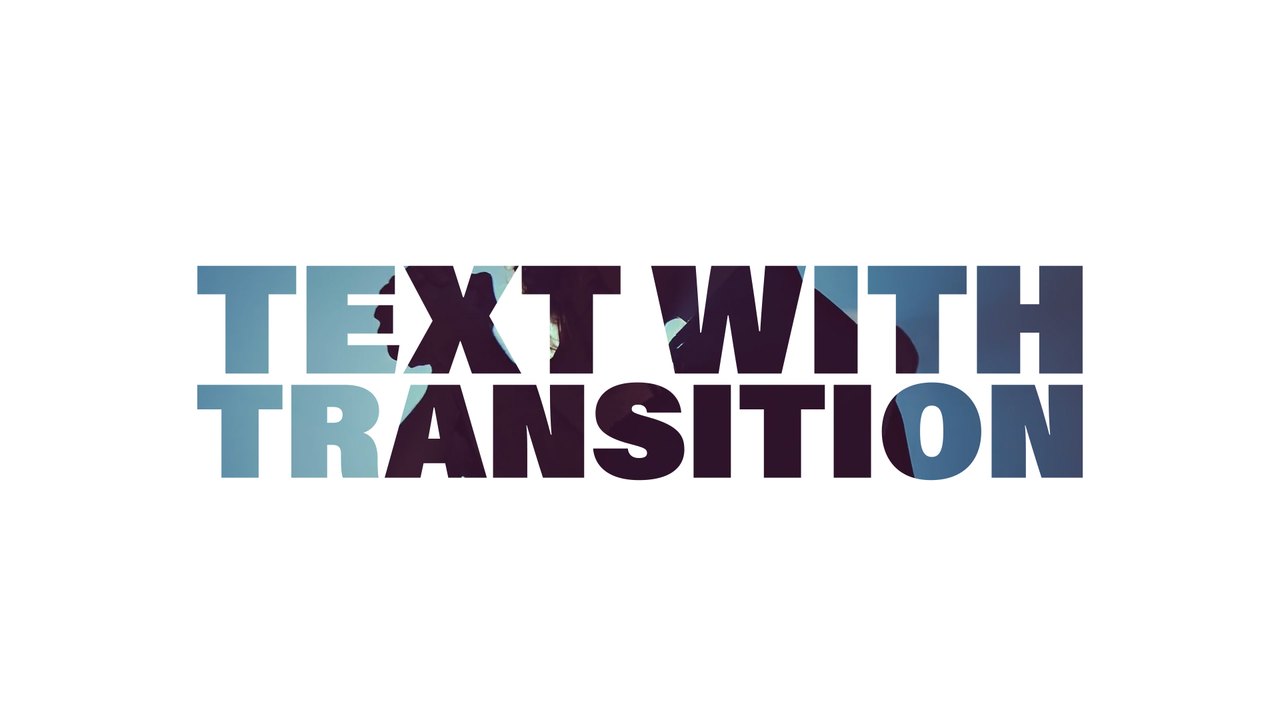
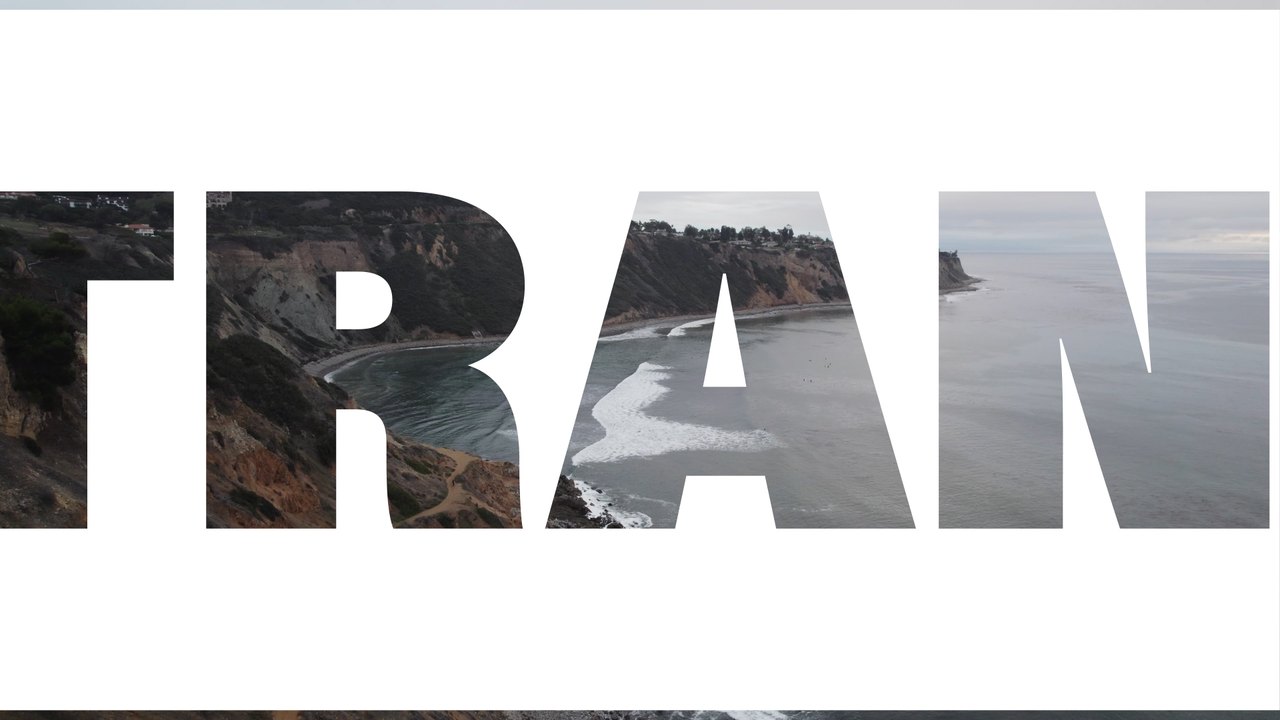
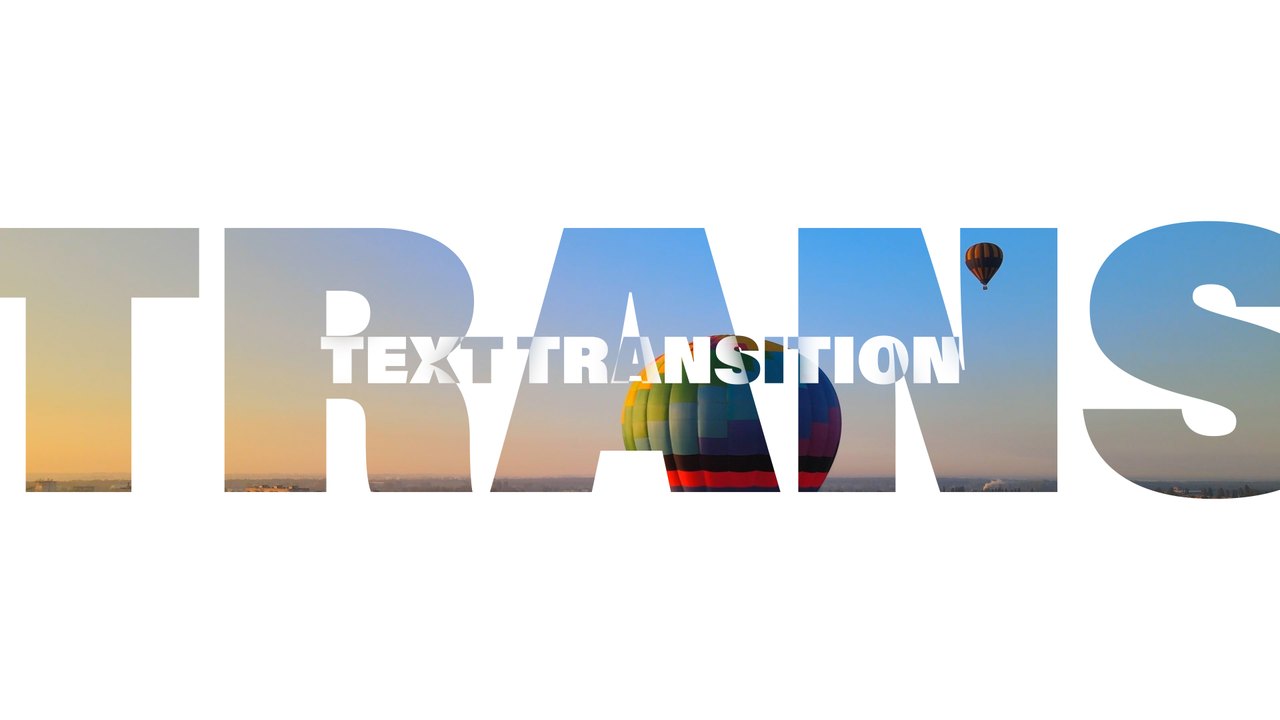
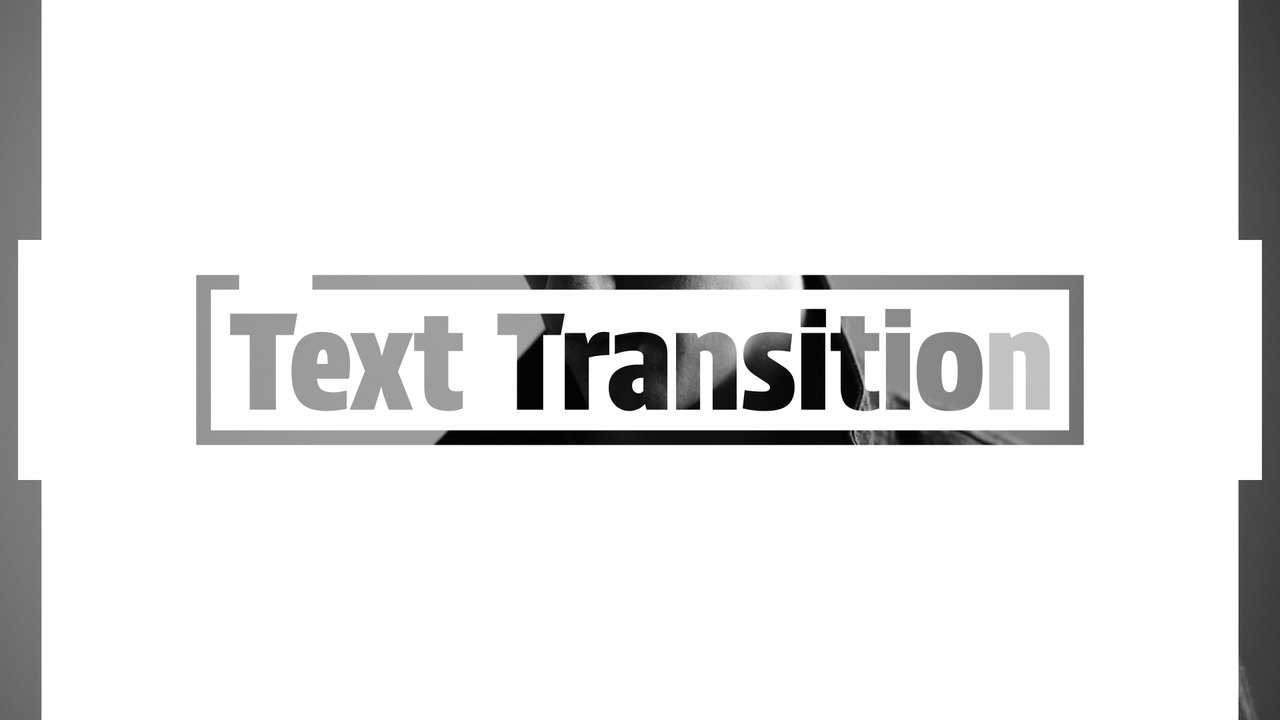
Heavy Frame Single Word Gaming Transition Premiere Pro MOGRT
Premium Premiere Pro transition — Heavy Frame Single Word Gaming Transition. 1 editable text and 2 colors, 60 fps, tutorial included. Download now. No plugins.
Attributes
- Application Premiere Pro
- Version Premiere Pro 2023 or later
- Resolution Horizontal · Resizable
- File size 0.13 MB
- Fonts Acumin Pro (Adobe Fonts)
- Required plugins None
- Tutorial PDF included
- License Commercial use
About this template
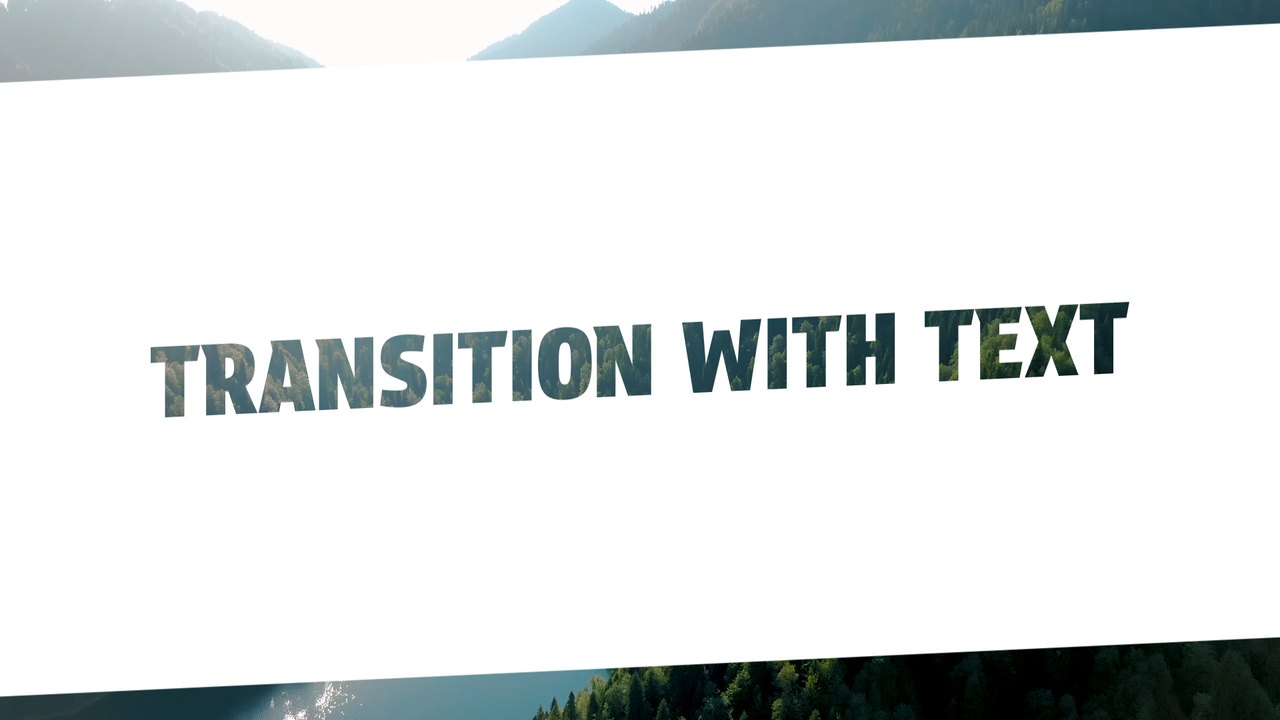
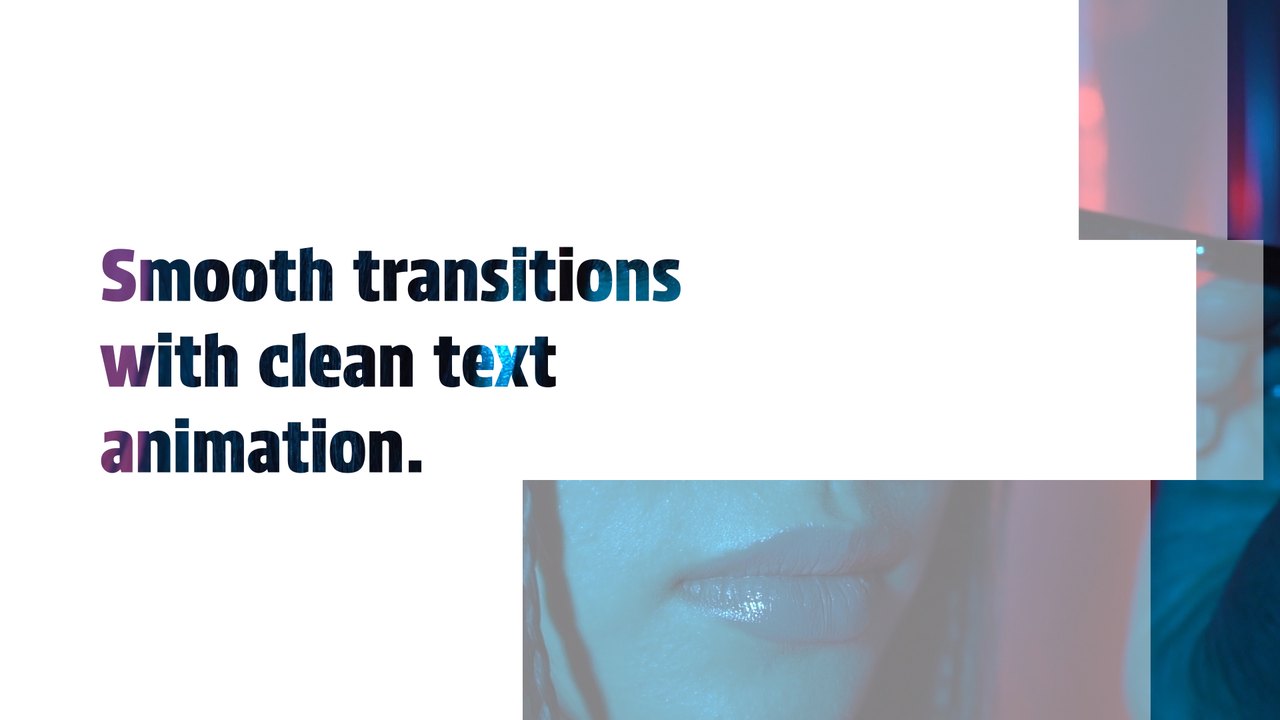
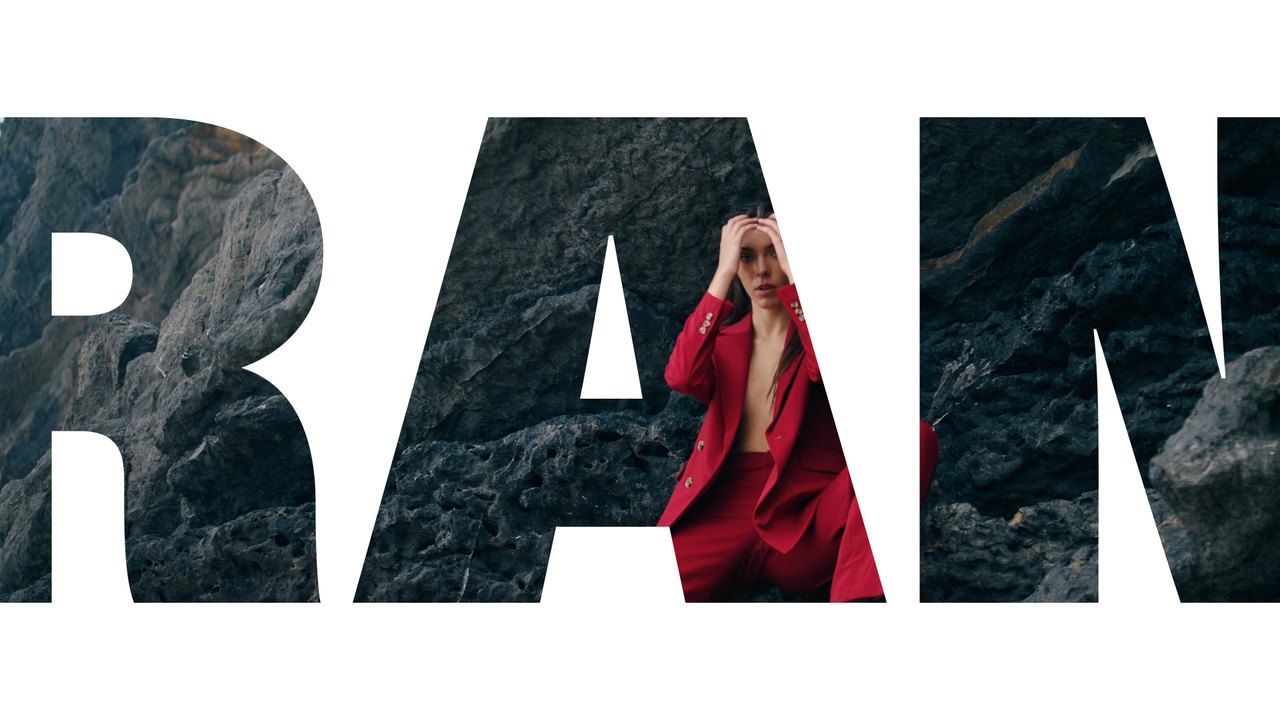
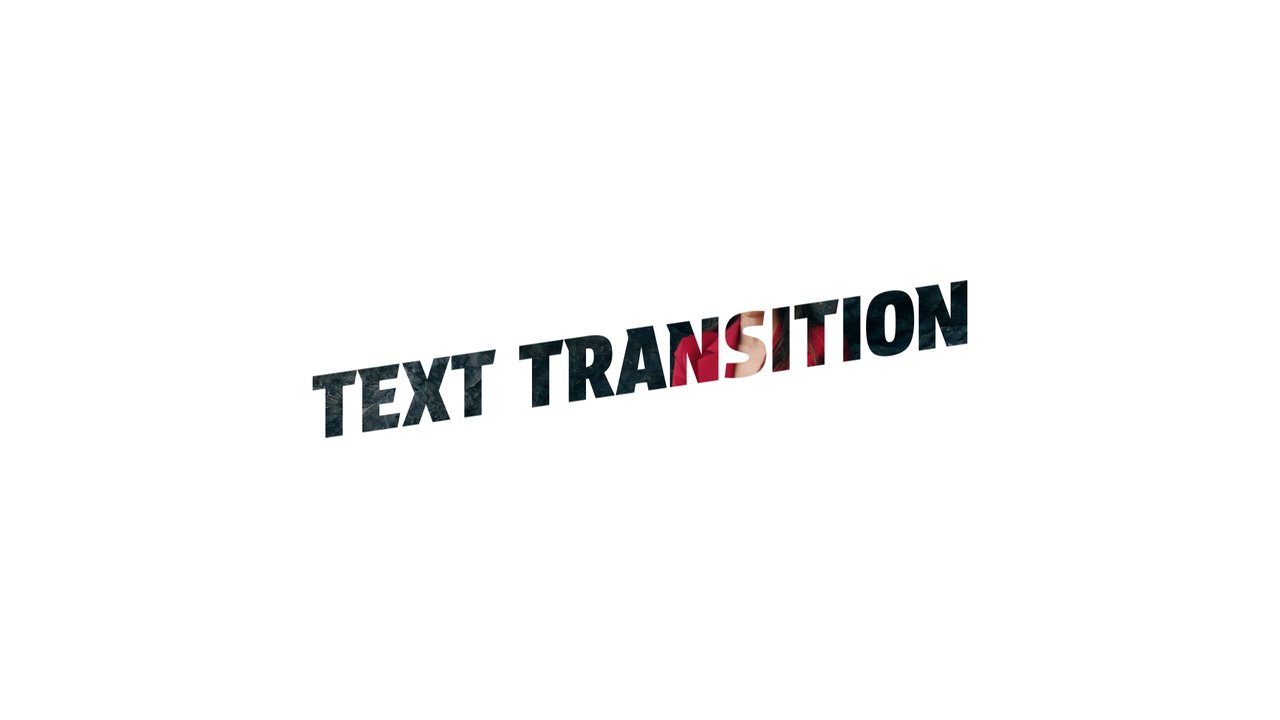
One bold word framed by a heavy outline bridges two clips in this Premiere Pro transition. Use it for gaming intros, tech reviews, software promos and YouTube chapter breaks. It is set in Acumin Pro, available at no extra cost through Adobe Fonts with any Creative Cloud plan.
Install the .mogrt once through the Essential Graphics panel in Premiere Pro 2023 or later; After Effects is not needed. Drop it on a track above the cut between two clips: the slide covers the edit, your title plays and the next shot is revealed. The Edit tab offers 1 editable text field and 2 color controls, a Background On/Off switch and global scale and position. The transition lasts roughly 5 seconds at 60 fps in a 1920x1080 sequence. The download includes our PDF tutorial and a font guide with direct links. It also works over a single clip as an animated title card when you do not need a scene change.
It belongs to the Typoanim Premium library and is unlocked with the Premium plan. The commercial license covers client projects, advertising, monetized YouTube channels and social media, with no attribution required. Combine it with other premium transitions for Premiere Pro to keep a whole series consistent.