Soft Shadow Label Text Transition Premiere Pro MOGRT
Soft Shadow Label Text Transition: premium Premiere Pro text transition with 1 editable text and 2 colors, 60 fps and a commercial license. Download now.
Attributes
- Application Premiere Pro
- Version Premiere Pro 2023 or later
- Resolution Horizontal · Resizable
- File size 0.14 MB
- Fonts Anton (Google Fonts)
- Required plugins None
- Tutorial PDF included
- License Commercial use
About this template
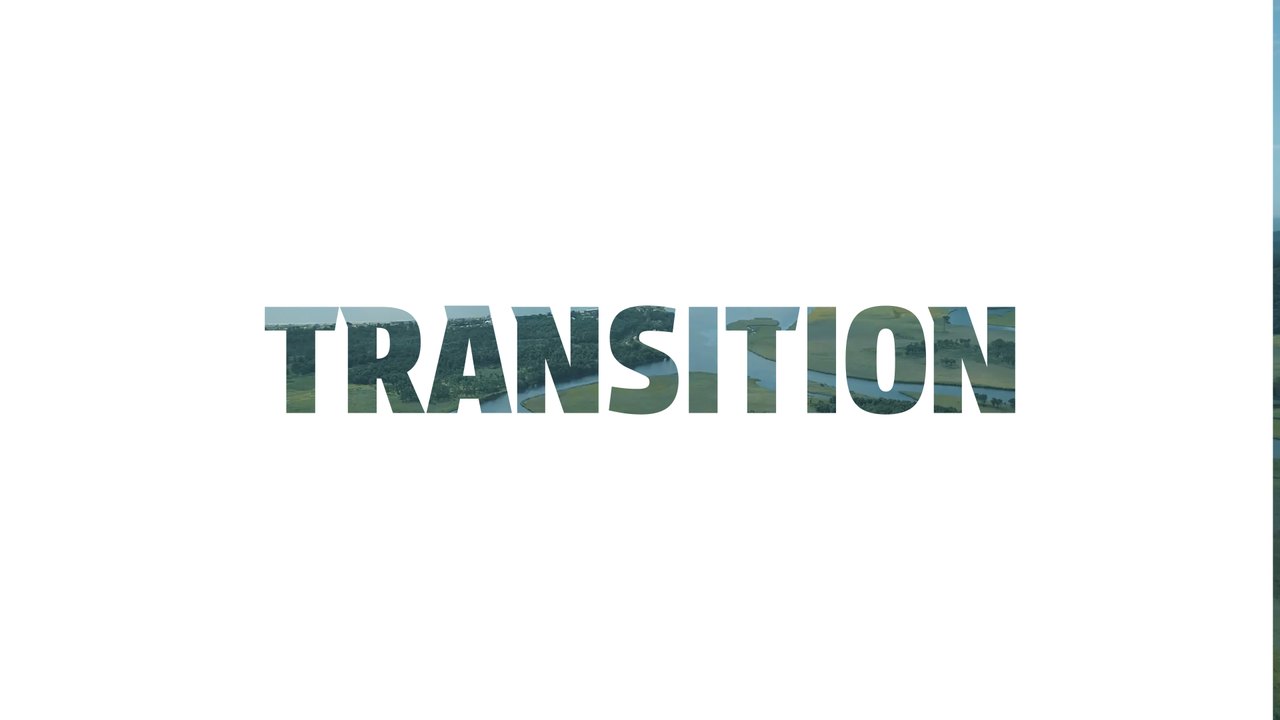
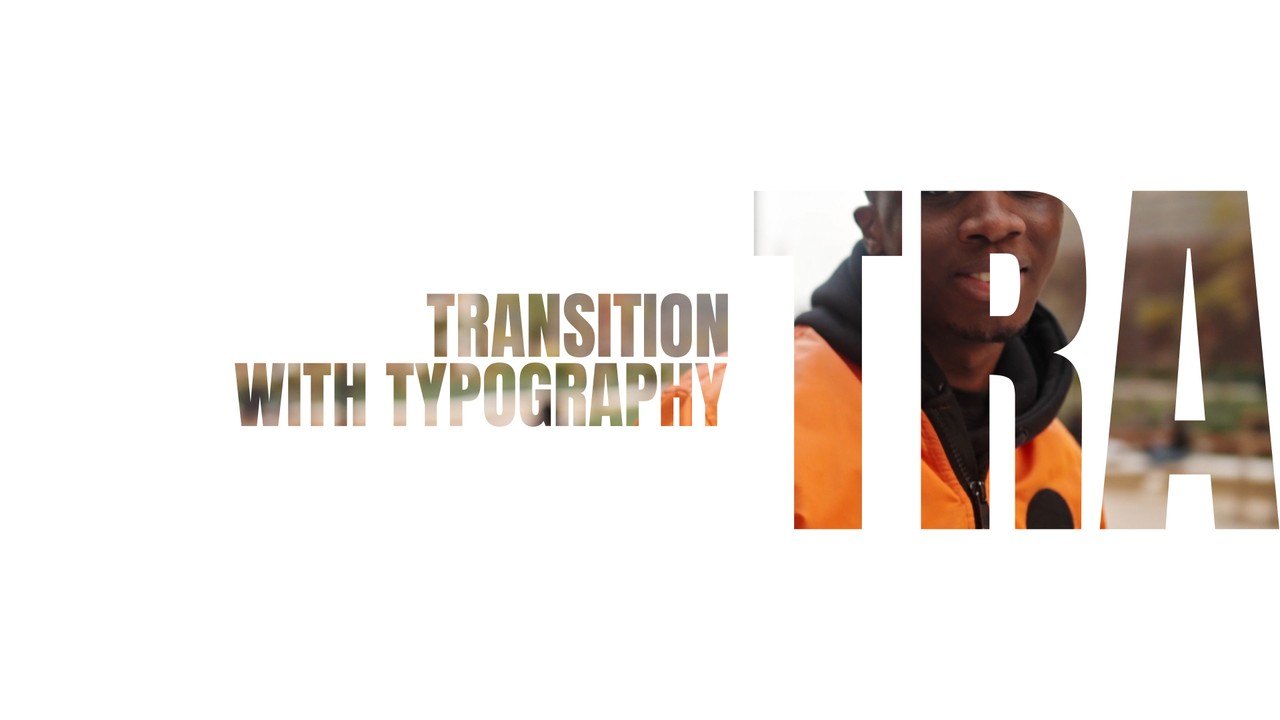
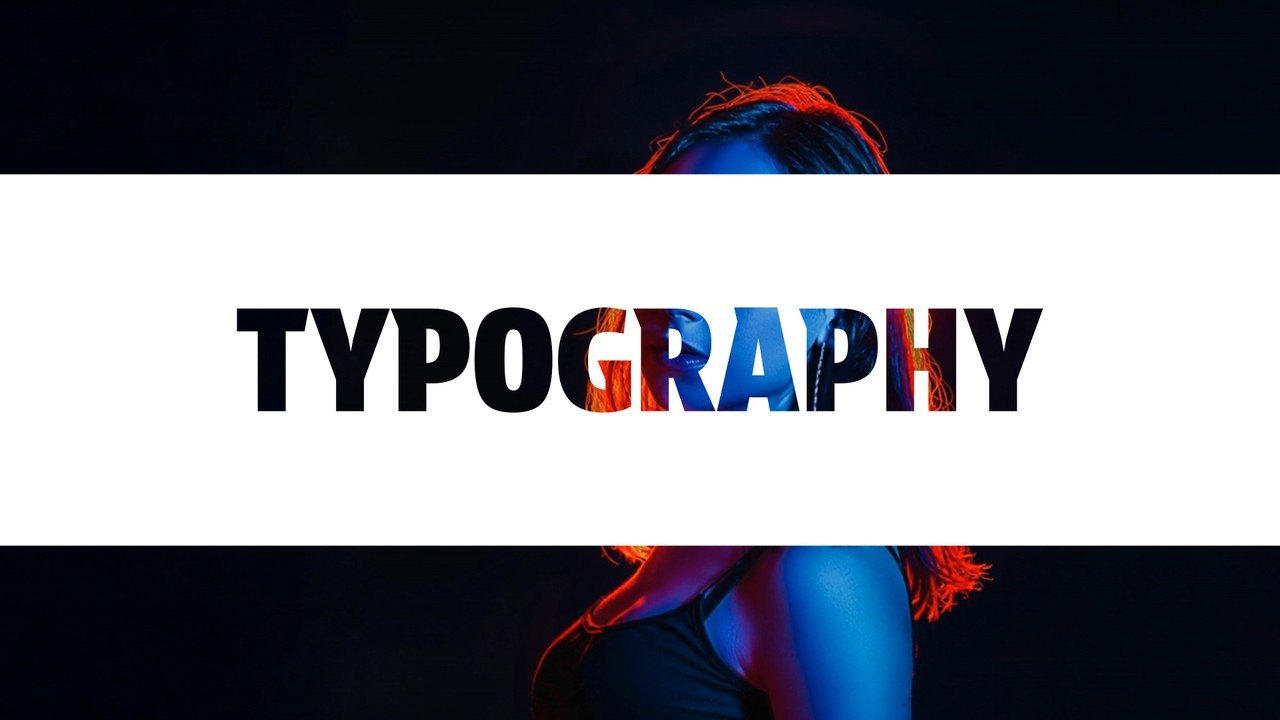
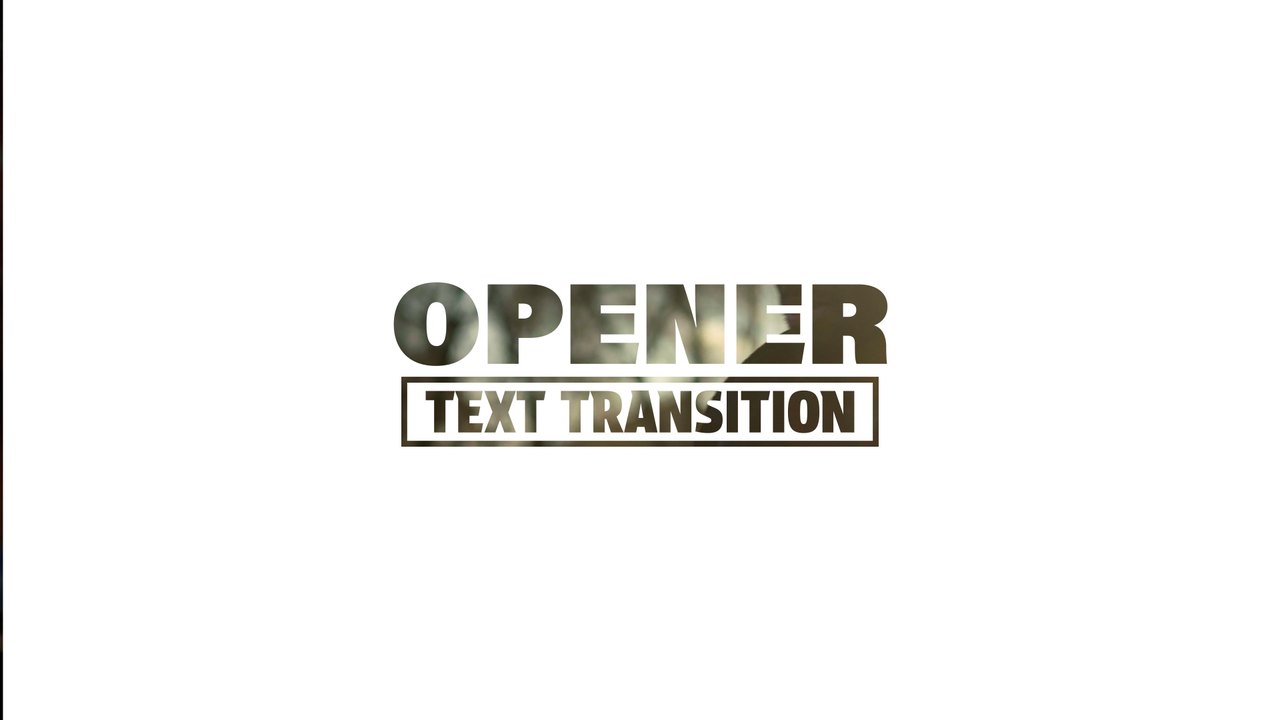
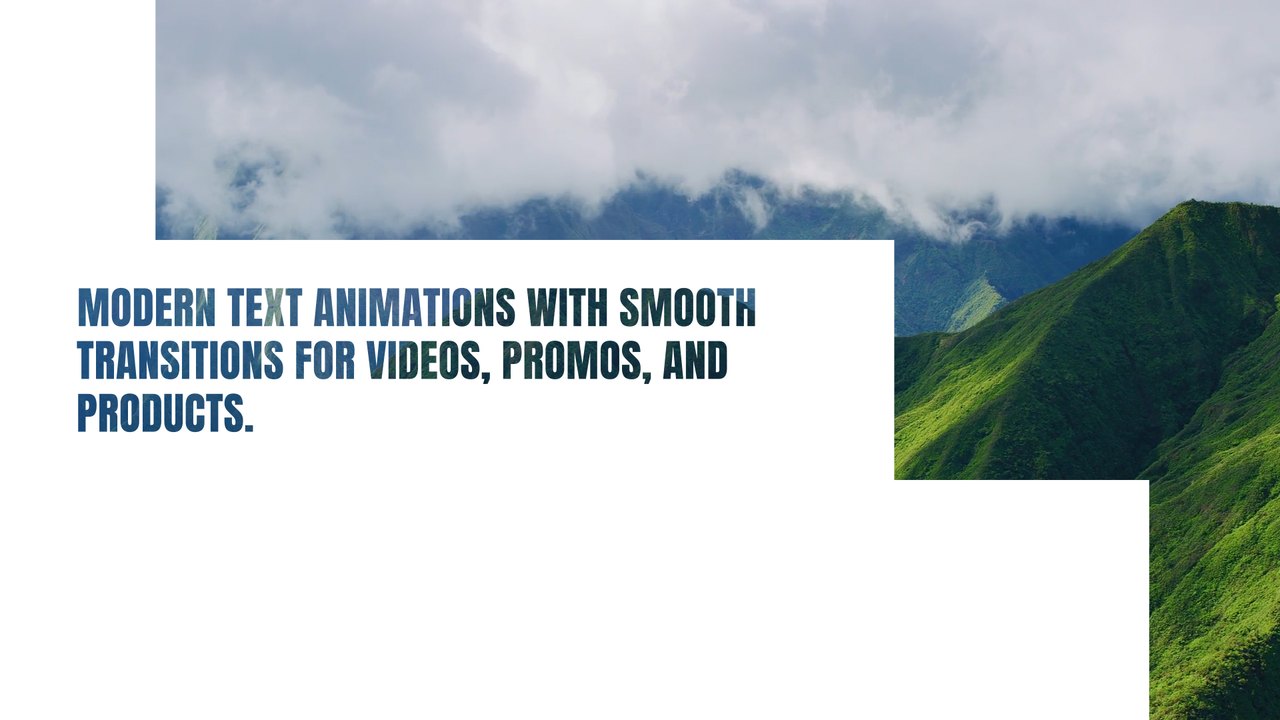
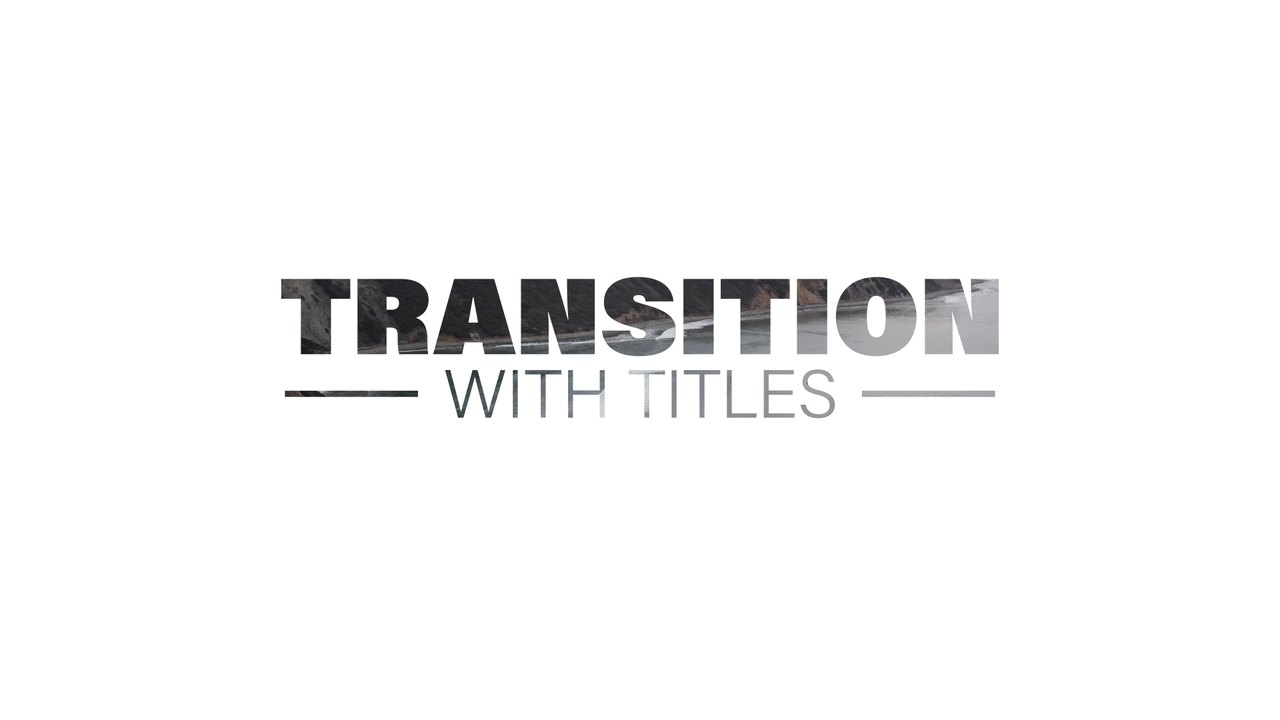
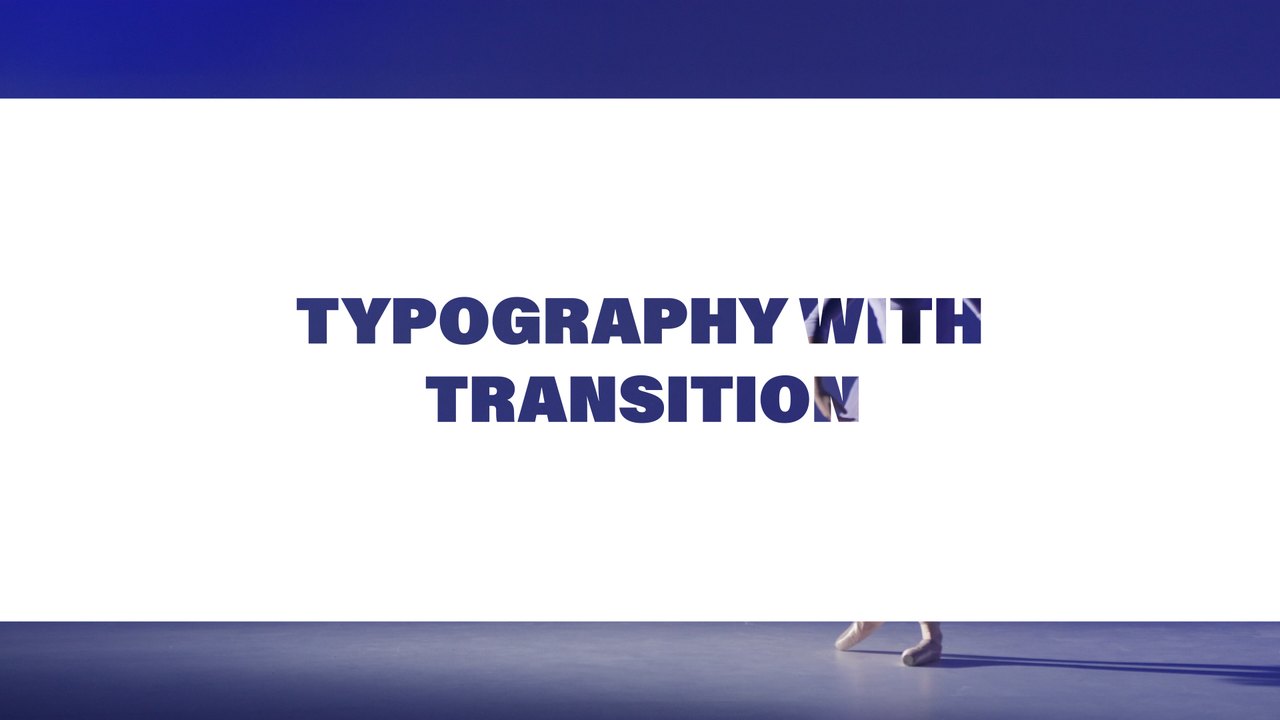
A soft-shadow label slides into a frame created by white top and bottom bars, then everything opens into the next shot. Use this Premiere Pro transition for interviews, business profiles, documentary chapters and creator videos. Anton, a free Google Font, gives the title its strong character.
Install the .mogrt once through the Essential Graphics panel in Premiere Pro 2023 or later; After Effects is not needed. Place it over the edit point between two clips so the slide hides the cut while your words animate. You get 1 editable text field and 2 color controls, a background switch and global scale and position controls. The transition lasts roughly 5 seconds at 60 fps in a 1920x1080 sequence. A Typoanim PDF tutorial and a font guide come with the download. Short words and phrases work best, keeping the title readable even on small phone screens.
This is a Premium template, included in the Typoanim Premium plan together with every other premium design. The commercial license covers client projects, advertising, monetized YouTube channels and social media, with no attribution required. Explore the full premium collection of Premiere Pro templates on Typoanim.