Video Glyphs Word Title Transition Pushing Across Premiere Pro MOGRT
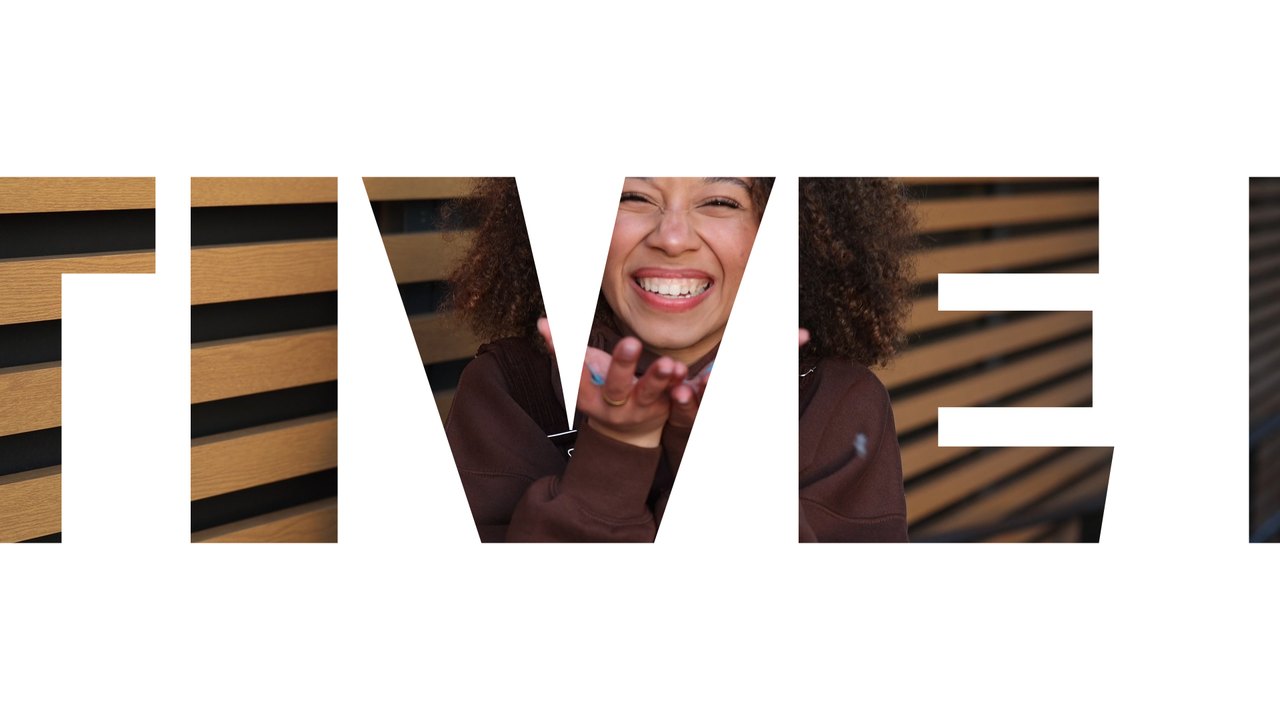
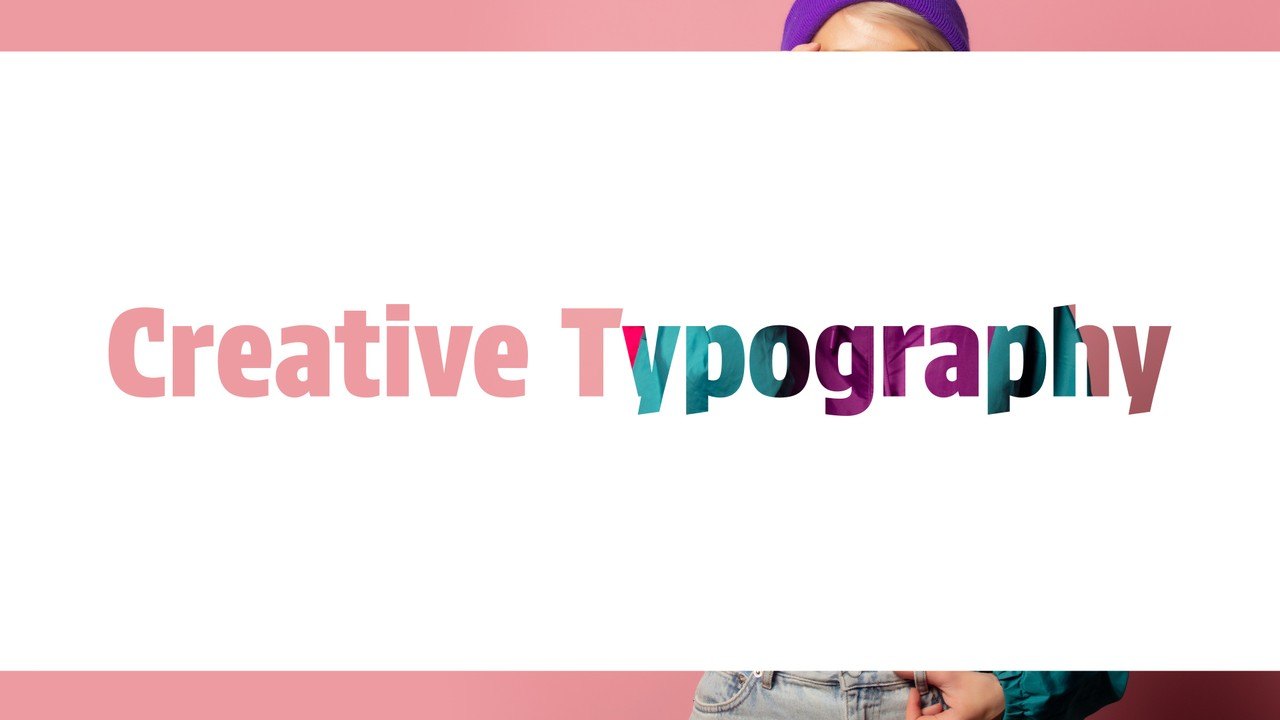
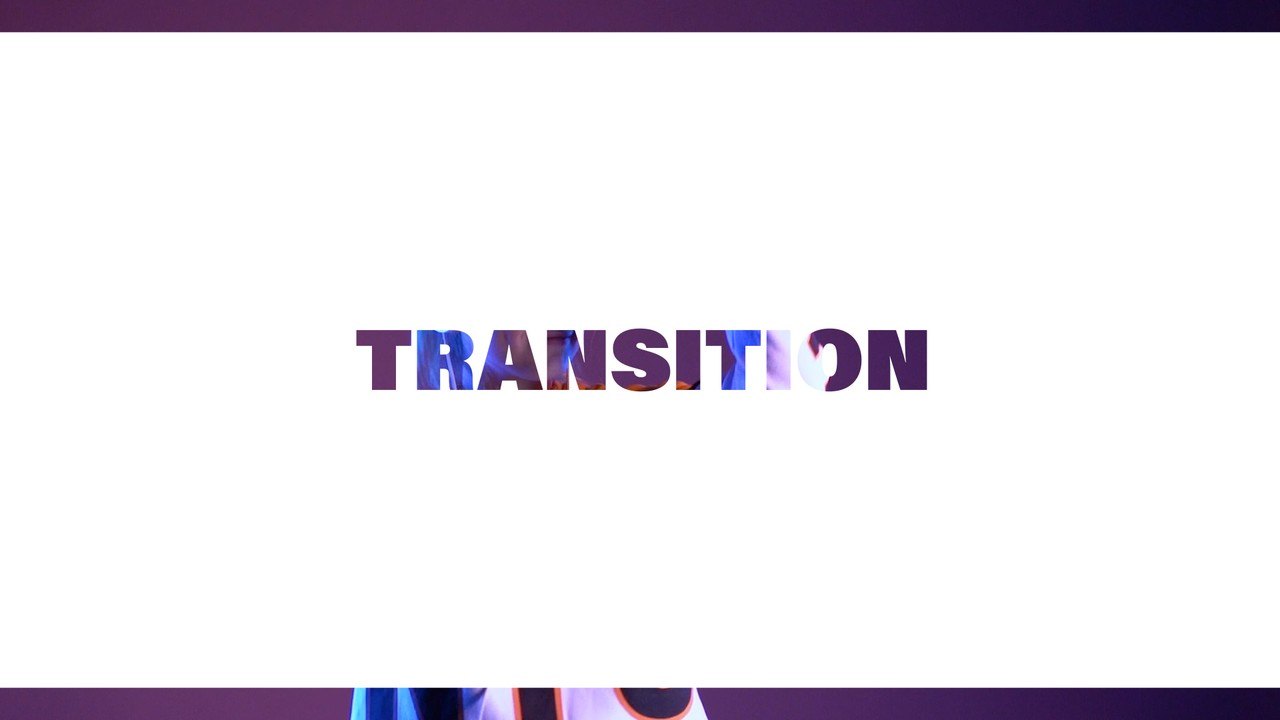
Video Glyphs Word Title Transition Pushing Across. A 16:9 text transition Premiere Pro MOGRT, fully editable and licensed for commercial projects.
Attributes
- Application Premiere Pro
- Version Premiere Pro 2023 or later
- Resolution Horizontal · Resizable
- File size 0.14 MB
- Fonts Acumin Pro (Adobe Fonts)
- Required plugins None
- Tutorial PDF included
- License Commercial use
About this template
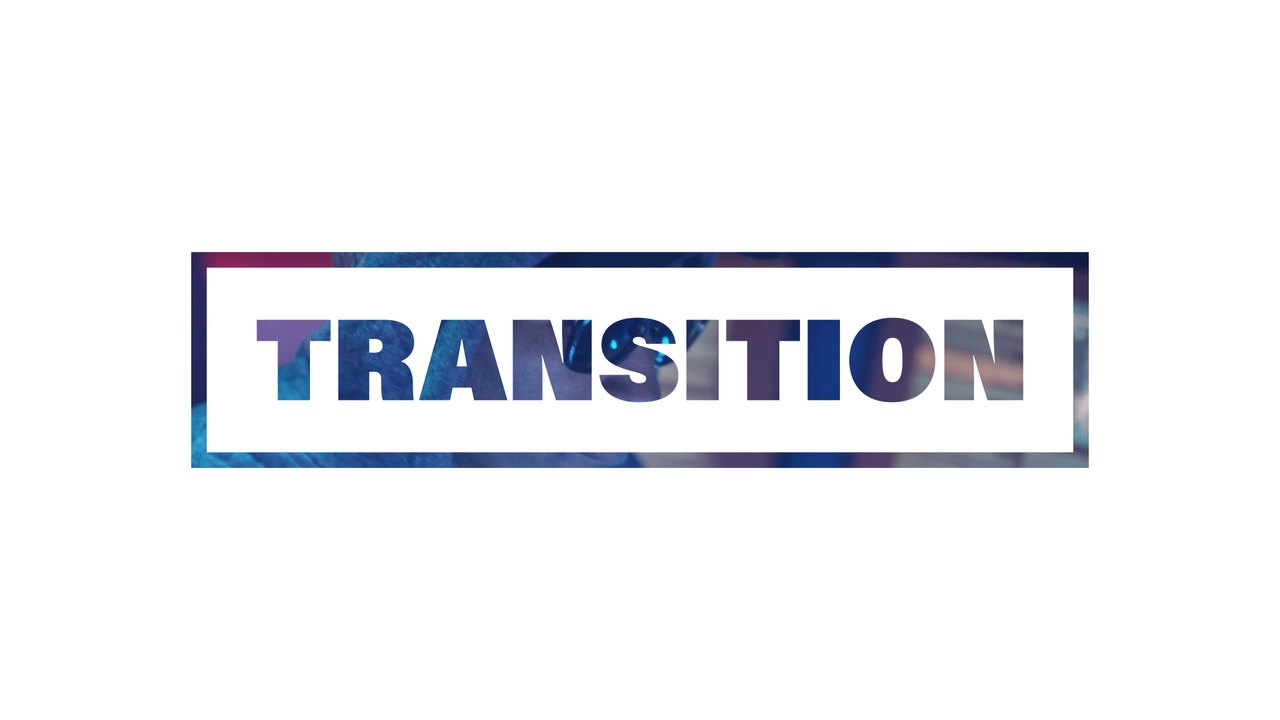
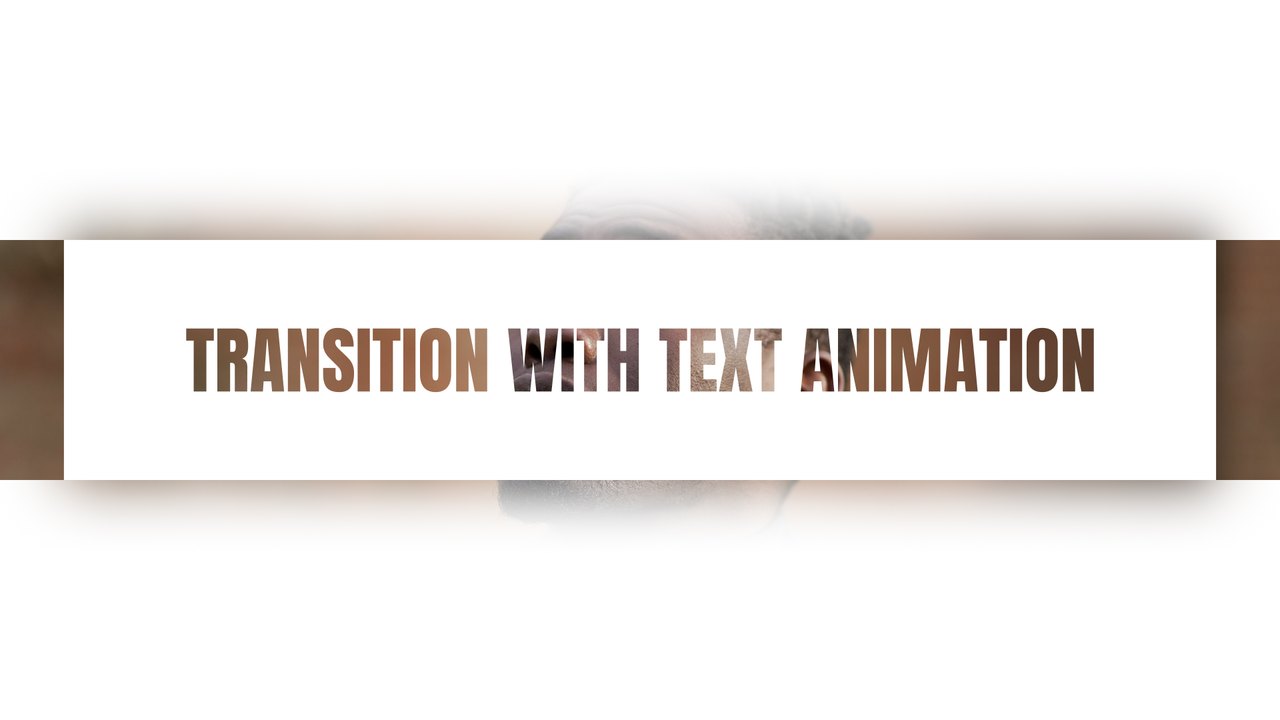
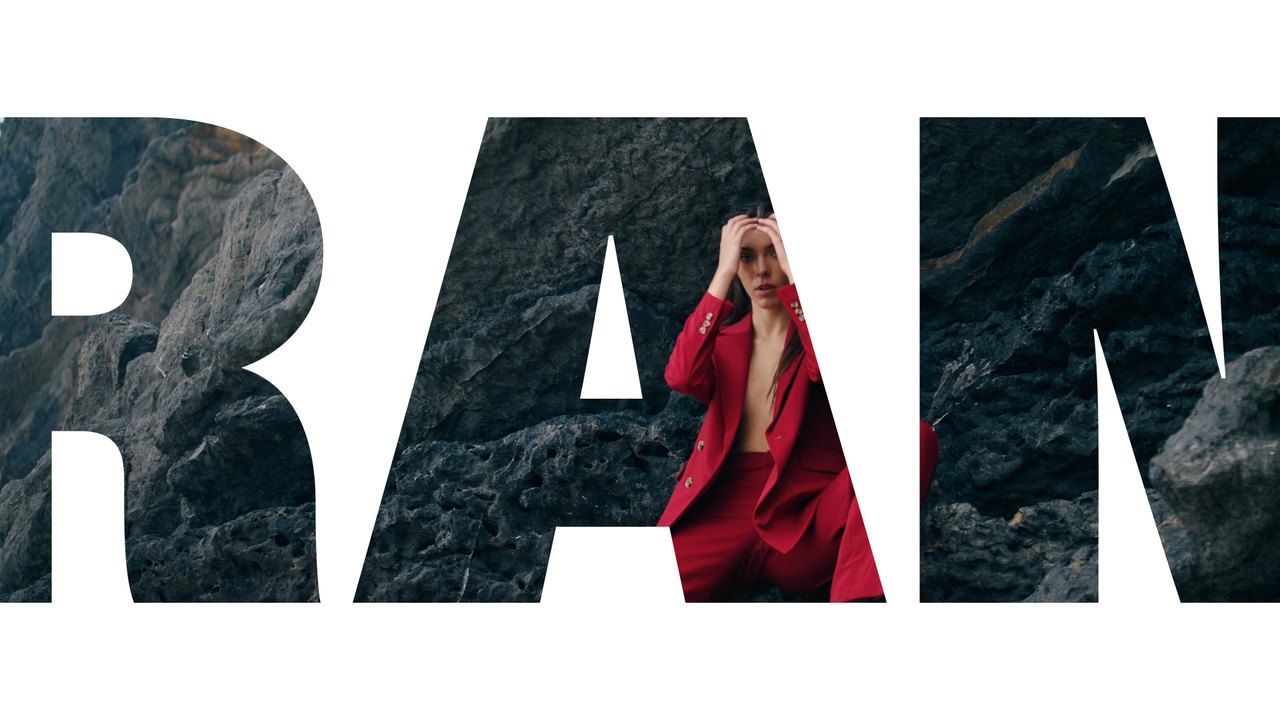
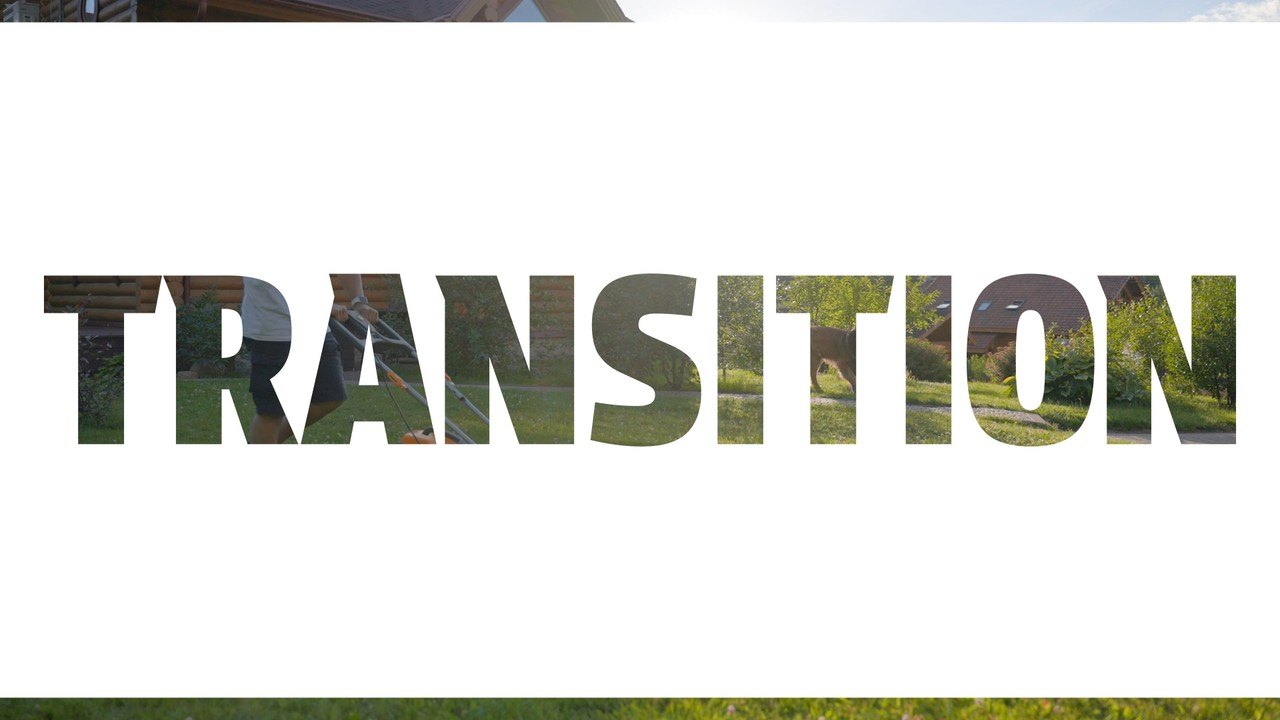
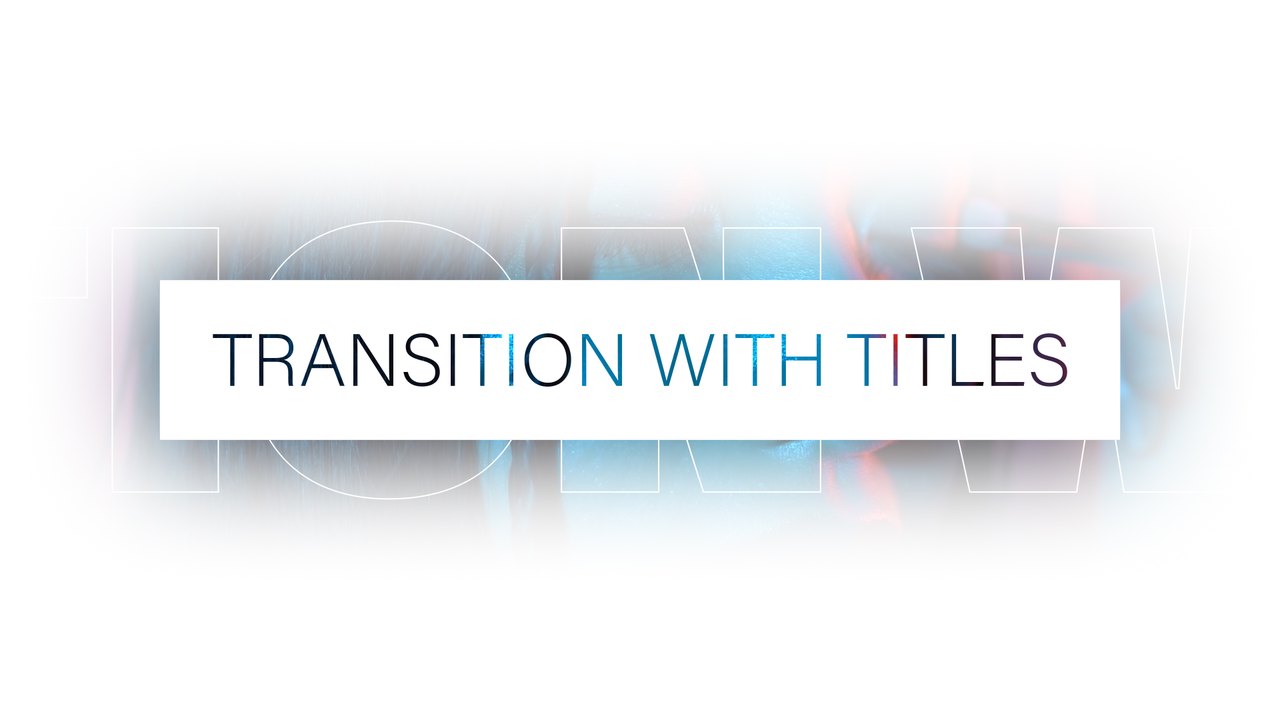
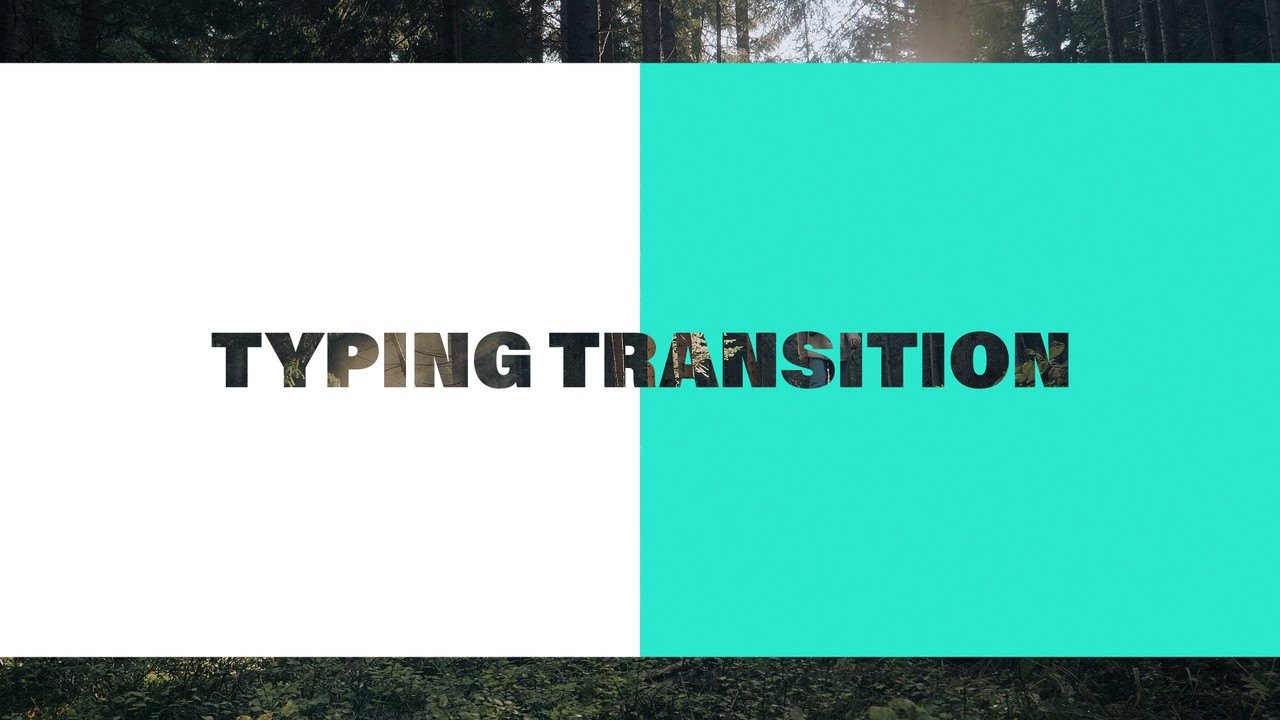
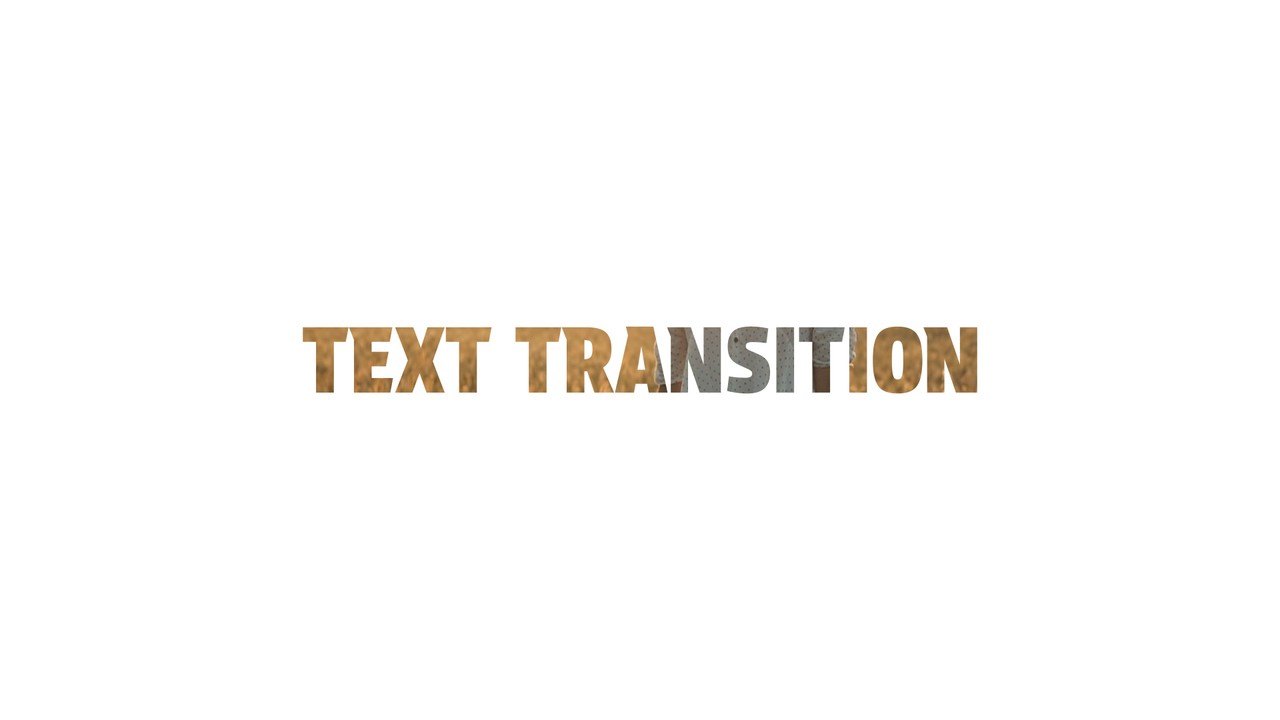
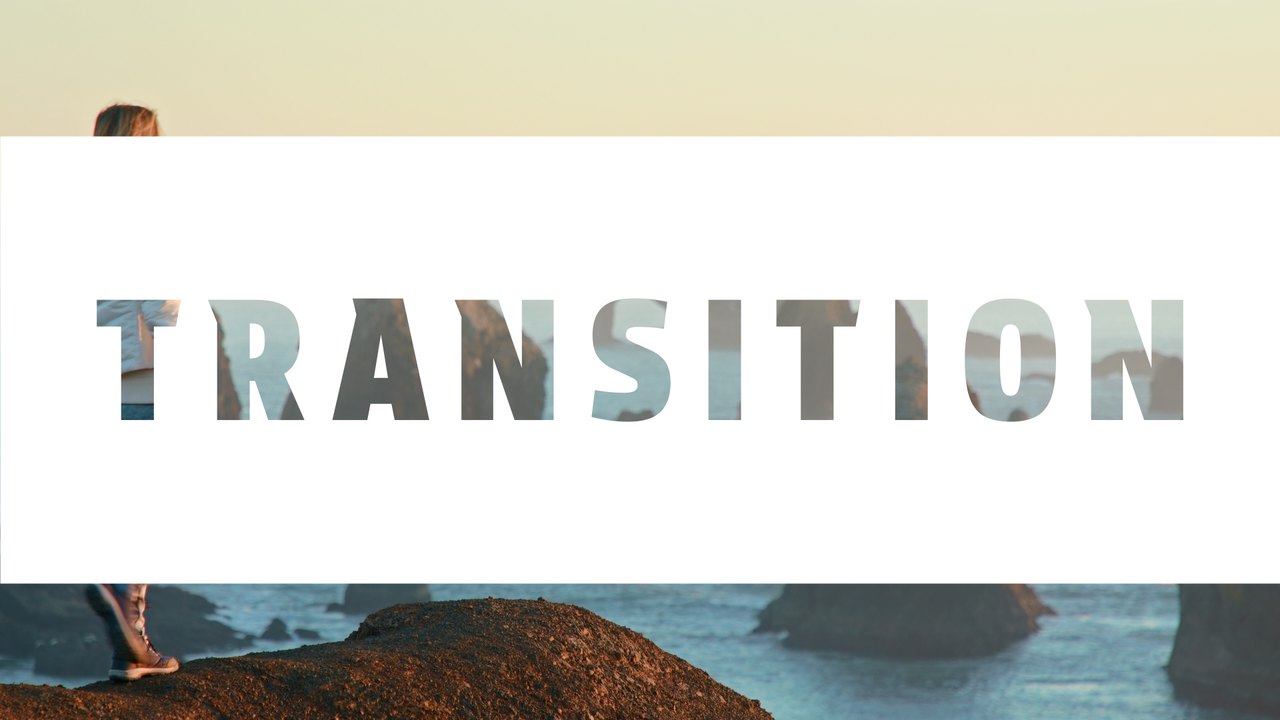
Giant glyphs filled with video push across the frame, a word appears and the next clip takes over. The text cutout look lets your footage play through the letters, a trendy effect for vlogs, promos and fashion edits. Use it to move between scenes in vlogs, travel films, corporate videos, fashion edits, documentaries and social media content. The clips in the preview are examples only: put your own footage into the placeholders and the transition works with any video. It uses Acumin Pro from Adobe Fonts, which every Creative Cloud member can activate for free.
This is a Motion Graphics Template for Premiere Pro 2023 or later: drop it on a track and edit everything in Essential Graphics. The Edit tab gives you 1 editable text field and 3 color controls, plus position and scale controls. Preview footage is not included, so the text sits on top of your own clips. It plays at 60 fps for about 6 seconds in a 1920x1080 sequence. A Typoanim PDF tutorial and a font guide are included.
It belongs to the Typoanim Premium library and is unlocked with the Premium plan. A commercial license is included for client projects, ads, social media and monetized videos, credit-free. Find more transition templates for Premiere Pro in the premium collection.