
How to Make a Black Friday Sale Video in 15 Minutes (Ideas, Sizes and Templates)
Black Friday 2026 is on November 27. Here are 7 sale video ideas, the right sizes for Reels, TikTok and YouTube, and a 15-minute workflow in Premiere Pro and After Effects.
 6 min read
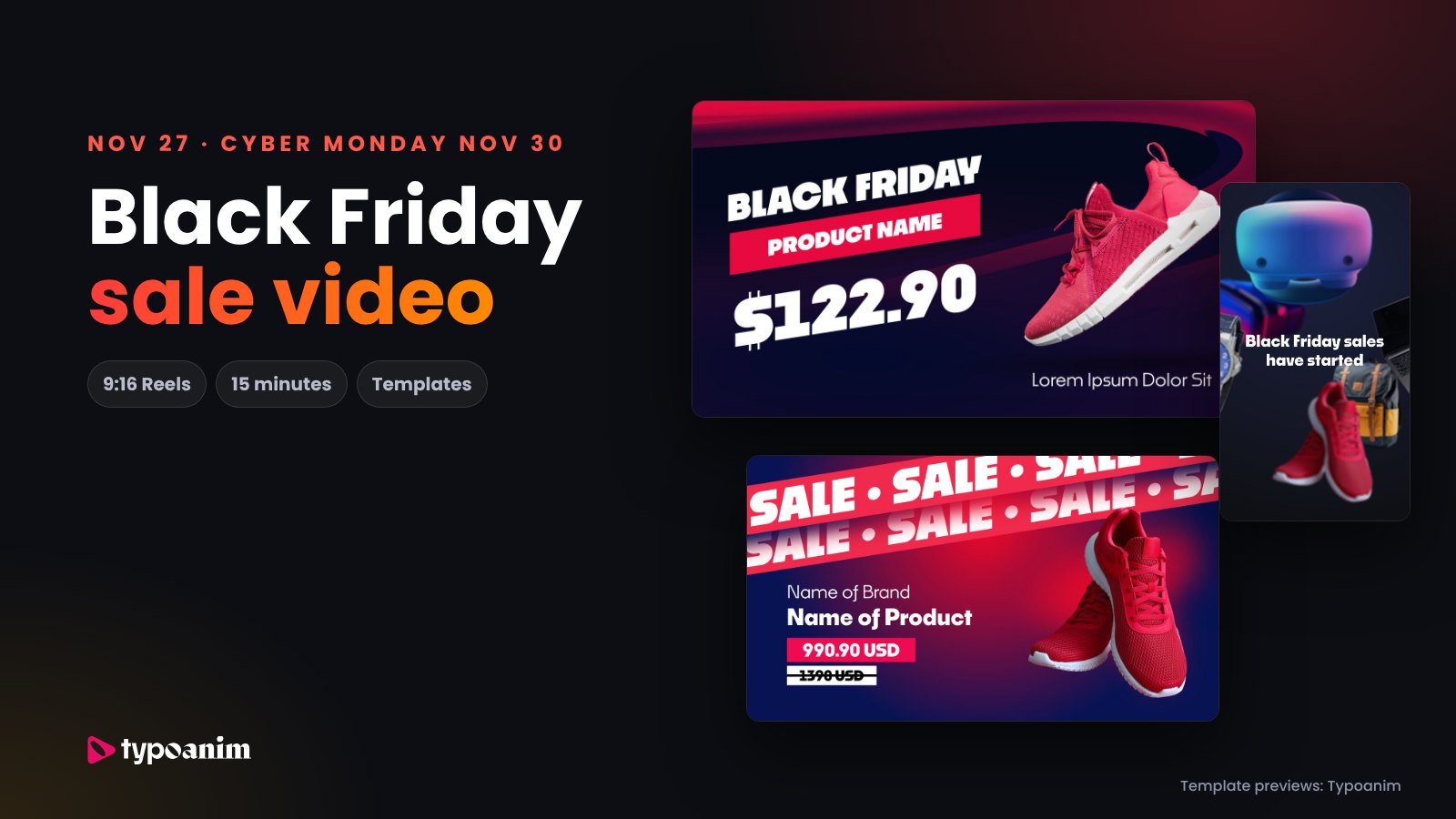
Short answer: Black Friday 2026 is on Friday, November 27, and Cyber Monday is on November 30. To make a sale video fast, pick a template in the right size (9:16 for Reels, TikTok and Shorts, 1:1 for feed posts, 16:9 for YouTube and your website), swap in your product photo, old and new price and deadline, add your logo and a call to action, and export a 15 to 30 second video.
Black Friday is the busiest week of the year for online stores, and most of that shopping happens on phones: Adobe reported that mobile generated a record 56.4% of online holiday revenue in 2025. That means short, vertical, sound-off-friendly video. The good news: a clear sale video does not need a big budget. Below are 7 Black Friday video ideas, the sizes you need, and a 15-minute workflow in Premiere Pro or After Effects.
In this guide
Black Friday and Cyber Monday 2026 dates
- Thanksgiving (US): Thursday, November 26, 2026
- Black Friday: Friday, November 27, 2026
- Small Business Saturday: November 28, 2026
- Cyber Monday: Monday, November 30, 2026
Plan at least three videos: a teaser a few days before, the main sale video on Friday, and a "last chance" video for Cyber Monday.
Ideas7 Black Friday video ideas that sell
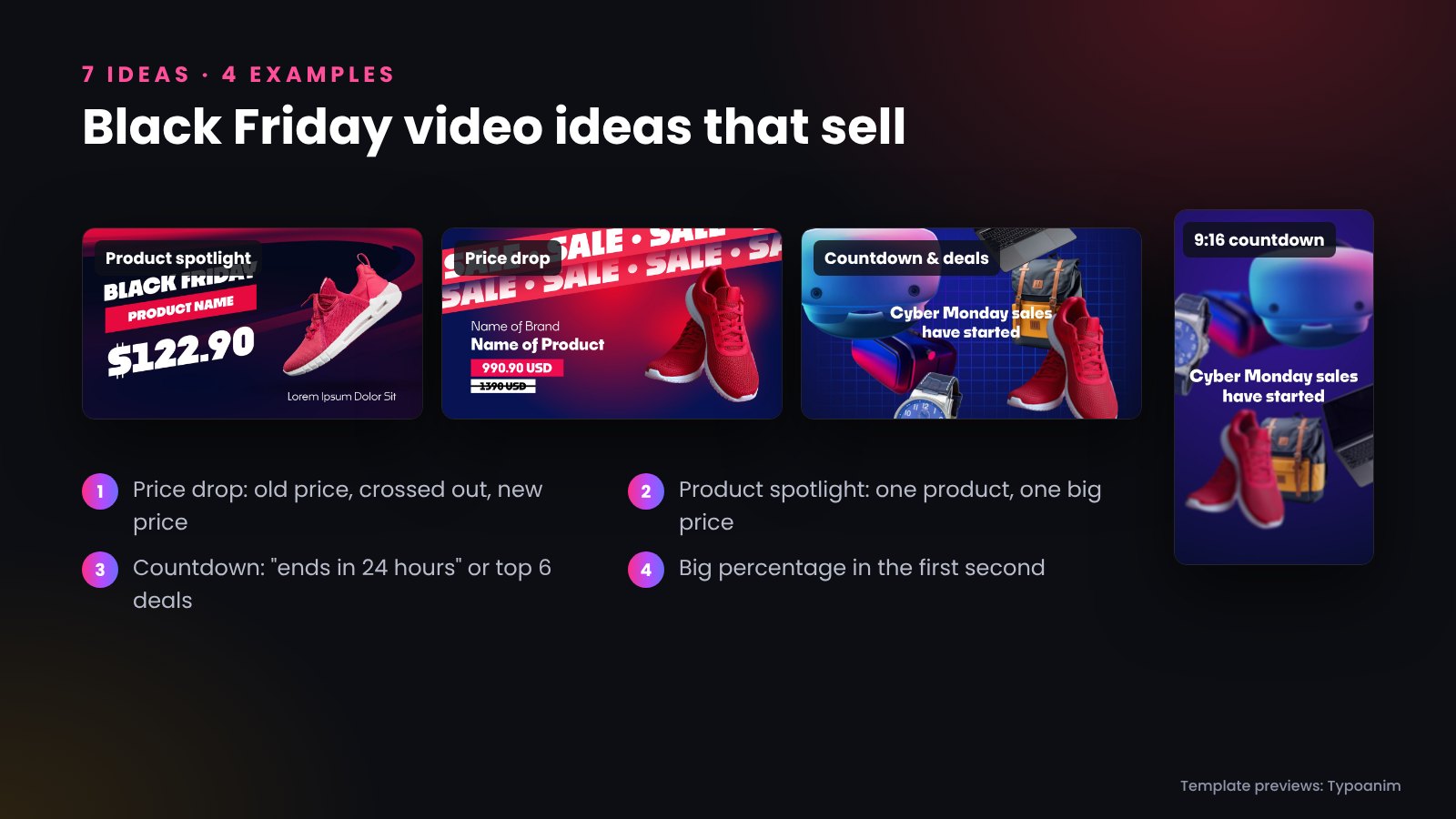
- The price drop. Show the old price, cross it out, then reveal the new one. It is the clearest sale message there is.
- Product spotlight. One product, one big price tag, one reason to buy. Make a short series, one video per best seller.
- Countdown. "Sale ends in 24 hours" or a 6-product countdown creates urgency without shouting.
- The big percentage. "Up to 50% off" in huge type is perfect for the first second of a Reel, before people scroll away.
- Gift guide. "Gifts under $50": three to five products with prices, ready for holiday shoppers.
- Bundle or bonus. Show what is inside the bundle or the free gift that comes with every order.
- Last chance for Cyber Monday. Reuse your best Friday video, change the headline to "Last day" and post it on Monday.
SizesBlack Friday video sizes for every platform
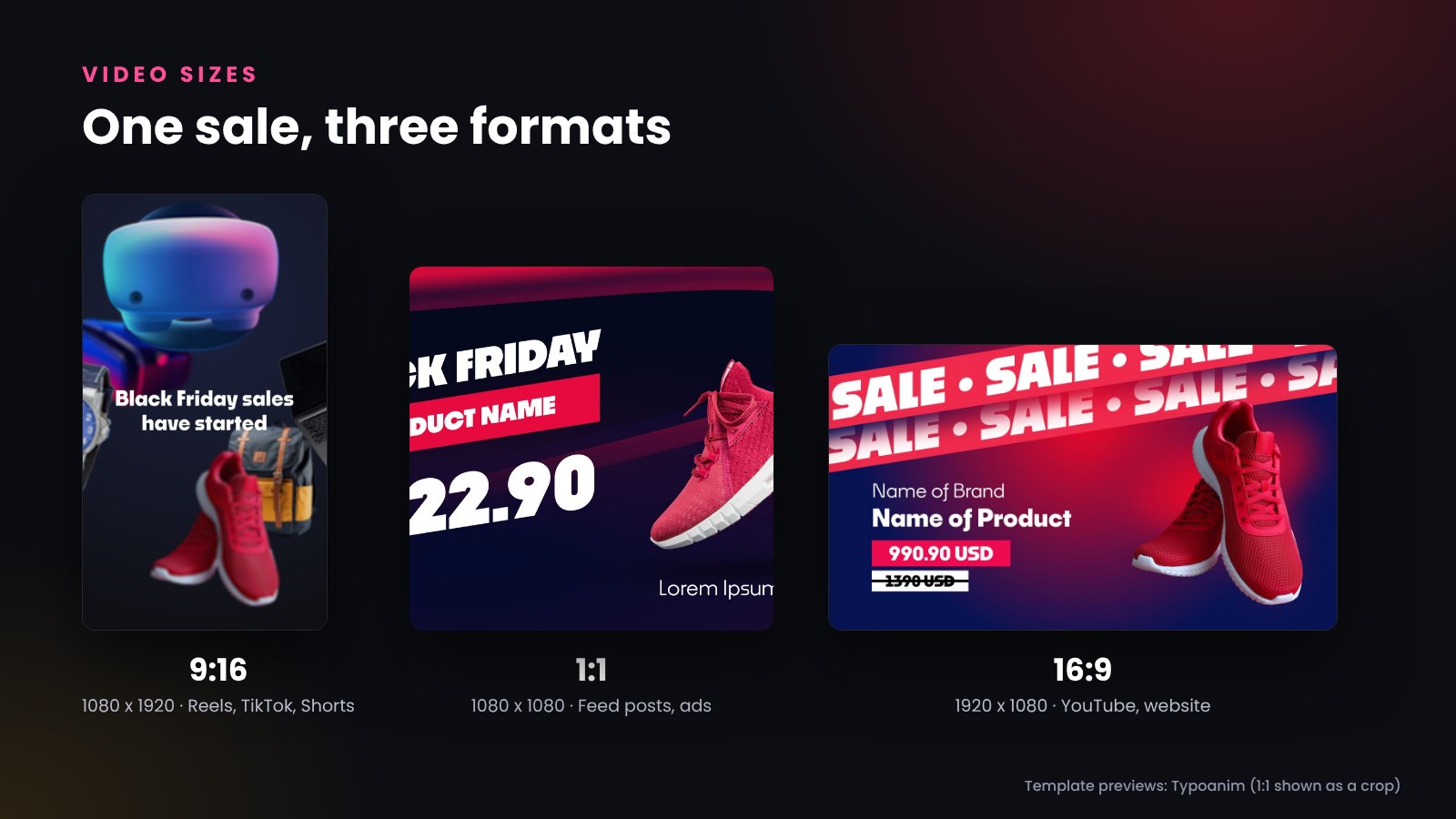
- 9:16 vertical (1080 x 1920): Instagram Reels and Stories, TikTok, YouTube Shorts, Facebook Stories.
- 1:1 square (1080 x 1080): Instagram and Facebook feed posts and many ad placements.
- 16:9 horizontal (1920 x 1080): YouTube, your website header, email GIF previews and in-store screens.
Keep text and prices away from the top and bottom 15% of a vertical video, where app buttons and captions cover the screen.
How toHow to make a Black Friday video in 15 minutes
- Pick a template in the right size. Start with a vertical sale template for social and a 16:9 one for YouTube or your site. For Premiere Pro choose a MOGRT, for After Effects an .aep project.
- Install it. In Premiere Pro, install the .mogrt in the Graphics Templates panel and drag it onto your timeline. In After Effects, open the project and find the main composition.
- Replace the product. Drop your product photo (a PNG with a transparent background looks best) into the image placeholder.
- Type the offer. Product name, old price, new price and the deadline. In Premiere Pro select the clip and edit the text in Properties > Templates.
- Match your brand. Change the colors to your brand colors and add your logo in the last second.
- Add a call to action. "Shop now", "Link in bio" or "Use code BF30". One CTA only.
- Export. H.264 MP4, 1080 x 1920 for vertical, 30 fps. Keep it 15 to 30 seconds and make sure it works with the sound off.
ChecklistBefore you post
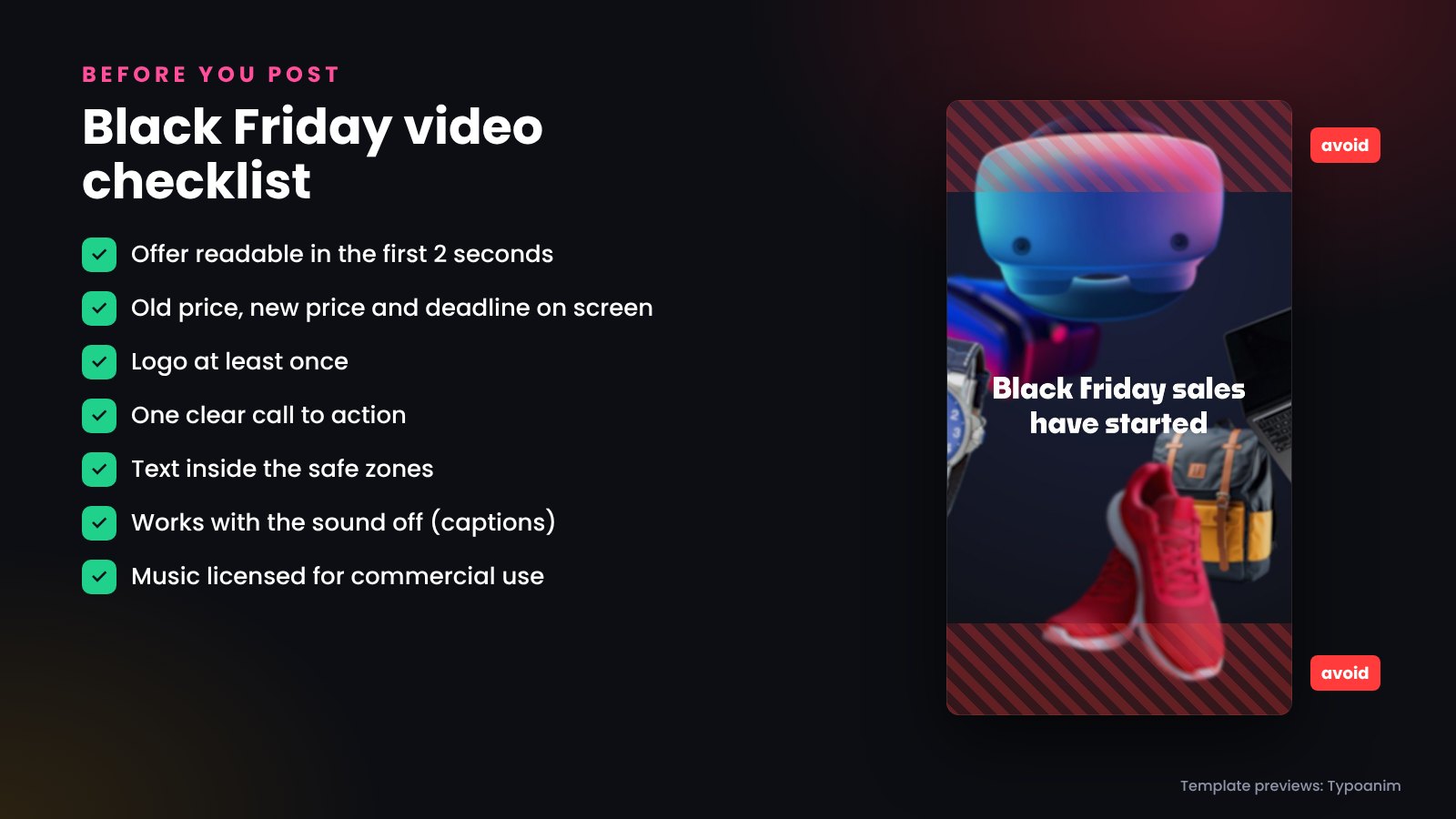
- The offer is readable in the first 2 seconds.
- Old price, new price and deadline are all on screen.
- Your logo appears at least once.
- There is one clear call to action.
- Text stays inside the safe zones of a vertical video.
- The music is licensed for commercial use.
Black Friday and Cyber Monday templates
All of these work in After Effects or Premiere Pro 2023 and later, including the 2027 versions. Change the product, prices and colors in a few clicks.
Black Friday video: FAQ
When is Black Friday 2026?
Black Friday 2026 is on Friday, November 27. Cyber Monday is on Monday, November 30, 2026.
How long should a Black Friday video be?
15 to 30 seconds for social media. Show the offer in the first 2 seconds, because many people decide to keep watching in that time.
What size should a Black Friday Reel be?
1080 x 1920 pixels (9:16). Use 1080 x 1080 for square feed posts and 1920 x 1080 for YouTube.
Can I make a Black Friday video in Premiere Pro without After Effects?
Yes. A MOGRT template works directly in Premiere Pro: you change text, prices, colors and images in Properties > Templates without opening After Effects.
Black Friday video: the short version
Black Friday 2026 is November 27 and Cyber Monday is November 30. Make one vertical sale video first, show the offer in 2 seconds, put the price, deadline and logo on screen, and add one call to action. A template turns that into a 15-minute job.
— Mansura