
How to Make an Animated Christmas Poster in After Effects (Free Project File)
Make an animated Christmas poster in After Effects 2027 with swinging ornaments, a gold Merry Christmas title, falling snow and a twinkling star. Step by step, free project file included.
 8 min read
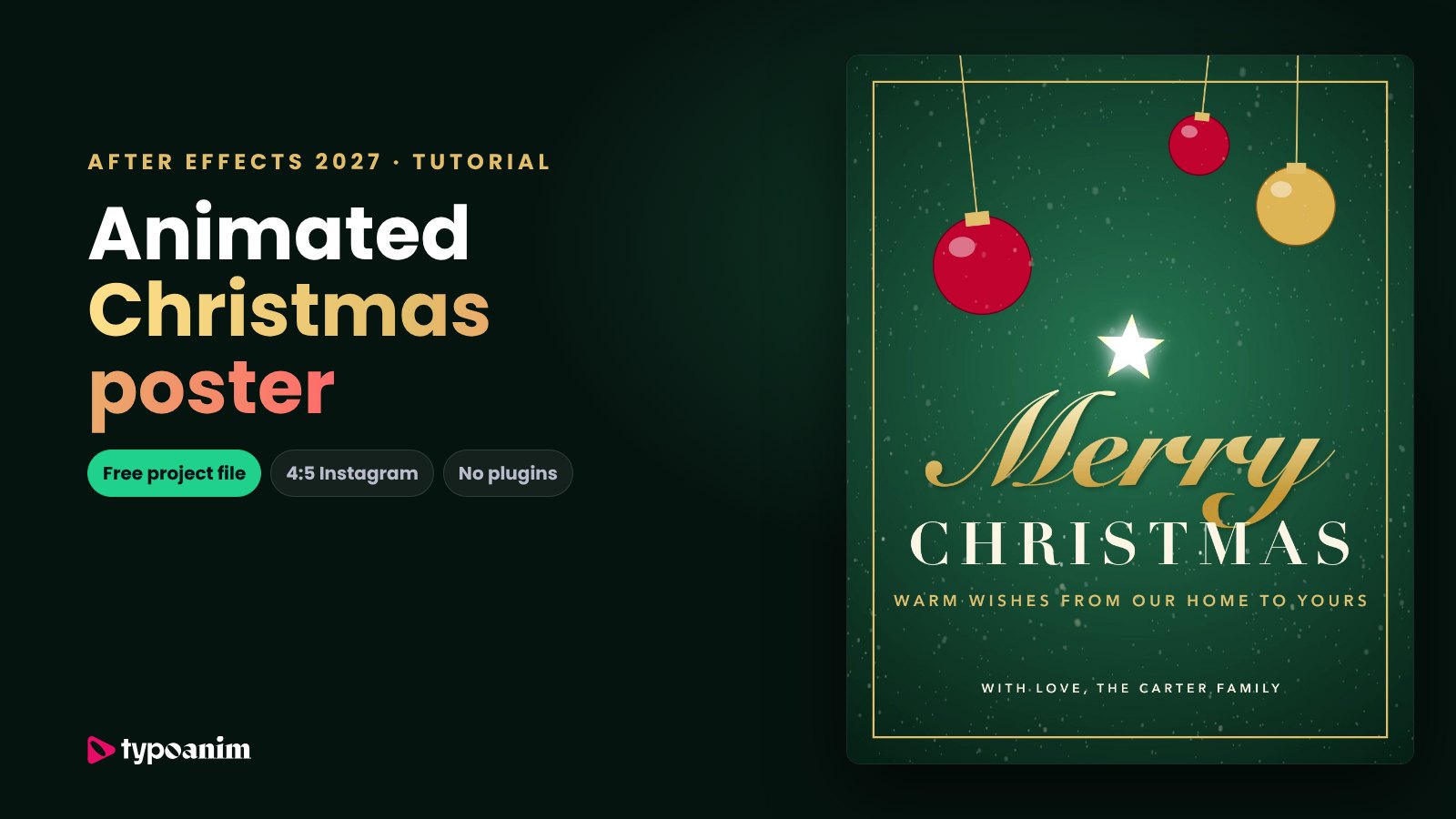
In this tutorial you make an animated Christmas poster in After Effects 2027: swinging ornaments, a gold "Merry Christmas" that writes itself on, falling snow and a twinkling star. It is 1080 x 1350 (4:5), the best size for an Instagram or Facebook feed post, and it only uses built-in tools and two short expressions. The finished project file is a free download.
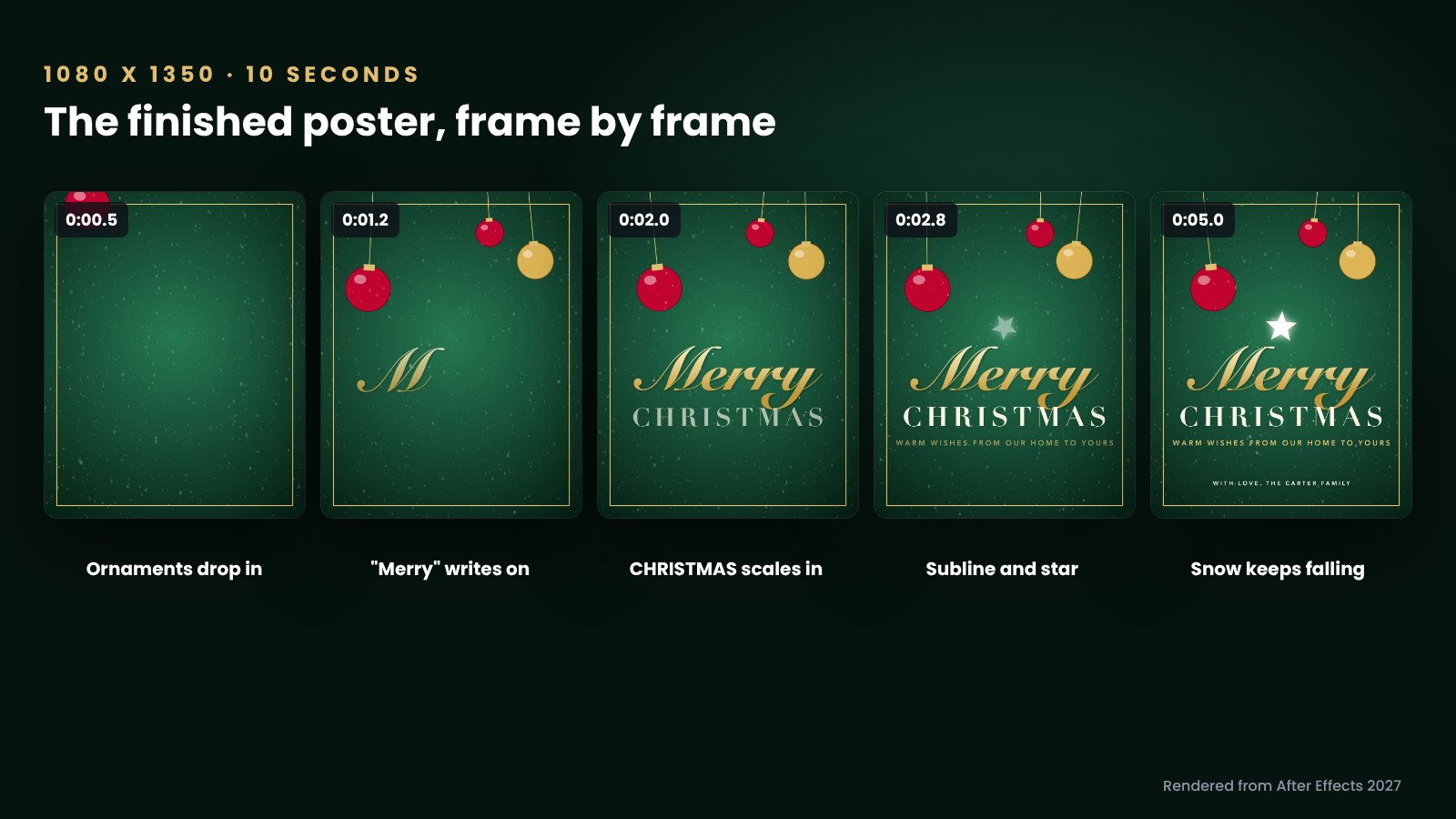
Steps
Step 1Background and gold frame
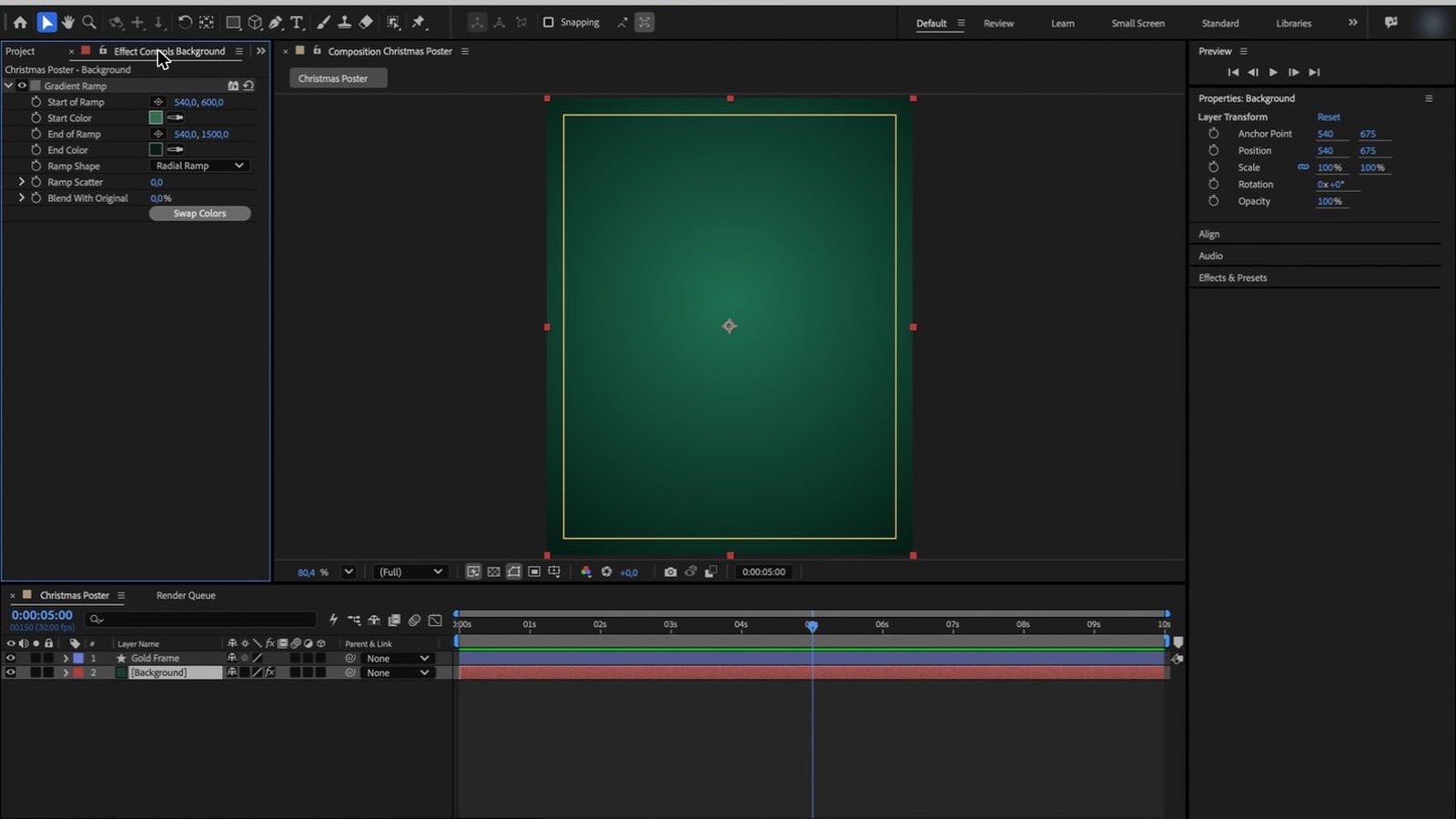
- Create a new comp: 1080 x 1350, 30 fps, 10 seconds. Name it "Christmas Poster".
- Add a solid named "Background" and apply Effect > Generate > Gradient Ramp. Set Ramp Shape to Radial Ramp, Start of Ramp 540, 600 with #1F6E52, End of Ramp 540, 1500 with #041D15.
- Draw a rectangle with the Rectangle tool: Size 980 x 1250, no fill, stroke #E3BE6A at 4 px, centered. It frames the poster like a printed card.
Step 2Swinging ornaments
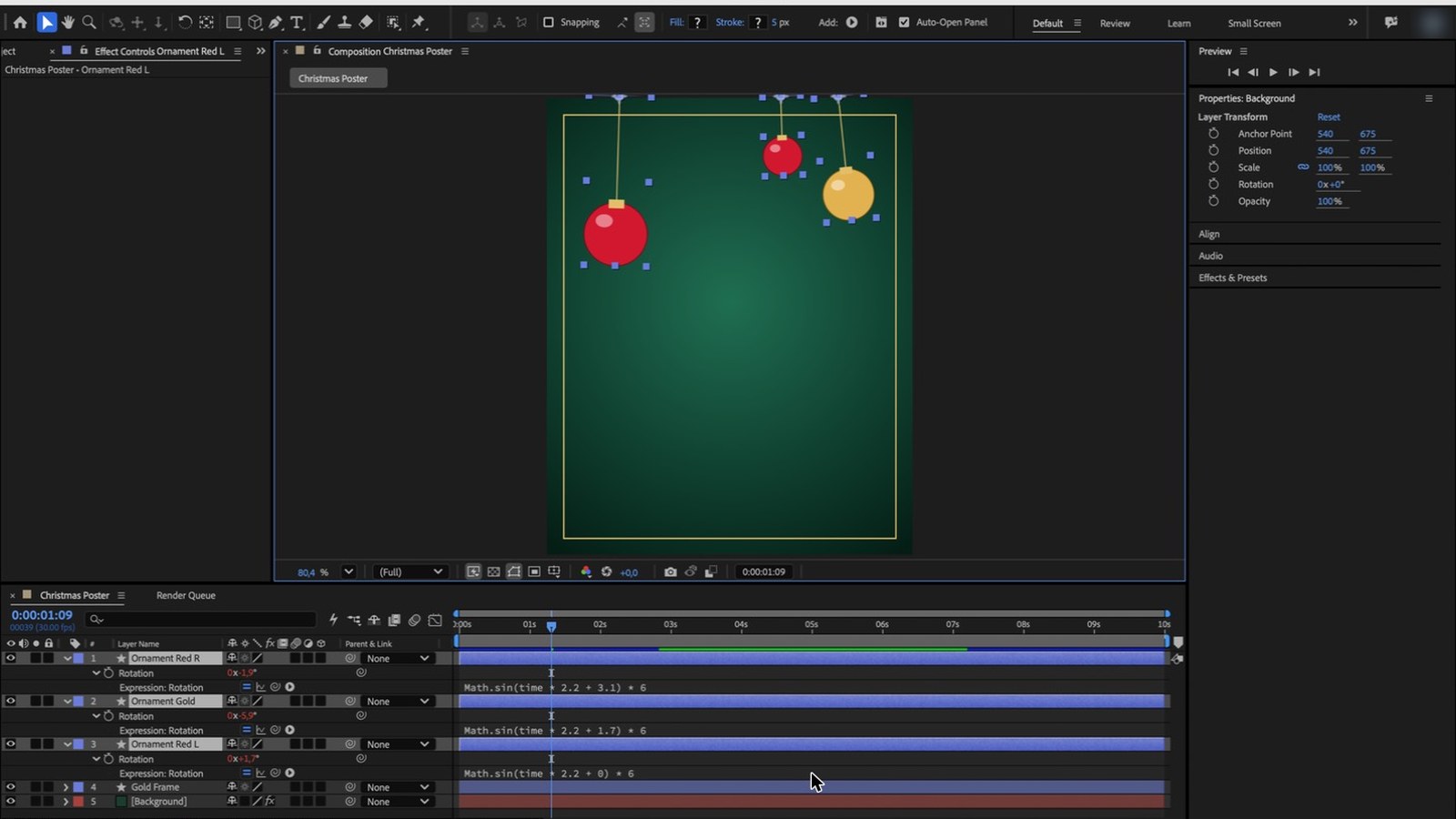
Each ornament is one shape layer with four groups, from top to bottom in the layer: Highlight (a small white ellipse at 45% opacity), Cap (a small gold rectangle), String (a 3 px gold rectangle) and Ball (an ellipse with fill #D1182F and a 5 px darker stroke #7A0618; for the gold one use #E3B250 and #8A5A12).
- Put the top of the string at the layer's Anchor Point (use the Pan Behind tool, Y), so the ornament rotates from the top like a real one.
- Move the layer to the top edge of the poster.
- Alt/Option-click the Rotation stopwatch and add:
Math.sin(time * 2.2 + 0) * 6
The 6 is the swing in degrees and 2.2 is the speed. Duplicate the layer for more ornaments and change the + 0 to + 1.7 and + 3.1, so they do not swing in sync.
Step 3The gold Christmas title
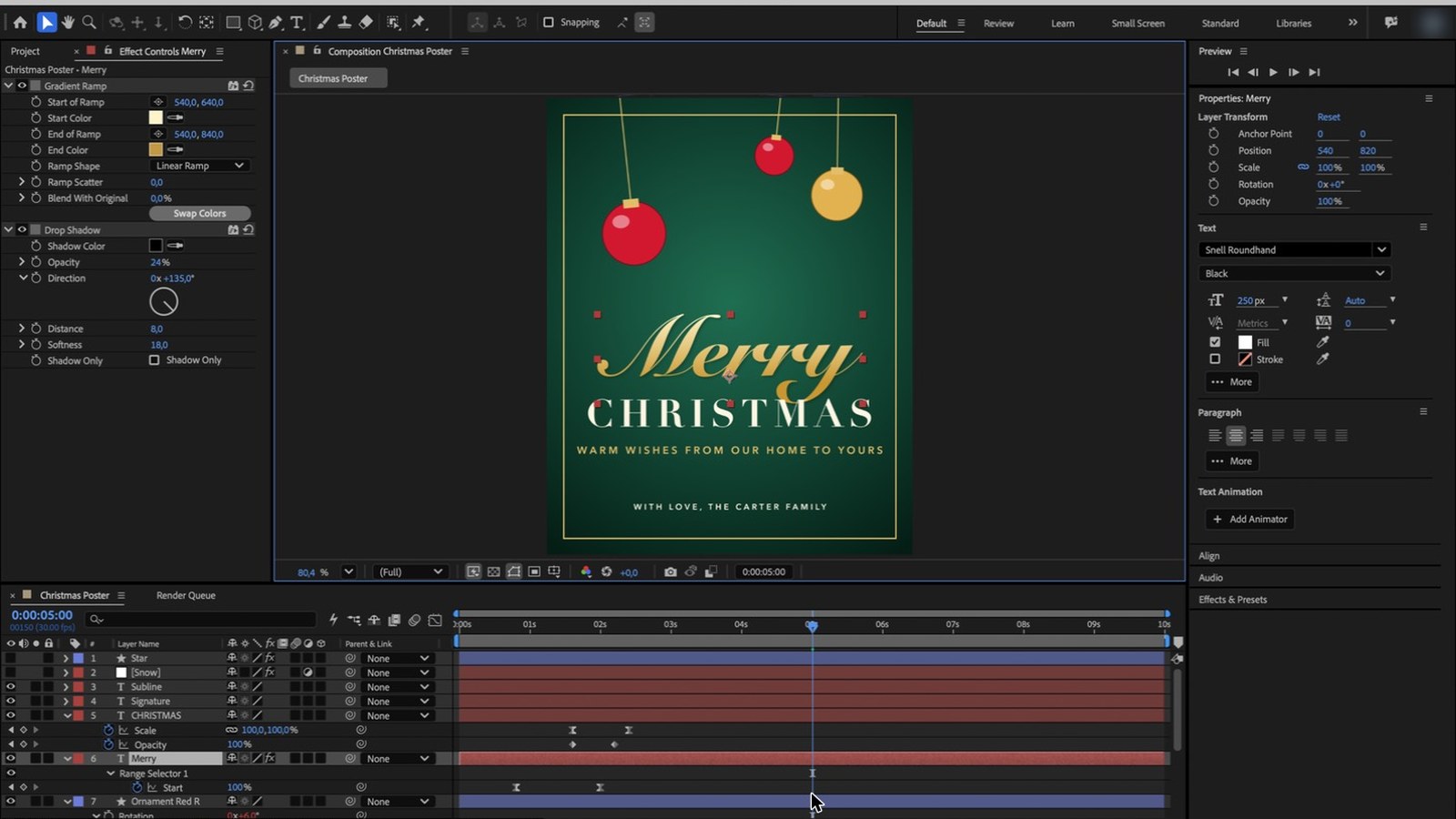
- "Merry": Snell Roundhand Black, 250 px. Apply Gradient Ramp from #FFF3C4 (top) to #C9962F (bottom) for a gold look, plus a soft Drop Shadow (Distance 8, Softness 18).
- "CHRISTMAS": Didot Bold, 112 px, tracking 150, color #FDF6E3.
- Subline: "WARM WISHES FROM OUR HOME TO YOURS" in Avenir Next Demi Bold, 30 px, tracking 260, gold. Add a small signature line at the bottom, like "WITH LOVE, THE CARTER FAMILY".
These fonts come with macOS. On Windows, try Great Vibes for the script and Playfair Display for the caps (both free on Google Fonts).
Step 4Falling snow
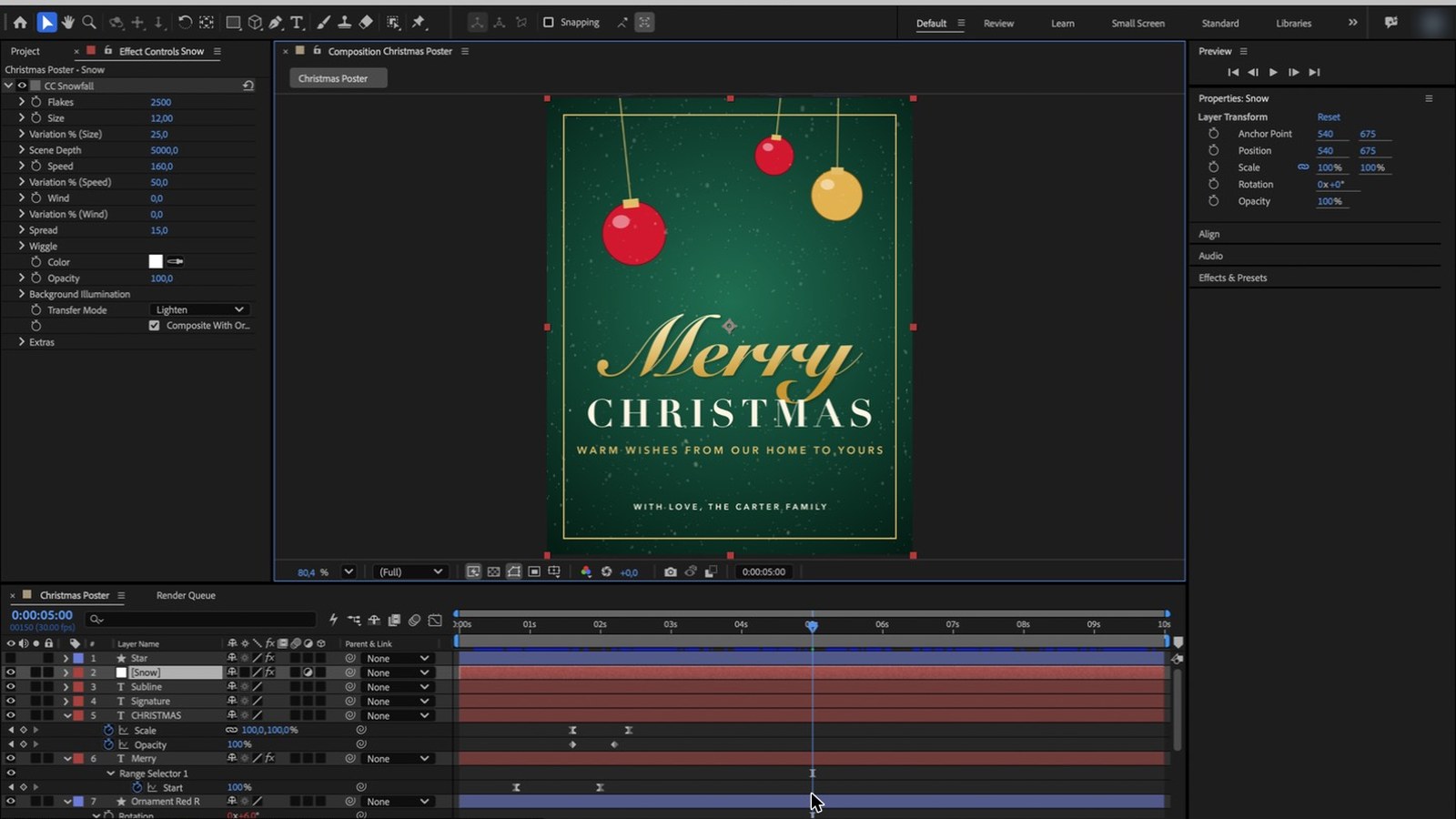
- Choose Layer > New > Adjustment Layer and name it "Snow".
- Apply Effect > Simulation > CC Snowfall: Flakes 2500, Size 12, Speed 160, Opacity 100.
- Keep it at the top of the layer stack, so the snow falls in front of the title.
Step 5A twinkling star
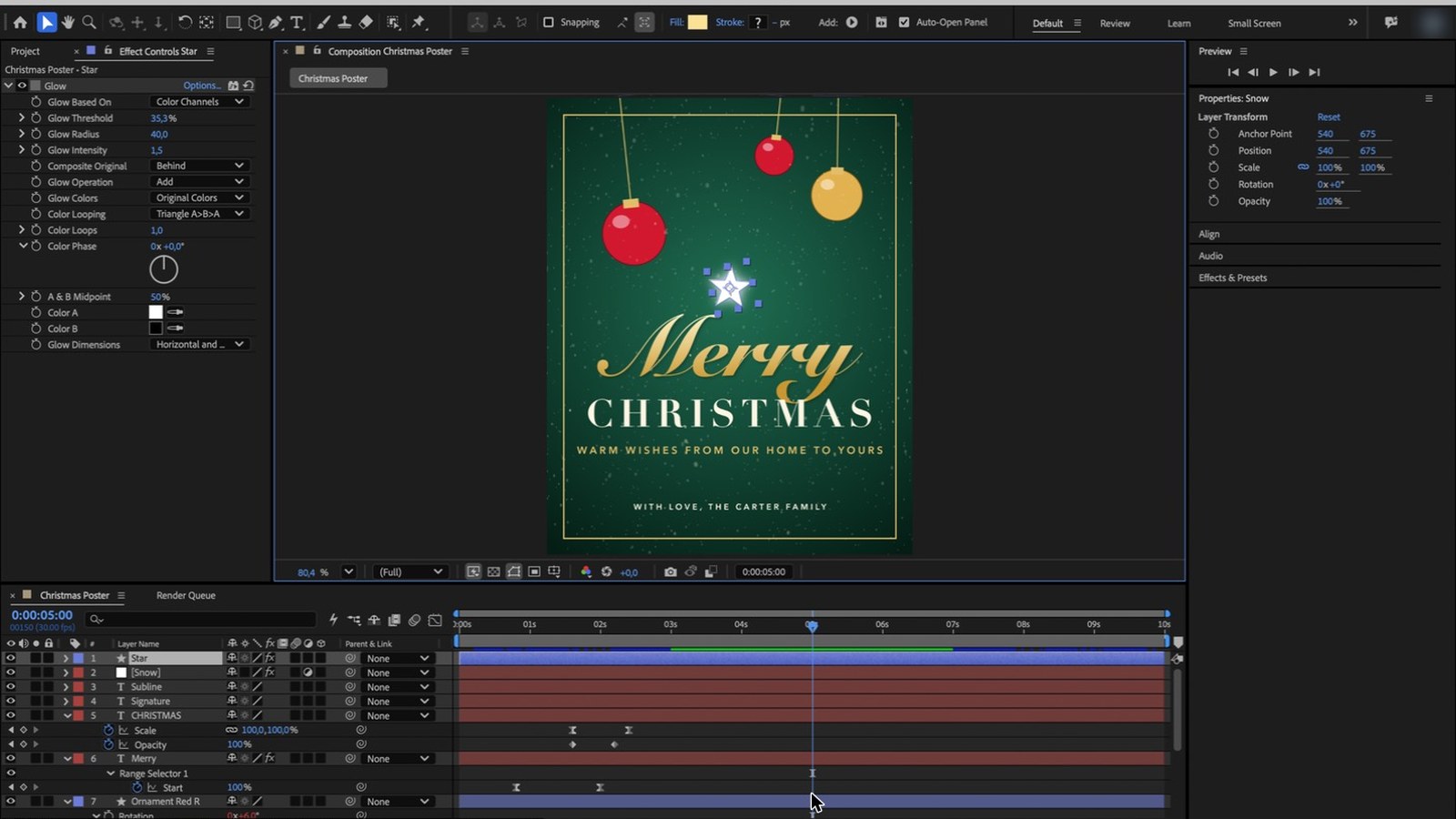
- Draw a star with the Star tool (under the Rectangle tool): 5 points, Outer Radius 62, Inner Radius 26, fill #FFE08A. Place it above the title.
- Add Glow: Threshold 35%, Radius 40, Intensity 1.5.
- Add a pulse to Scale:
s = 100 + Math.sin(time * 4) * 10; [s, s] - And a slow spin to Rotation:
time * 15
Step 6Animate the reveal
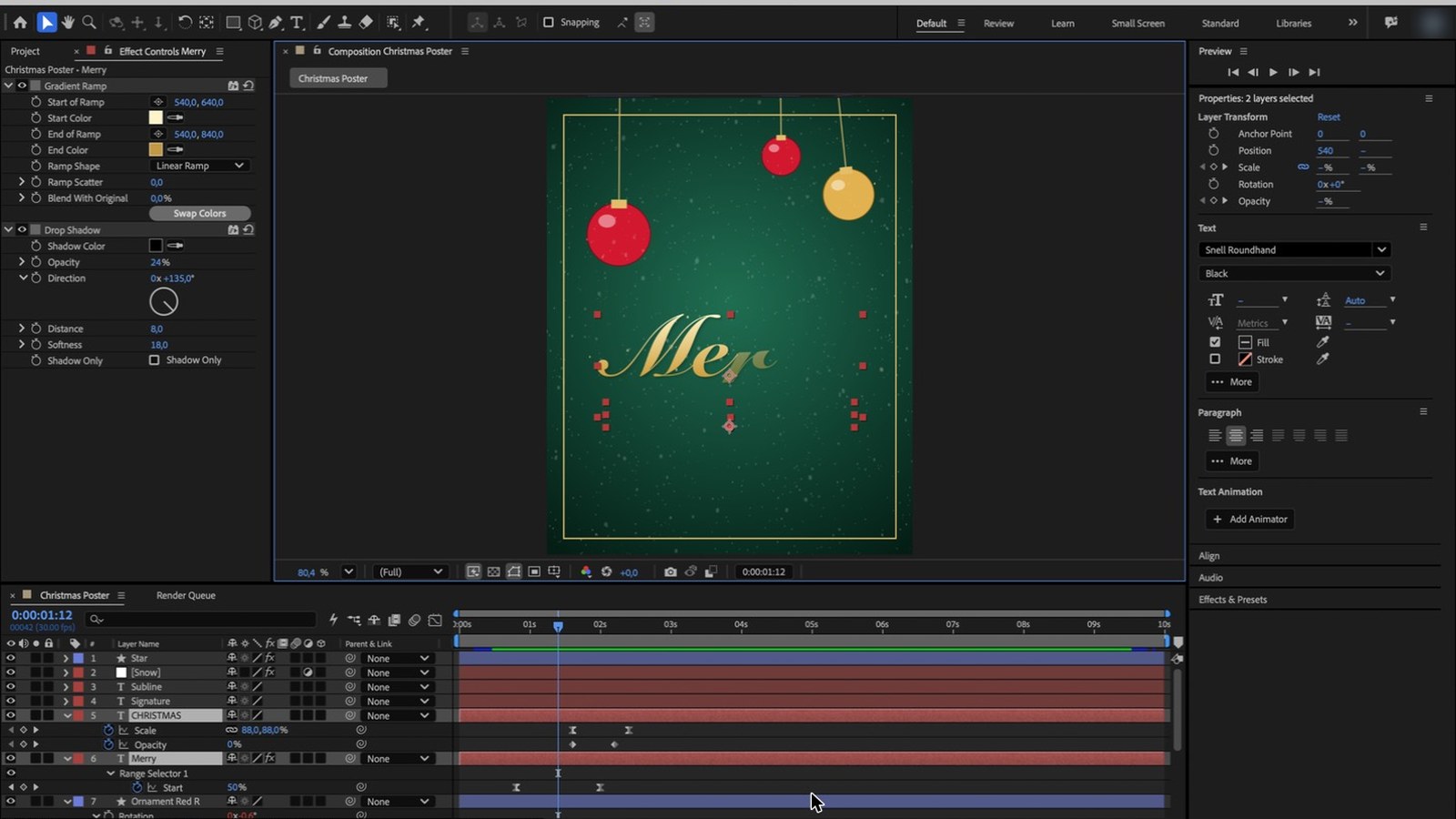
- Ornaments drop in: animate each Position from y -480 to its place over 1.1 seconds, starting 0.1s apart, and press F9 for Easy Ease.
- "Merry" writes on: in the text layer click Animate > Opacity, set Opacity to 0%, then Add > Property > Position and set it to 0, 40. Keyframe the Range Selector Start from 0% at 0.8s to 100% at 2.0s.
- "CHRISTMAS": Opacity 0 to 100% (1.6s to 2.2s) and Scale 88% to 100% (1.6s to 2.4s).
- Subline, signature and star fade in one after the other between 2.3s and 3.5s.
Step 7Export for Instagram
Choose Composition > Add to Render Queue, pick an H.264 output module and render. The 1080 x 1350 MP4 is ready for an Instagram or Facebook feed post. For Stories, change the comp to 1080 x 1920 and move the title a little lower.
Christmas templates ready to use
Want a different style, or no time to build it yourself? These Christmas title and greeting templates are ready in After Effects and Premiere Pro 2023 and later. Change the text and colors and render.
Animated Christmas poster: FAQ
What size should an animated Christmas poster be for Instagram?
1080 x 1350 (4:5) for feed posts, 1080 x 1920 (9:16) for Stories and Reels.
How do you make snow in After Effects?
Use Effect > Simulation > CC Snowfall on an adjustment layer. Raise Size and lower Flakes for big, soft snowflakes.
How do you make an ornament swing in After Effects?
Move its Anchor Point to the top of the string and add Math.sin(time * 2.2) * 6 to Rotation.
Do I need plugins for this poster?
No. Everything is built-in: Gradient Ramp, CC Snowfall, Glow, shape layers, a text animator and two expressions.
Animated Christmas poster: the short version
A green radial gradient and a gold frame, three shape-layer ornaments with a sine expression, a gold script plus serif caps, CC Snowfall, a glowing star and a letter-by-letter reveal. Download the free project file, type your own names and post it.
— Mansura