Rapid Kinetic Text Transitions Free Premiere Pro Motion Typography Template
Download this free Premiere Pro lower third animation: Rapid Kinetic Text Transitions Motion Typography Template. 2 editable texts, no plugins, commercial use.
No account needed · Up to 3 free downloads every 24 hours · Unlimited with Premium
Attributes
- Application Premiere Pro
- Version Premiere Pro 2023 or later
- Resolution Horizontal · Resizable
- File size 2.23 MB
- Fonts Free Google Fonts
- Required plugins None
- Tutorial PDF included
- License Commercial use
About this template
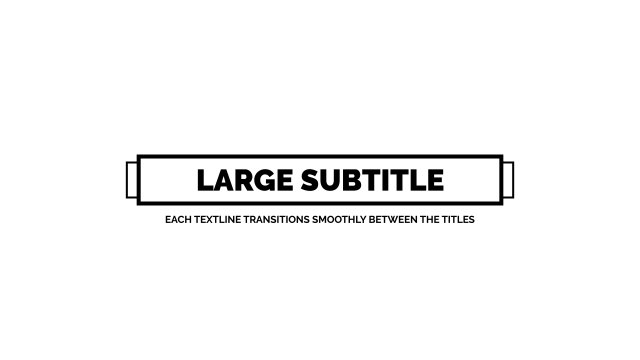
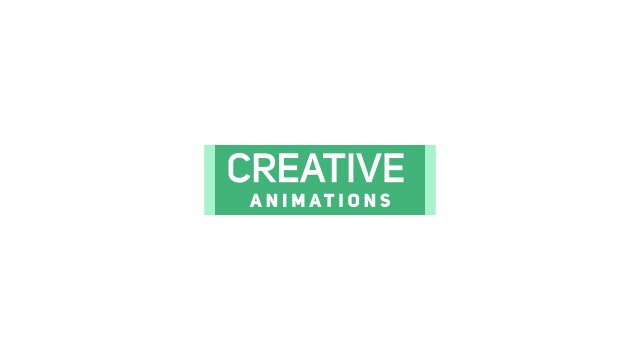
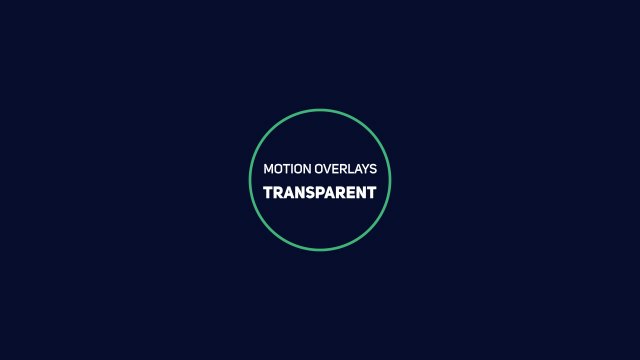
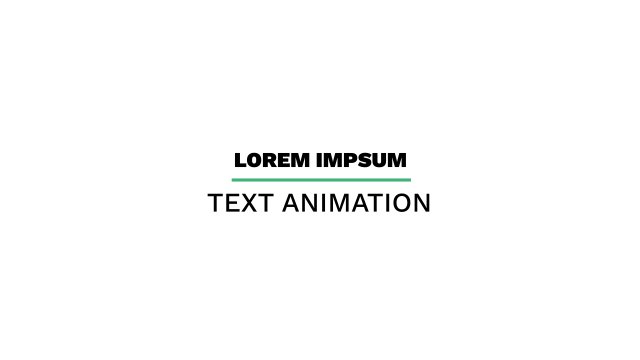
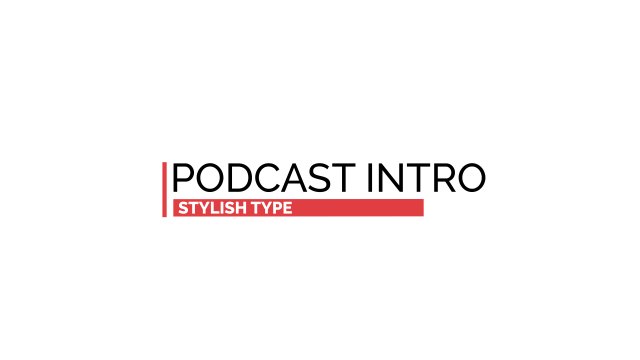
A small subtitle sits next to a large outlined word in this kinetic text transition, making it ideal as a lower third or quick caption. Use it to label scenes, introduce topics, show names and roles, or bridge two parts of your video with a fast typographic transition. The sharp outline and contrasting sizes keep the information easy to scan, even on small mobile screens.
Installing the template takes seconds: add the .mogrt file to Essential Graphics in Premiere Pro, drop it on the timeline above your footage and start typing. You get 2 editable text fields and 3 color controls plus position and scale controls so you can place it anywhere in the frame, all neatly labelled in Essential Graphics. The motion is animated at a smooth 60 fps, and the horizontal layout stays fully resizable for square or vertical cuts. A short PDF tutorial is included, and the free Google Fonts used in the design are linked in the README file, so the template looks exactly like the preview.
The template is free to download and includes a full commercial license, so you can use it for personal videos, client work, advertising and monetized channels with no credit required. No account is needed to download, and you can grab up to three free templates every 24 hours. Looking for more? Browse our growing collection of free Premiere Pro lower third templates or unlock everything with Premium.