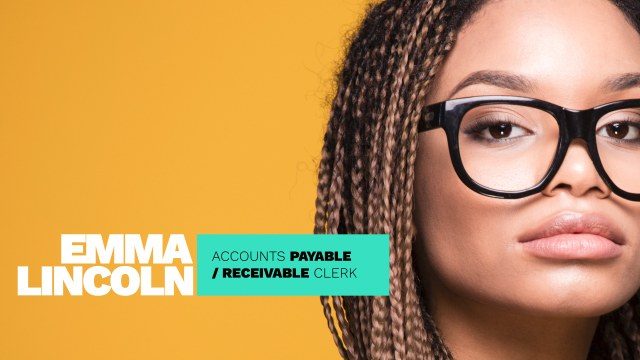
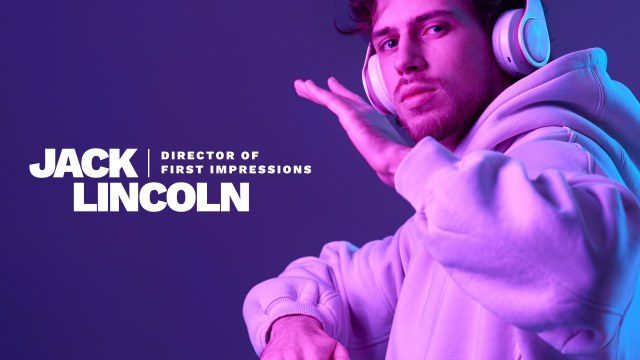
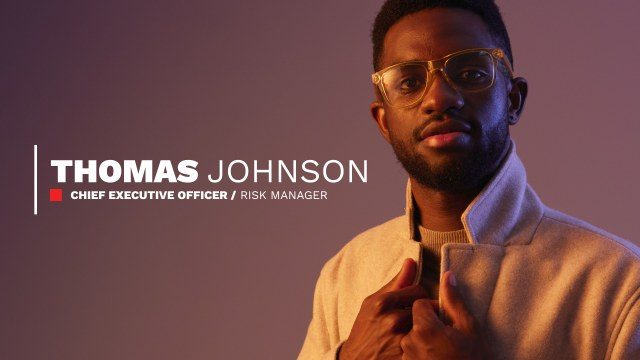
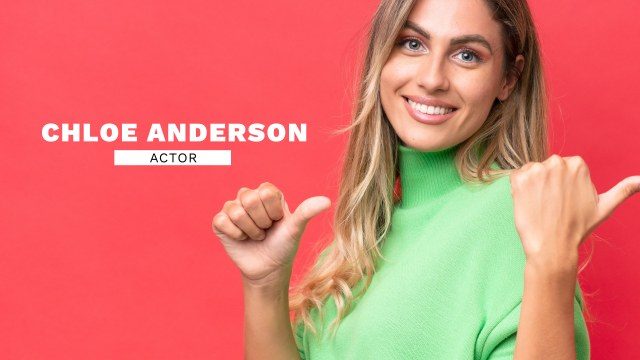
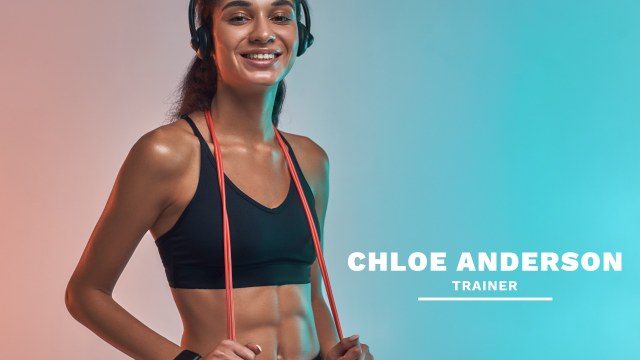
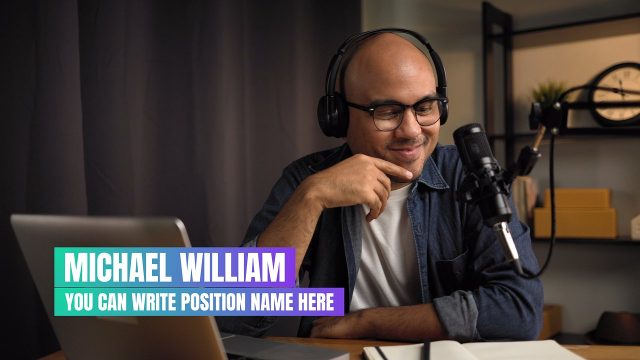
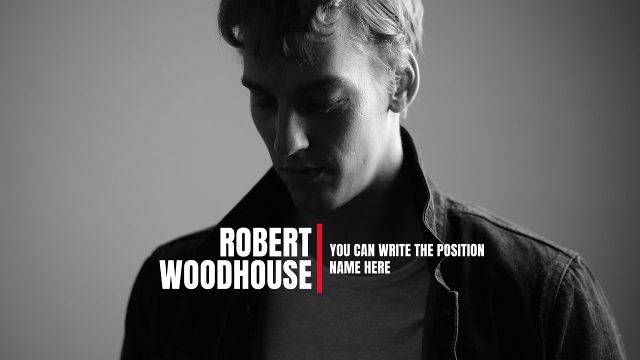
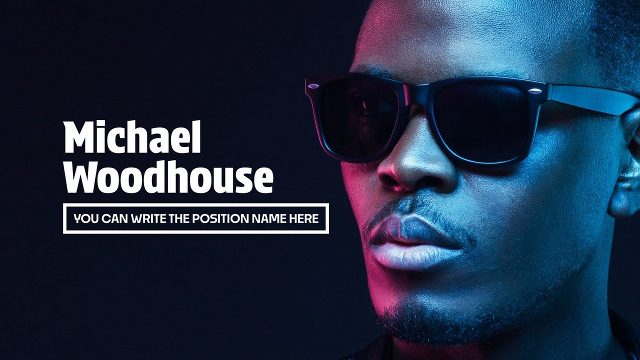
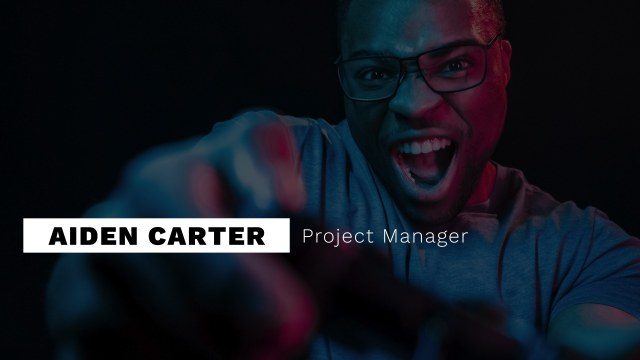
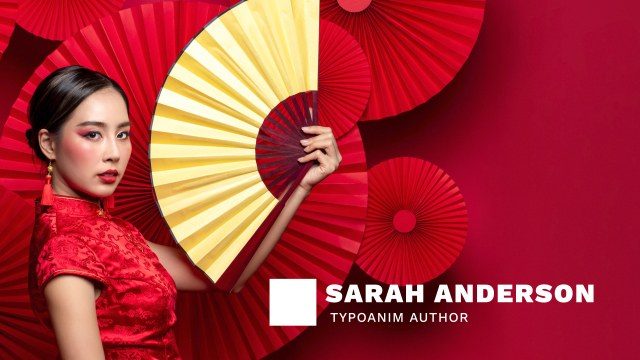
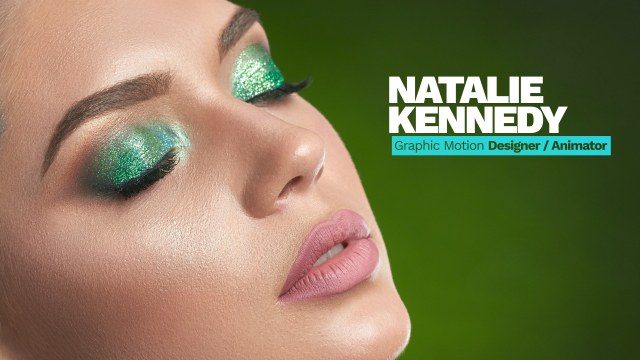
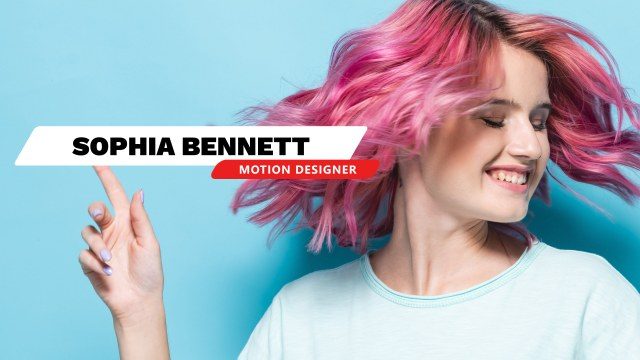
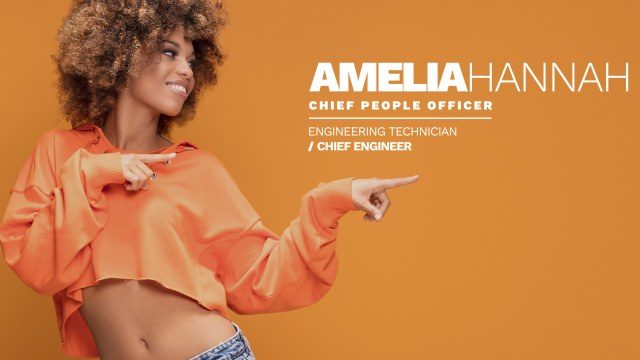
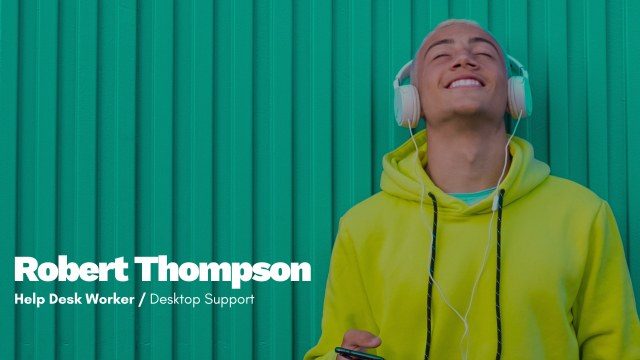
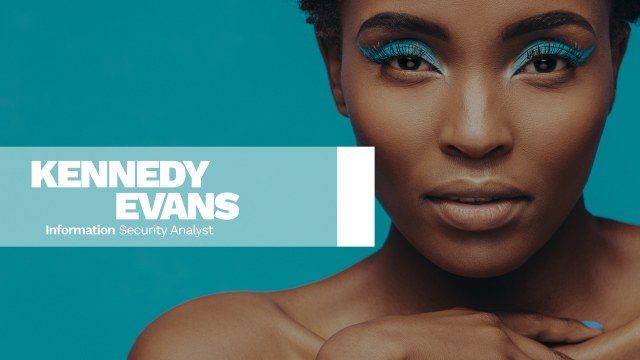
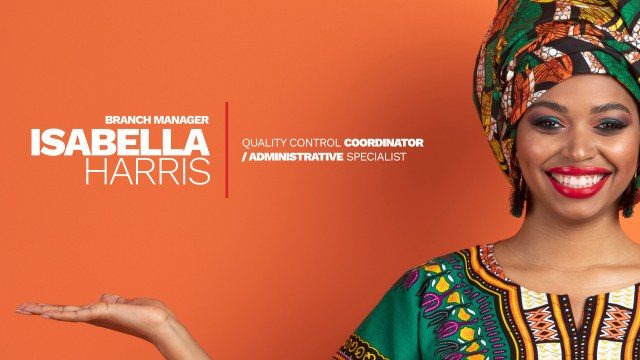
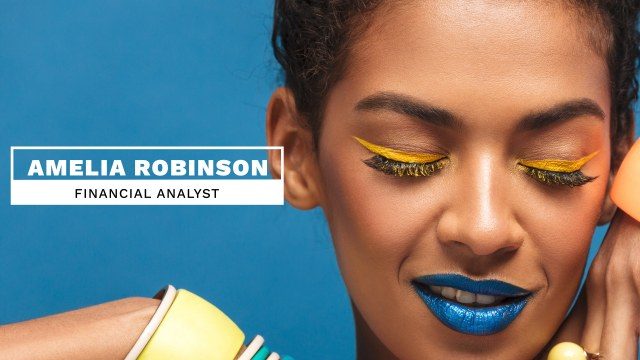
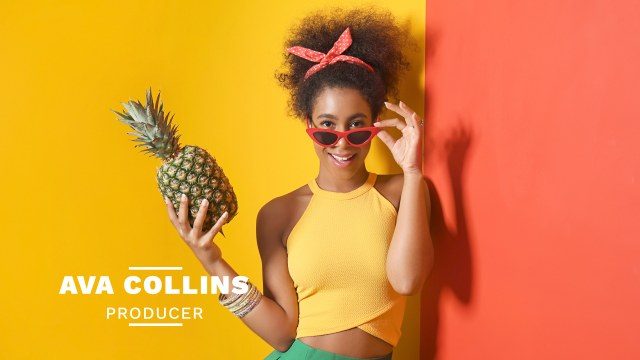
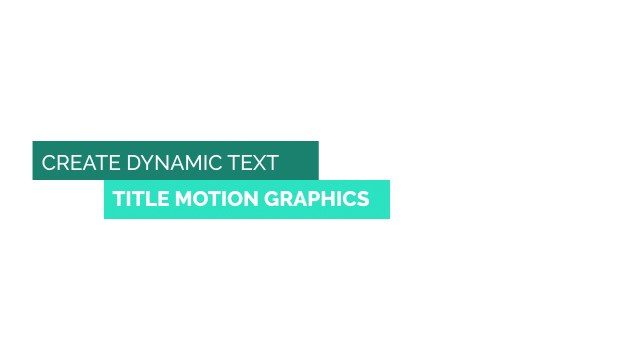
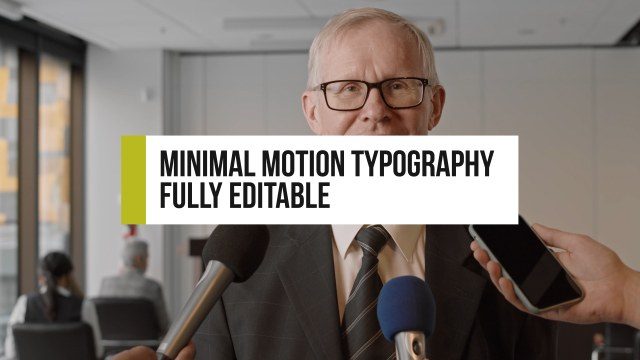
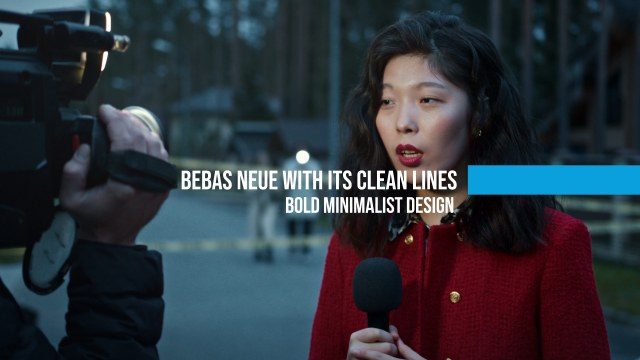
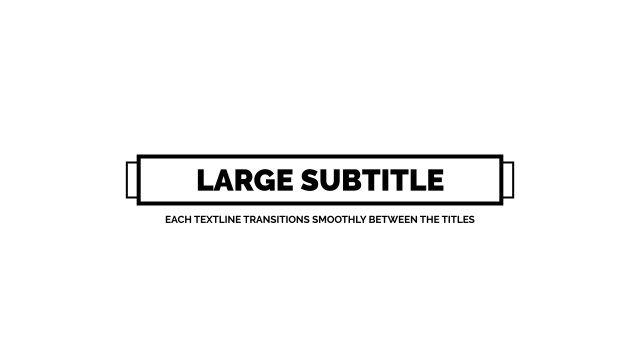
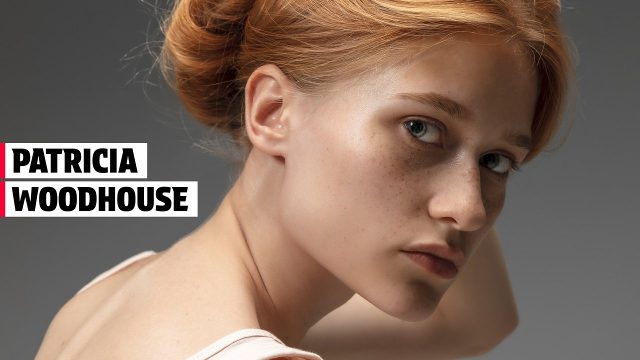
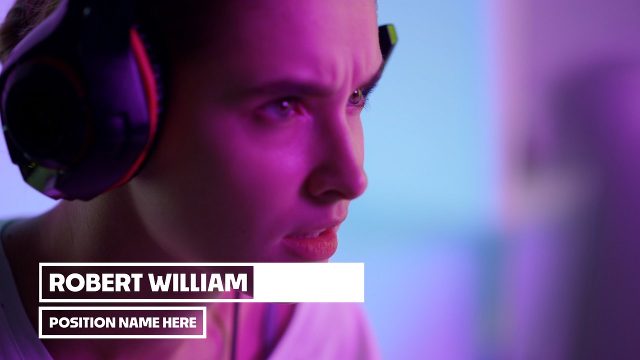
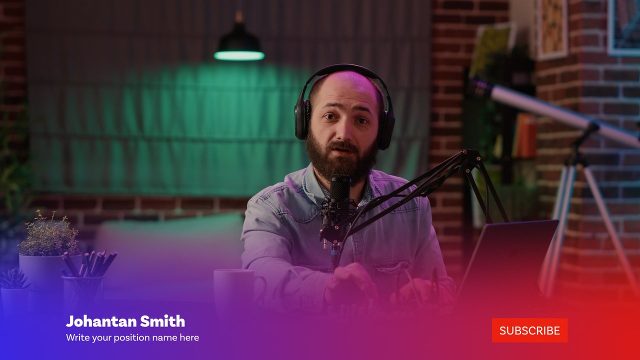
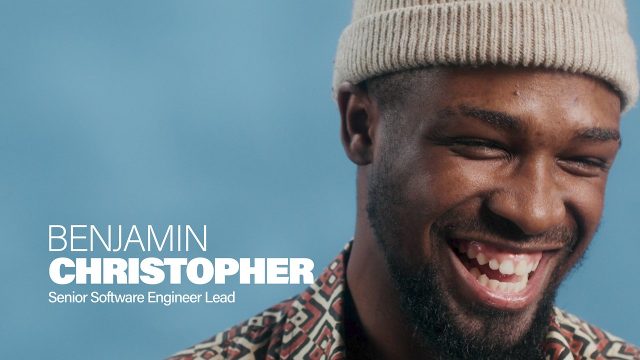
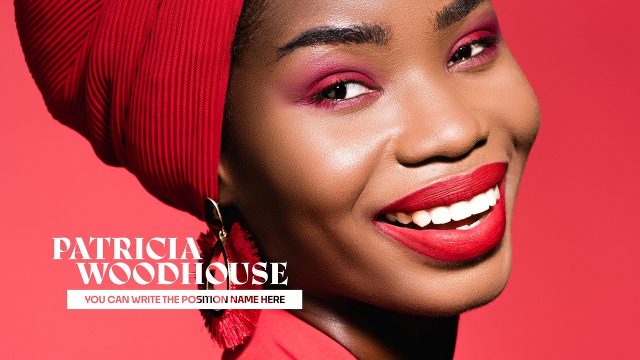
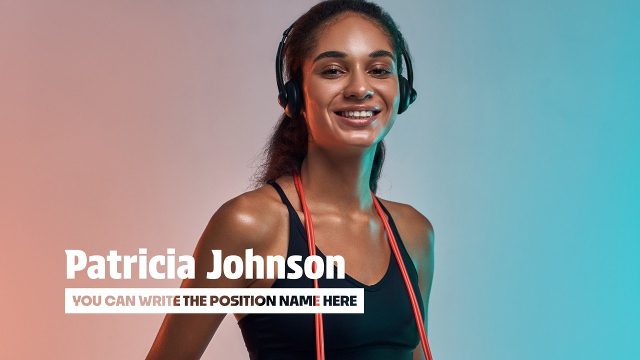
In Premiere Pro, each lower third is a MOGRT you can duplicate on the timeline for every speaker. Change the name, role, colors and position in Essential Graphics, and the design stays identical from the first interview to the last. Tip: create one lower third, set it up for your first speaker, then copy and paste it along the timeline and only change the names. Essential Graphics keeps every copy editable.
They are made for interviews, news broadcasts, documentaries, corporate videos, webinars, podcasts and conference recordings. Keep the text short, two lines at most, and leave the lower third on screen for three to five seconds so viewers have time to read it. Because the designs are minimal, they also work as captions for locations, dates, sources and short quotes in reports and explainer videos.
The free Premiere Pro lower third templates include a commercial license for personal and client projects, with no attribution needed. Download up to three templates every 24 hours, even without an account.