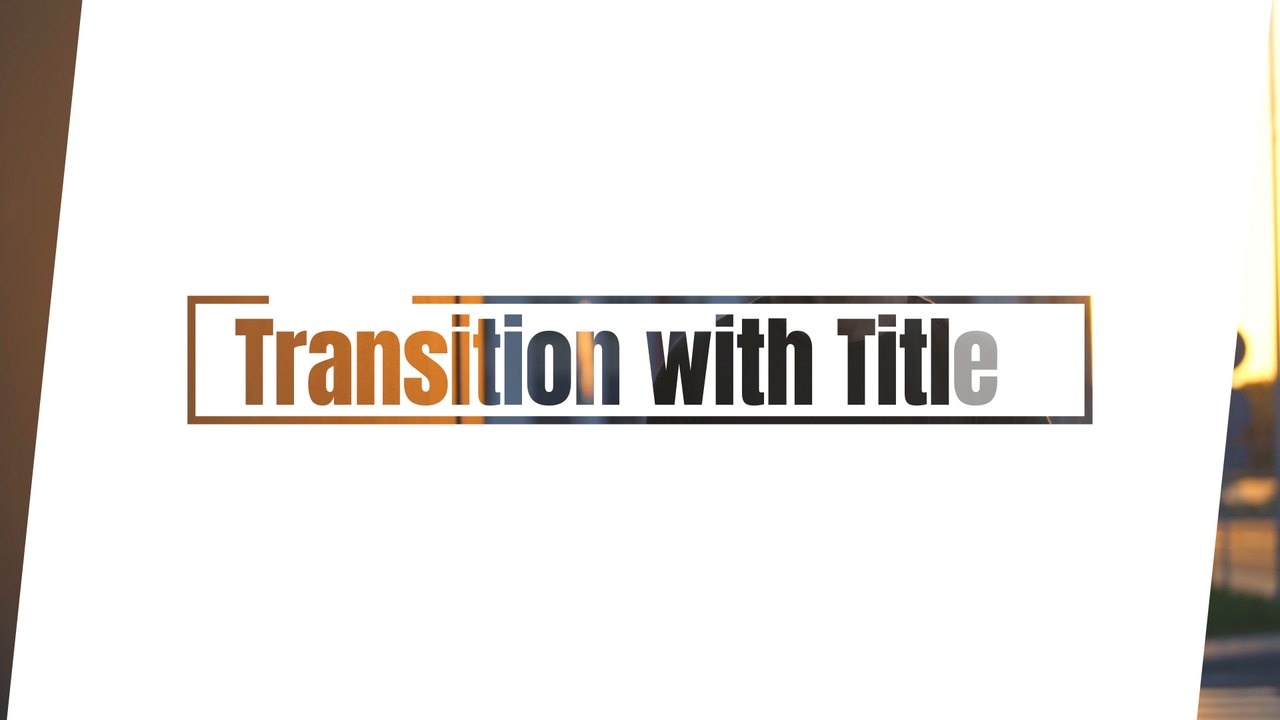
Scene Change Text Transition with Massive Clip Letters After Effects Template
Scene Change Text Transition with Massive Clip Letters — premium 16:9 text transition for After Effects. Easy to edit, commercial use.
Attributes
- Application After Effects
- Version After Effects 2023 or later
- Resolution Horizontal · Resizable
- File size 0.12 MB
- Fonts Acumin Pro (Adobe Fonts)
- Required plugins None
- Tutorial PDF included
- License Commercial use
About this template
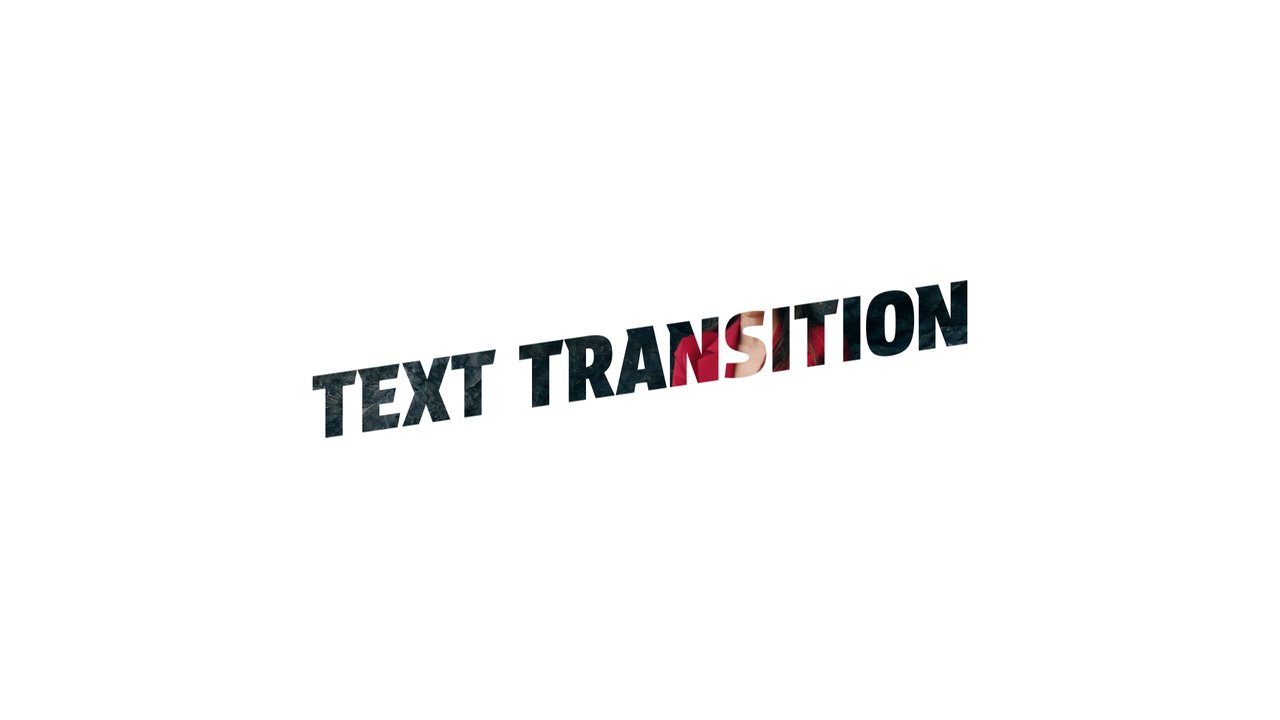
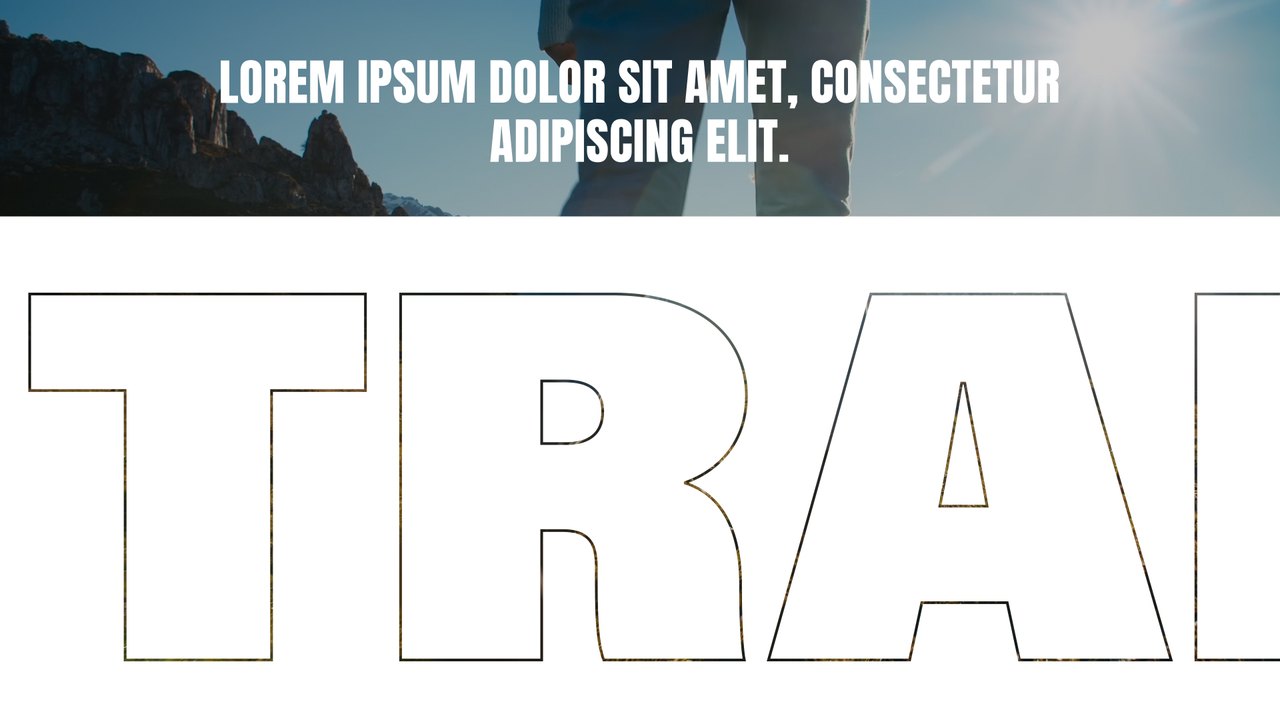
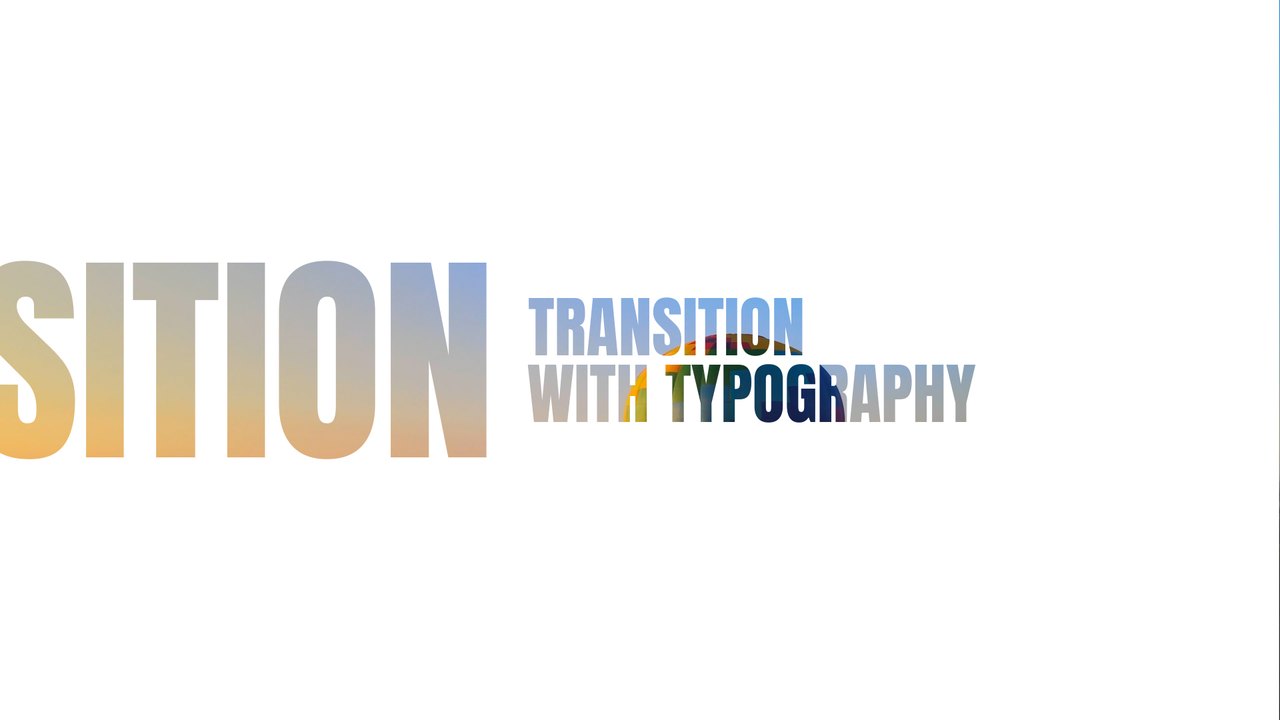
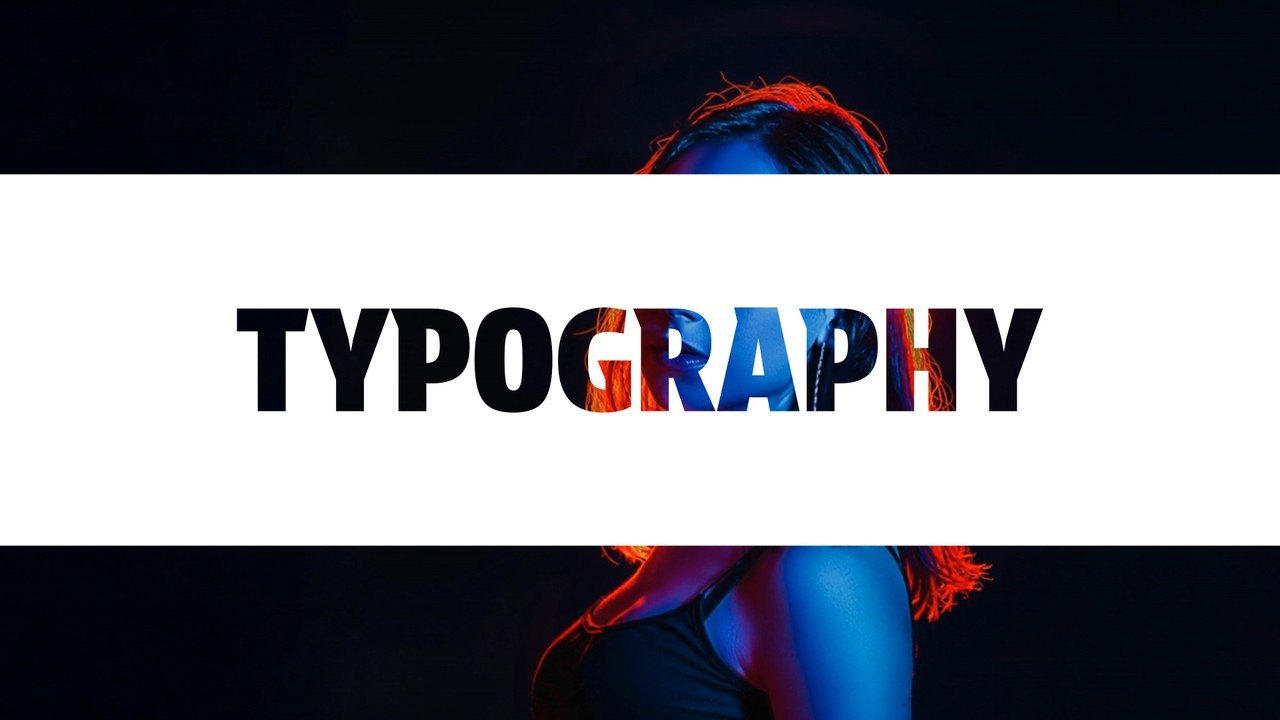
Huge letters filled with your footage slide across, a small title appears and the next scene opens. Cut-out typography reveals the video inside the letters, perfect for travel films, podcasts, YouTube and Instagram. Use it between chapters, as an opener or as a title card that leads into your next shot in any edit. Swap the preview clips for your own videos in a few clicks; the text and motion stay the same. It uses Acumin Pro from Adobe Fonts, which every Creative Cloud member can activate for free.
The .aet template opens as a fresh project in After Effects 2023 or later; save it under your own name and start editing. Type your words in the EDIT composition (1 text layer) and recolor the design from the CONTROL PANEL layer with 3 color controls. The preview footage is for demonstration only; place your own clip under the title layers. Resolution 1920x1080, 60 frames per second, roughly 6 seconds long. No plugins are needed; the download includes the Typoanim PDF tutorial and a font guide.
It belongs to the Typoanim Premium library and is unlocked with the Premium plan. A commercial license is included for client projects, ads, social media and monetized videos, credit-free. Browse more premium After Effects transition templates on Typoanim.