Serif Capsule Cinematic Cut Out Transition After Effects Template
Serif Capsule Cinematic Cut Out Transition — premium 16:9 text transition for After Effects. Easy to edit, commercial use.
Attributes
- Application After Effects
- Version After Effects 2023 or later
- Resolution Horizontal · Resizable
- File size 0.12 MB
- Fonts Spectral SC (Google Fonts)
- Required plugins None
- Tutorial PDF included
- License Commercial use
About this template
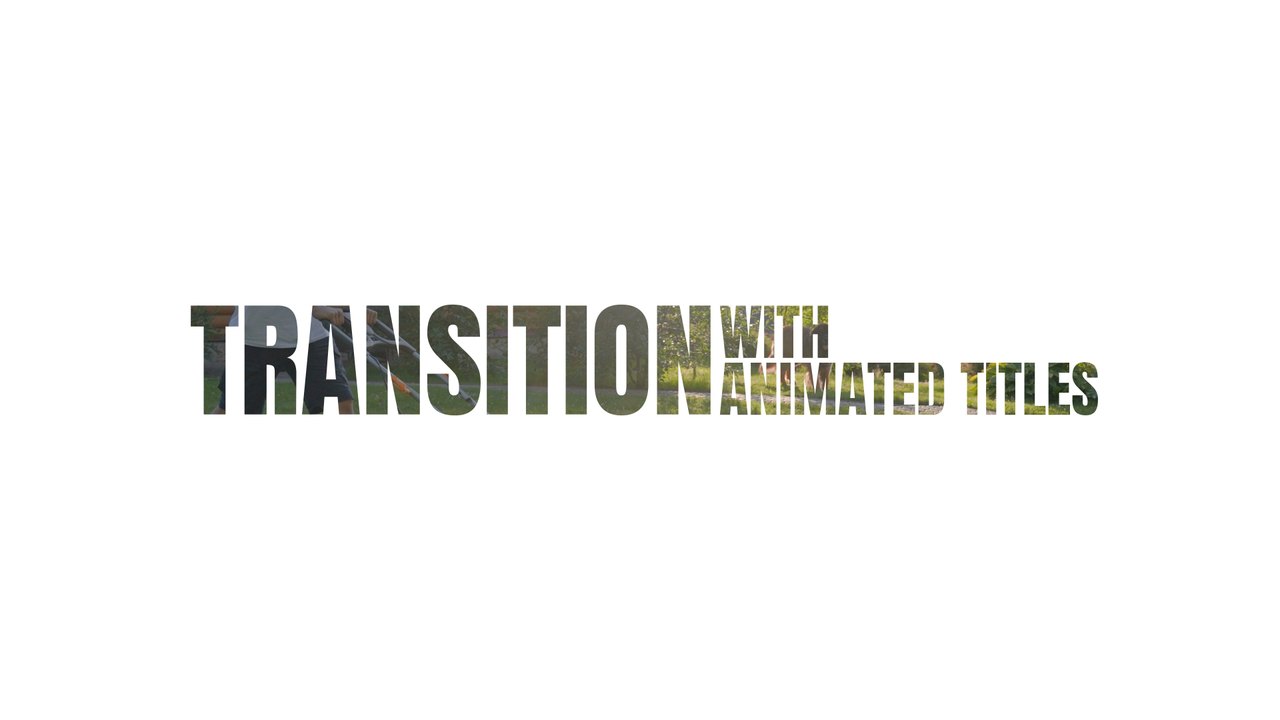
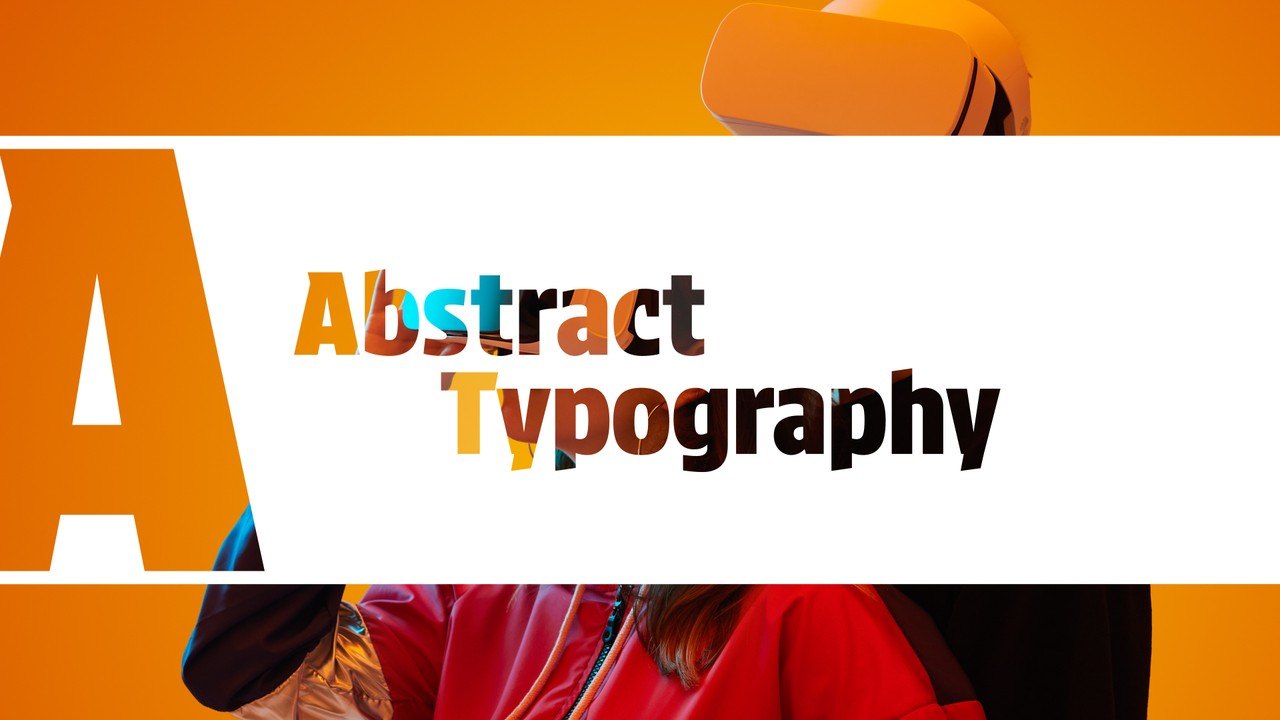
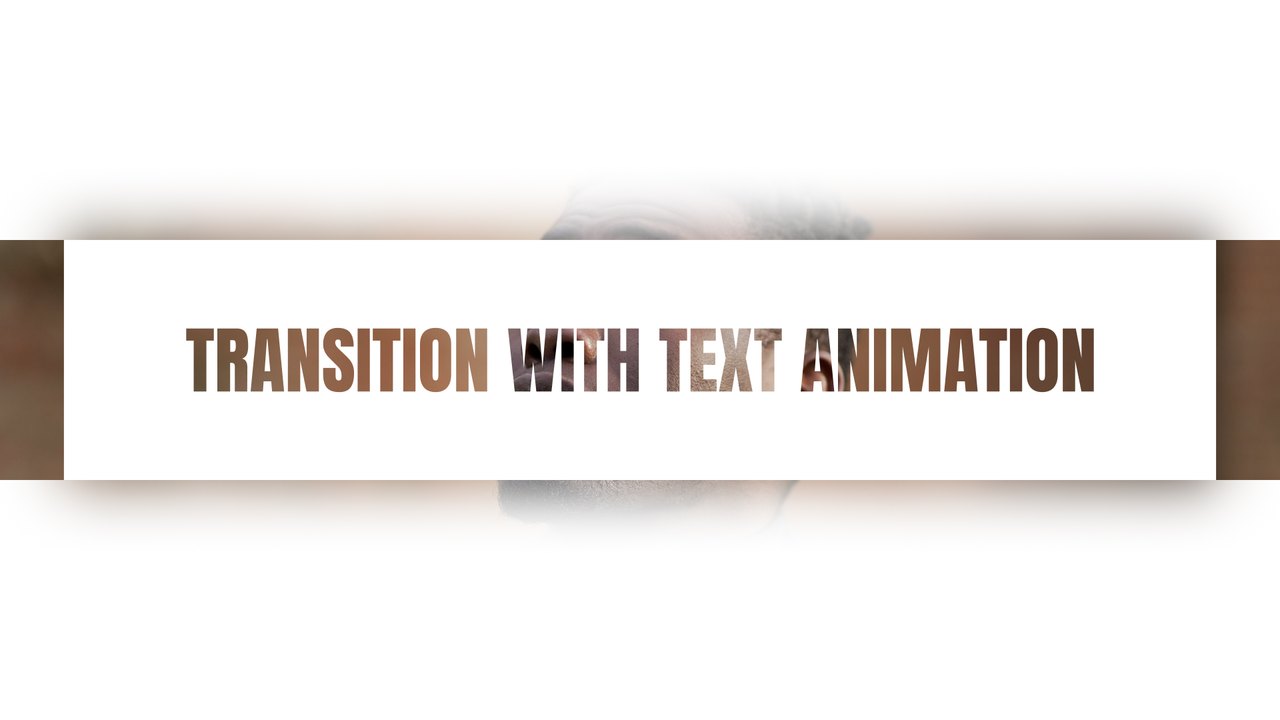
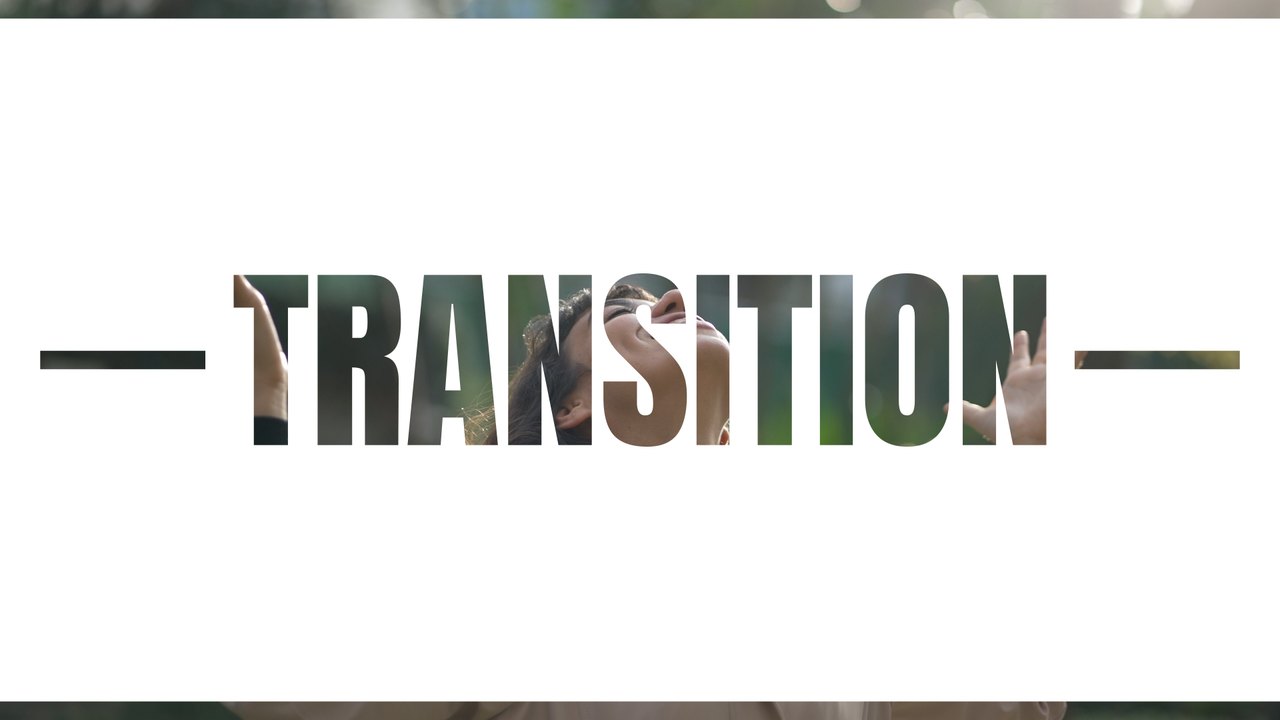
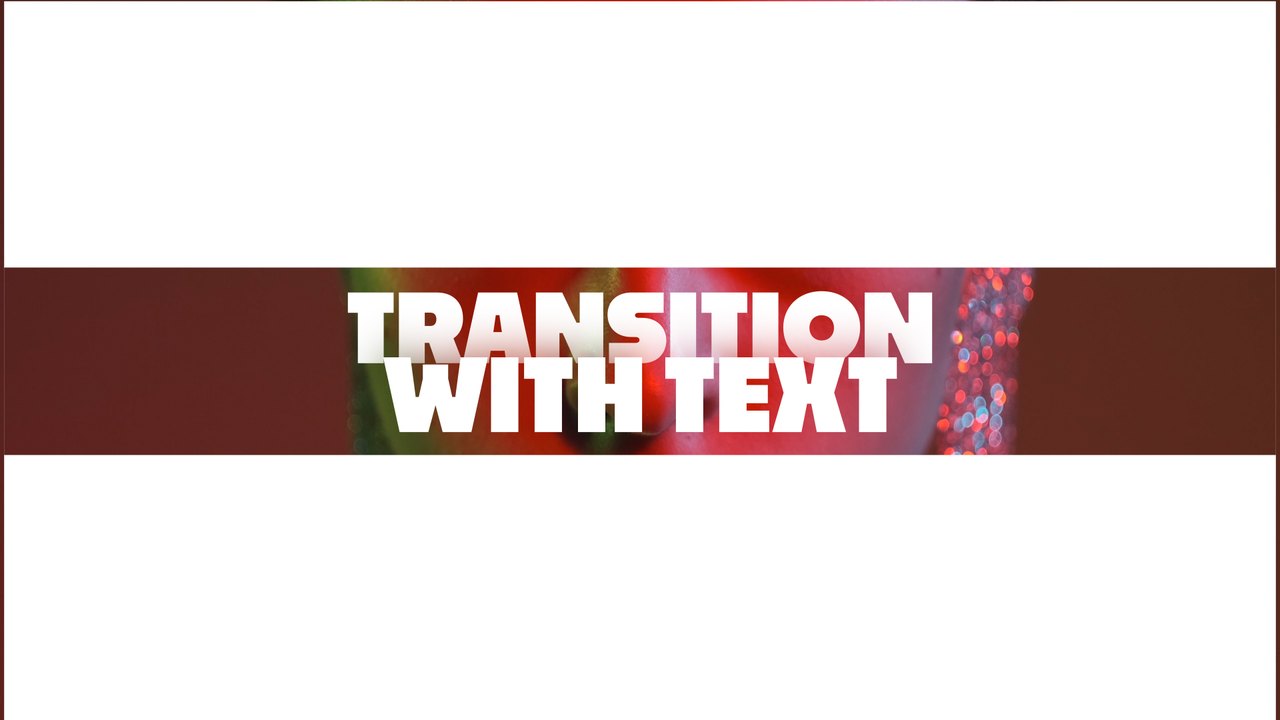
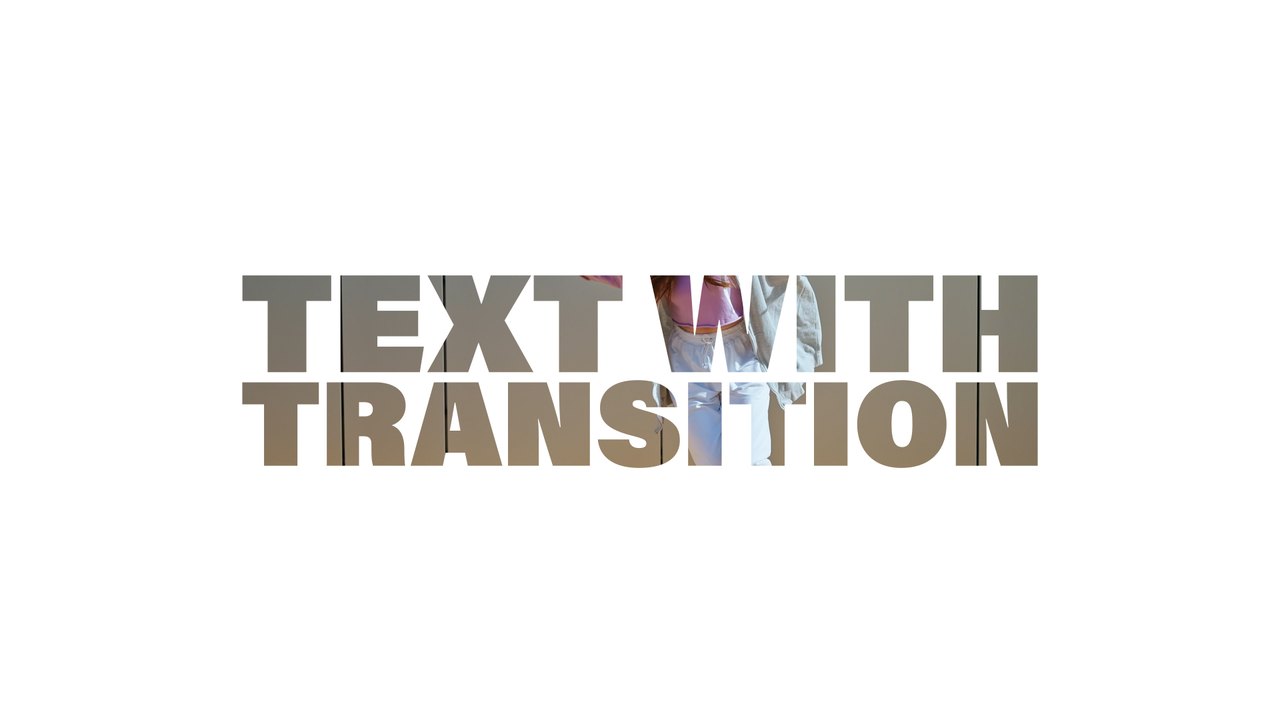
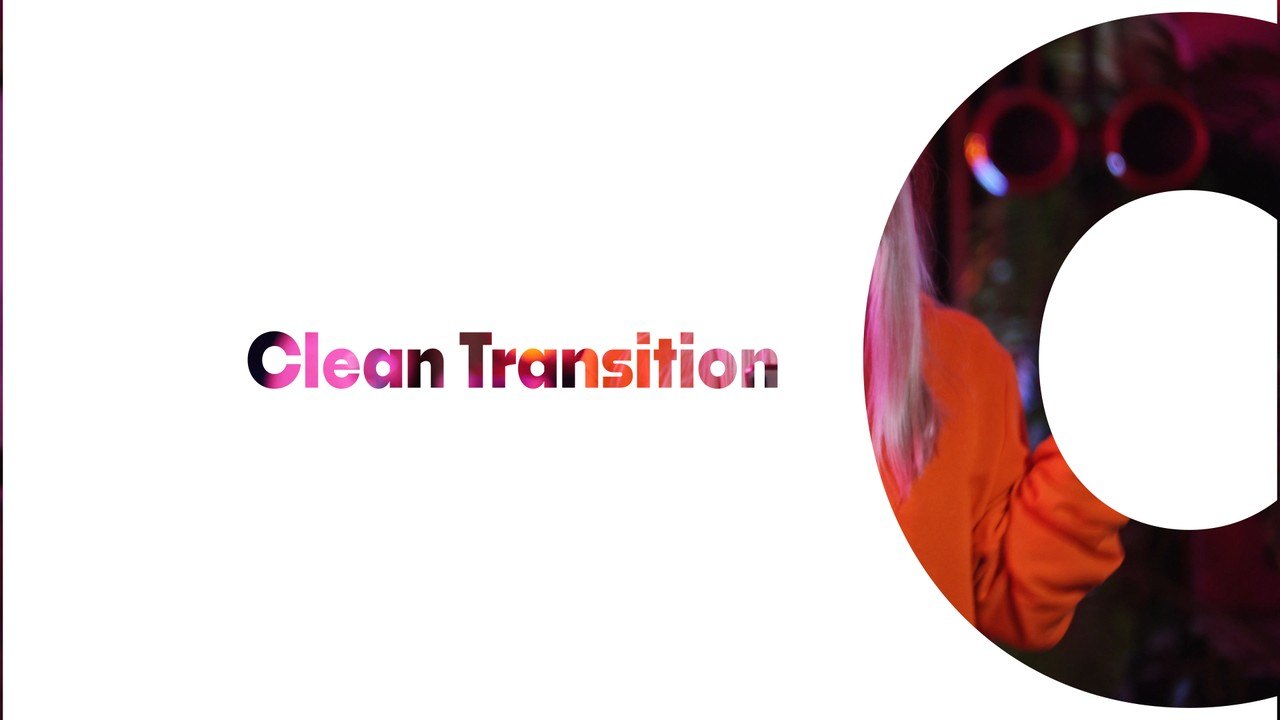
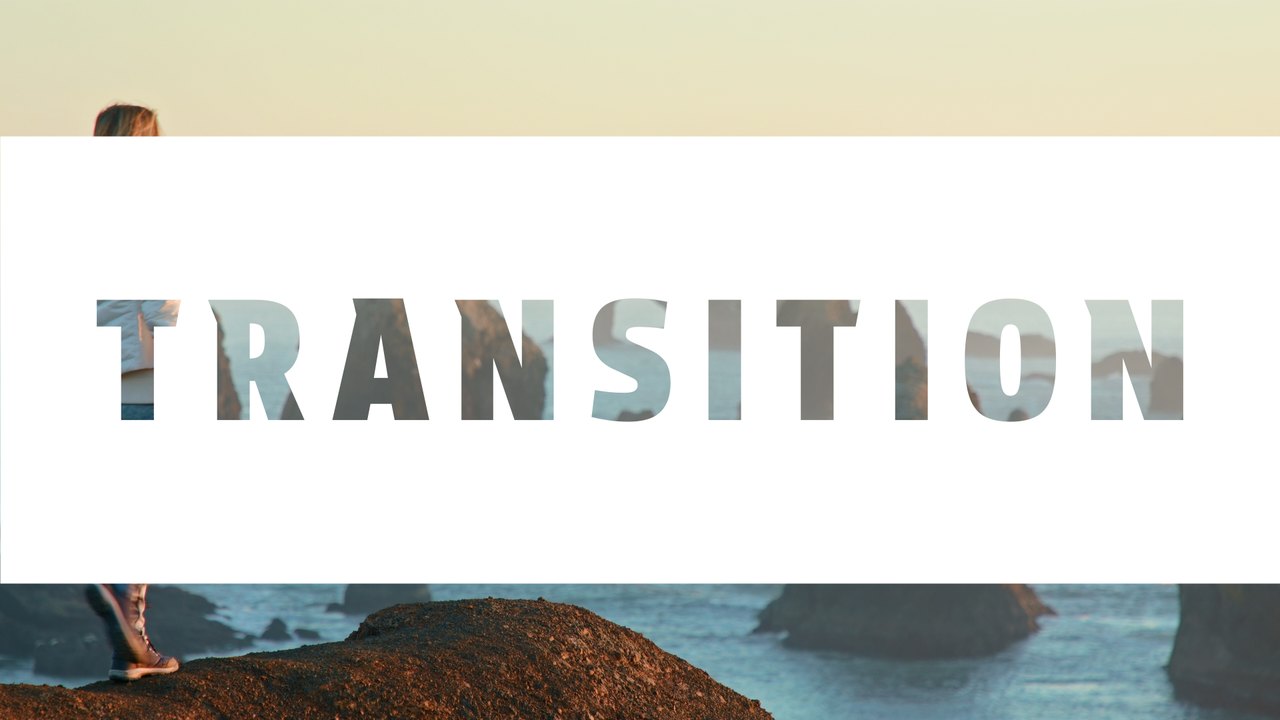
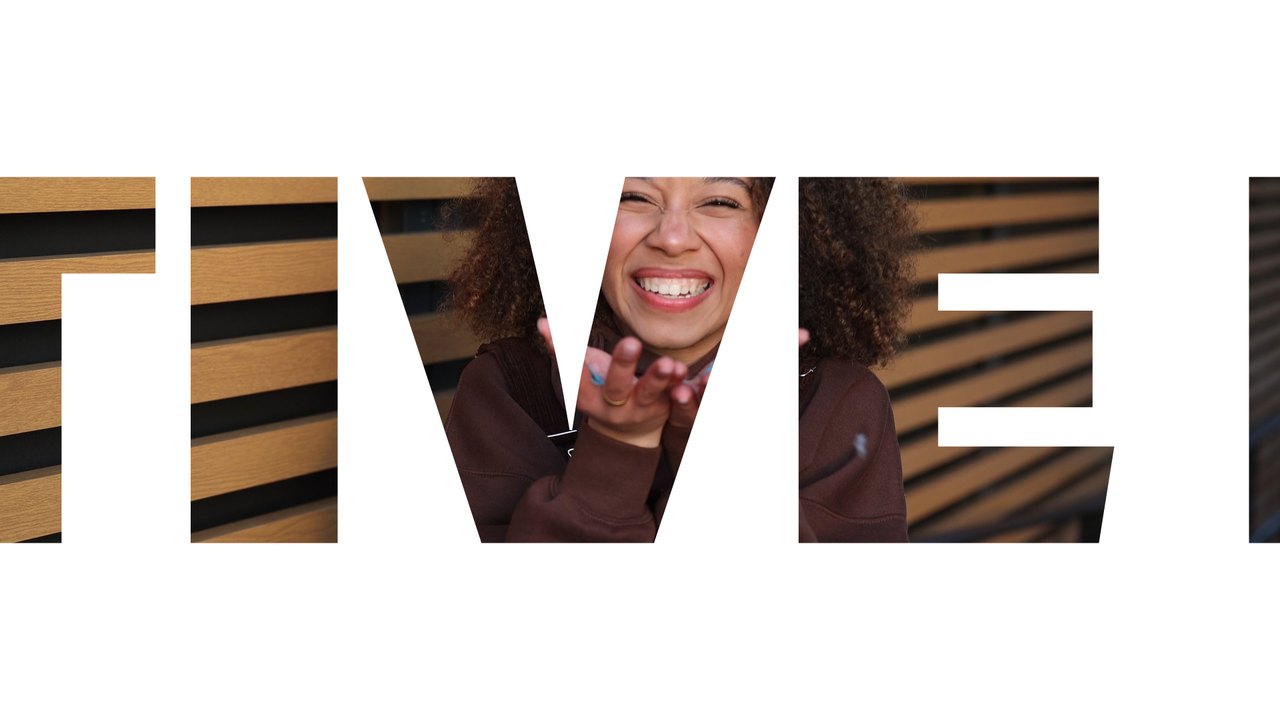
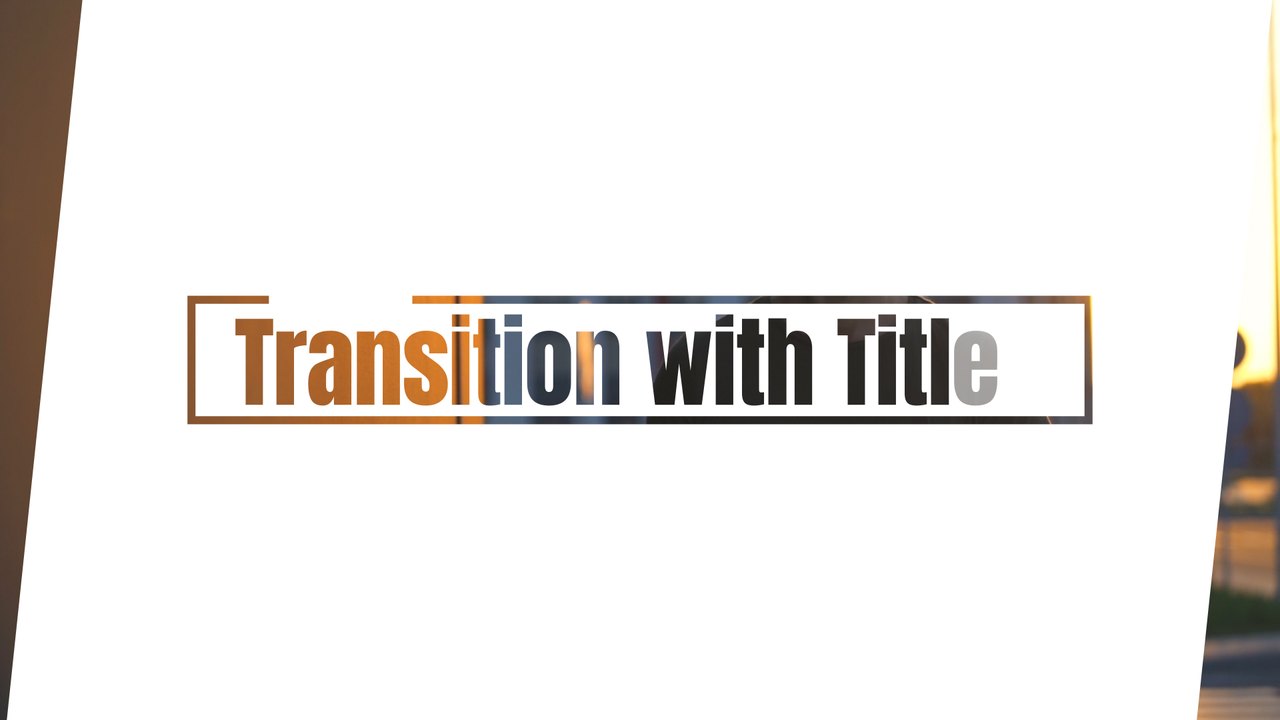
Spaced serif letters filled with footage slide inside a white capsule shape, gather into one word and fade into the next scene. The text cutout look lets your footage play through the letters, a trendy effect for vlogs, promos and fashion edits. Use it between chapters, as an opener or as a title card that leads into your next shot in any edit. The clips in the preview are examples only: put your own footage into the placeholders and the transition works with any video. The typography uses Spectral SC, a free Google Font linked in the included font guide.
Double-click the .aet file and After Effects 2023 or later opens an untitled copy, so the original stays safe. The text field lives in the EDIT composition, and the CONTROL PANEL layer holds 2 color controls for text, shapes and background. The preview footage is for demonstration only; place your own clip under the title layers. Resolution 1920x1080, 60 frames per second, roughly 6 seconds long. No third-party plugins are required, and a PDF tutorial plus a font guide come with the download.
It belongs to the Typoanim Premium library and is unlocked with the Premium plan. The commercial license covers client work, social media ads, YouTube channels and monetized content, with no attribution required. Browse more premium After Effects transition templates on Typoanim.