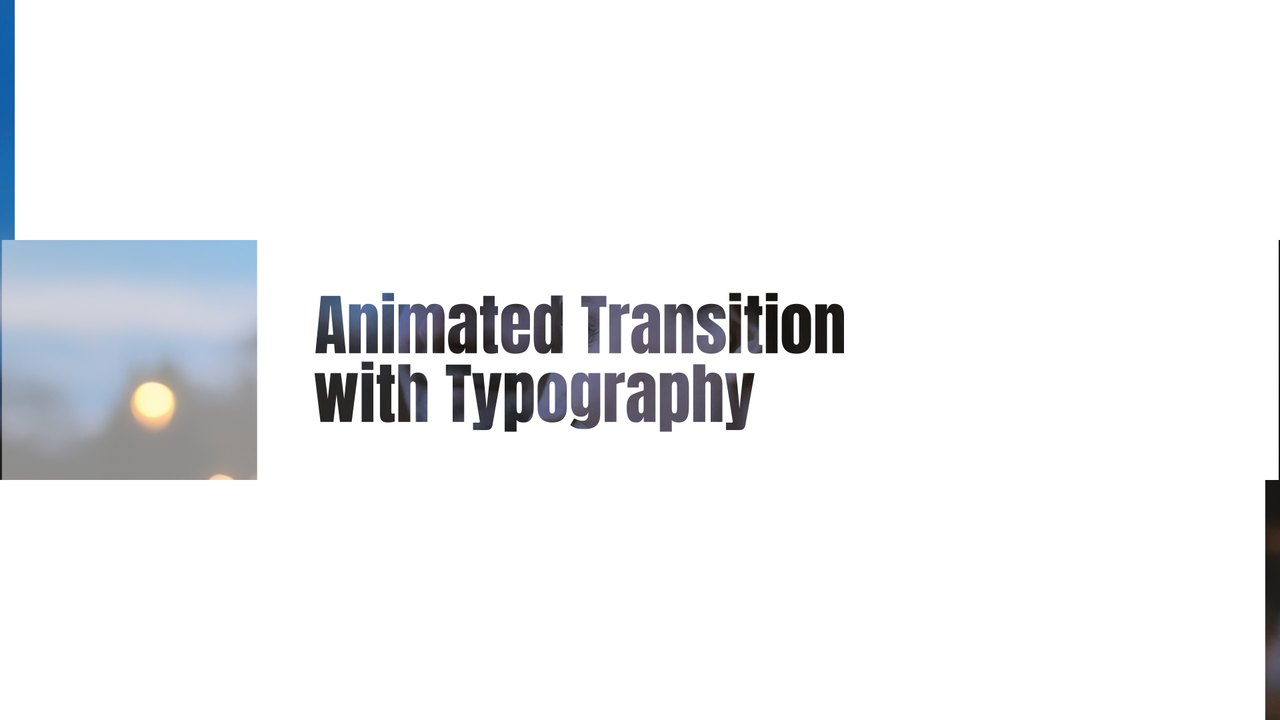
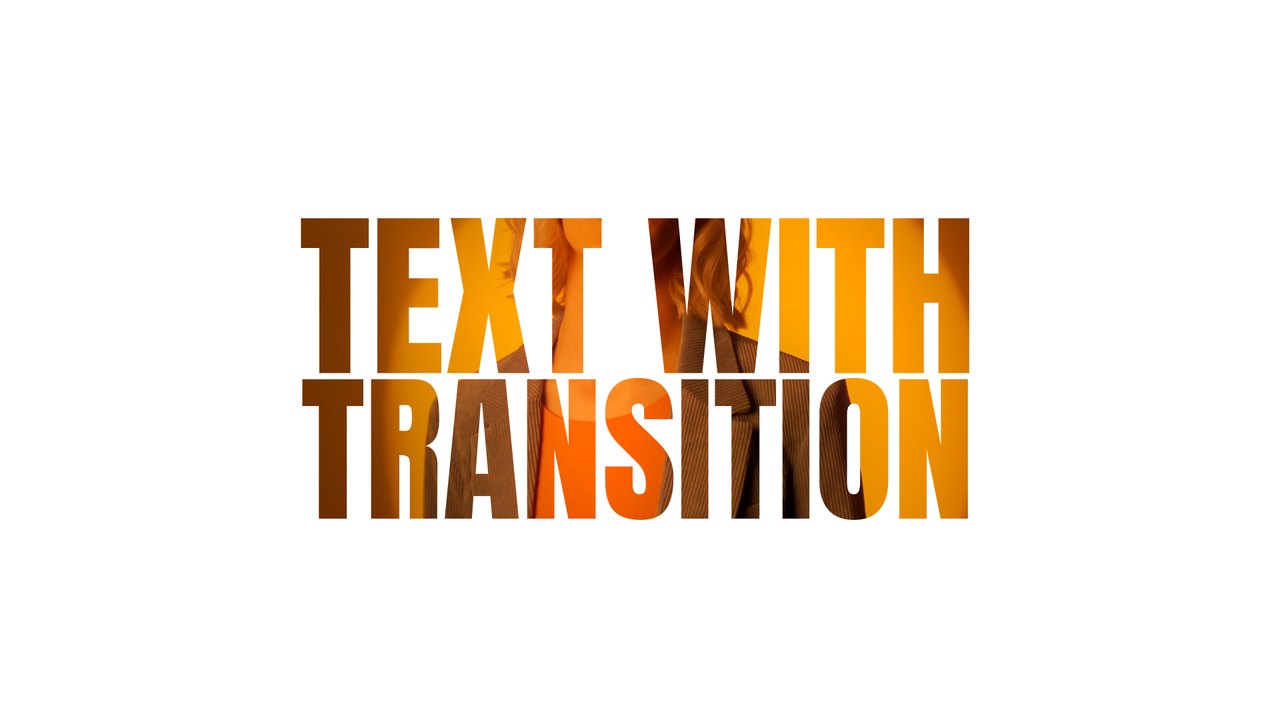
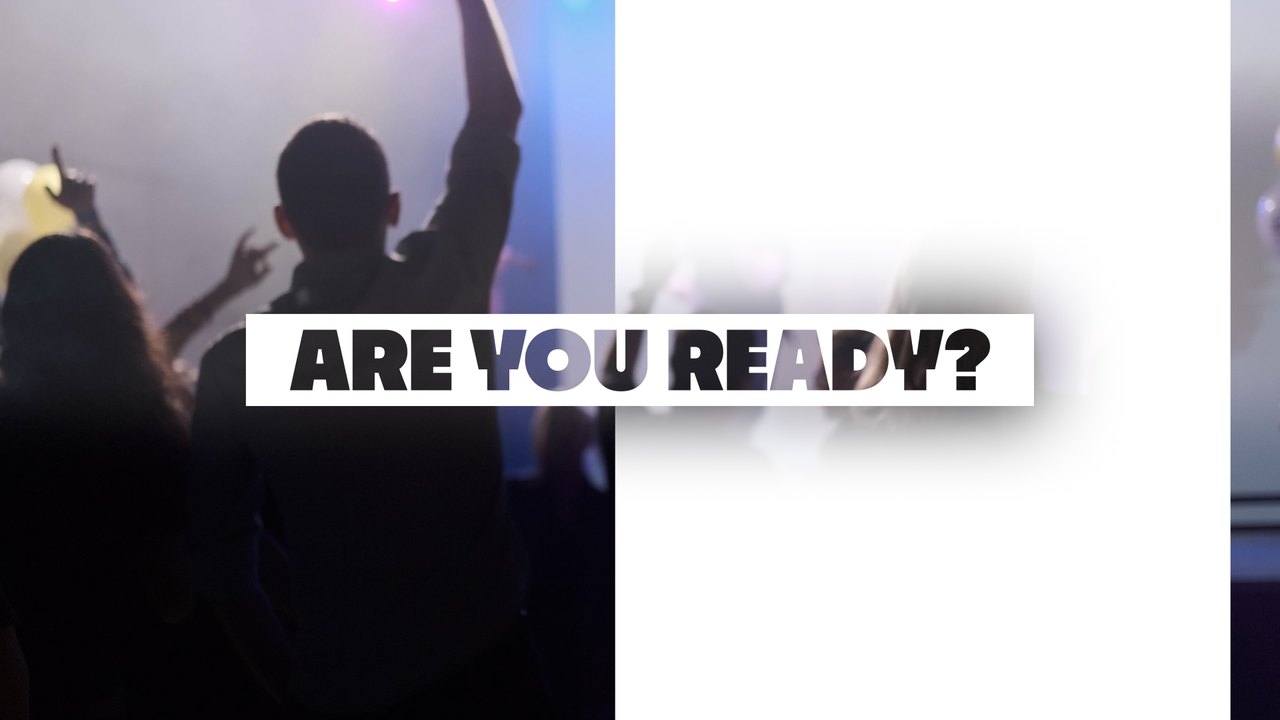
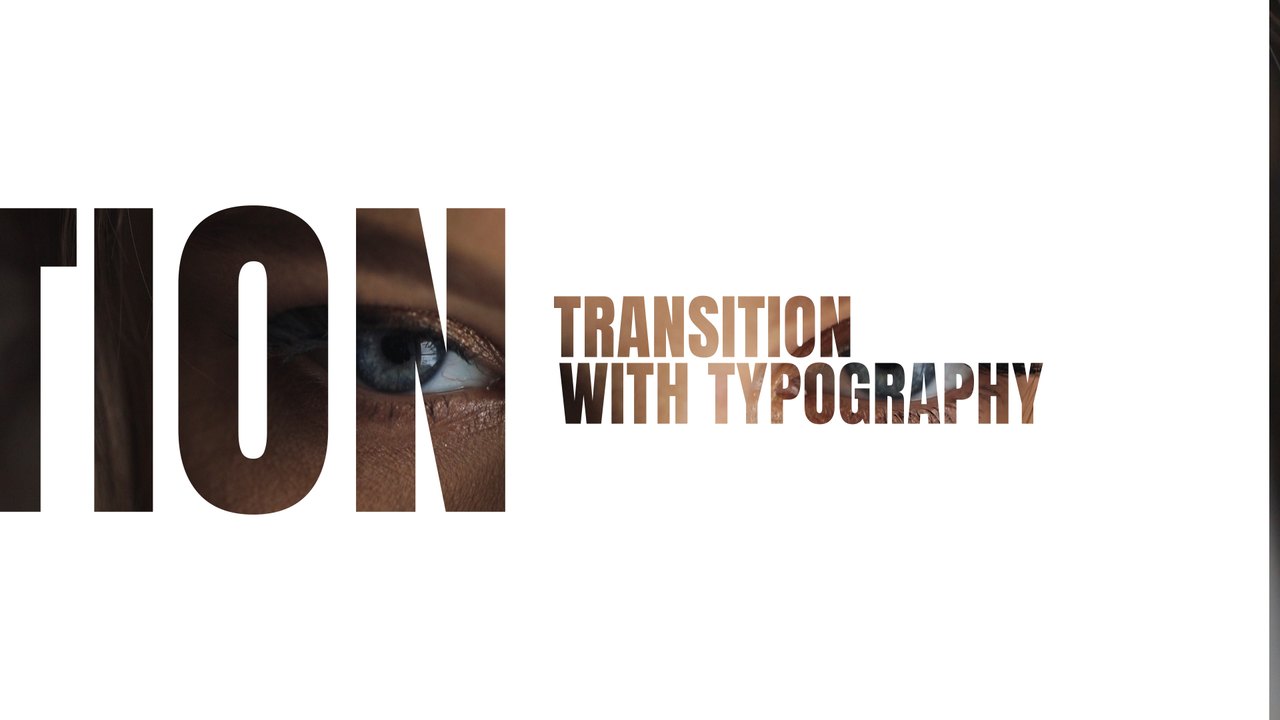
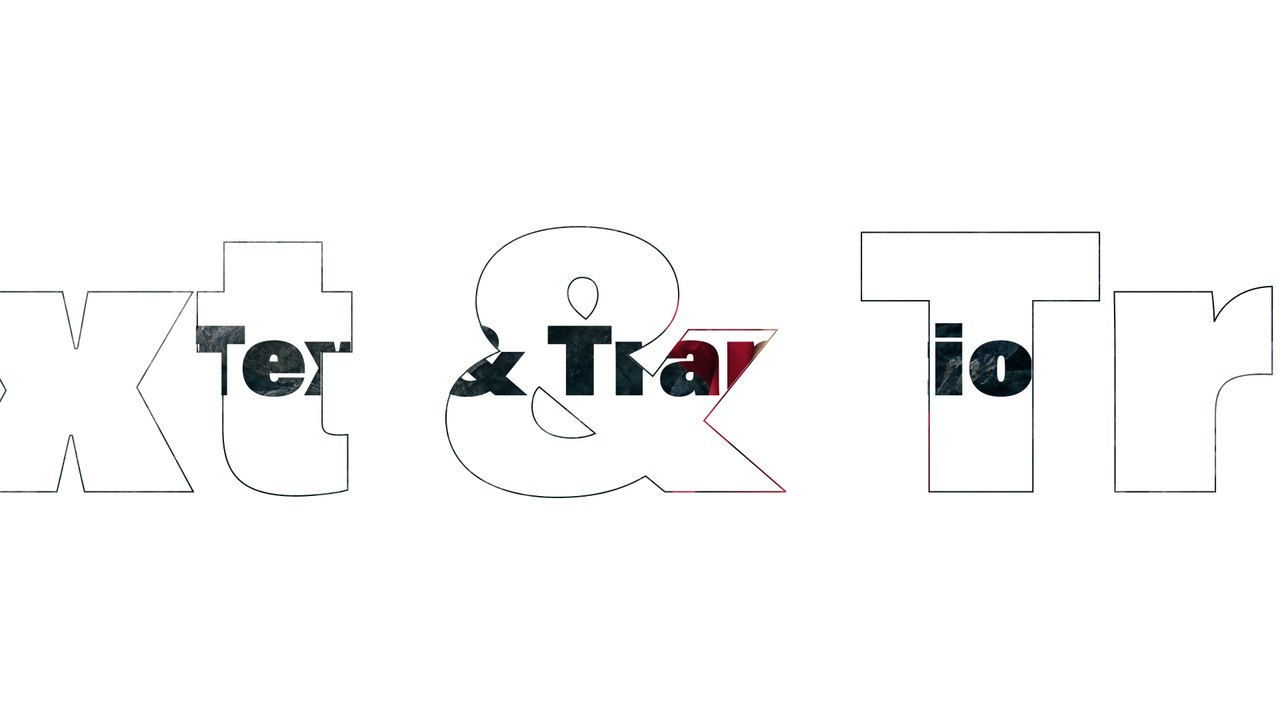
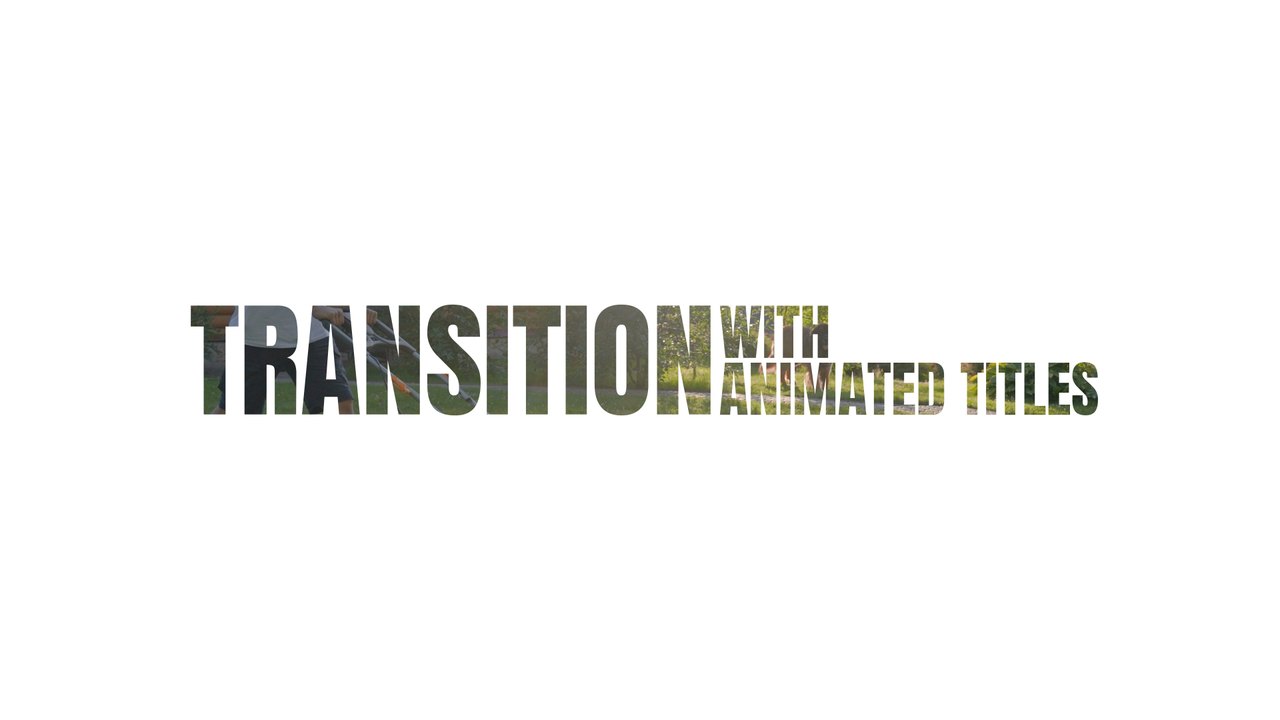
Typing Cursor Highlight Box Cinema Transition After Effects Template
Typing Cursor Highlight Box Cinema Transition: premium After Effects text transition with 2 editable texts and 4 colors, 60 fps and a commercial license.
Attributes
- Application After Effects
- Version After Effects 2023 or later
- Resolution Horizontal · Resizable
- File size 0.13 MB
- Fonts Acumin Pro (Adobe Fonts)
- Required plugins None
- Tutorial PDF included
- License Commercial use
About this template
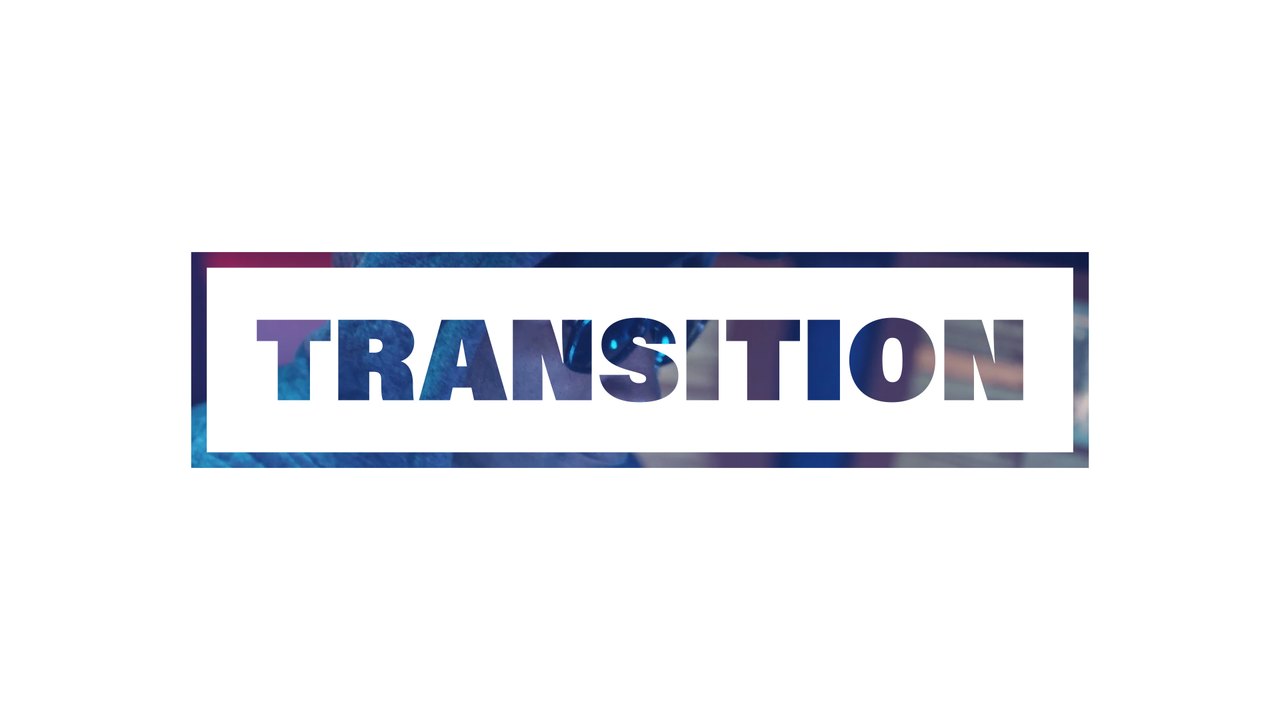
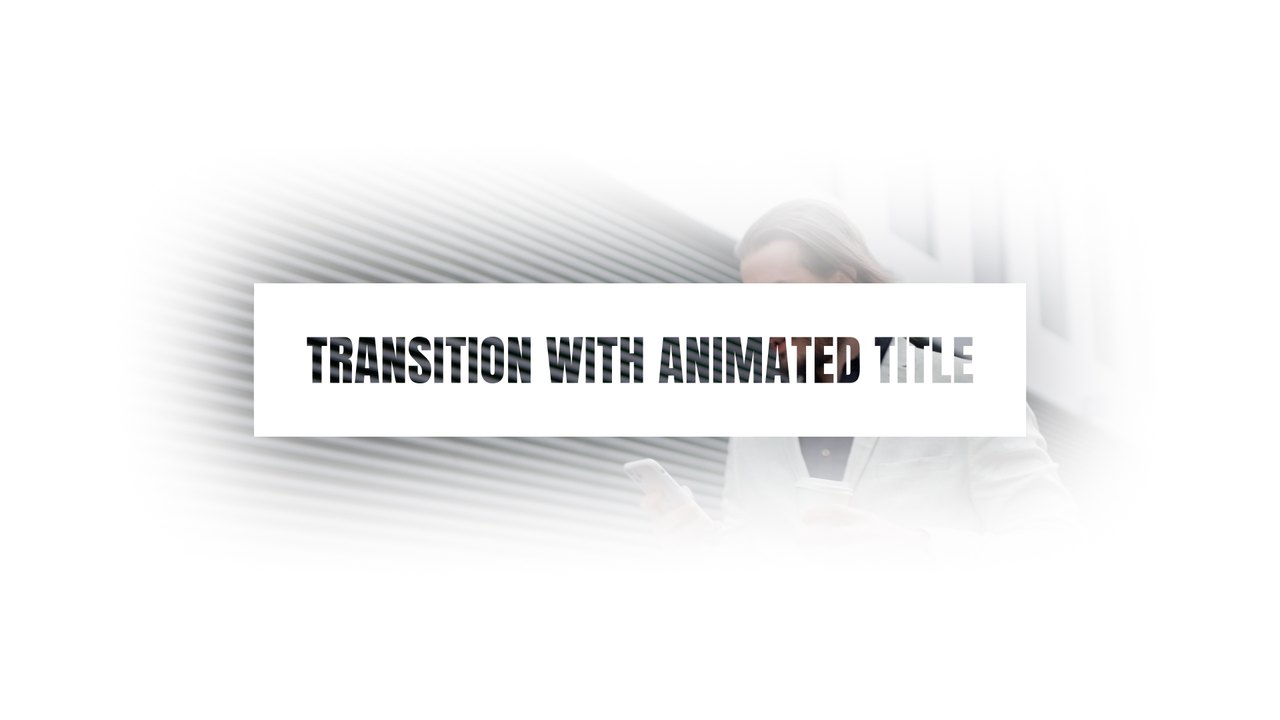
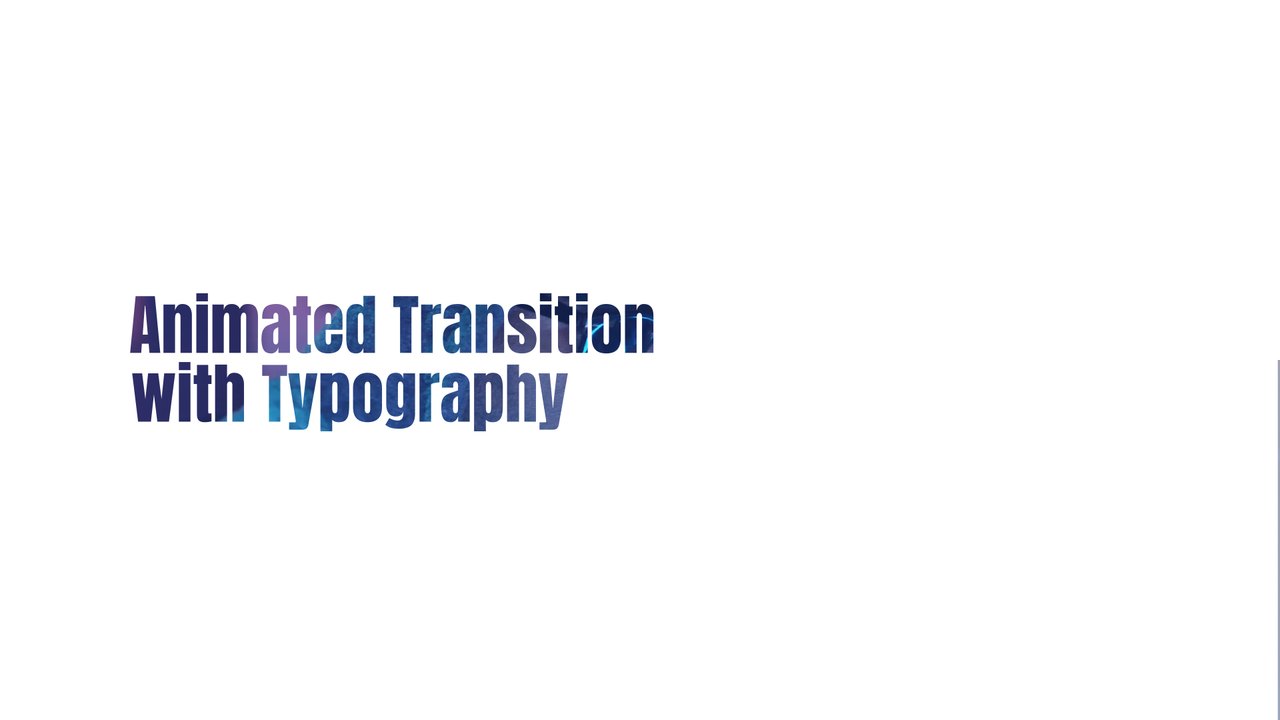
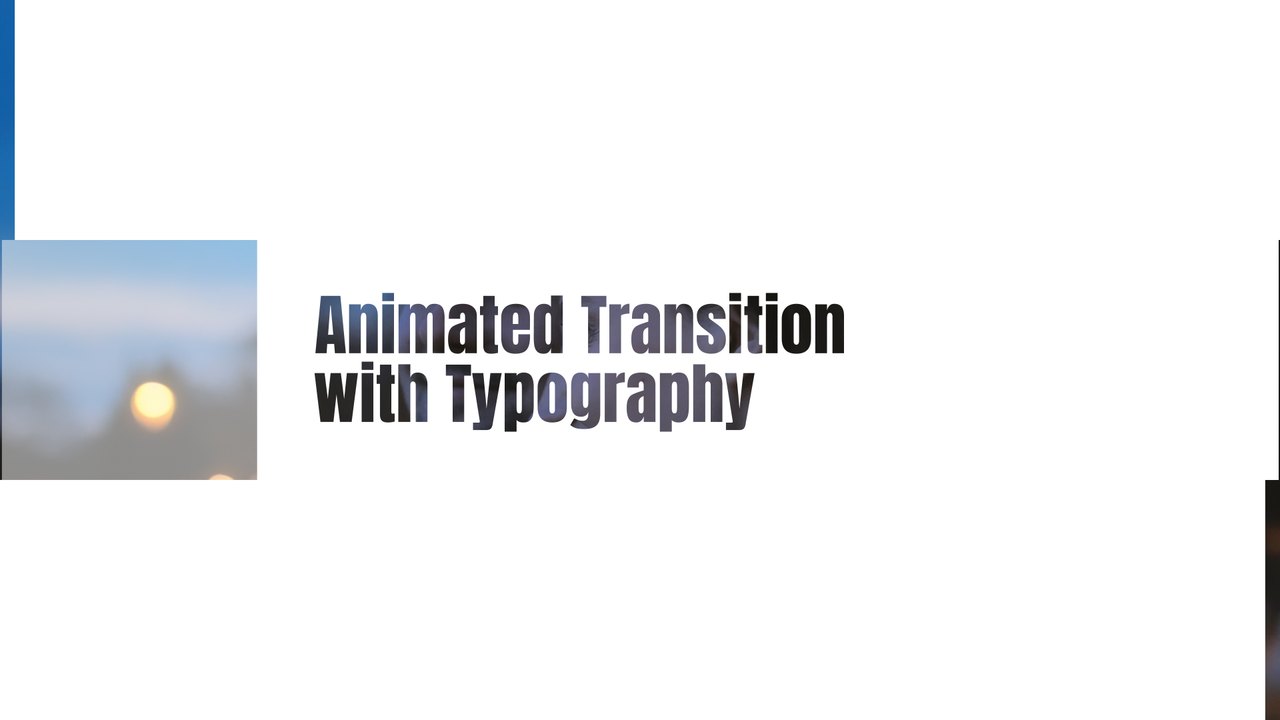
A blinking cursor types a two-word title over cinema seats, the second word gets a white highlight box and then giant cut-out letters sweep through to reveal the next shot. Great for film festivals, movie reviews, trailers, theater promos and storytelling channels. The typography uses Acumin Pro from Adobe Fonts, which activates with one click for every Creative Cloud member.
The .aet template opens as a new project in After Effects 2023 or later; save it under your own name and start editing right away. The 2 text layers are edited in the EDIT composition, while the CONTROL PANEL layer holds 4 color controls and a background on/off switch. Put it on top of the cut between your two shots so the slide hides the edit, or render it with transparency for use in other software. It runs at 60 fps for about 5 seconds in Full HD. The download includes our step-by-step PDF tutorial and a font guide, and no third-party plugins are needed.
Premium members get this template, and the rest of the premium collection, with their plan. The commercial license covers client projects, advertising, monetized YouTube channels and social media, with no attribution required. Explore the full premium collection of After Effects templates on Typoanim.