Typing Text Transitions with Diagonal Mint Panel After Effects Template
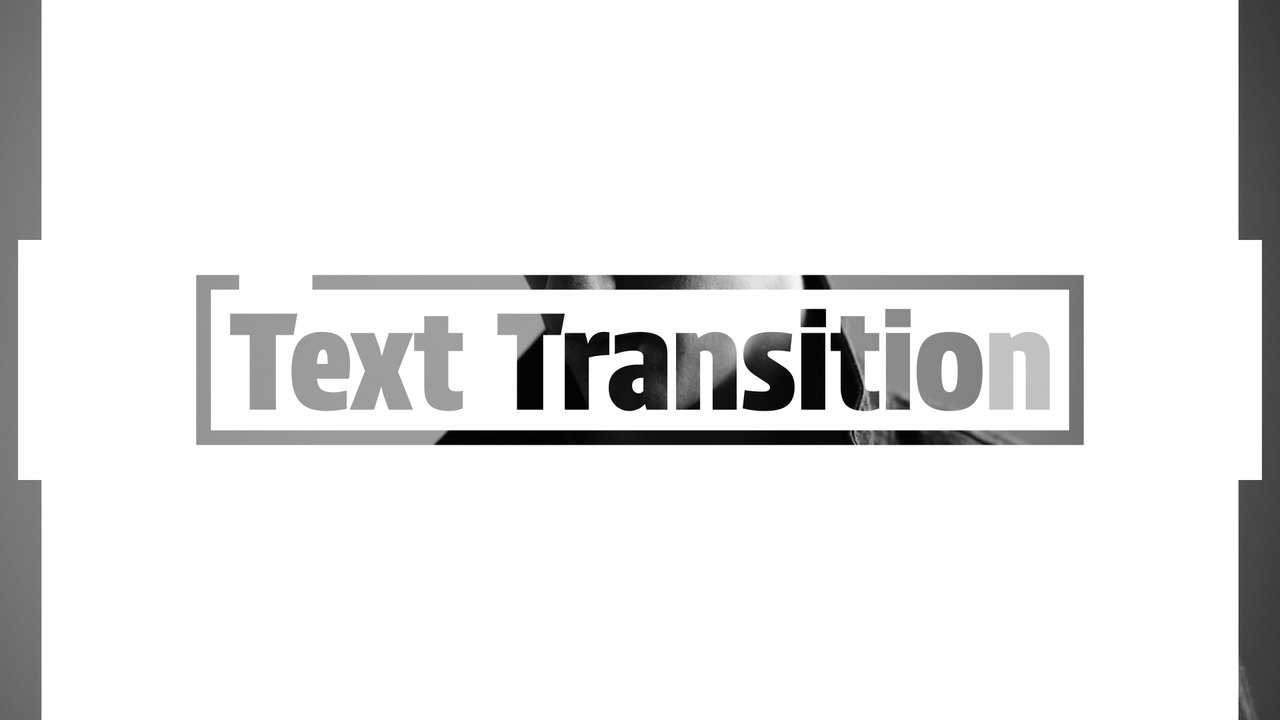
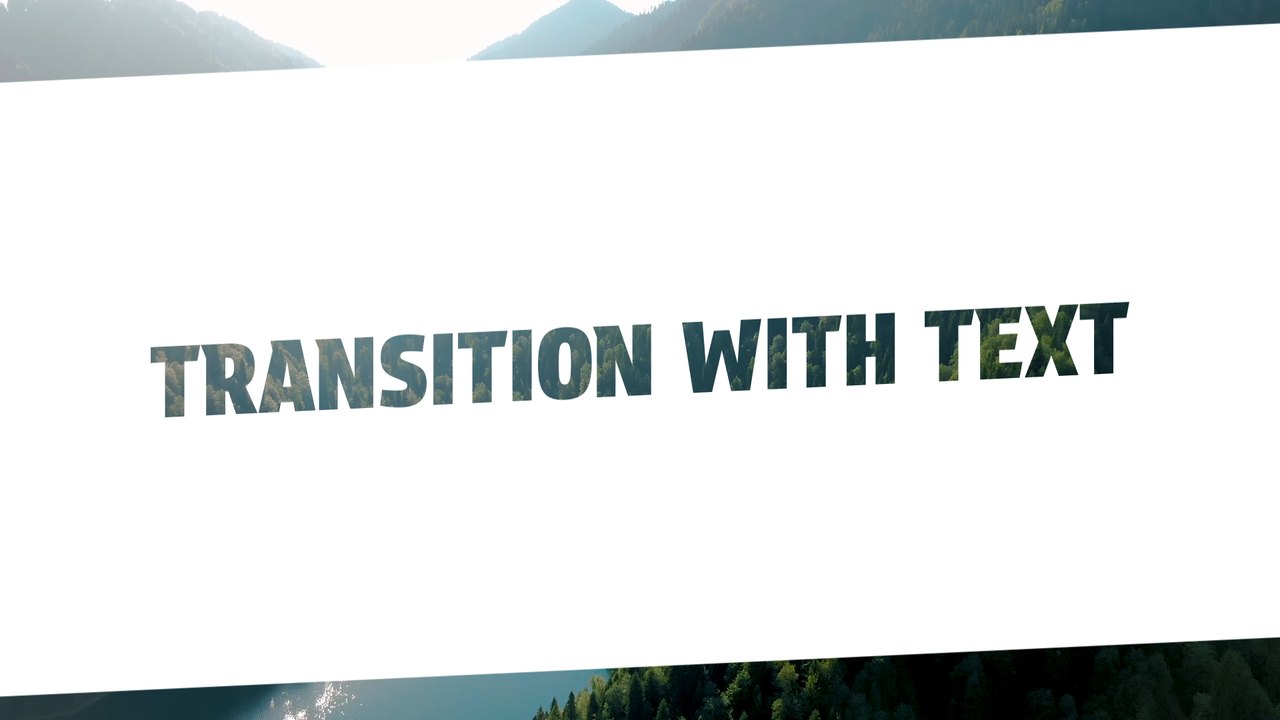
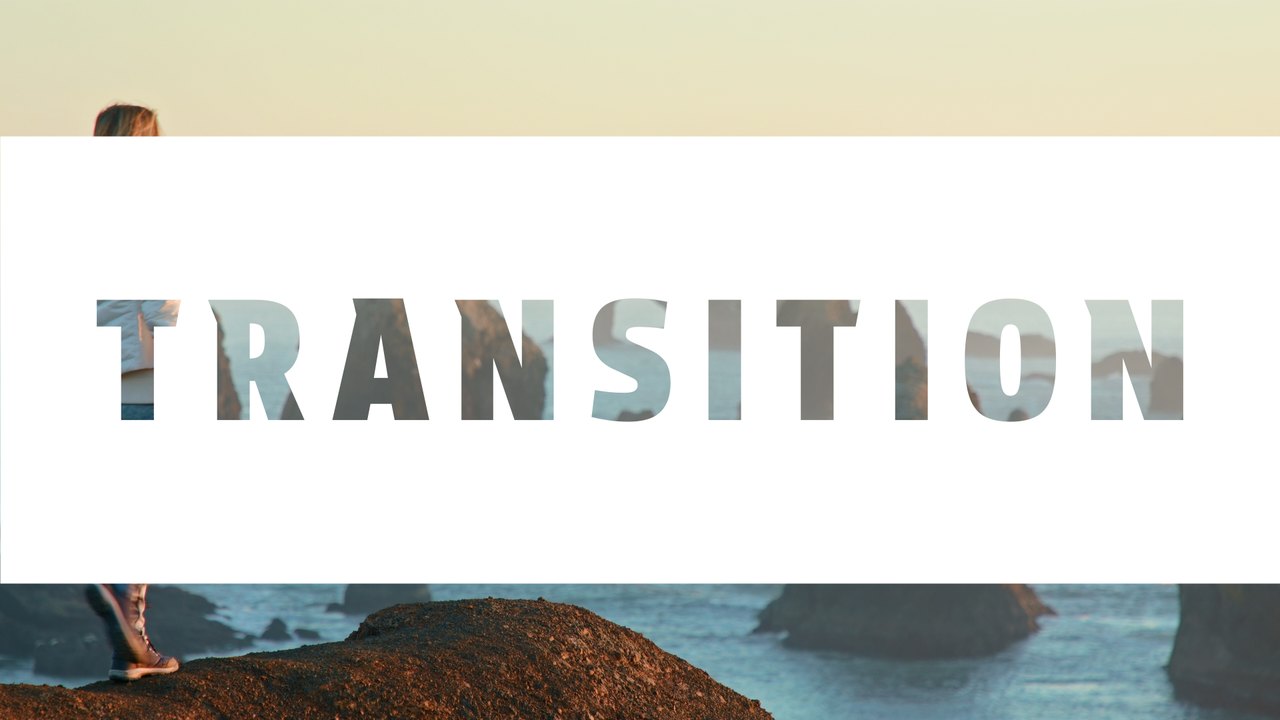
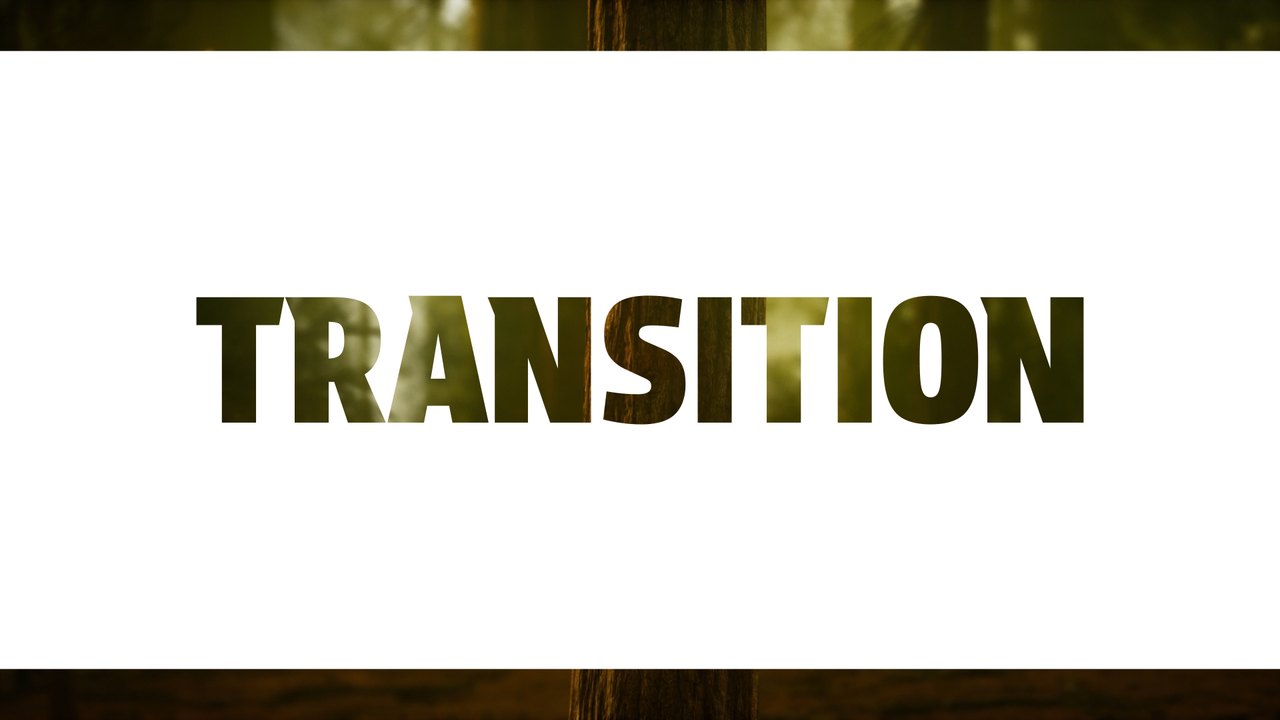
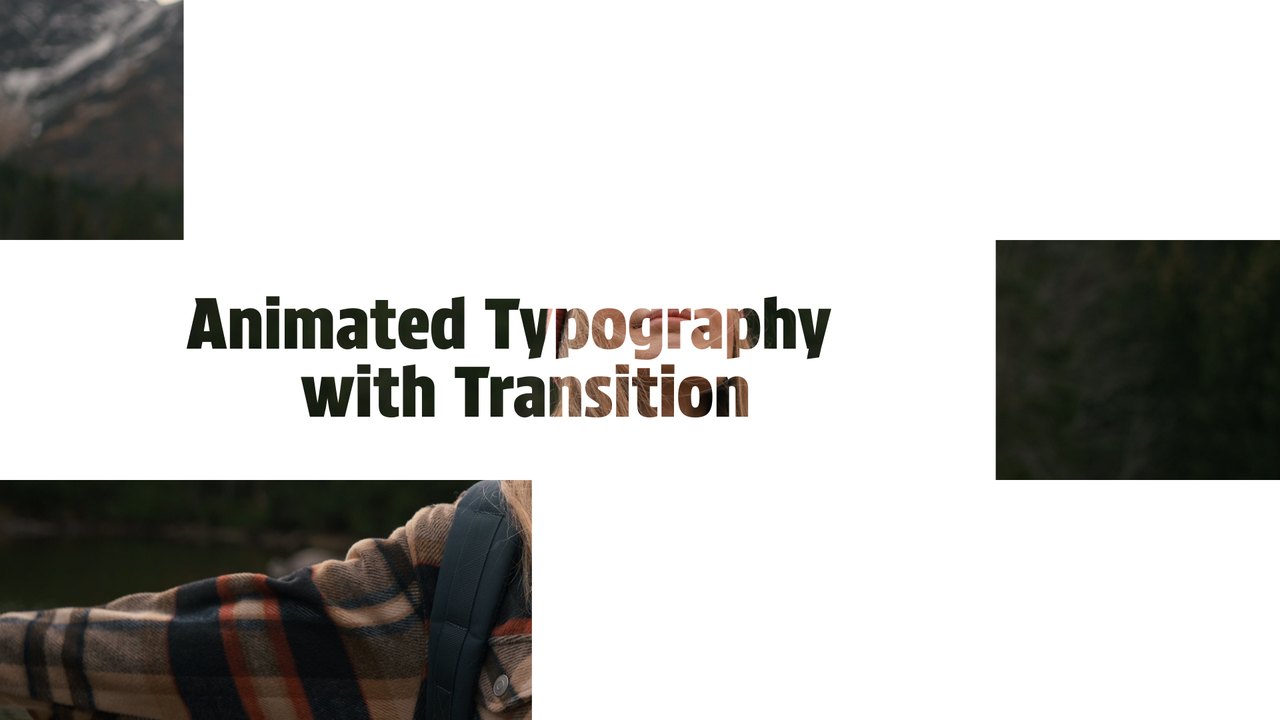
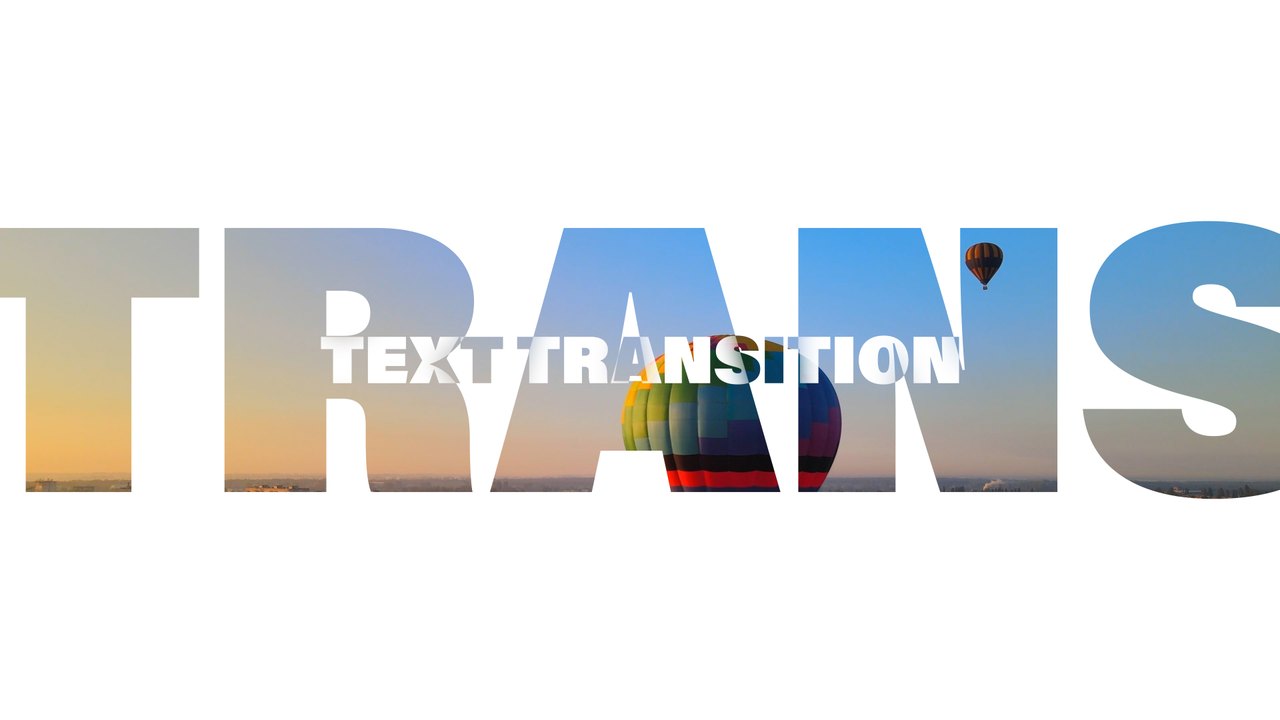
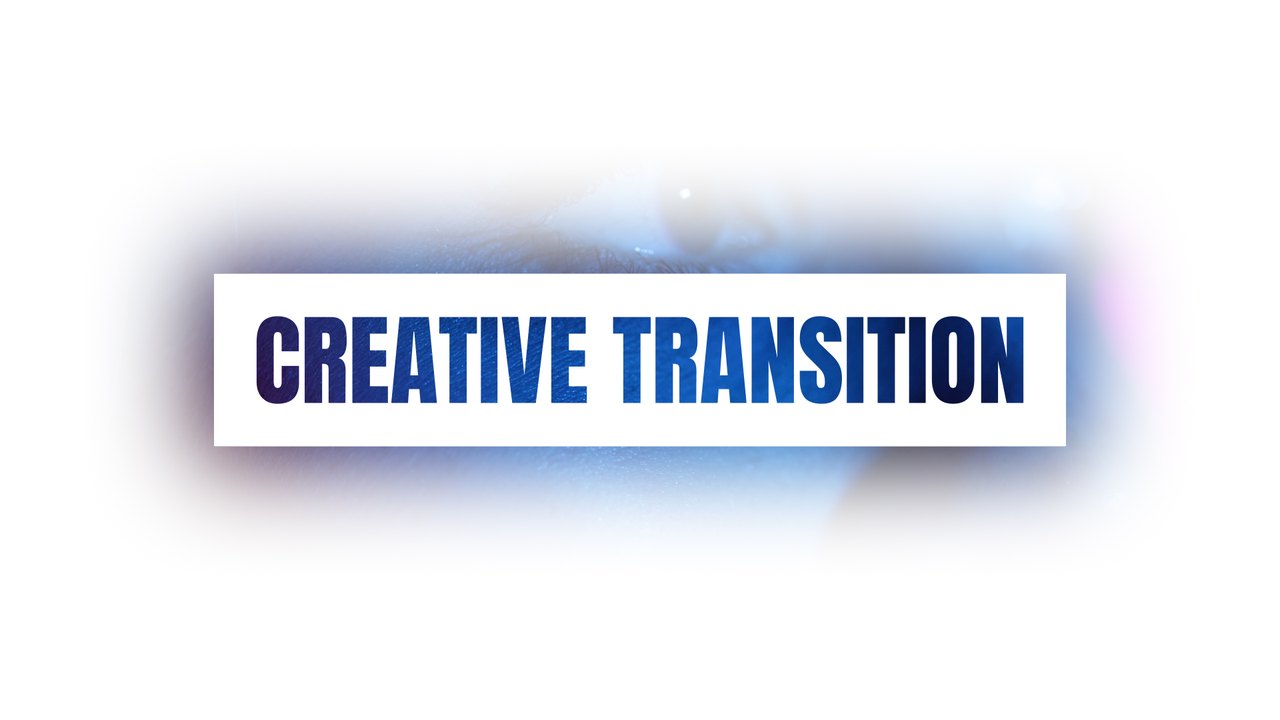
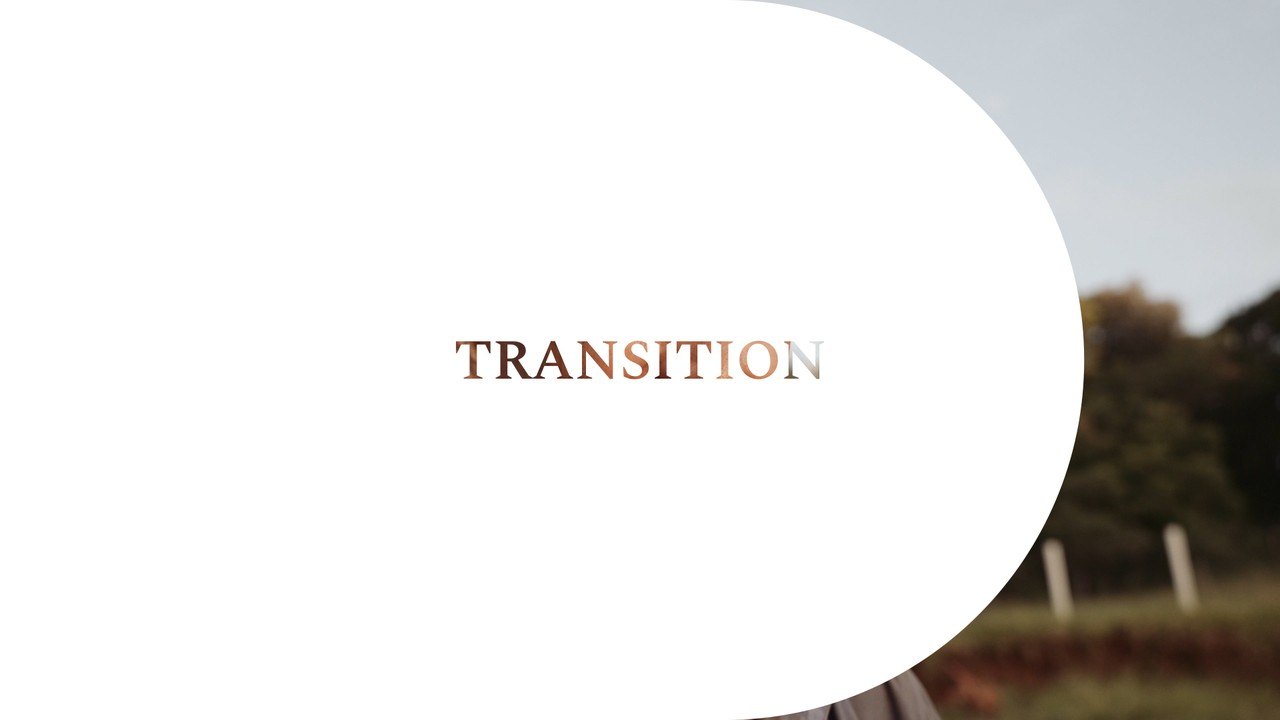
Typing Text Transitions with Diagonal Mint Panel. A 16:9 text transition After Effects template, fully editable and licensed for commercial projects.
Attributes
- Application After Effects
- Version After Effects 2023 or later
- Resolution Horizontal · Resizable
- File size 0.12 MB
- Fonts Acumin Pro (Adobe Fonts)
- Required plugins None
- Tutorial PDF included
- License Commercial use
About this template
A white and mint diagonal panel slices in, a typing phrase fills with footage and the panel opens into your next shot. It is a stylish way to connect two clips with a title in the middle, great for YouTube videos, promos, showreels and presentations. Swap the preview clips for your own videos in a few clicks; the text and motion stay the same. Typography: Acumin Pro, activated in one click through Adobe Fonts.
Open the .aet in After Effects 2023 or later and it arrives as a new untitled project, ready to customize. The text field lives in the EDIT composition, and the CONTROL PANEL layer holds 2 color controls for text, shapes and background. The preview footage is for demonstration only; place your own clip under the title layers. It runs at 60 fps for about 5 seconds in 1920x1080. No third-party plugins are required, and a PDF tutorial plus a font guide come with the download.
It belongs to the Typoanim Premium library and is unlocked with the Premium plan. The commercial license covers client work, social media ads, YouTube channels and monetized content, with no attribution required. Find more transition templates for After Effects in the premium collection.