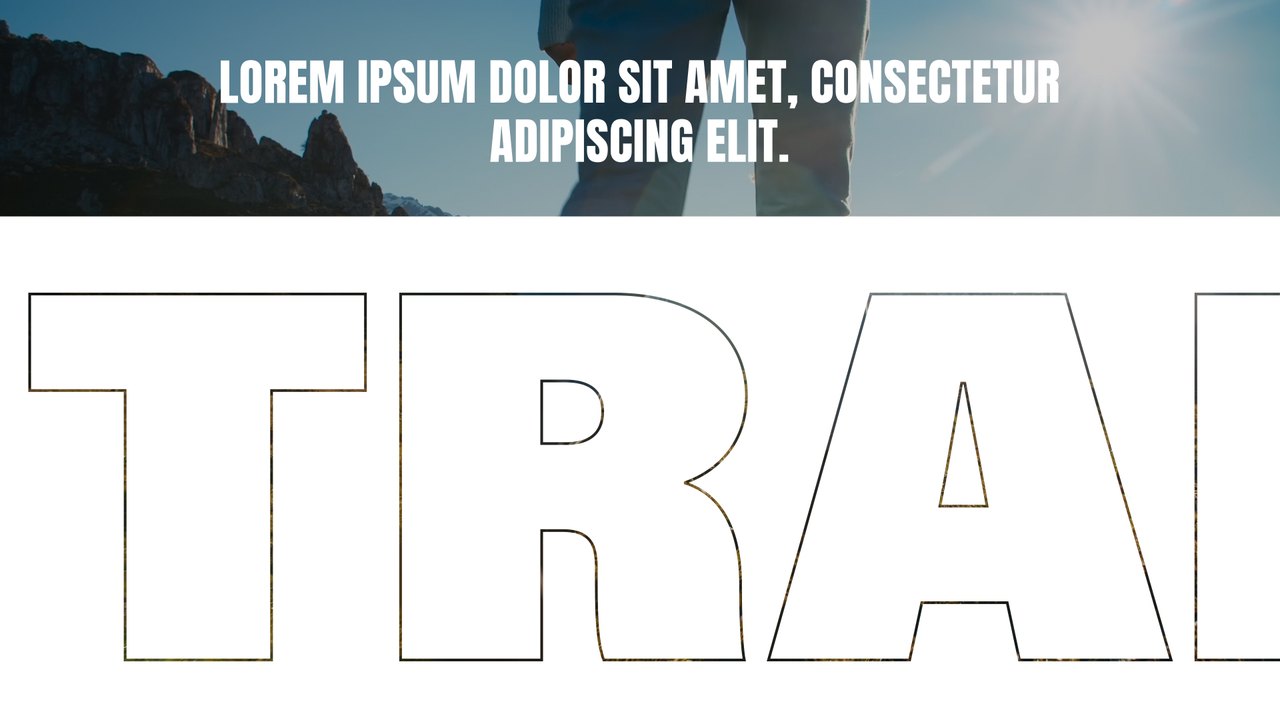
Warm Prompt to Neon Reply Transition After Effects Template
Warm Prompt to Neon Reply Transition: premium After Effects text transition with 2 editable texts and 2 colors, 60 fps and a commercial license. Download now.
Attributes
- Application After Effects
- Version After Effects 2023 or later
- Resolution Horizontal · Resizable
- File size 0.12 MB
- Fonts Acumin Pro (Adobe Fonts)
- Required plugins None
- Tutorial PDF included
- License Commercial use
About this template
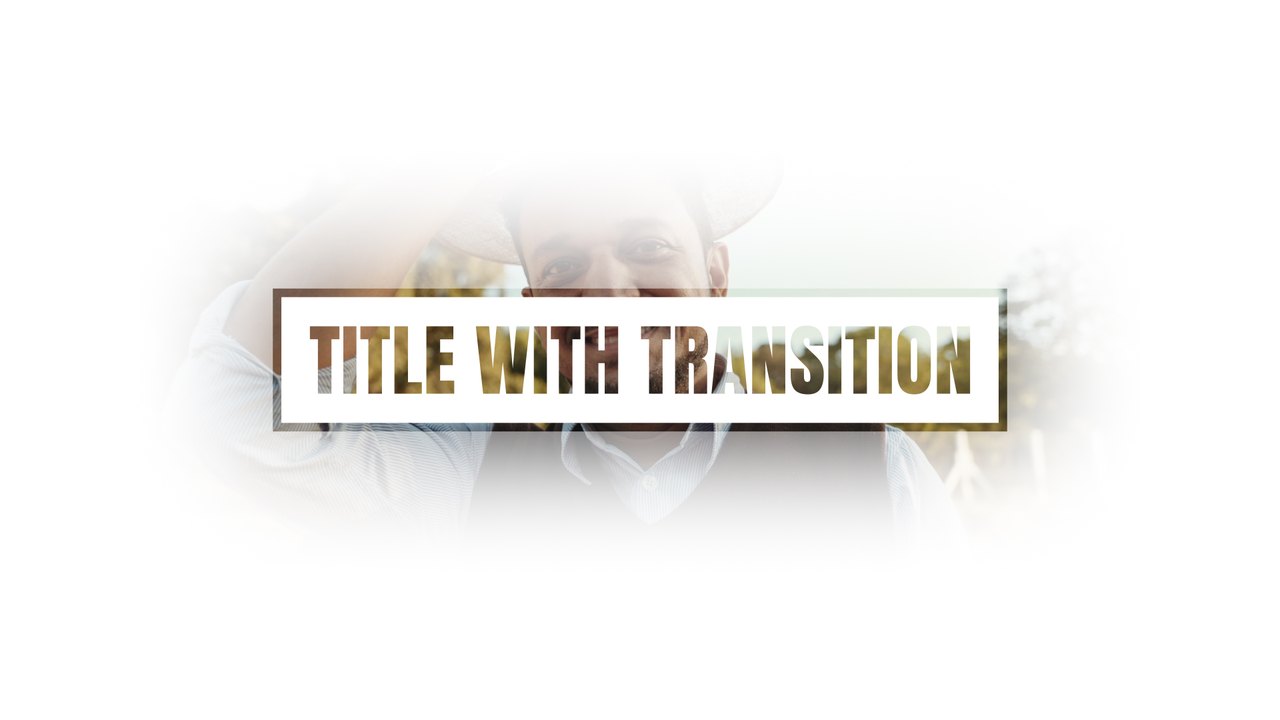
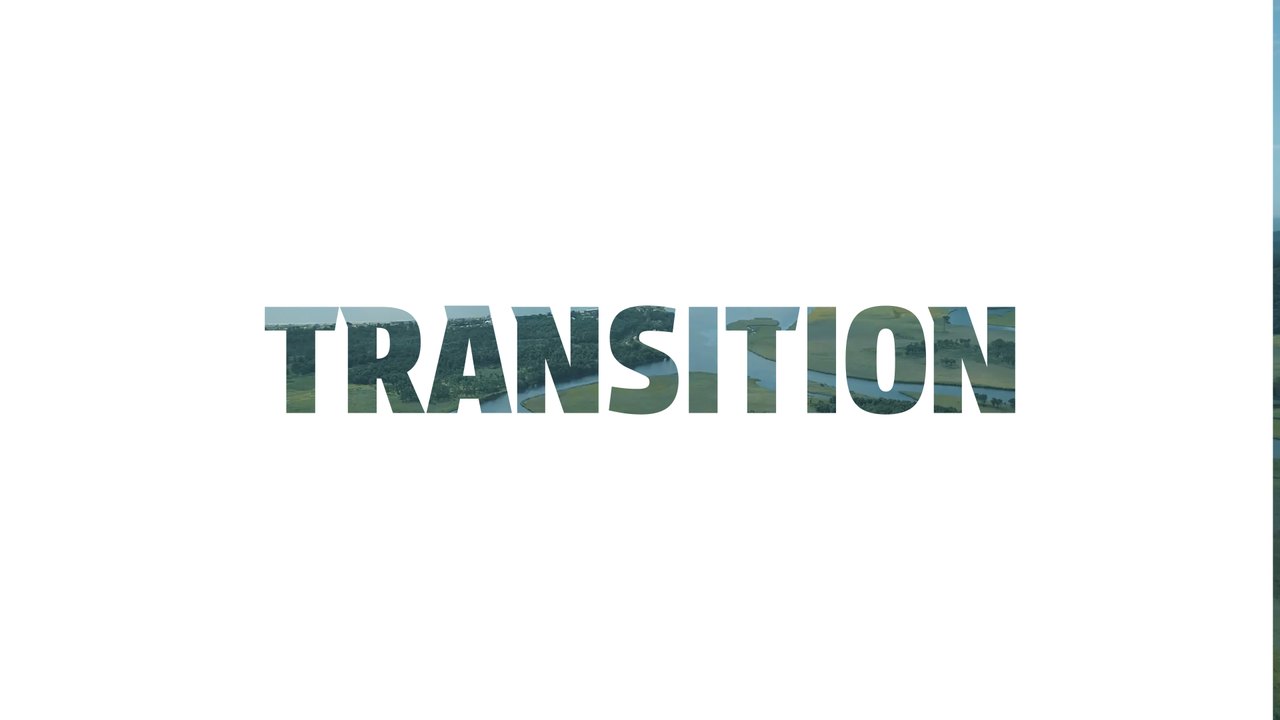
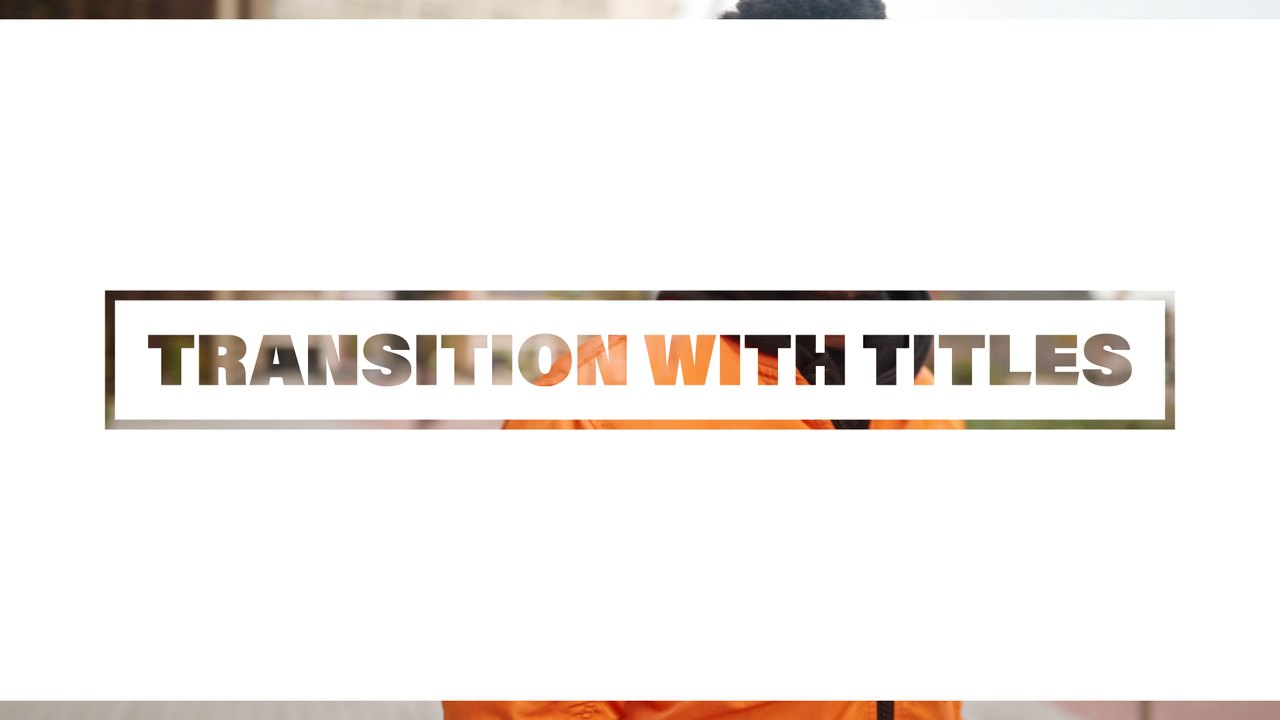
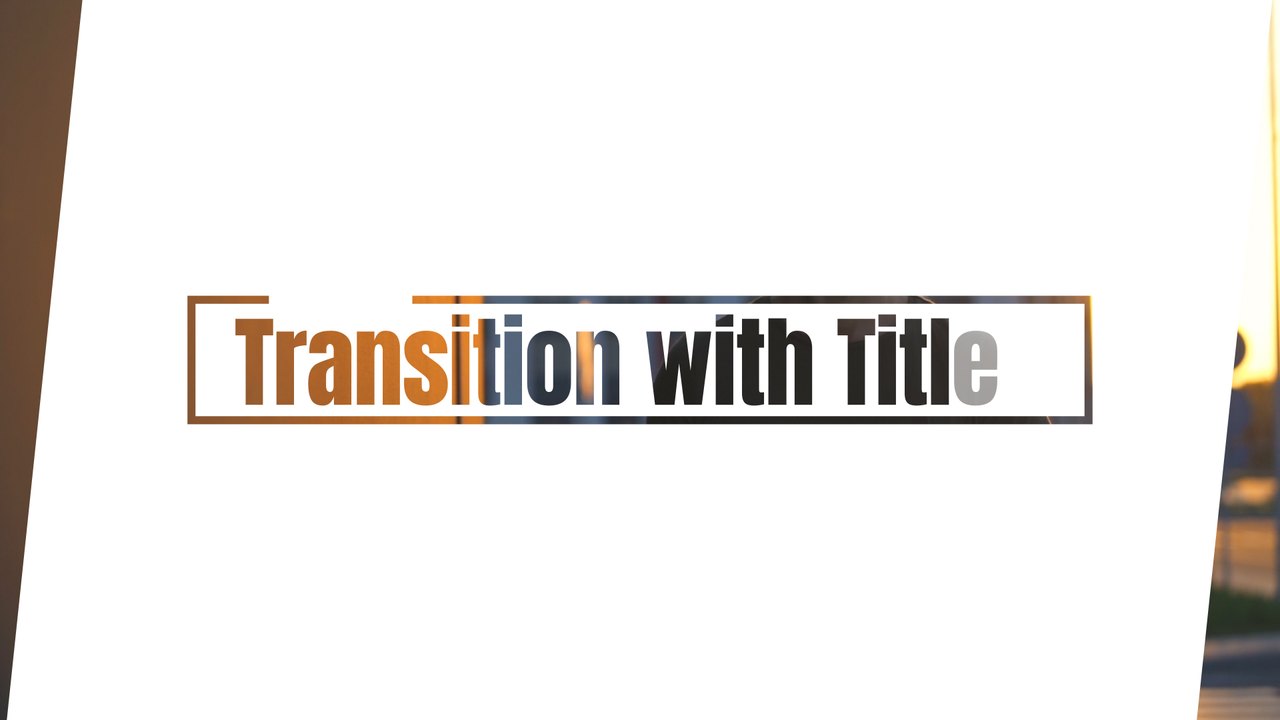
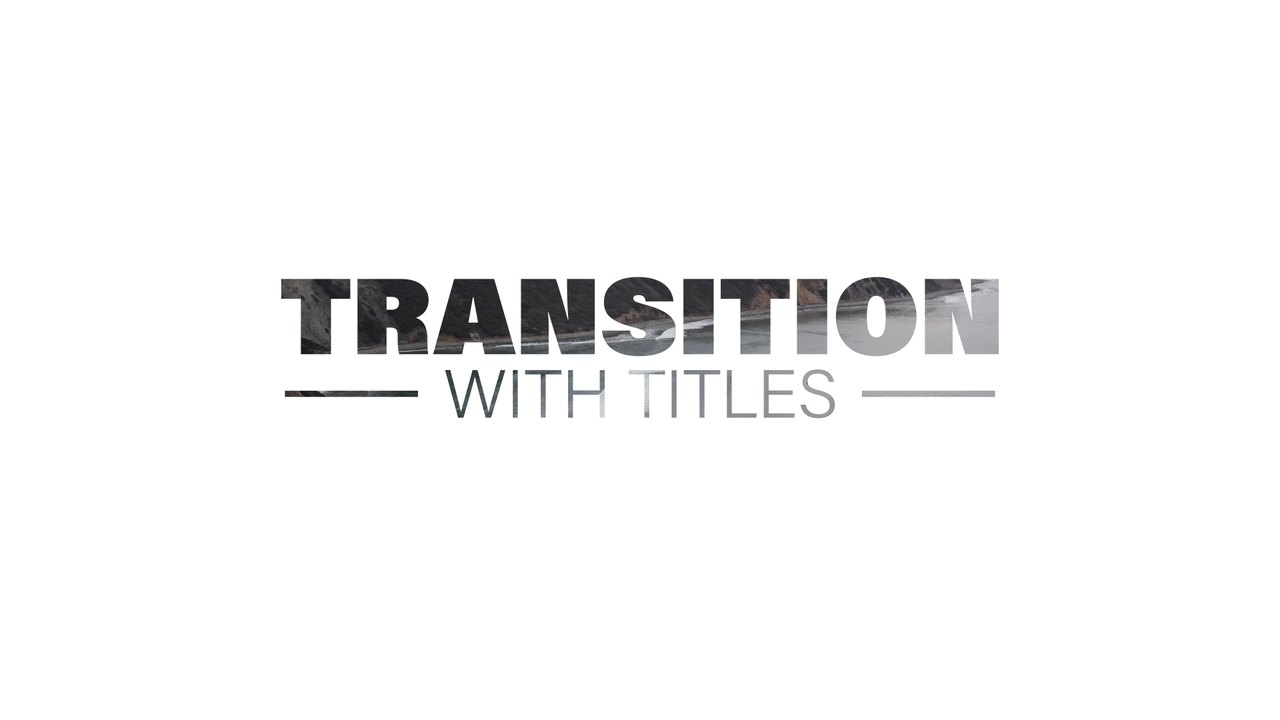
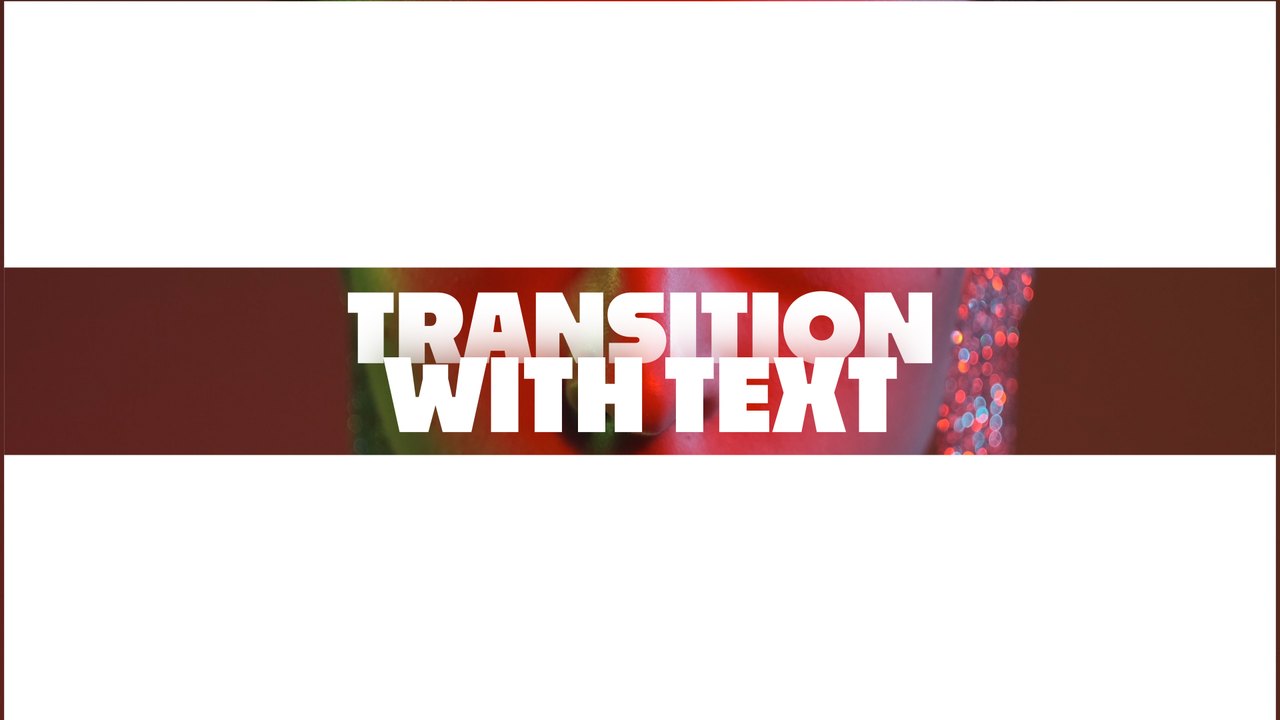
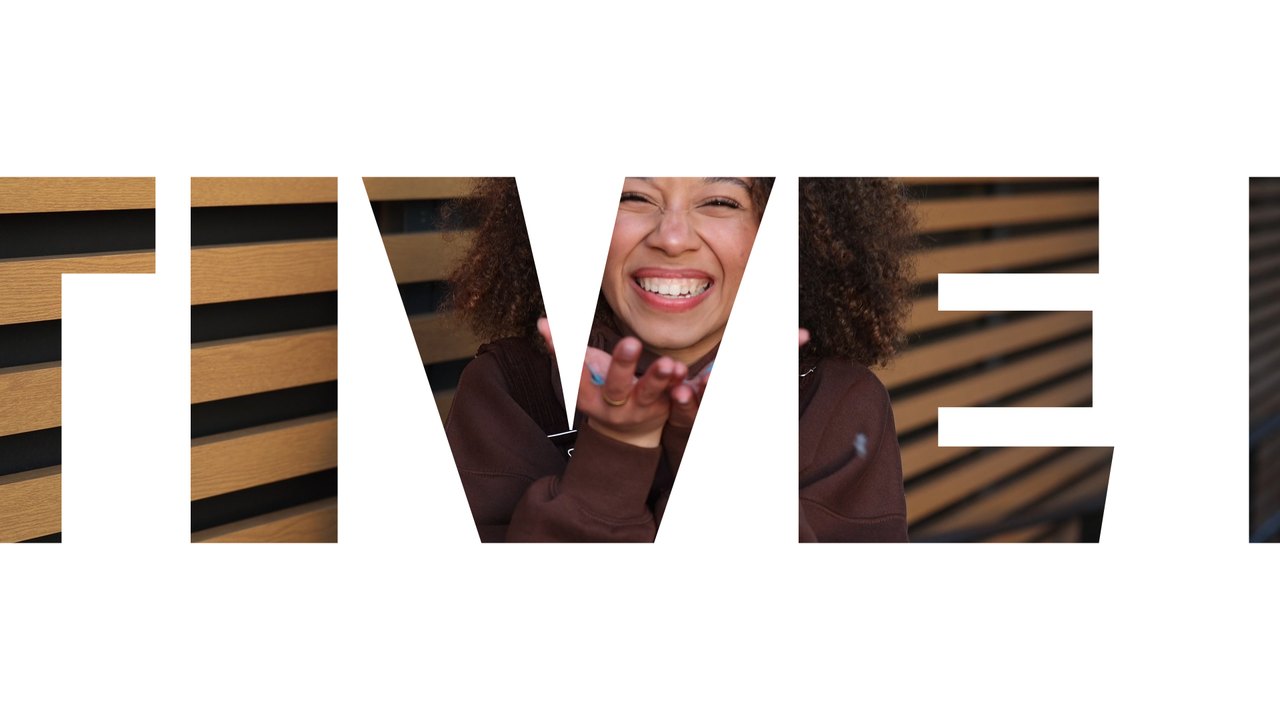
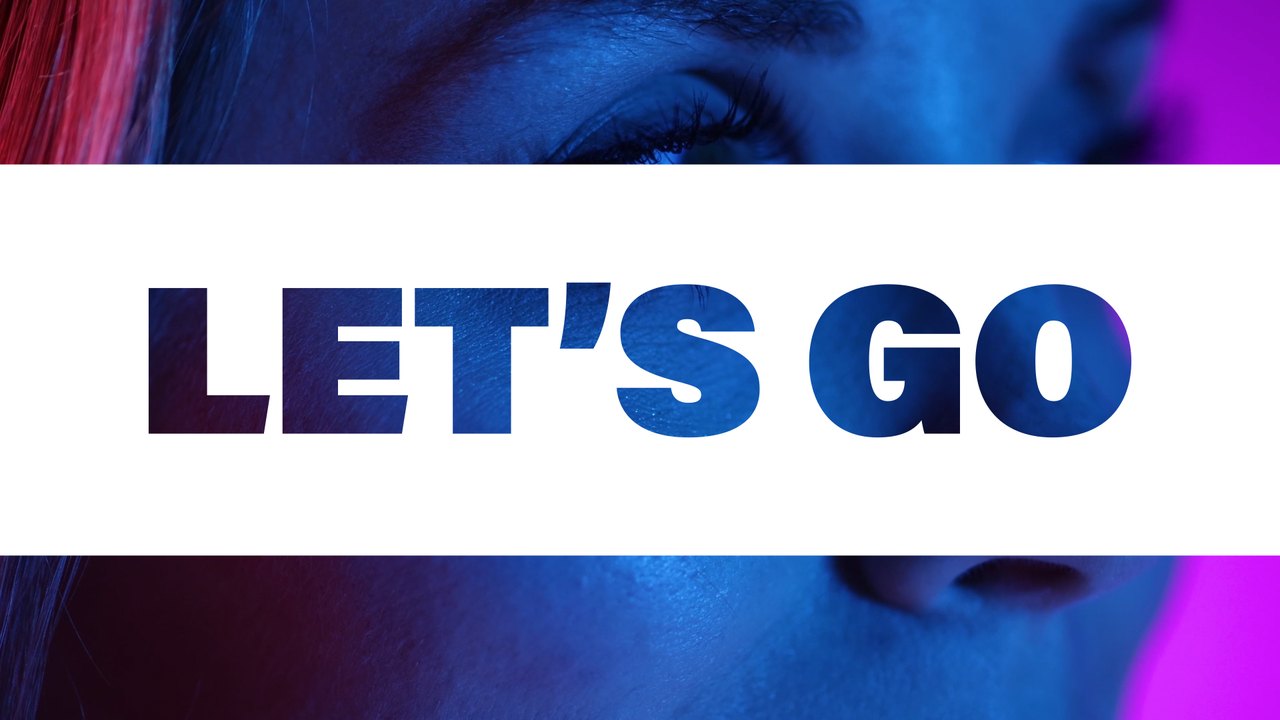
A warm golden question line appears on white, then a vivid blue-purple reply fills a band as the shot changes from a sunlit field to a neon portrait. The contrast makes it great for before-and-after reveals, product teasers, event hype and music promos. The typography uses Acumin Pro from Adobe Fonts, which activates with one click for every Creative Cloud member.
Double-click the .aet file and After Effects 2023 or later opens a fresh, untitled copy of the project, so the original always stays safe. Type your words in the EDIT composition (2 text layers) and set the slide, text and background colors from the CONTROL PANEL layer (2 color controls). Put it on top of the cut between your two shots so the slide hides the edit, or render it with transparency for use in other software. It runs at 60 fps for about 5 seconds in Full HD. No plugins are required; a Typoanim PDF tutorial and a font guide are included in the download.
Premium members get this template, and the rest of the premium collection, with their plan. A commercial license is included for client work, paid ads, corporate videos and monetized content, credit-free. Explore the full premium collection of After Effects templates on Typoanim.