Wide Heavy Typography Fade Transition After Effects Template
Wide Heavy Typography Fade Transition: premium After Effects text transition with 2 editable texts and 2 colors, 60 fps and a commercial license. Download now.
Attributes
- Application After Effects
- Version After Effects 2023 or later
- Resolution Horizontal · Resizable
- File size 0.12 MB
- Fonts Acumin Pro (Adobe Fonts)
- Required plugins None
- Tutorial PDF included
- License Commercial use
About this template
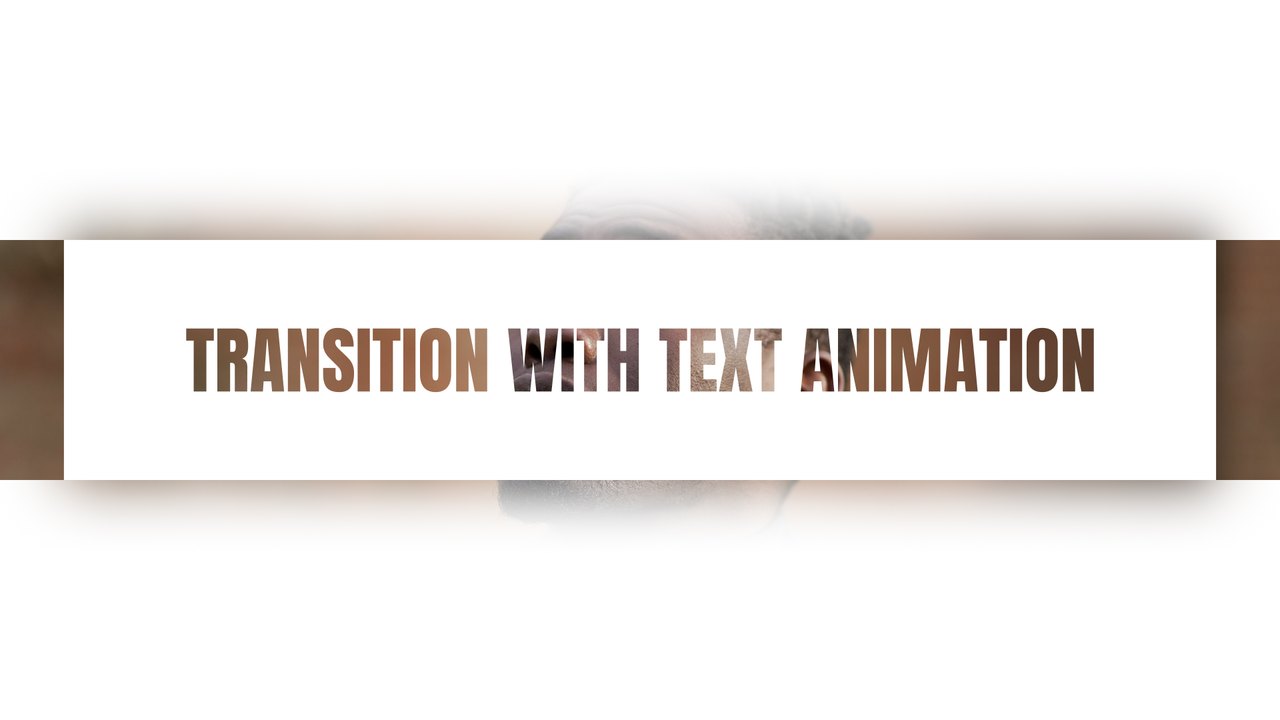
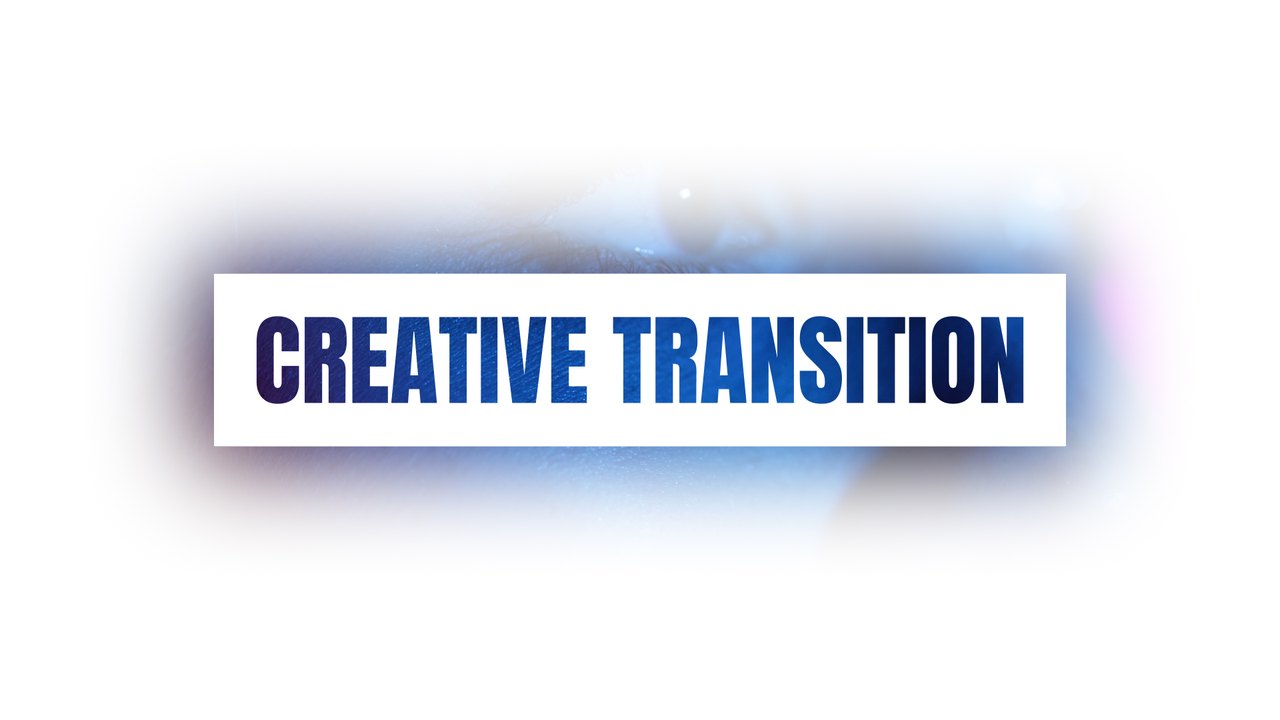
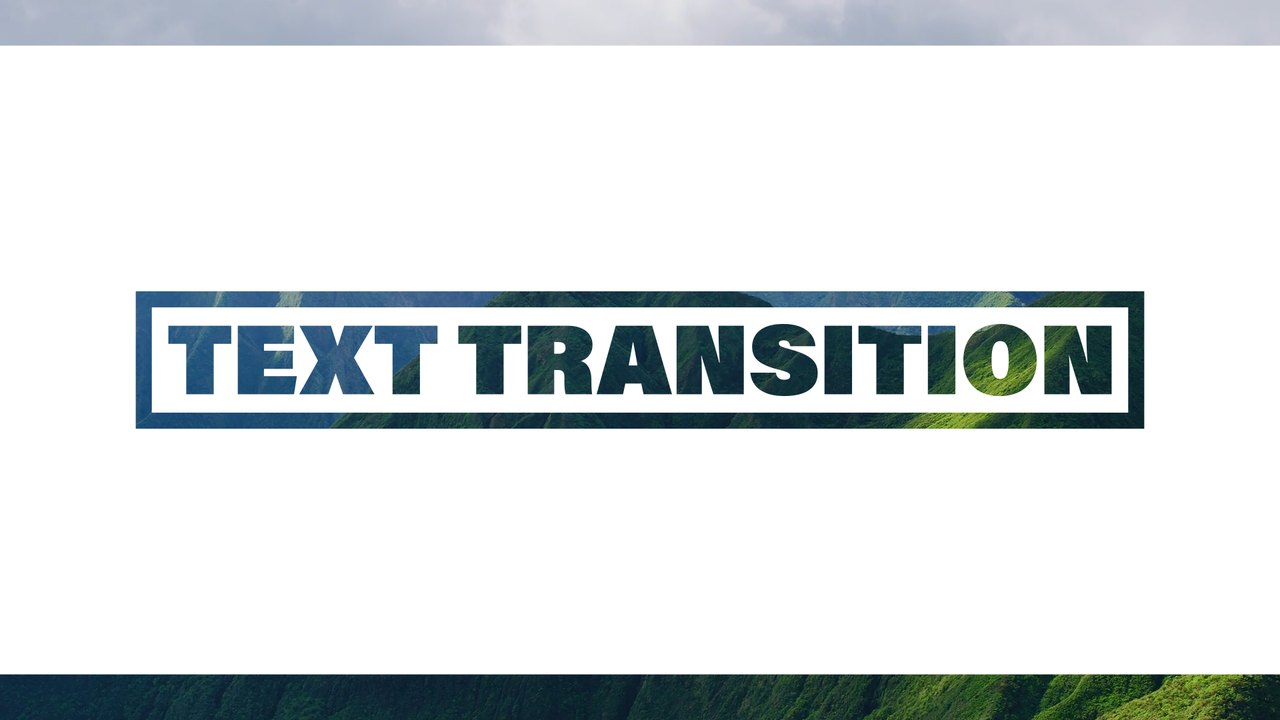
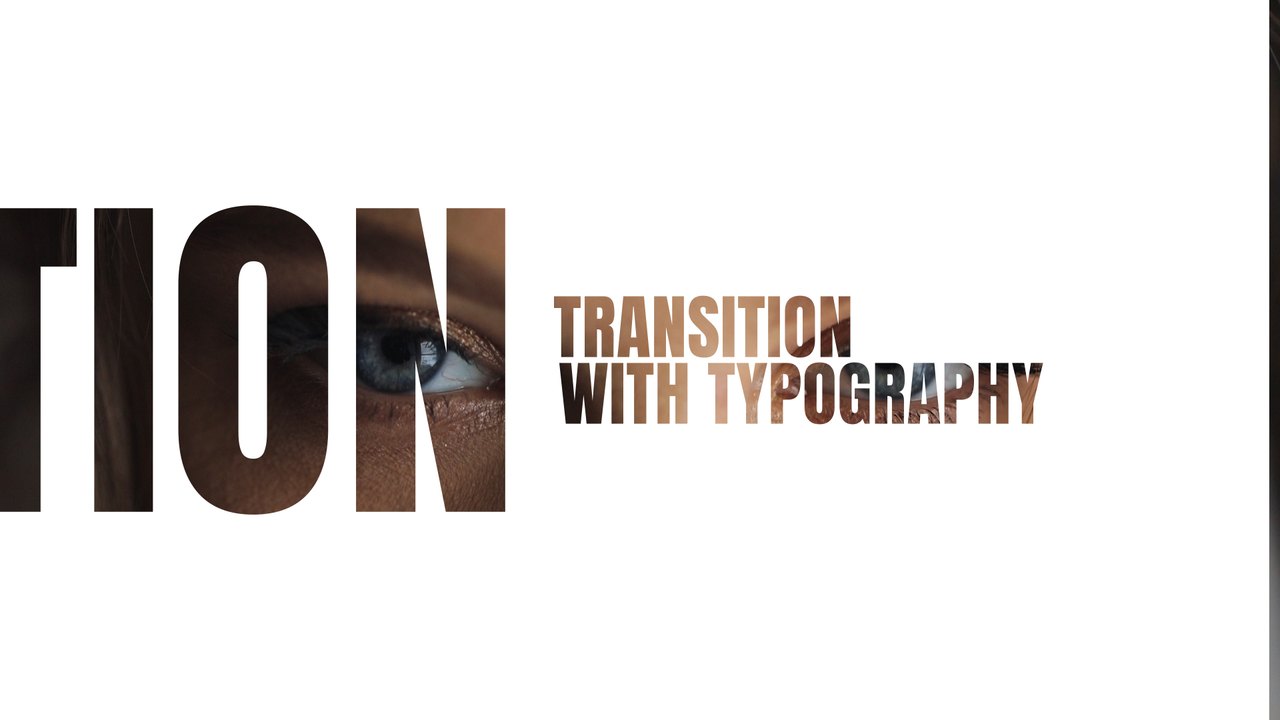
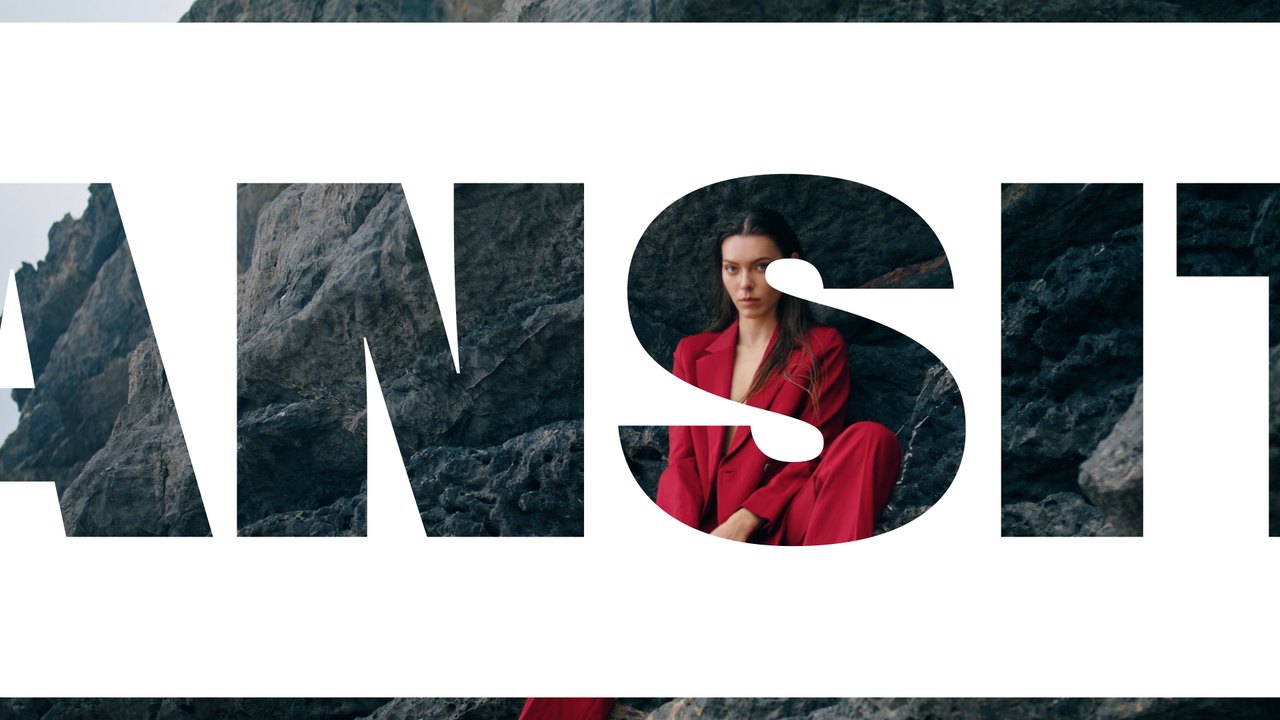
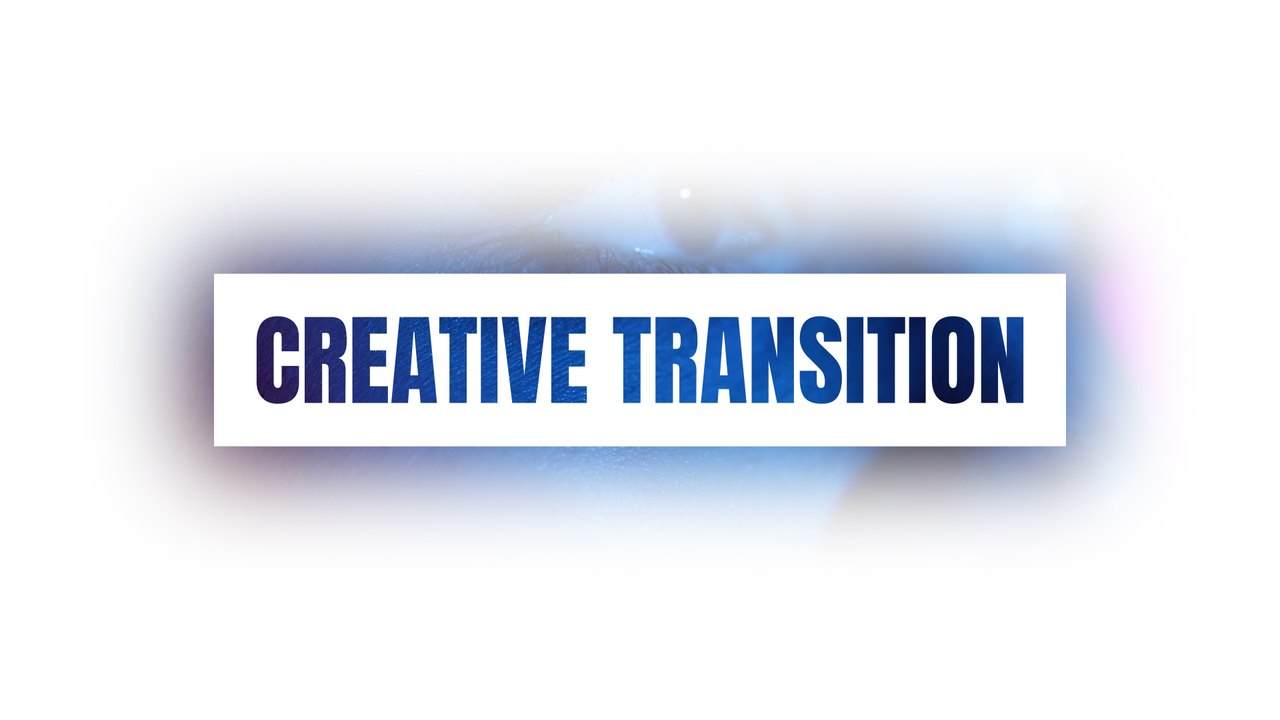
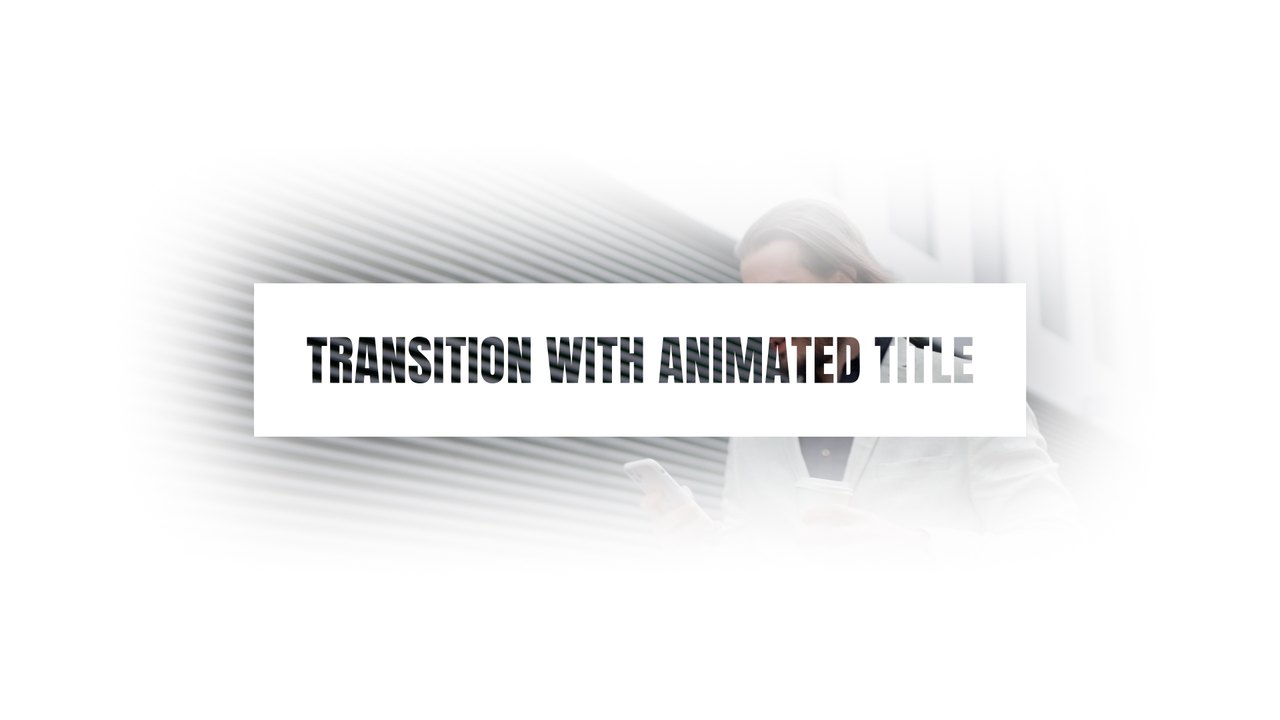
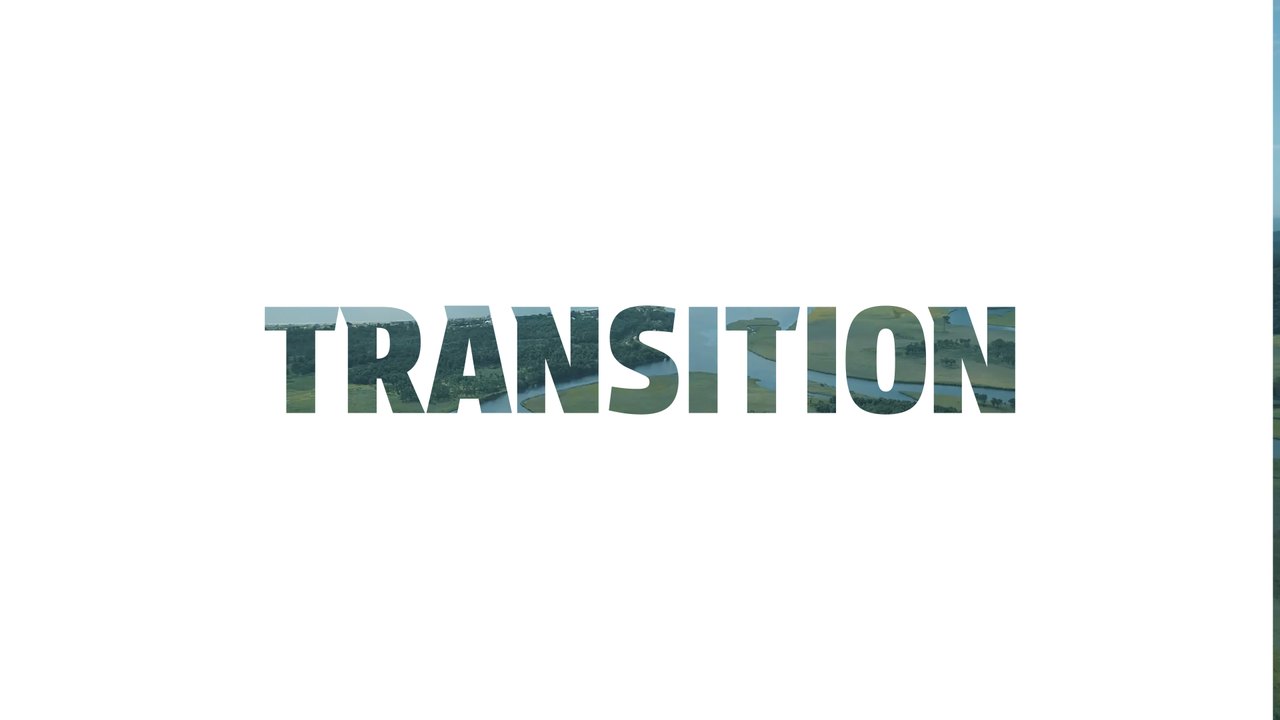
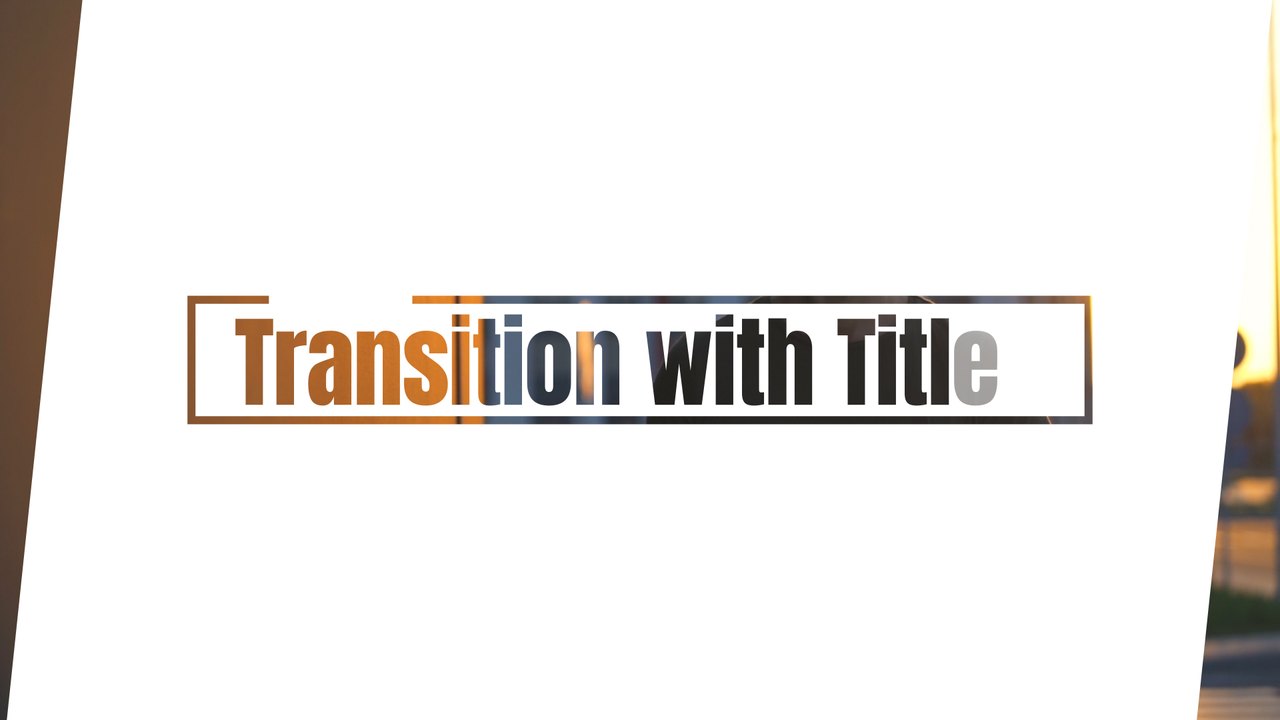
A wide two-line title with mixed tones fades up on a white slide, holds for a beat and dissolves into the next scene. The heavy letterforms give urban portraits and street footage a confident break. Use it for streetwear promos, city guides, music videos and personal brand edits. The typography uses Acumin Pro from Adobe Fonts, which activates with one click for every Creative Cloud member.
The .aet template opens as a new project in After Effects 2023 or later; save it under your own name and start editing right away. Type your words in the EDIT composition (2 text layers) and set the slide, text and background colors from the CONTROL PANEL layer (2 color controls). Place the composition above the cut between two clips, or render it with alpha and drop it into any editor. The animation lasts roughly 5 seconds at 60 frames per second in 1920x1080. The download includes our step-by-step PDF tutorial and a font guide, and no third-party plugins are needed.
It belongs to the Typoanim Premium library and is unlocked with the Premium plan. A commercial license is included for client work, paid ads, corporate videos and monetized content, credit-free. Explore the full premium collection of After Effects templates on Typoanim.