Business Workflow Steps Circular Infographic Animation Premiere Pro MOGRT
Business Workflow Steps Circular Infographic Animation: Premiere Pro infographic template with process steps, editable values and colours, 60 fps. Easy to edit.
Attributes
- Application Premiere Pro
- Version Premiere Pro 2023 or later
- Resolution Horizontal · Resizable
- File size 0.20 MB
- Fonts Noka · Changeable
- Required plugins None
- Tutorial PDF included
- Video guide How to use MOGRT in Premiere Pro
- License Commercial use
About this template
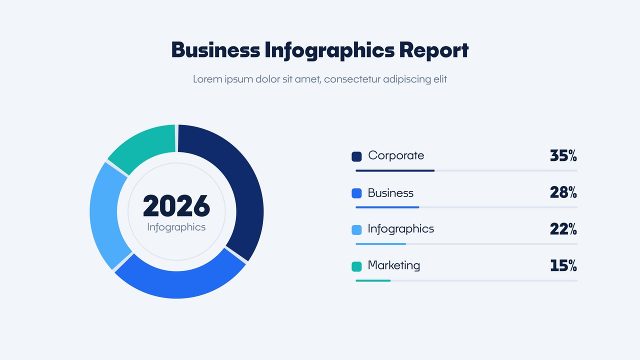
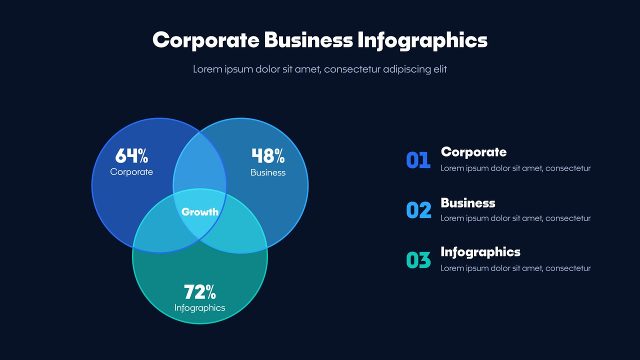
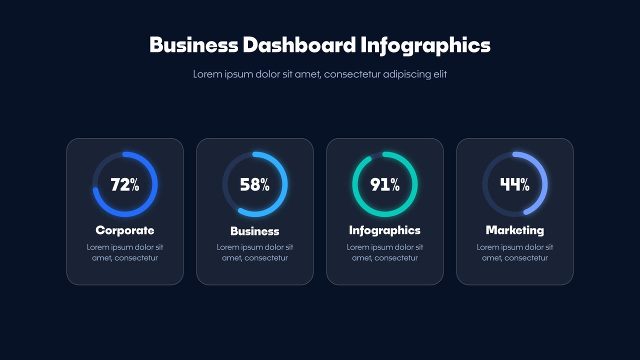
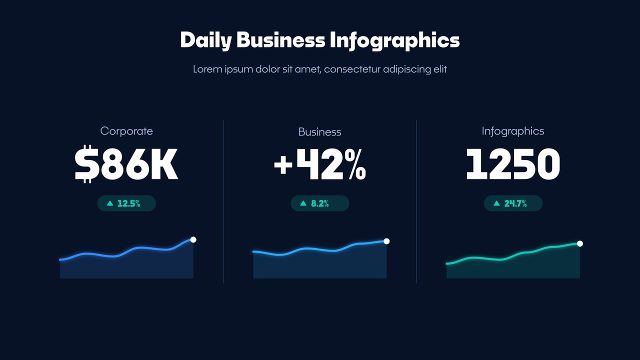
Business Workflow Steps Circular Infographic Animation is a data visualization template for Premiere Pro. Numbered steps with progress rings make this Premiere Pro infographic a clear way to explain workflows, plans and onboarding. The background can be switched off to place the process steps over your own footage or slides. Use these business infographics for social media posts, news segments, research summaries and business presentations. Noka from Adobe Fonts sets the title next to the process steps, plus every label and number.
About 10 seconds long, the intro builds the process steps step by step and then holds the final values. In Premiere Pro, Properties > Templates gives you Global Scale and Position, the title and subtitle, a value and label for 4 items, 4 on/off switches, 11 colour controls and a background on/off switch. It is a 1920x1080, 60 fps MOGRT, resizable, for Premiere Pro 2023 or later; After Effects is not needed. Use it full screen or switch the background off to place the process steps over your footage.