Year by Year Circle Timeline Infographic Animation for Business Reports Premiere Pro MOGRT
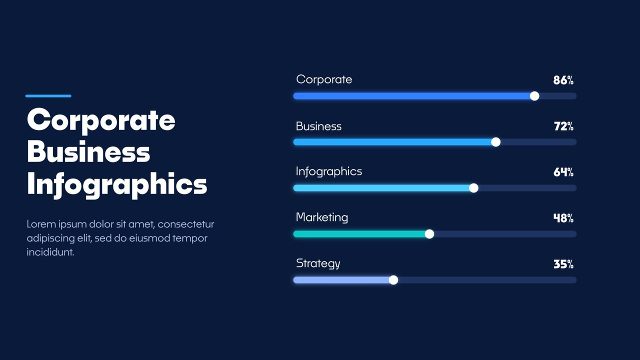
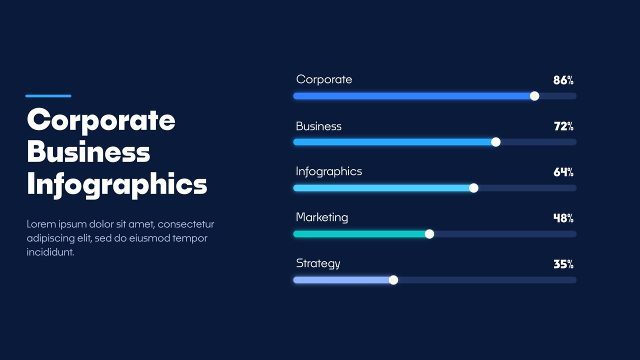
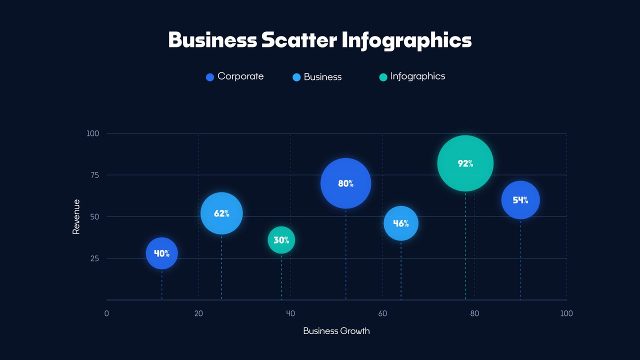
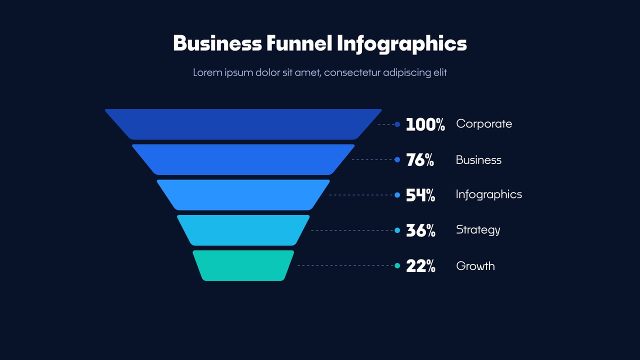
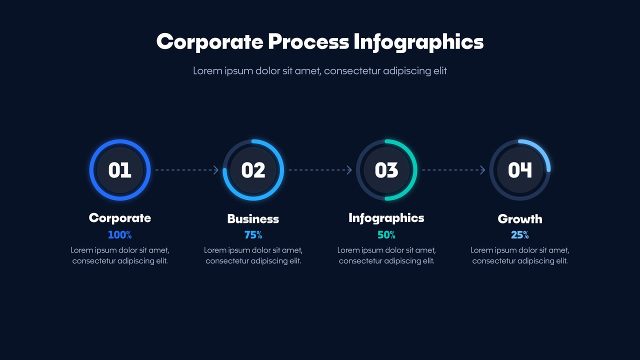
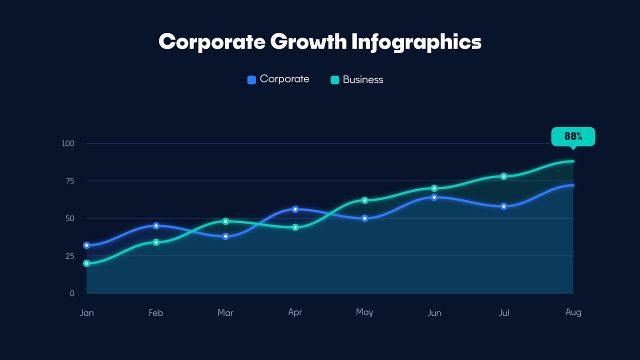
Year by Year Circle Timeline Infographic Animation for Business Reports: Premiere Pro infographic template with bubble timeline, counting values, 60 fps.
Attributes
- Application Premiere Pro
- Version Premiere Pro 2023 or later
- Resolution Horizontal · Resizable
- File size 0.21 MB
- Fonts Noka · Changeable
- Required plugins None
- Tutorial PDF included
- Video guide How to use MOGRT in Premiere Pro
- License Commercial use
About this template
Year by Year Circle Timeline Infographic Animation for Business Reports is a data visualization template for Premiere Pro. Growing circles on a simple timeline make this Premiere Pro infographic a clear way to show progress over the years. The background can be switched off to place the bubble timeline over your own footage or slides. Use these business infographics for sales meetings, news segments, business presentations and HR and team updates. Typography: Noka Bold and Medium (Adobe Fonts), chosen to keep the bubble timeline clean and legible.
After about 9 seconds of animation, the bubble timeline hold still so you can keep them on screen as long as you like. In Premiere Pro, Properties > Templates gives you Global Scale and Position, the title and subtitle, a value and label for 6 items, 6 on/off switches, 7 colour controls and a background on/off switch. This Premiere Pro 2023+ MOGRT runs at 60 fps in Full HD and keeps the bubble timeline sharp at any size. It is part of a matching infographics series, so several charts can share one look in a report video.