Bracket Frame Glitch Logo Stings Premiere Pro Template
Bracket Frame Glitch Logo Stings: 4K glitch logo reveal MOGRT for Premiere Pro with RGB split controls. No plugins, commercial license.
Attributes
- Application Premiere Pro
- Version Premiere Pro 2023 or later
- Resolution Horizontal · 4K UHD
- File size 0.24 MB
- Fonts Anton
- Required plugins None
- Tutorial PDF included
- Video guide How to use MOGRT in Premiere Pro
- License Commercial use
About this template
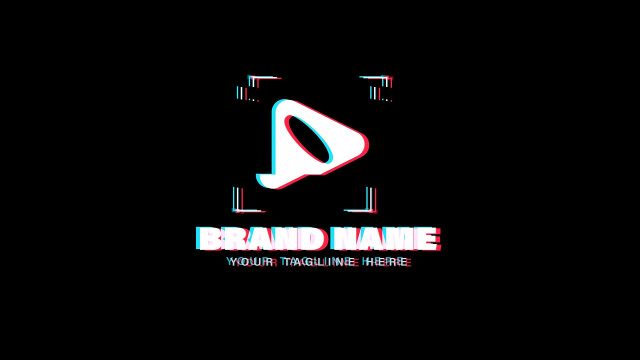
Bracket Frame Glitch Logo Stings is a minimal 4K glitch logo MOGRT for Premiere Pro editors working on cyberpunk edits, sci-fi trailers and hi-tech visuals. Four bracket corners frame the icon, and a heavy condensed brand name flickers in with a short RGB shift. Brands and creators use it as a quick opener in Instagram reels, vlogs and game trailers.
Your logo goes into a media replacement placeholder, and the brand name is editable in Premiere Pro. In Premiere Pro you get 15 editable controls, including Glitch Amount, RGB Split, Idle Glitch, RGB Color 01/02, brand name and logo position, global scale and a background on/off switch. Shape controls also let you change the bracket color. It works well as a logo intro or a logo sting for corporate videos and Twitch streams.
Made at 3840x2160 (4K UHD) and 60 fps, the 5.1-second logo reveal stays sharp in 4K and HD. No plugins are needed, and it works in Premiere Pro 2023 or later. A Used Fonts PDF with download links and a step-by-step tutorial PDF are included. A premium Premiere Pro glitch logo template with a commercial license for brands, agencies and editors.