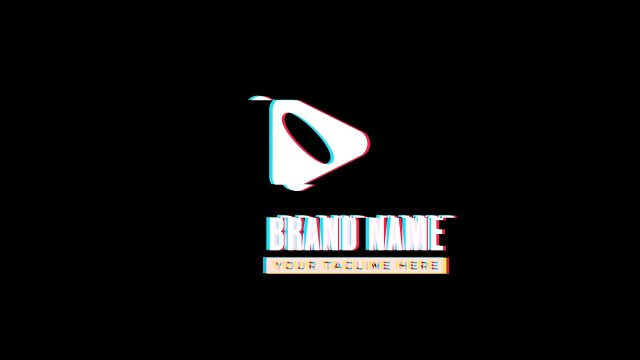
Glitch Logo Reveal between Two Lines and Slogan Premiere Pro MOGRT
Glitch Logo Reveal between Two Lines and Slogan: 4K glitch logo reveal MOGRT for Premiere Pro with RGB split controls. No plugins, commercial license.
Attributes
- Application Premiere Pro
- Version Premiere Pro 2023 or later
- Resolution Horizontal · 4K UHD
- File size 0.24 MB
- Fonts Anton · Montserrat
- Required plugins None
- Tutorial PDF included
- Video guide How to use MOGRT in Premiere Pro
- License Commercial use
About this template
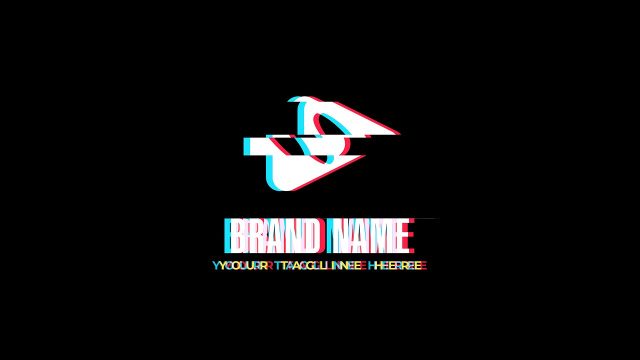
Glitch Logo Reveal between Two Lines and Slogan is a bold 4K glitch logo MOGRT for Premiere Pro editors working on trailers, teasers and promo videos. The brand name and slogan appear between two horizontal lines with crisp RGB flickers. Brands and creators use it as a logo opener in showreels, product launches and TikTok clips.
Drag your logo onto the media placeholder in Essential Graphics and type the brand name and tagline right in Premiere Pro. A total of 18 controls in Essential Graphics cover the glitch amount, RGB split and idle glitch, the RGB and text colors, positions, global scale and the background. Shape controls also let you change the line color. Swap in your own logo and it becomes a channel intro for web promos and game trailers.
The project is 4K Ultra HD, 3840x2160 at 60 fps, with a short 5.6-second animation. No plugins required: import the MOGRT into Premiere Pro 2023 or later and edit it in Essential Graphics. A Used Fonts PDF with download links and a step-by-step tutorial PDF are included. Premium glitch logo MOGRT with a commercial license for YouTube, ads and client projects.