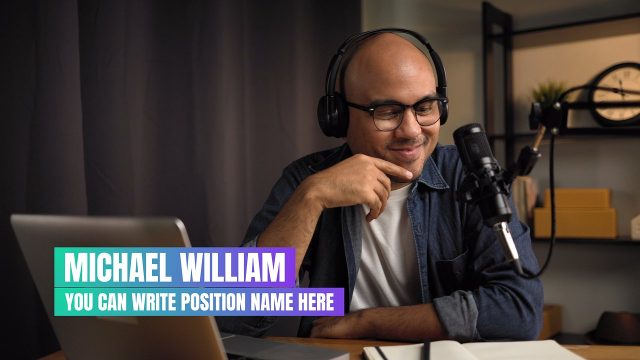
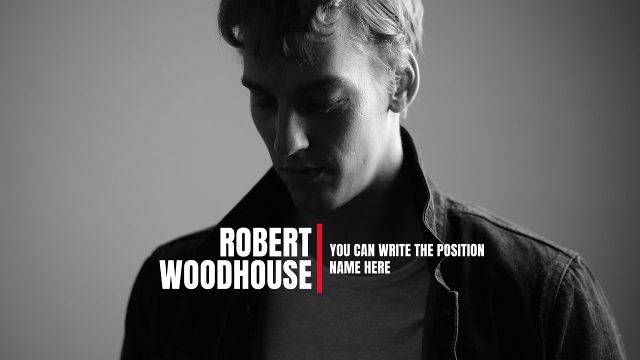
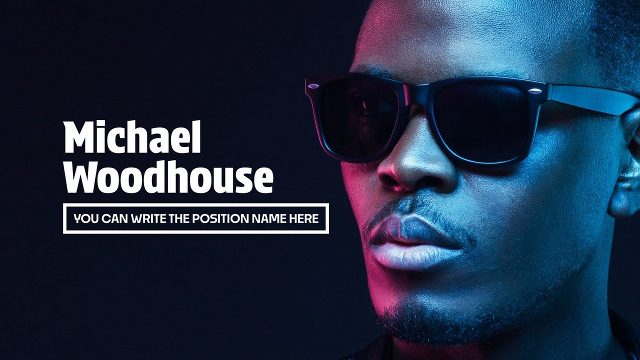
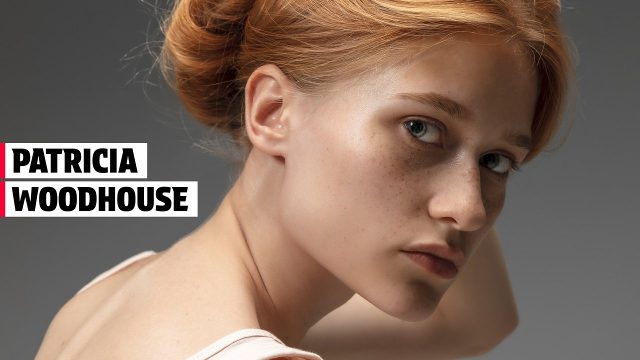
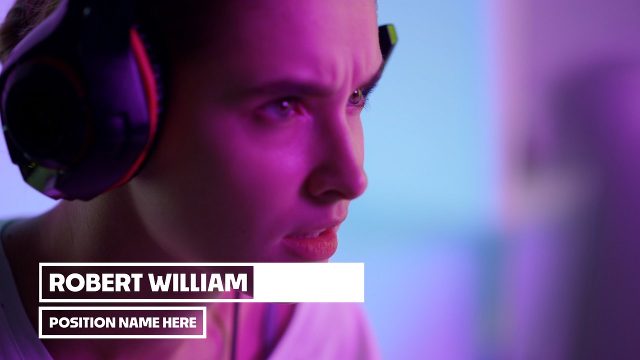
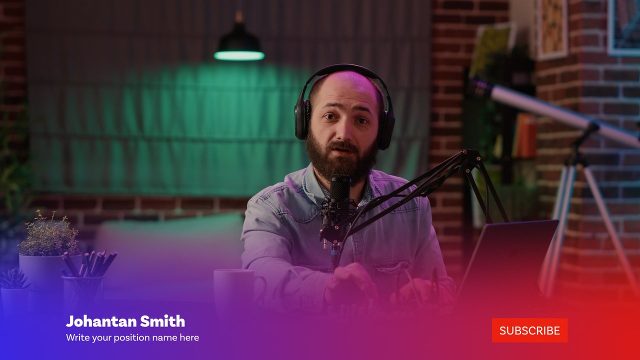
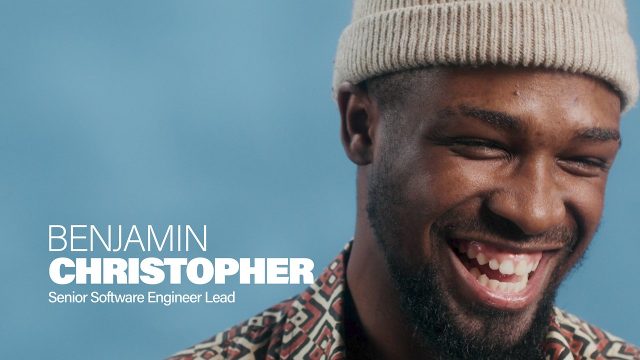
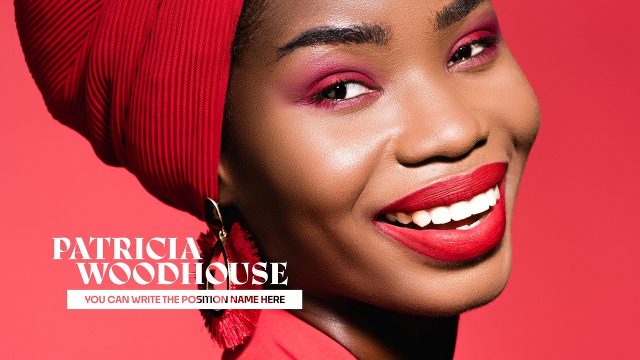
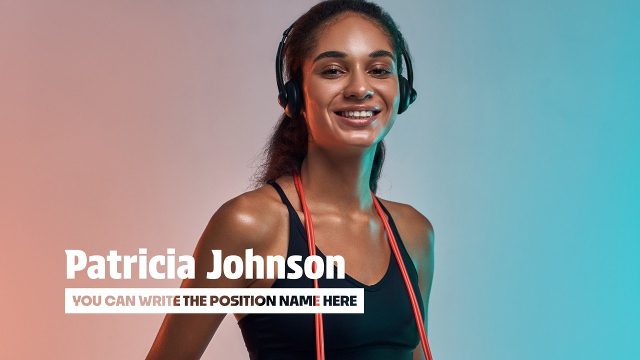
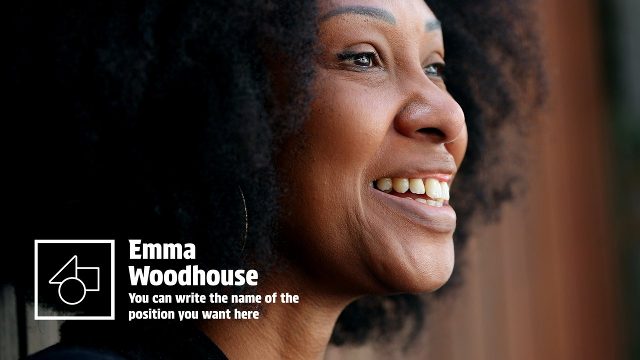
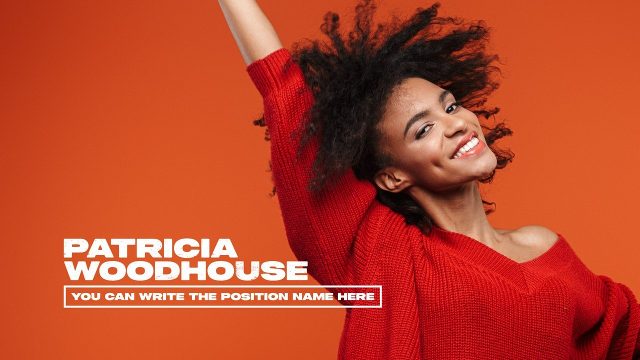
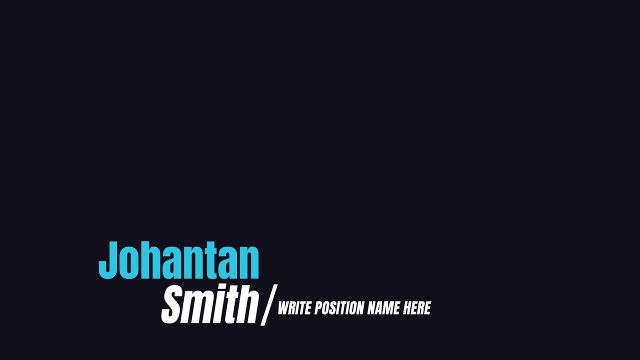
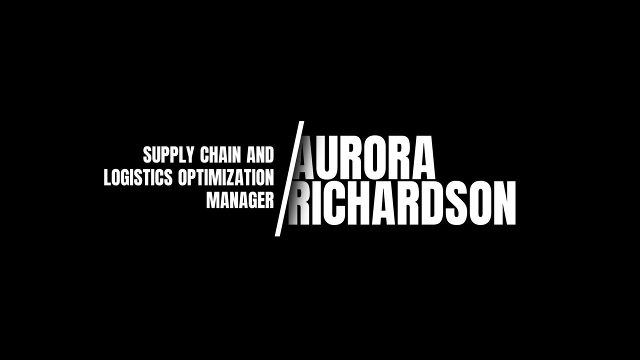
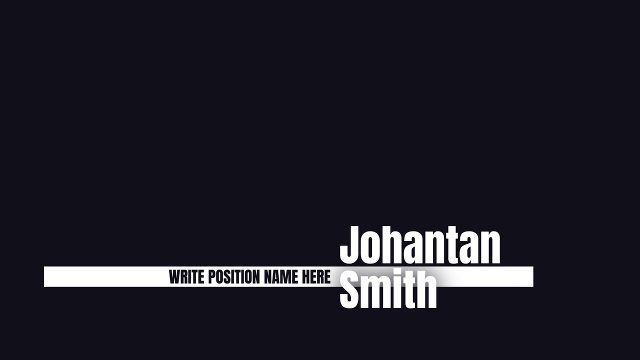
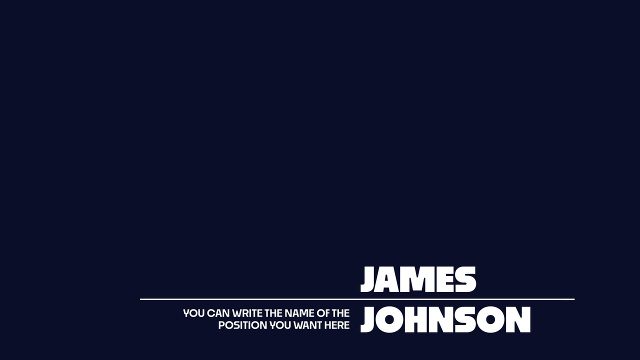
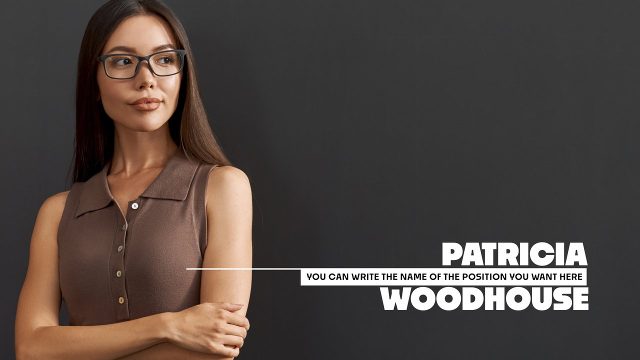
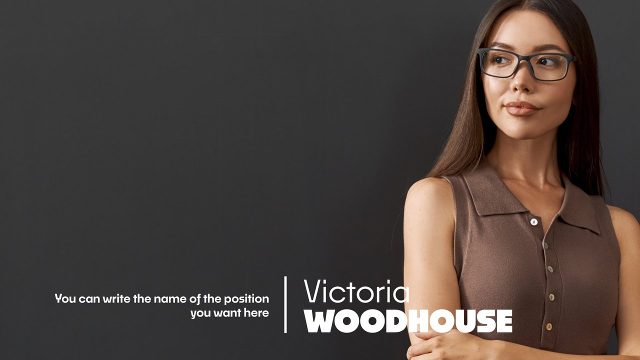
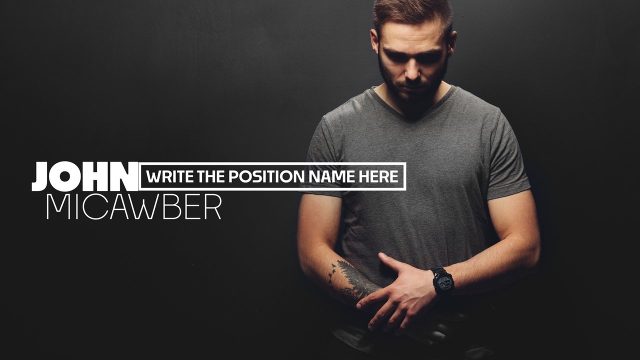
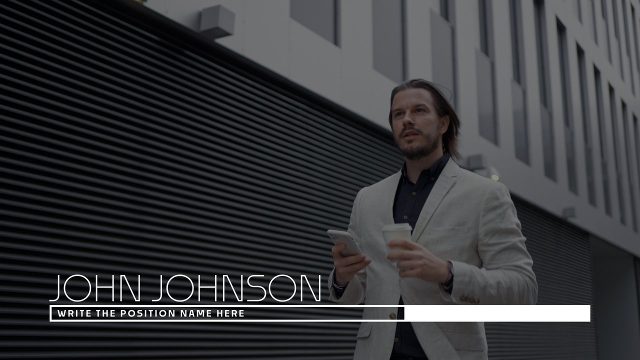
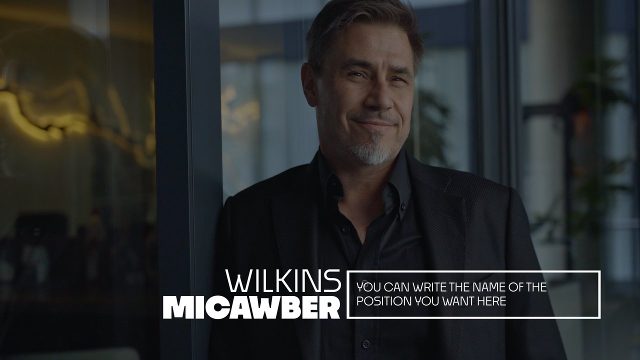
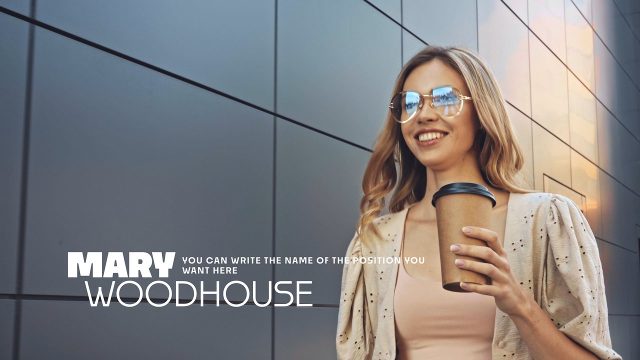
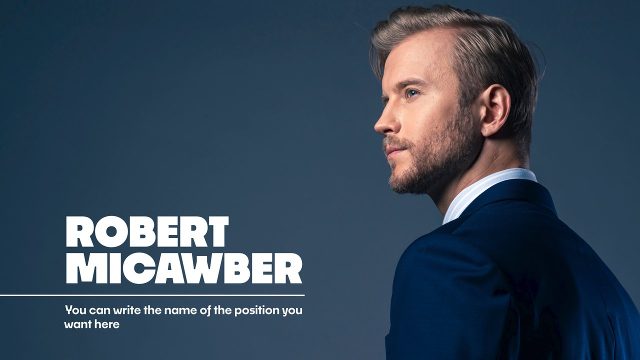
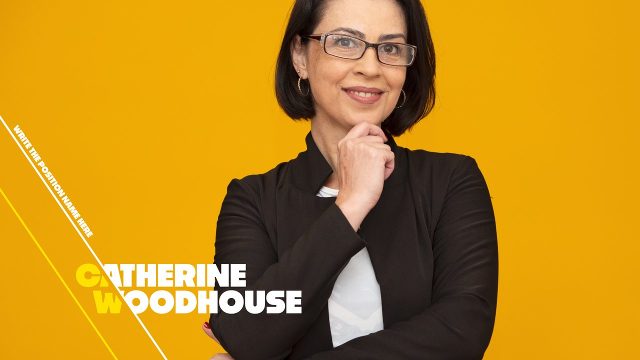
In Premiere Pro, each lower third is a MOGRT you can duplicate on the timeline for every speaker. Change the name, role, colors and position in Essential Graphics, and the design stays identical from the first interview to the last. Tip: create one lower third, set it up for your first speaker, then copy and paste it along the timeline and only change the names. Essential Graphics keeps every copy editable.
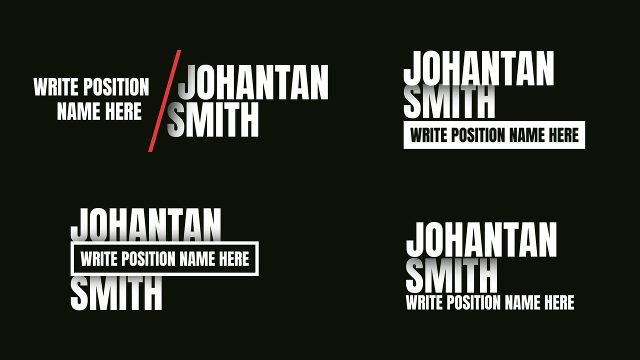
Premium lower thirds focus on the name and role caption itself, with dozens of distinct layouts: stacked names, boxed roles, slash dividers, department labels and versions with a built-in logo placeholder. Every text line has its own position control, so short and long names fit without manual keyframing, which saves time on interviews, documentaries and long event recordings.
Premium Premiere Pro lower third templates come with the Premium plan, including unlimited downloads and a commercial license for client work. New premium MOGRT templates are added regularly.