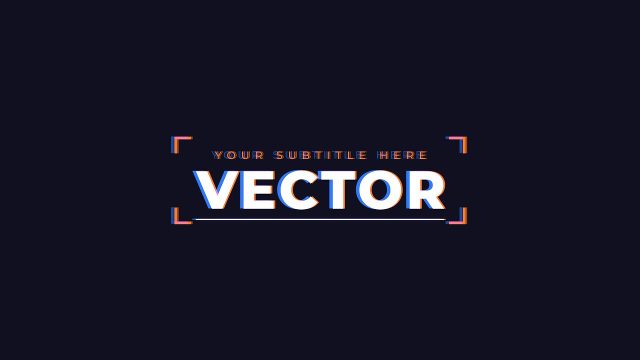
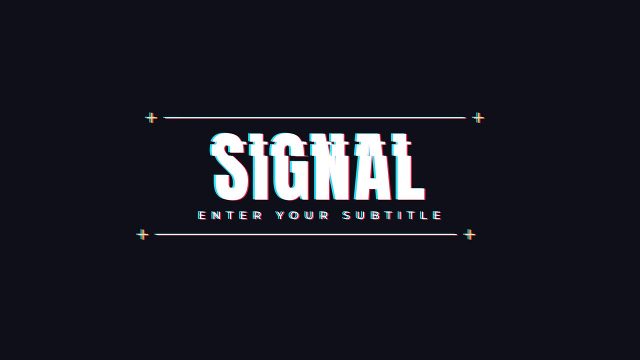
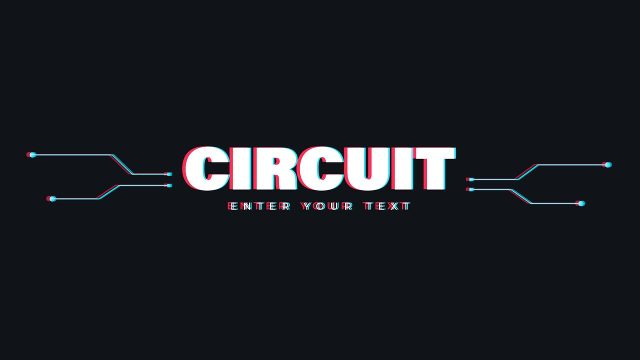
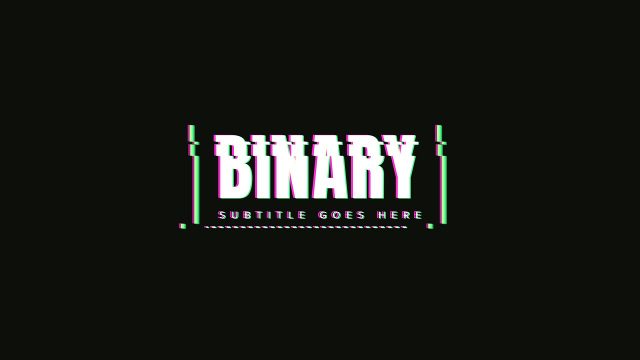
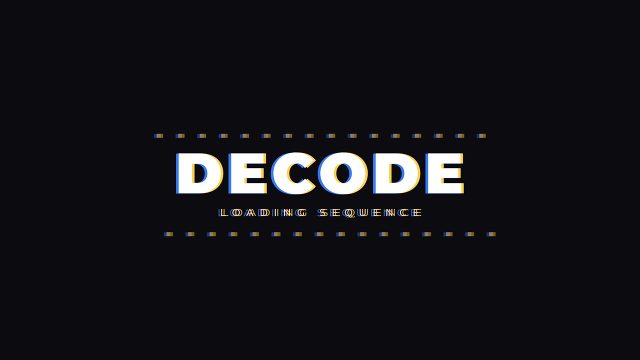
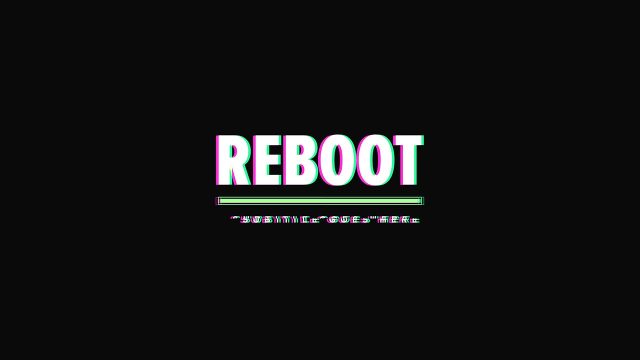
Error Message Style Glitch Text Animation with Red Cursor Premiere Pro MOGRT
Error Message Style Glitch Text Animation with Red Cursor: Premiere Pro glitch title with red square brackets, scanlines and a blinking cursor, 60 fps.
Attributes
- Application Premiere Pro
- Version Premiere Pro 2023 or later
- Resolution Horizontal · Resizable
- File size 0.14 MB
- Fonts Acumin Pro · Montserrat · Changeable
- Required plugins None
- Tutorial PDF included
- Video guide How to use MOGRT in Premiere Pro
- License Commercial use
About this template
Error Message Style Glitch Text Animation with Red Cursor is a glitch text animation for Premiere Pro. Red brackets, a blinking cursor and striped scanline lettering give this Premiere Pro title the feel of a system warning or error screen. Every glitch, including the hits on the red brackets, is driven by sliders, so you can go from subtle to heavy distortion in seconds. Use it for hacker and sci-fi scenes, product launches, event openers and social media posts. Next to the red brackets, the text is set in Acumin Pro from Adobe Fonts and Montserrat from Google Fonts.
The preview runs about 5 seconds: the title glitches in, holds with a small idle glitch and glitches out. Properties > Templates gives you Global Scale and Position, two text lines with colour and position, Glitch Amount, RGB Split, Idle Glitch, two RGB colours, bracket color, cursor color and scanline color, plus a background on/off switch with its own colour. Resolution is 1920x1080 at 60 fps, the scene with the red brackets is resizable, and Premiere Pro 2023 or later is all you need.