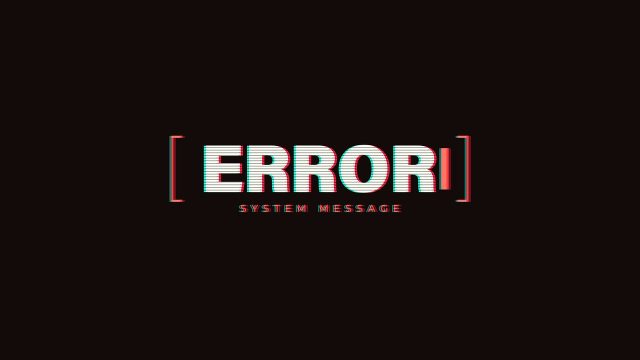
Viewfinder Bracket Glitch Text Animation in Orange Premiere Pro MOGRT
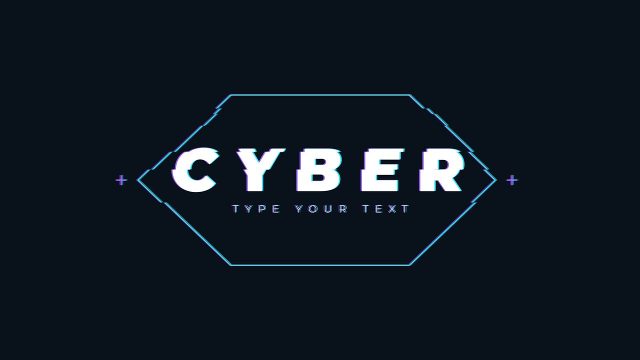
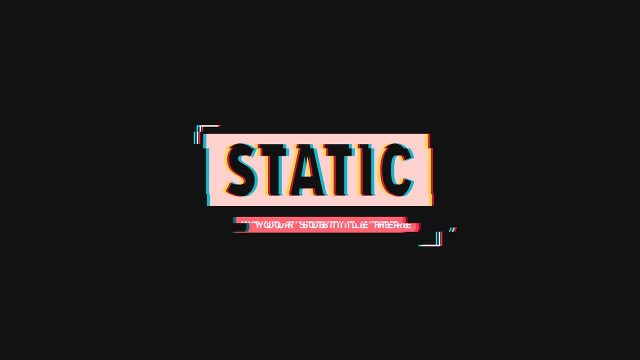
Viewfinder Bracket Glitch Text Animation in Orange: Premiere Pro glitch title with orange corner brackets and a thin underline, two editable text lines, 60 fps.
Attributes
- Application Premiere Pro
- Version Premiere Pro 2023 or later
- Resolution Horizontal · Resizable
- File size 0.13 MB
- Fonts Montserrat · Changeable
- Required plugins None
- Tutorial PDF included
- Video guide How to use MOGRT in Premiere Pro
- License Commercial use
About this template
Viewfinder Bracket Glitch Text Animation in Orange is a digital glitch title template for Premiere Pro. Orange viewfinder brackets frame the text like a camera focus box, so this Premiere Pro glitch title suits vlogs, reviews and tech intros. Its dark navy background, the orange brackets and sharp digital distortion give the title a modern cyber feel. Use it for podcast intros, tech reviews, music videos and YouTube intros. Typography: Montserrat, a free Google Font, so nothing needs to be bought.
The preview runs about 5 seconds: the title glitches in, holds with a small idle glitch and glitches out. Properties > Templates gives you Global Scale and Position, two text lines with colour and position, Glitch Amount, RGB Split, Idle Glitch, two RGB colours, bracket color and line color, plus a background on/off switch with its own colour. This Premiere Pro 2023+ MOGRT runs at 60 fps in 1920x1080, with the orange brackets staying sharp when you resize it.