Enhance your Videos with Professional Subtitles using Free Premiere Pro Text Templates
Enhance your Videos with Professional Subtitles using — free MOGRT for Premiere Pro with 2 editable texts and 60 fps motion. Free download, commercial license.
No account needed · Up to 3 free downloads every 24 hours · Unlimited with Premium
Attributes
- Application Premiere Pro
- Version Premiere Pro 2023 or later
- Resolution Horizontal · Resizable
- File size 2.23 MB
- Fonts Free Google Fonts
- Required plugins None
- Tutorial PDF included
- License Commercial use
About this template
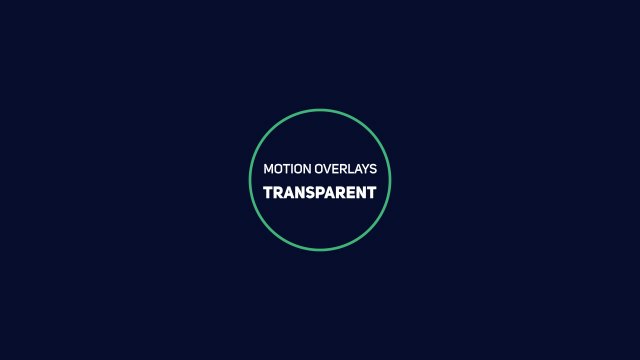
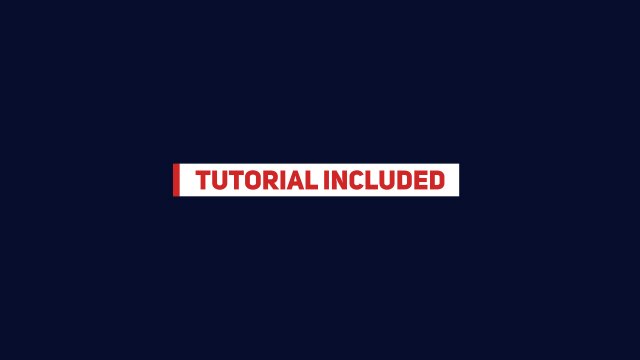
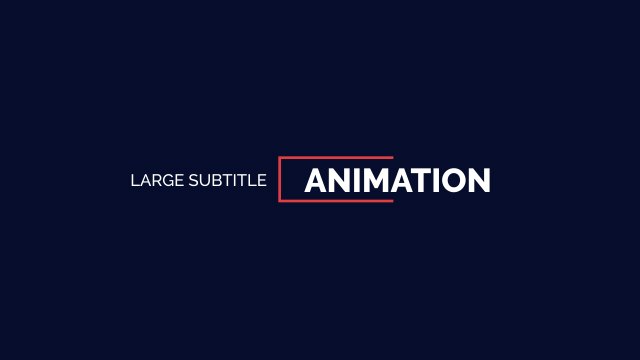
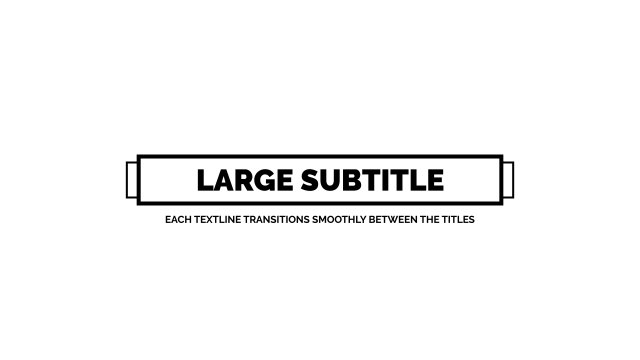
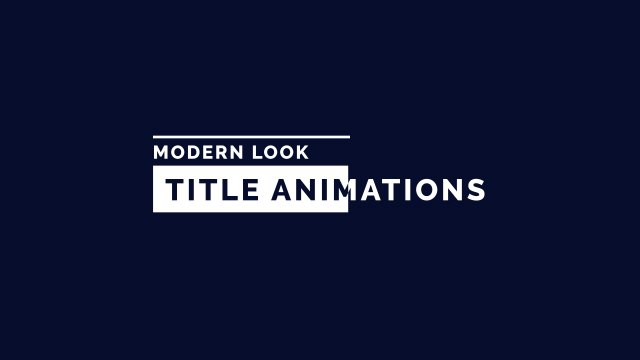
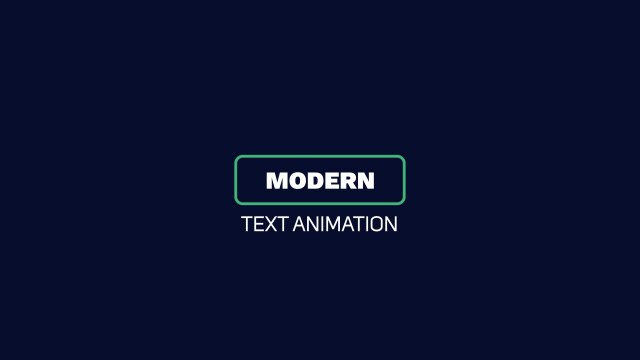
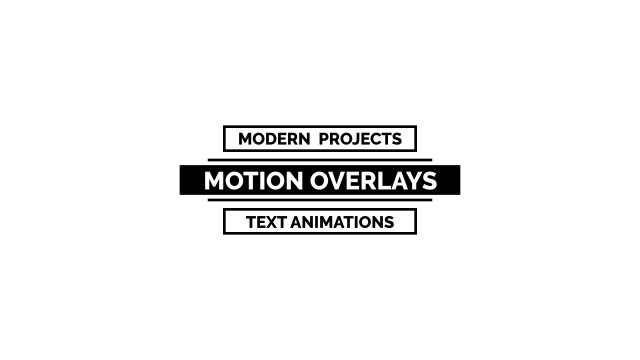
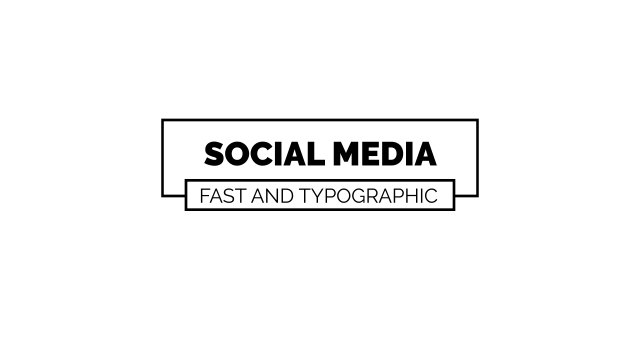
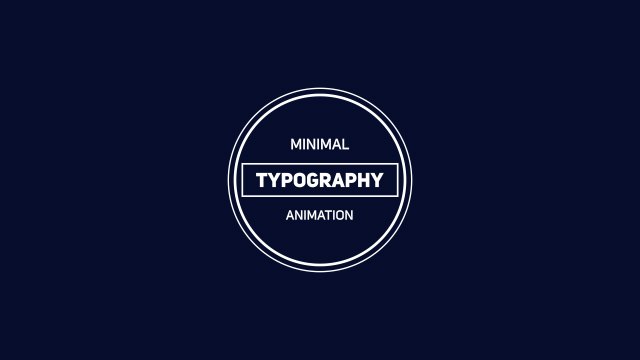
A bold small heading above a larger caption with a fine underline — a professional subtitle style you can place at the bottom of the frame as a lower third or caption. Ideal for interviews, documentaries, tutorials and corporate videos.
Editing happens entirely inside Premiere Pro: import the .mogrt file into the Essential Graphics panel, drag it onto your timeline and adjust it like any other clip — no After Effects required. You get 2 editable text fields and 4 color controls plus position and scale controls so you can place it anywhere in the frame, all neatly labelled in Essential Graphics. Keyframes are already baked in at 60 frames per second, giving you fluid easing in a horizontal layout that can be resized for social formats. No plugins are needed; just install the free Google Fonts listed in the README and follow the bundled PDF tutorial if you are new to MOGRT files.
It is 100% free with commercial rights included: put it in YouTube videos, Instagram and TikTok posts, corporate projects or client deliverables, credit-free. Download it without signing up — the Free plan allows three downloads every 24 hours. Pair it with other free Premiere Pro lower third templates from Typoanim to build a consistent look across your videos.