Broadcast Line and Role Strip Lower Third Premiere Pro MOGRT
Premium Premiere Pro lower third — Broadcast Line and Role Strip Lower Third. 3 editable texts, 60 fps, tutorial included. For interviews and broadcast.
Attributes
- Application Premiere Pro
- Version Premiere Pro 2023 or later
- Resolution Horizontal · Resizable
- File size 0.14 MB
- Fonts Anton (Google Fonts) · Acumin Pro (Adobe Fonts)
- Required plugins None
- Tutorial PDF included
- License Commercial use
About this template
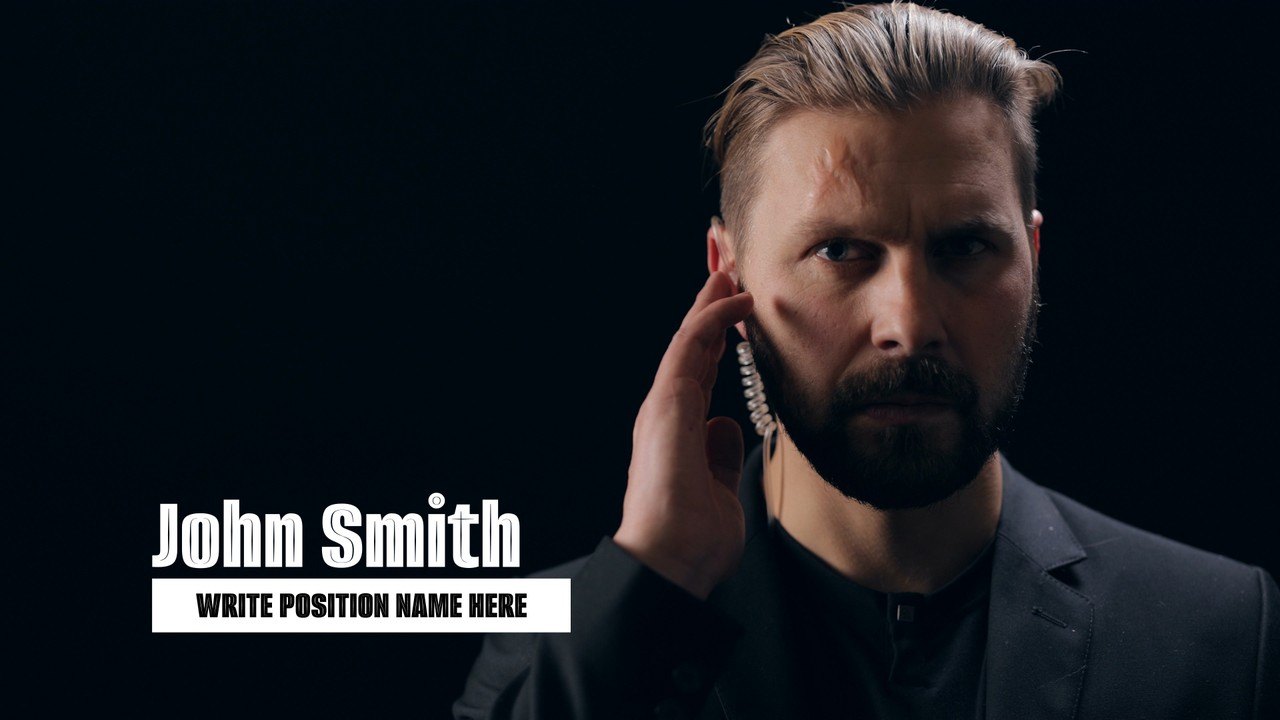
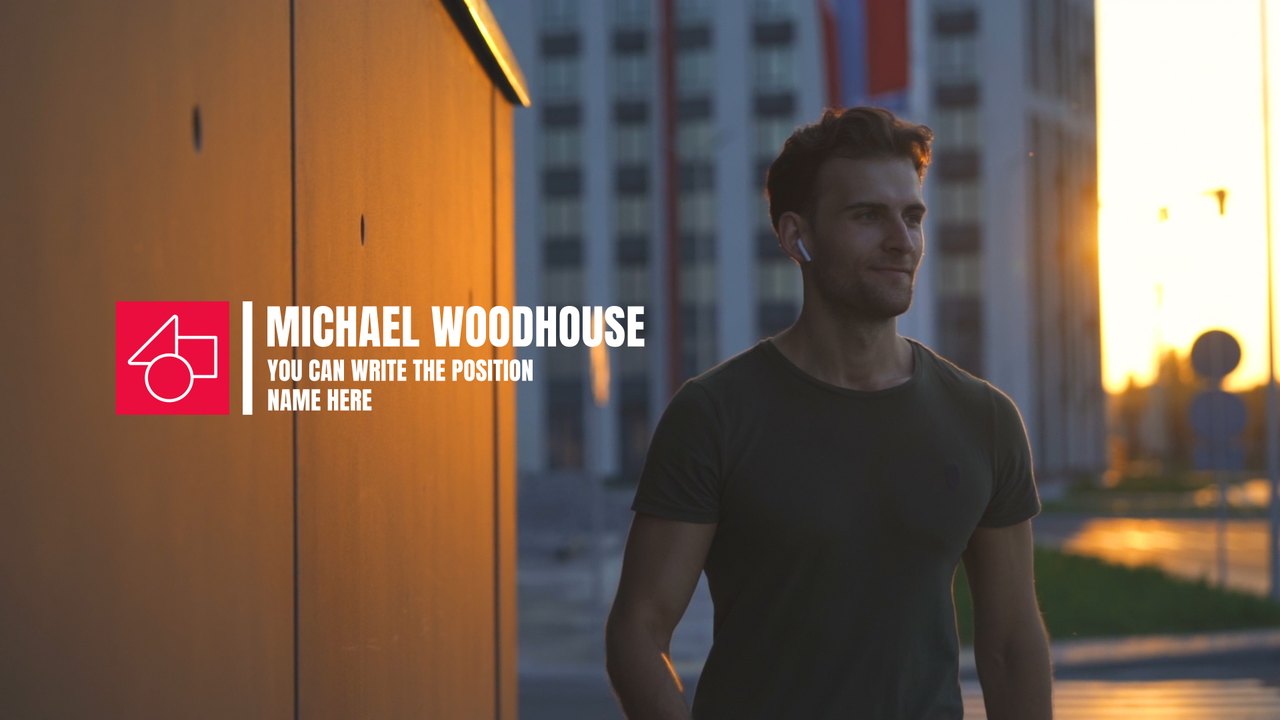
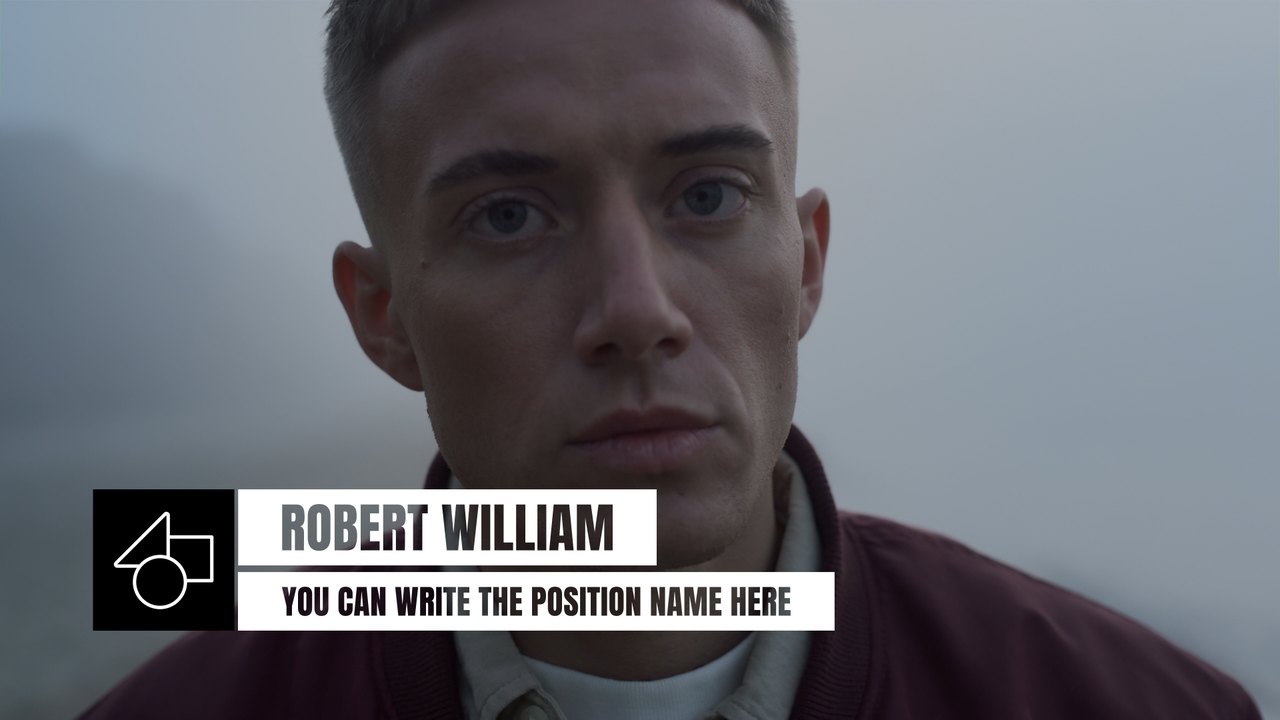
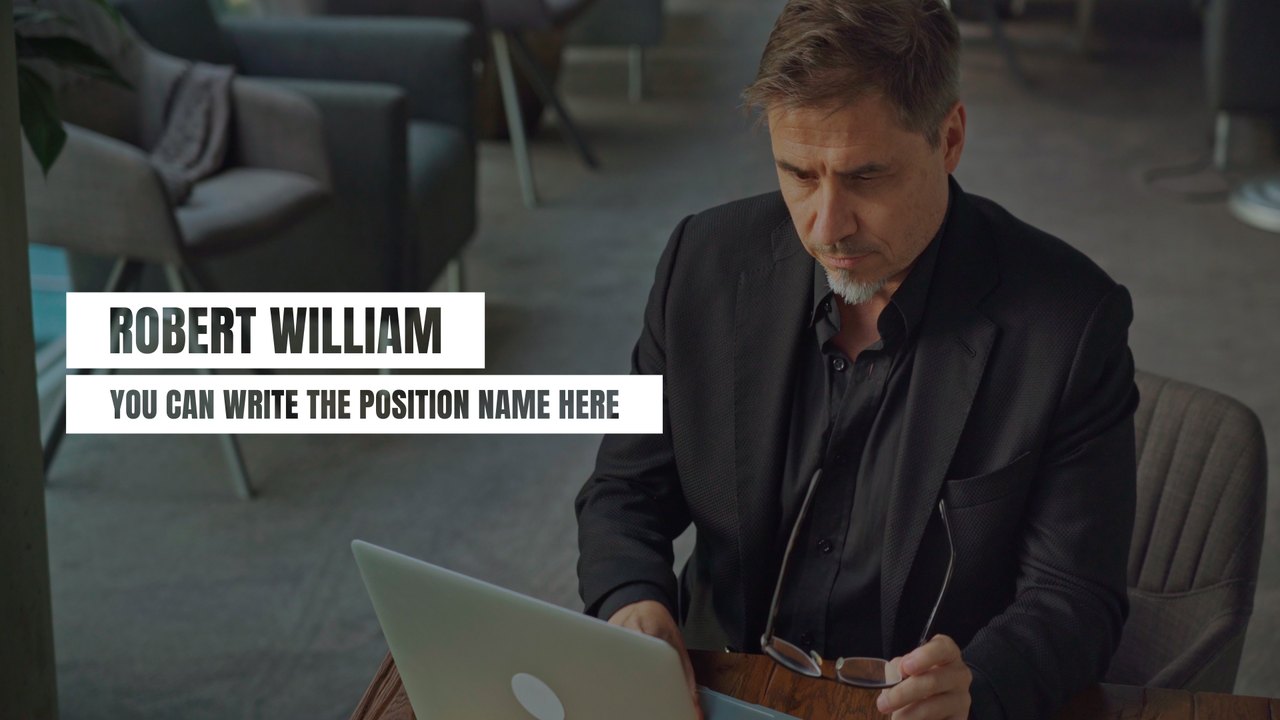
A drawn red line, a role strip and a light-plus-bold name give this Premiere Pro lower third a broadcast look. Perfect for news packages, documentaries, talk shows and expert interviews. Fonts: Anton (free Google Fonts) and Acumin Pro (Adobe Fonts).
Install the .mogrt once through the Essential Graphics panel in Premiere Pro 2023 or later and drag it above your interview clip; After Effects is not needed. The Edit tab offers 3 editable text fields and 5 color controls, separate position controls for each line, and global scale and position. It plays at 60 fps for about 5 seconds in Full HD. The download includes our PDF tutorial and a font guide with direct links. The caption sits in the lower part of the frame and leaves the speaker's face clear, as a good lower third should.
It belongs to the Typoanim Premium library and is unlocked with the Premium plan. The commercial license covers client projects, broadcast, advertising, monetized YouTube channels and social media, with no attribution required. Combine it with other premium lower thirds for Premiere Pro to keep a whole interview series consistent.