Course Instructor Slide-Ready Lower Third Premiere Pro MOGRT
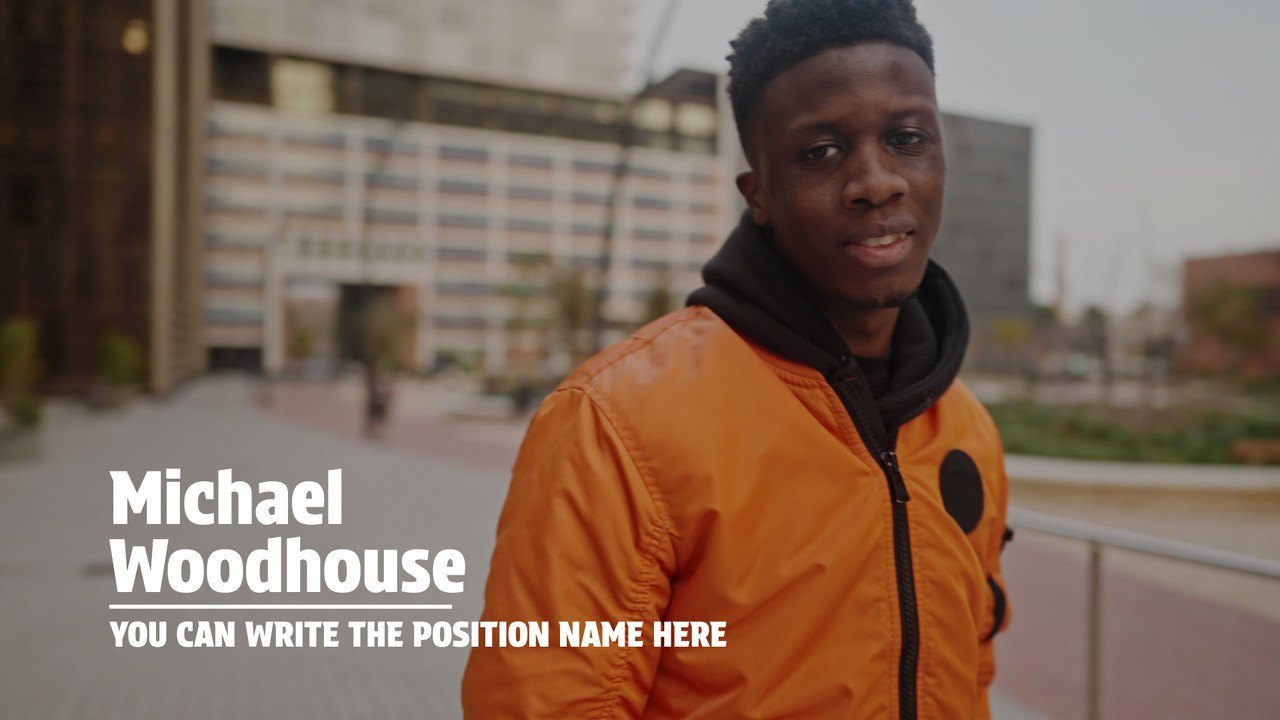
Premium Premiere Pro lower third — Course Instructor Slide-Ready Lower Third. 3 editable texts, 60 fps, tutorial included. For interviews and broadcast.
Attributes
- Application Premiere Pro
- Version Premiere Pro 2023 or later
- Resolution Horizontal · Resizable
- File size 0.14 MB
- Fonts Anton (Google Fonts) · Acumin Pro (Adobe Fonts)
- Required plugins None
- Tutorial PDF included
- License Commercial use
About this template
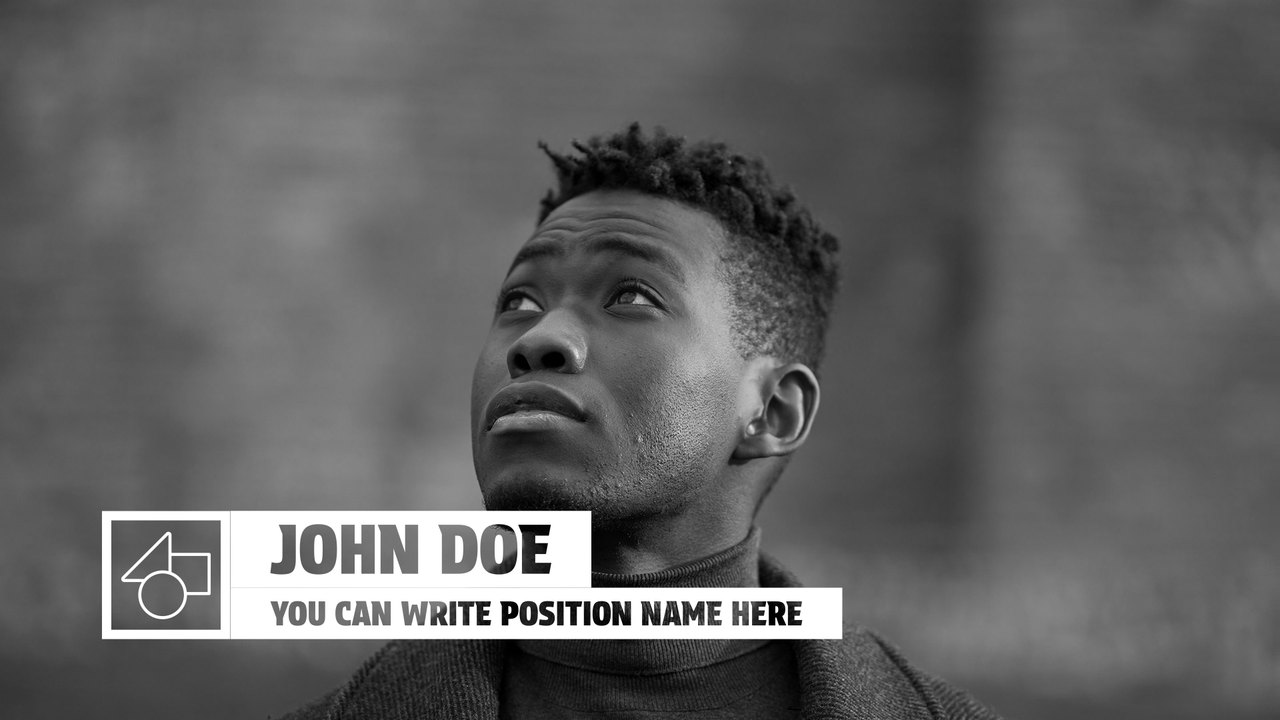
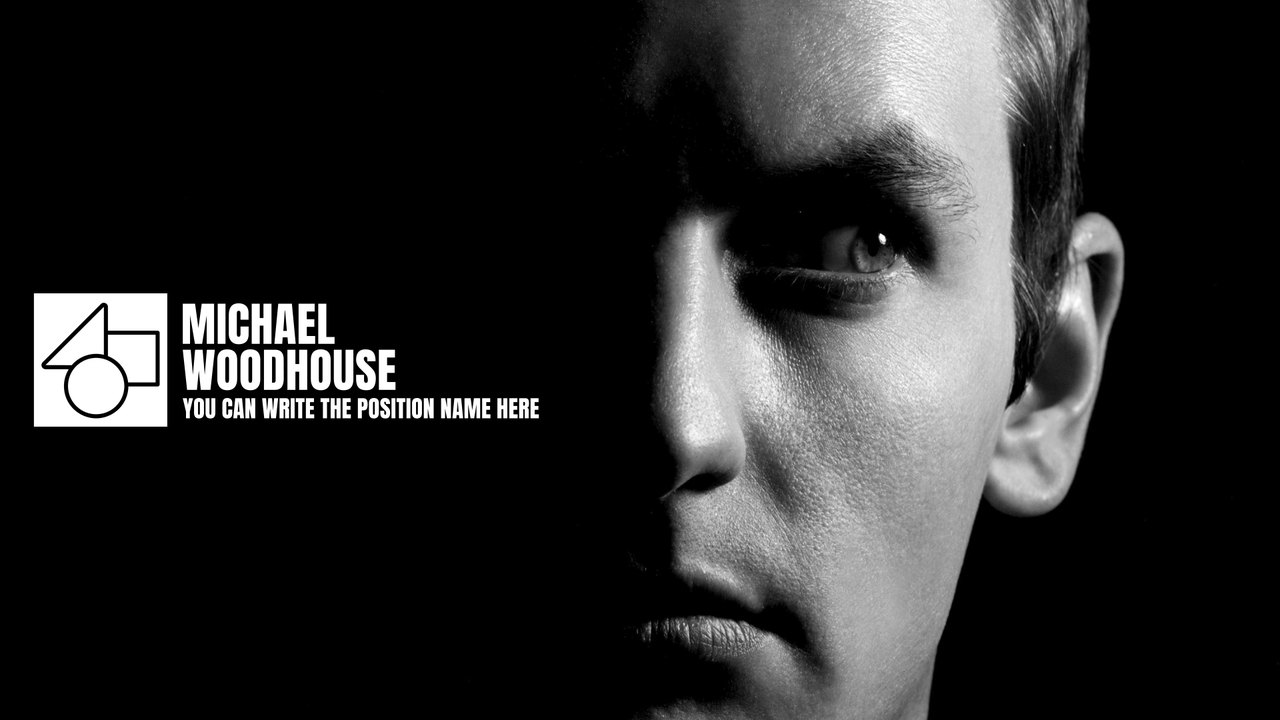
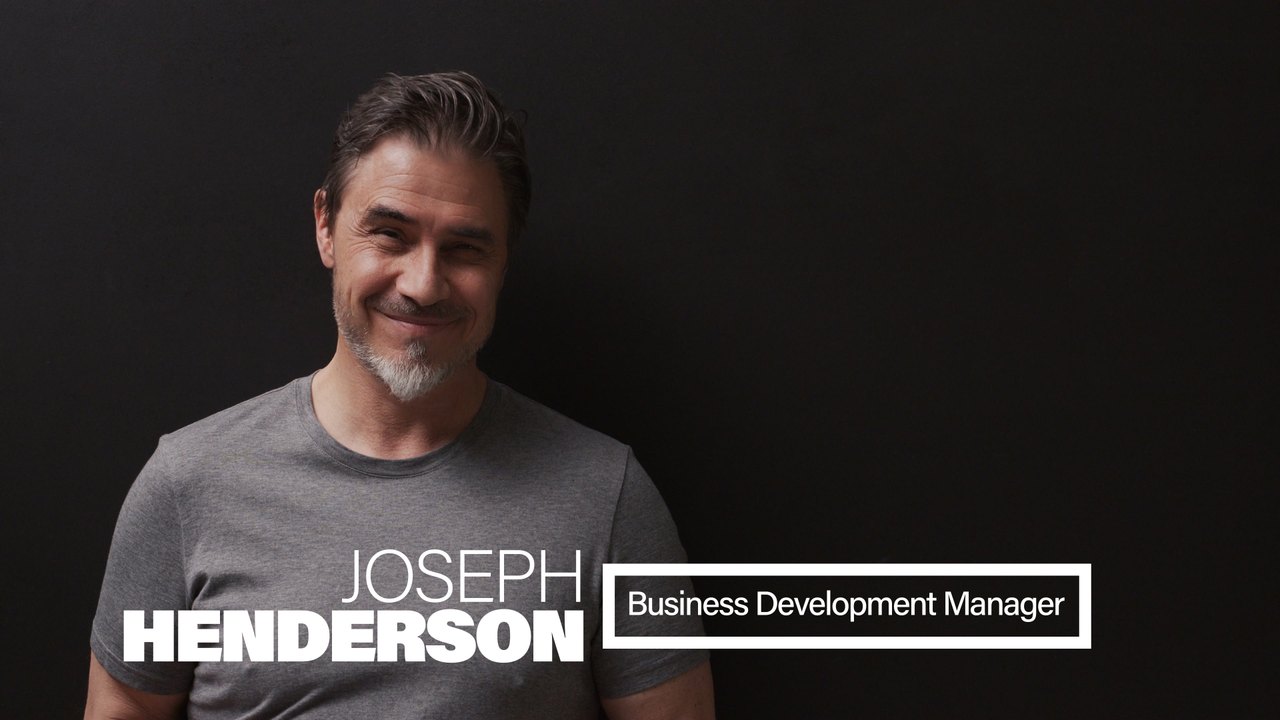
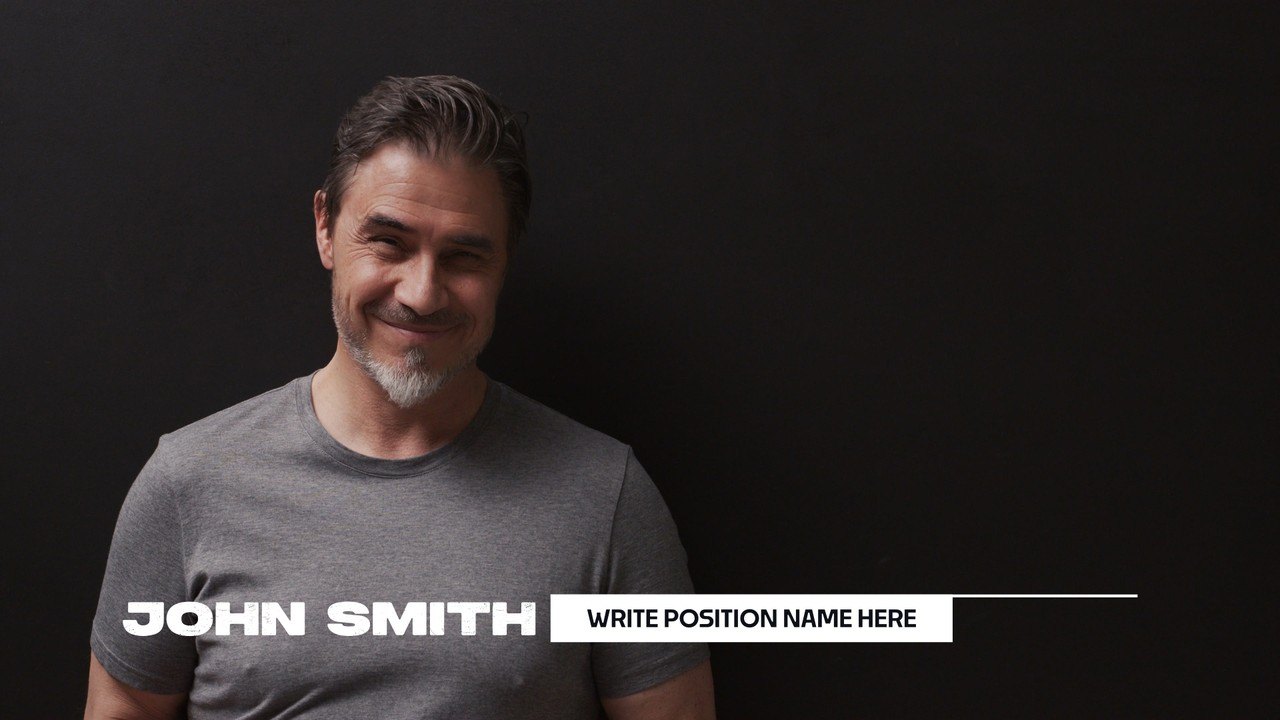
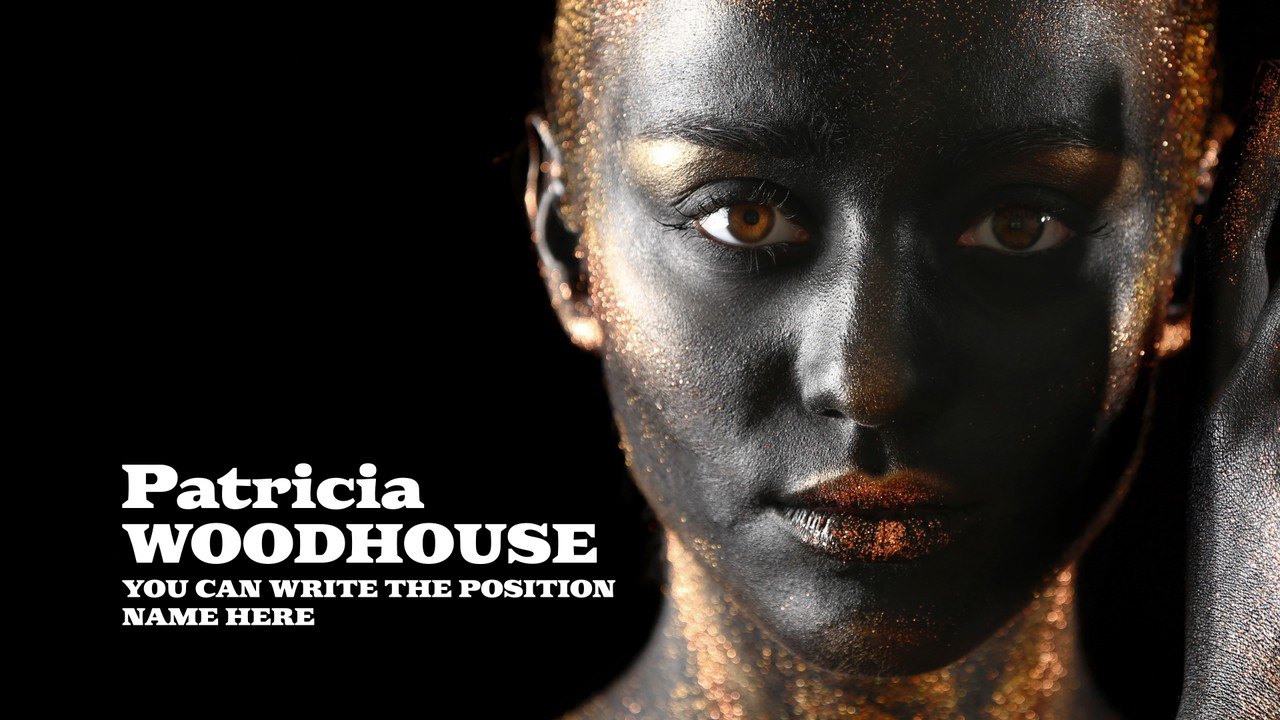
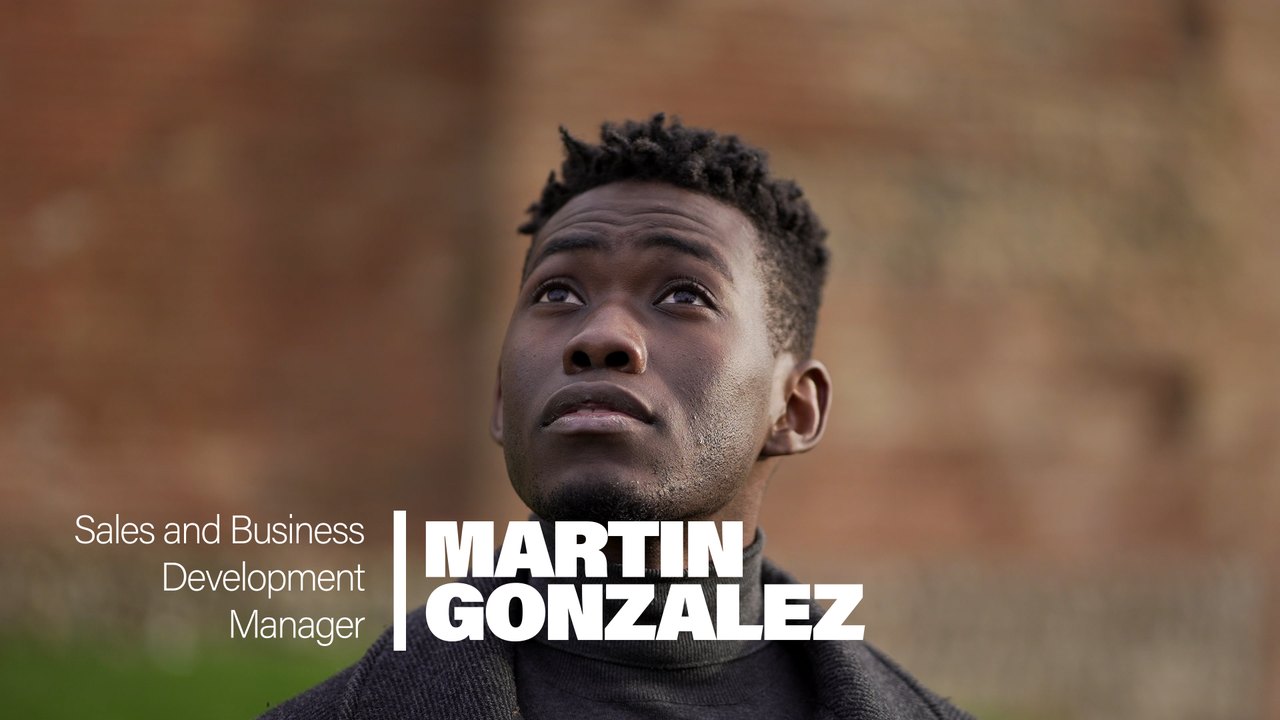
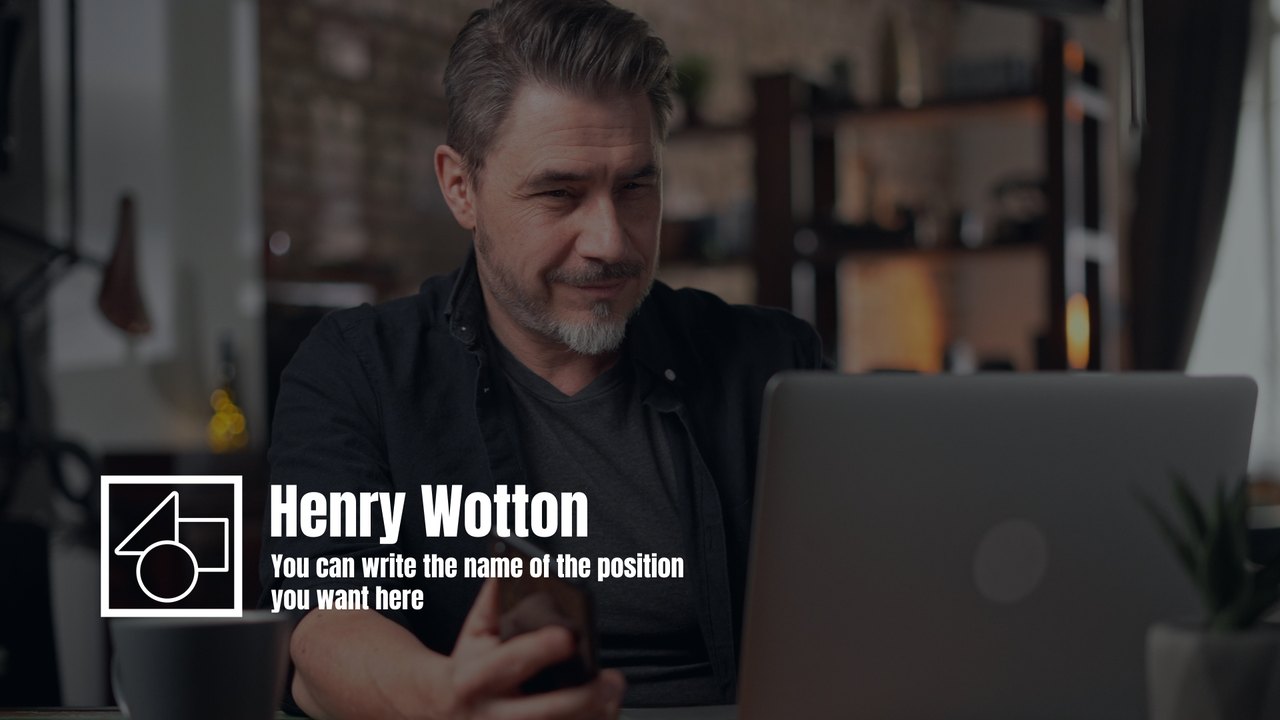
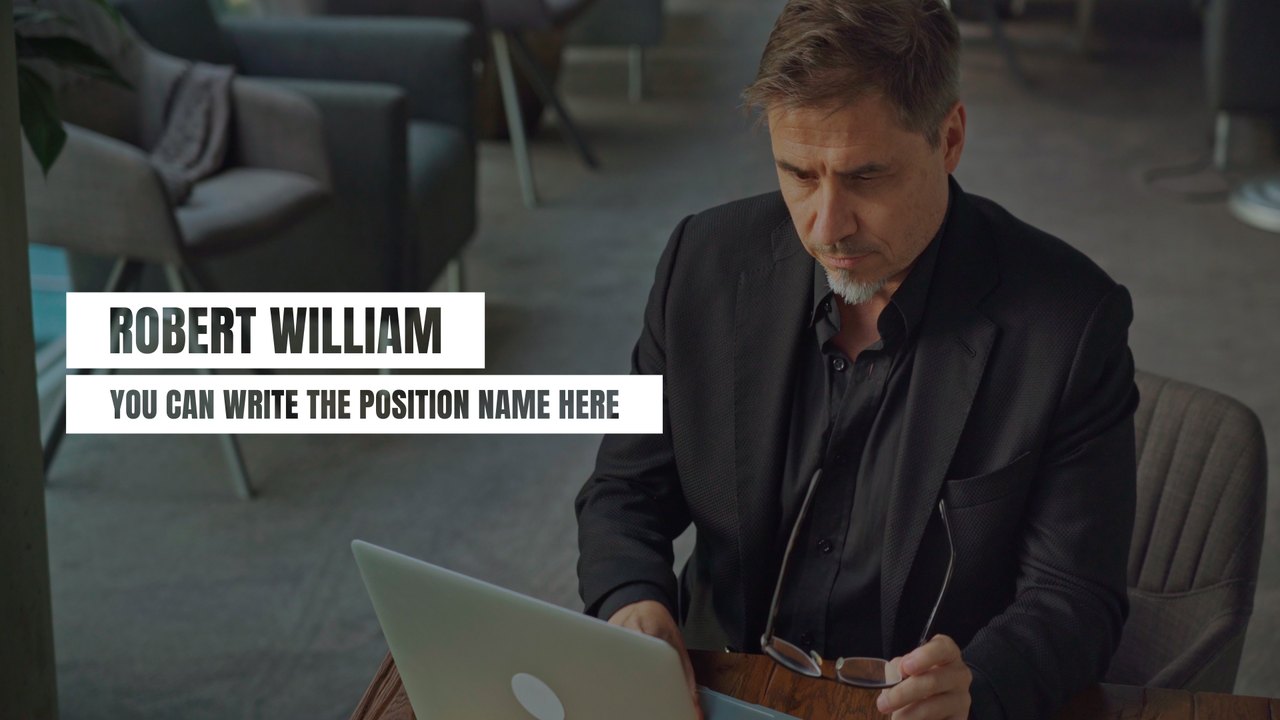
A clean two-line name and an outlined role tag make this Premiere Pro lower third flexible on footage or plain slides. Perfect for webinars, courses, presentations and explainers. Fonts: Anton (free Google Fonts) and Acumin Pro (Adobe Fonts).
Install the .mogrt once through the Essential Graphics panel in Premiere Pro 2023 or later and drag it above your interview clip; After Effects is not needed. You get 3 editable text fields and 5 color controls, individual position sliders for every text element, plus global scale and position. The motion runs at 60 fps over roughly 5 seconds in a 1920x1080 sequence. The download includes our PDF tutorial and a font guide with direct links. The caption sits in the lower part of the frame and leaves the speaker's face clear, as a good lower third should. Colors can be matched to any brand palette in seconds, so one design fits a whole series of interviews.
It belongs to the Typoanim Premium library and is unlocked with the Premium plan. Use it commercially in client deliverables, news and corporate videos and monetized channels; attribution is never required. Combine it with other premium lower thirds for Premiere Pro to keep a whole interview series consistent.