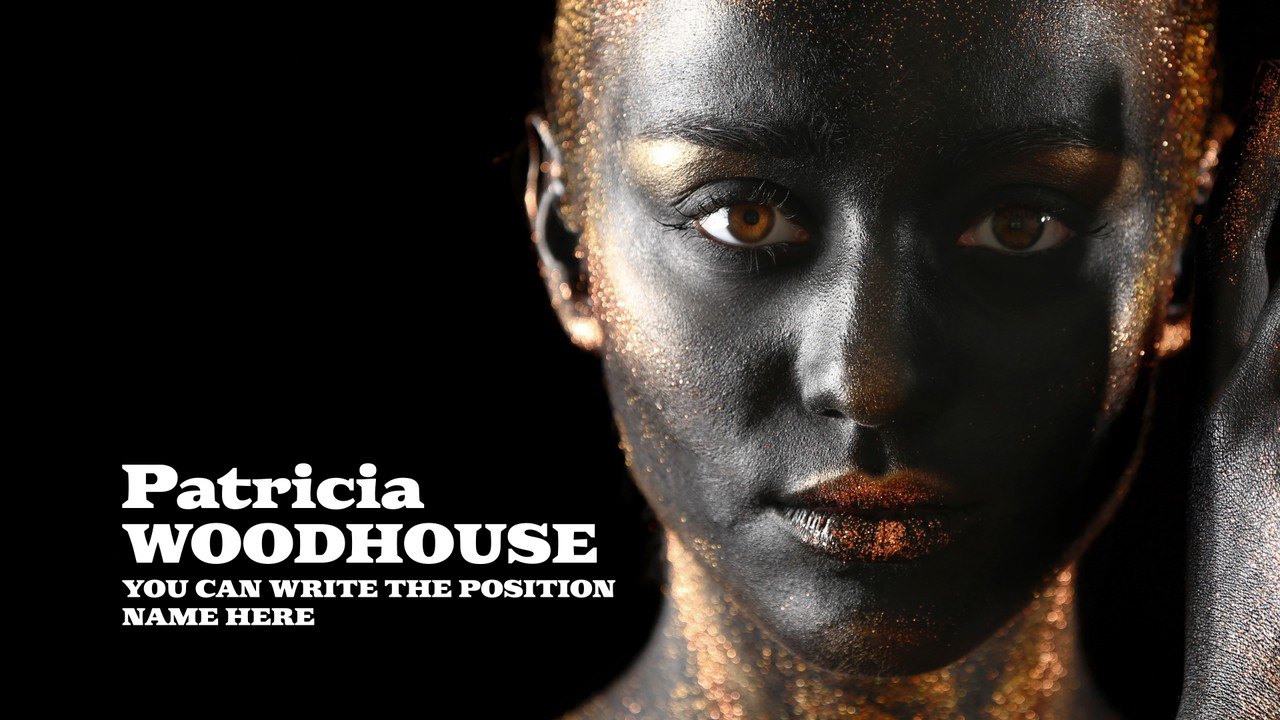
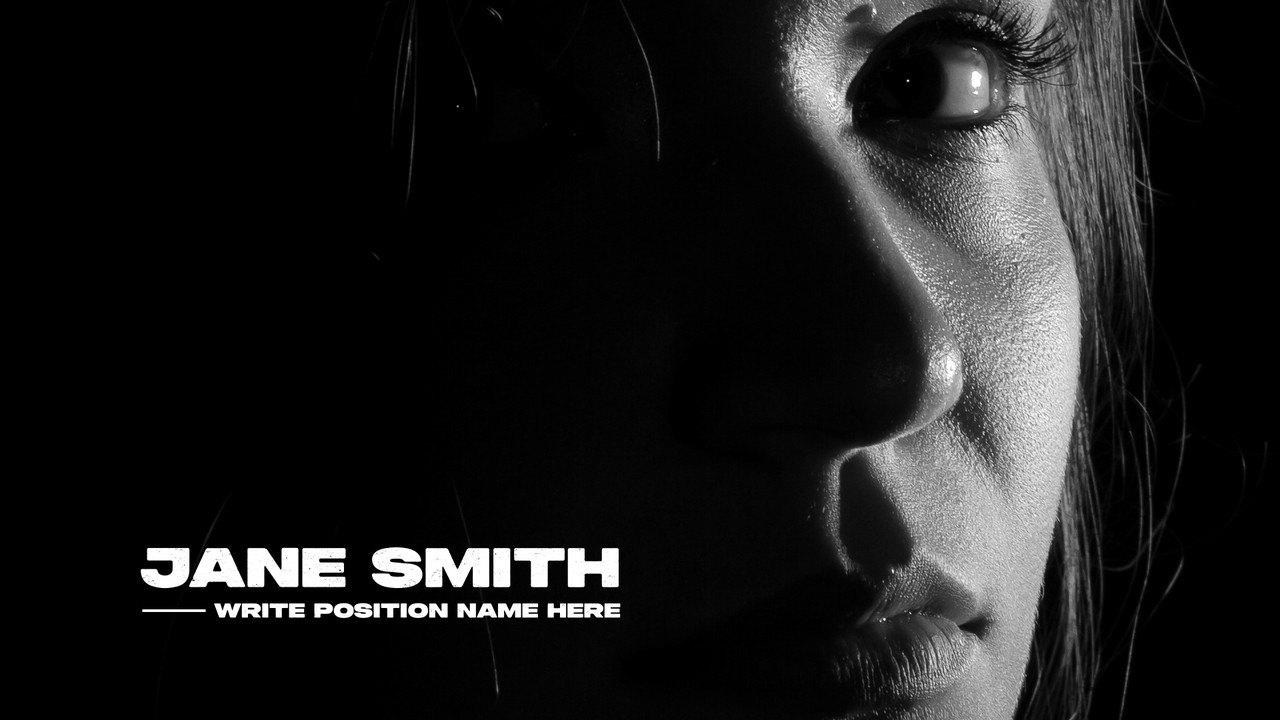
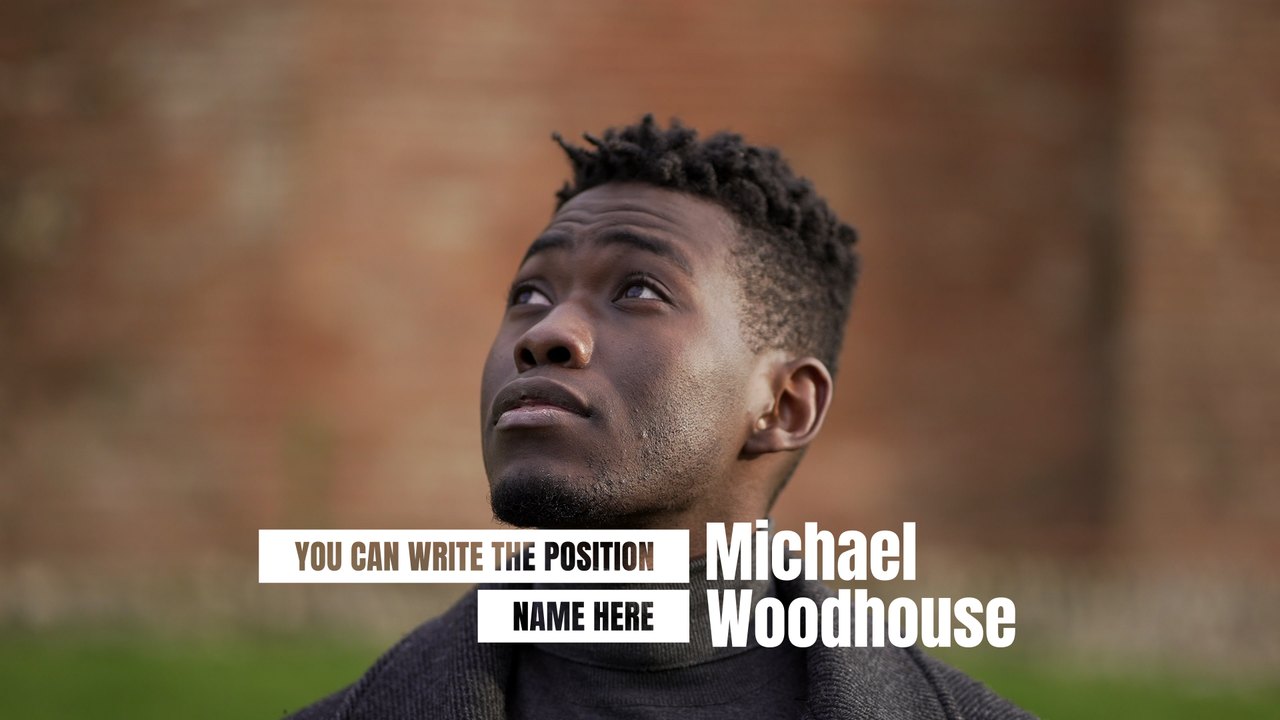
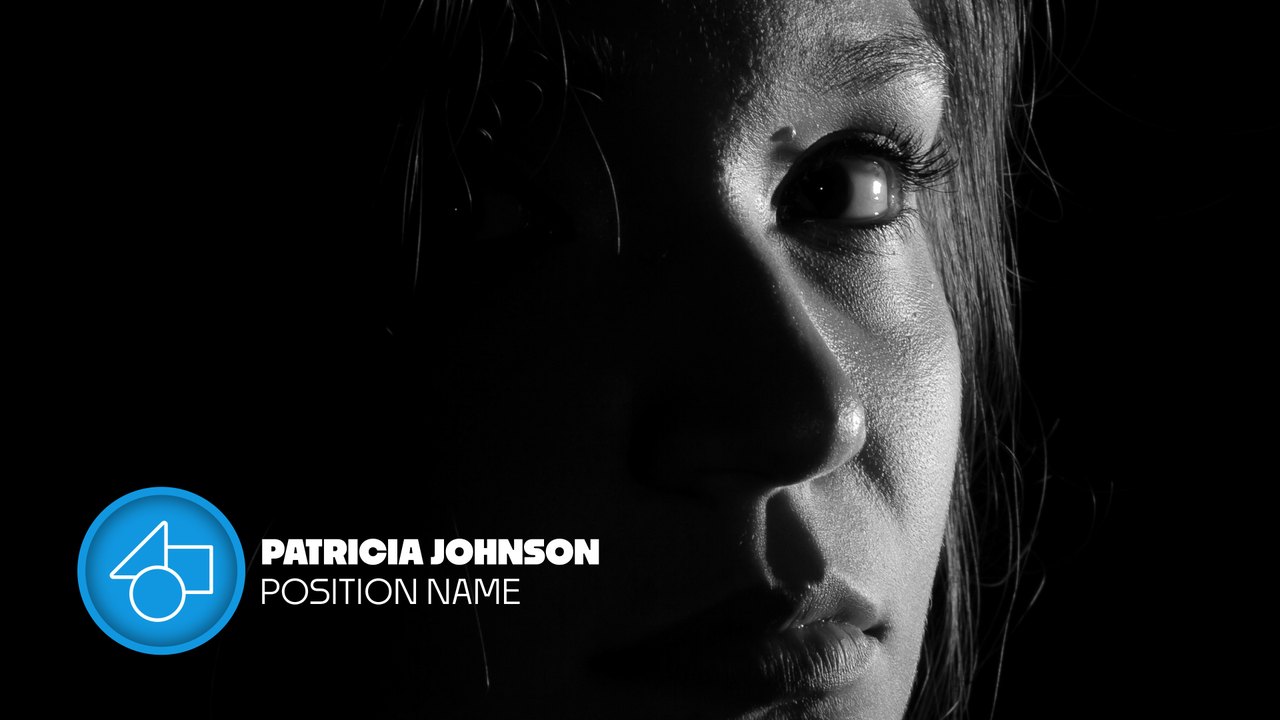
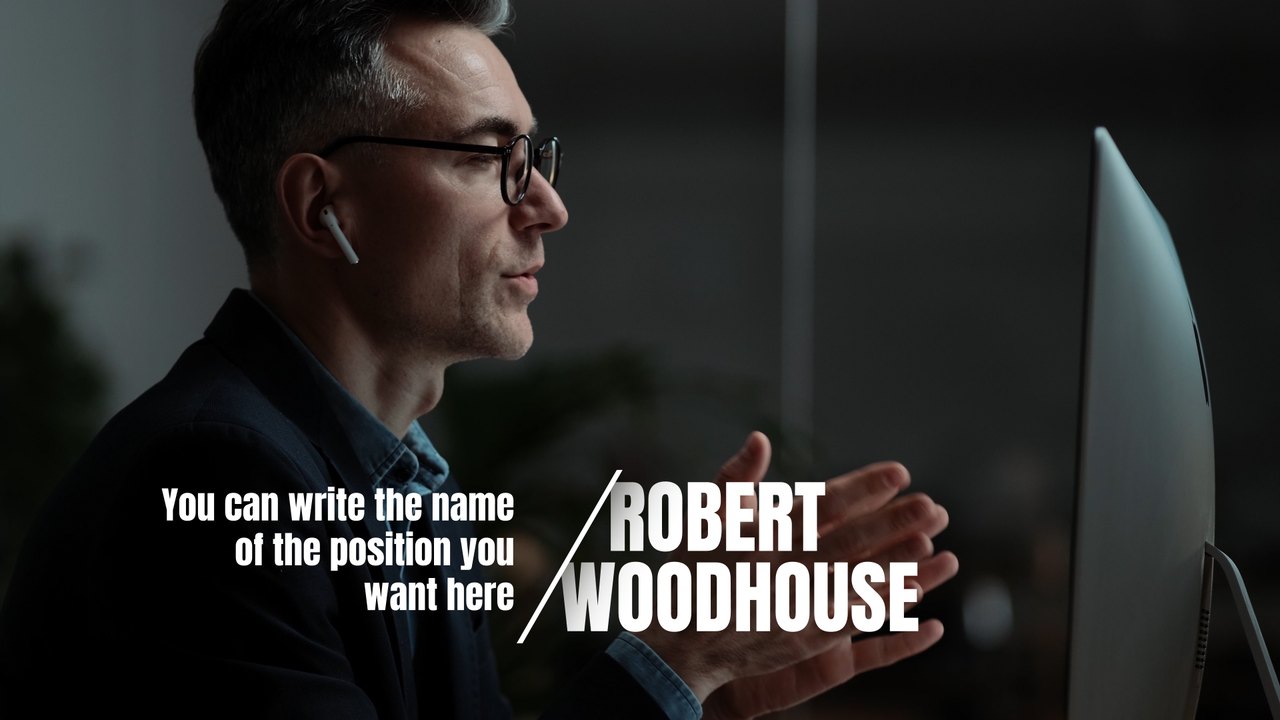
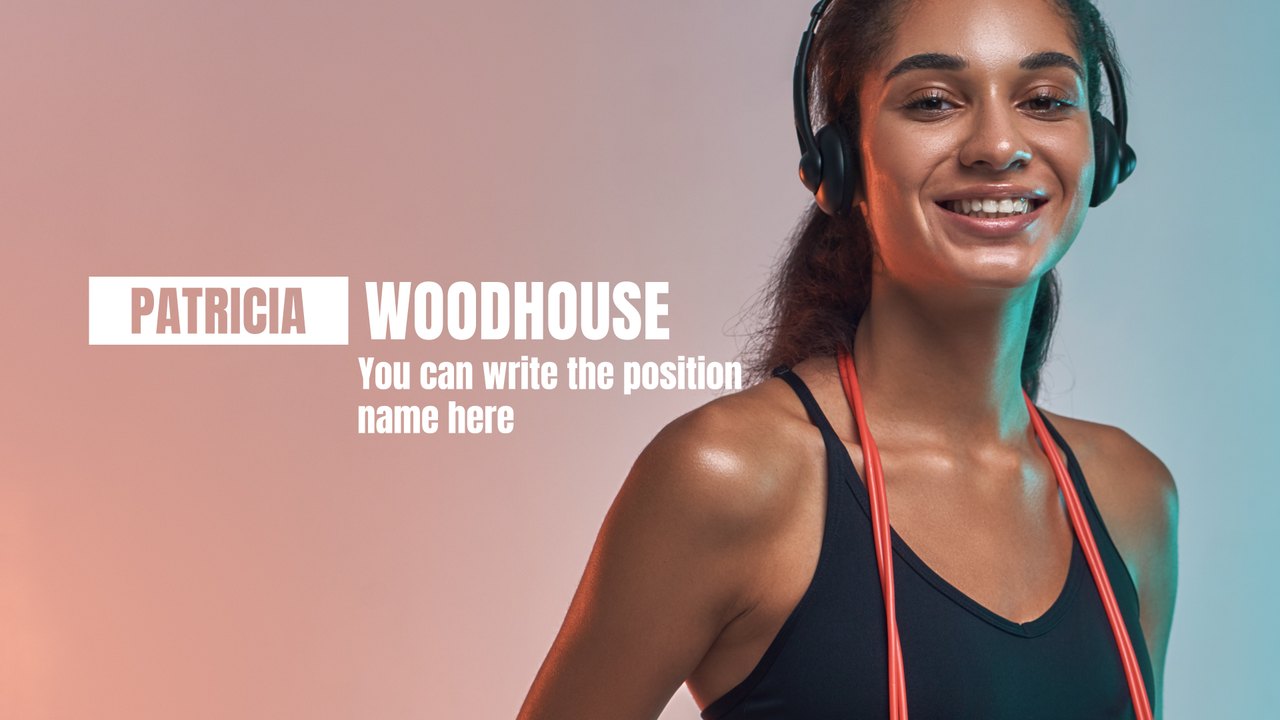
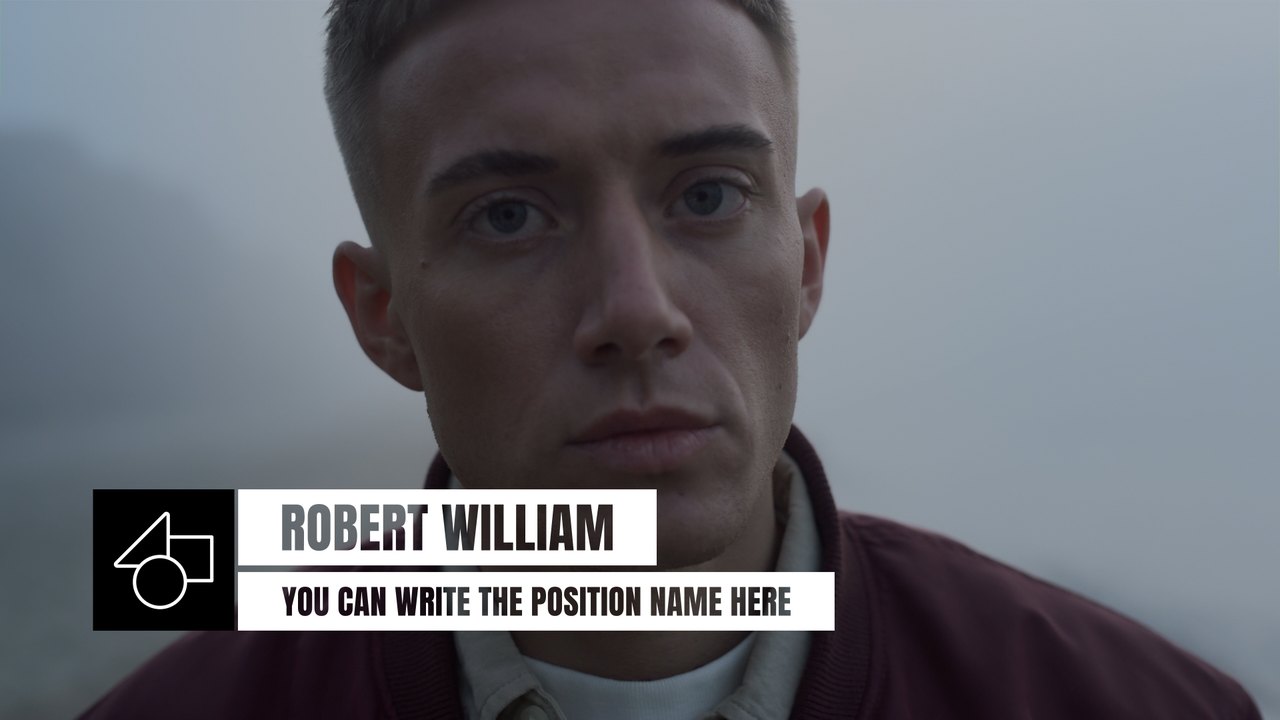
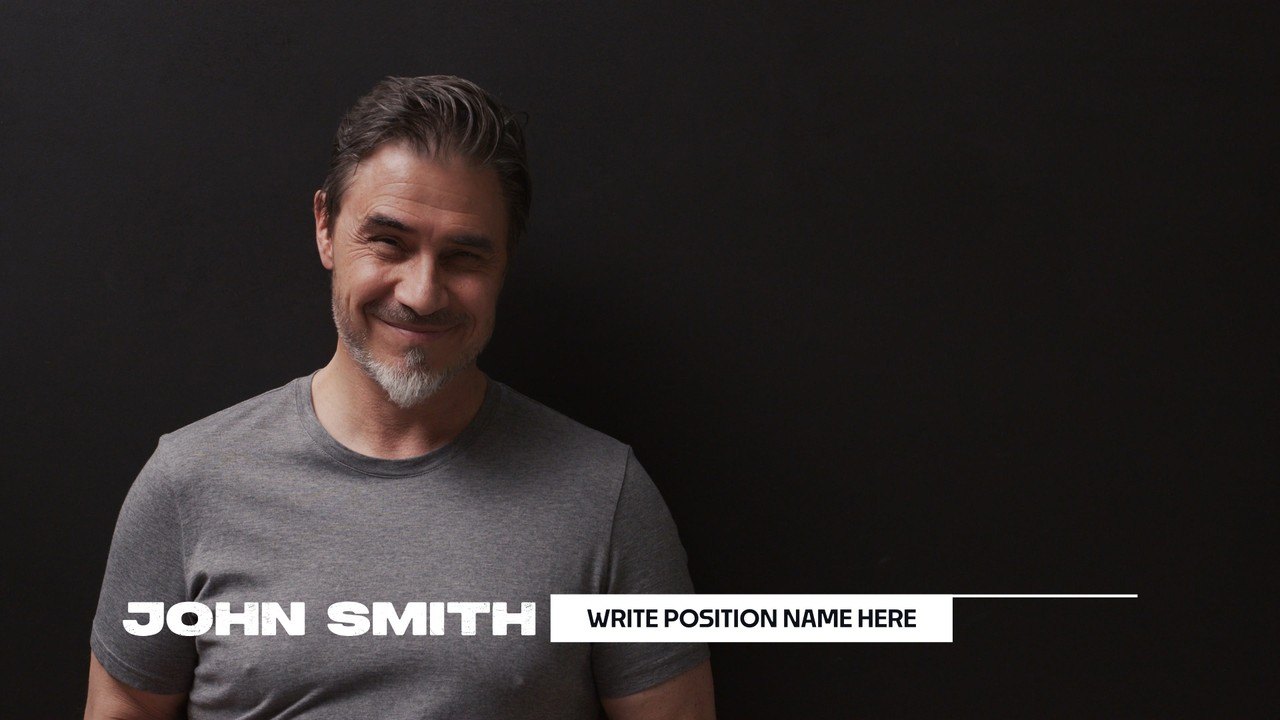
Thin and Heavy Type Red Point Lower Third Premiere Pro MOGRT
Premium Premiere Pro lower third — Thin and Heavy Type Red Point Lower Third. 3 editable texts, 60 fps, tutorial included. For interviews and broadcast.
Attributes
- Application Premiere Pro
- Version Premiere Pro 2023 or later
- Resolution Horizontal · Resizable
- File size 0.14 MB
- Fonts Anton (Google Fonts) · Acumin Pro (Adobe Fonts)
- Required plugins None
- Tutorial PDF included
- License Commercial use
About this template
Contrast a thin first name with a heavy surname and a small red dot before the role. This Premiere Pro lower third works for team videos, recruitment campaigns, business profiles and modern corporate content. Fonts: Anton (free Google Fonts) and Acumin Pro (Adobe Fonts).
Add the .mogrt file to Essential Graphics in Premiere Pro 2023 or later, place it over your speaker shot and start typing. You get 3 editable text fields and 5 color controls, individual position sliders for every text element, plus global scale and position. The motion runs at 60 fps over roughly 5 seconds in a 1920x1080 sequence. The download includes our PDF tutorial and a font guide with direct links. Every line has its own position control, so the layout adapts to short or long names without manual keyframing. The caption sits in the lower part of the frame and leaves the speaker's face clear, as a good lower third should.
It belongs to the Typoanim Premium library and is unlocked with the Premium plan. Use it commercially in client deliverables, news and corporate videos and monetized channels; attribution is never required. Browse more premium Premiere Pro lower thirds on Typoanim.