
Motion Design Trends 2027: 8 Animation Trends for After Effects and Premiere Pro
The 8 biggest motion design and animation trends for 2027, from kinetic typography and handmade motion to vertical-first video, shown with real Premiere Pro 2027 screenshots and templates.
 7 min read
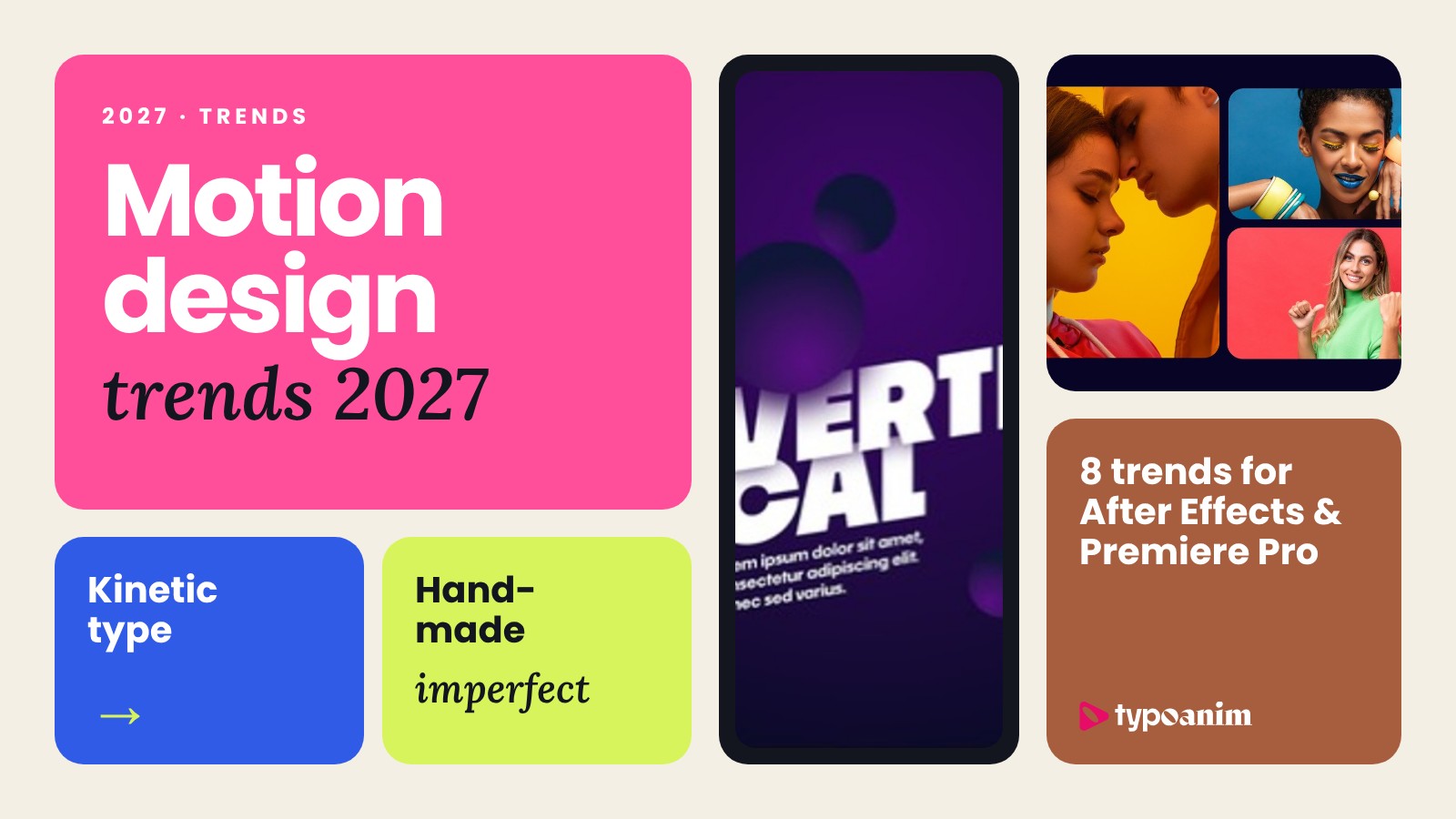
Short answer: the biggest motion design trends for 2027 are kinetic typography, handmade and imperfect motion, analog textures, hybrid 2D and 3D, vertical-first video, collage and cutouts, motion brand systems and AI-assisted, human-led workflows. Below we show each one with real screenshots from Premiere Pro 2027 and with templates you can use today.
Every year the look of video changes a little. Titles get bolder, transitions get shorter, and new formats push editors to work differently. To find out what 2027 will look like, we read the new motion design and animation trend reports published this year and kept only the trends that several of them agree on. Then we opened Premiere Pro 2027 and tried them with our own templates.
Motion design trends 2027
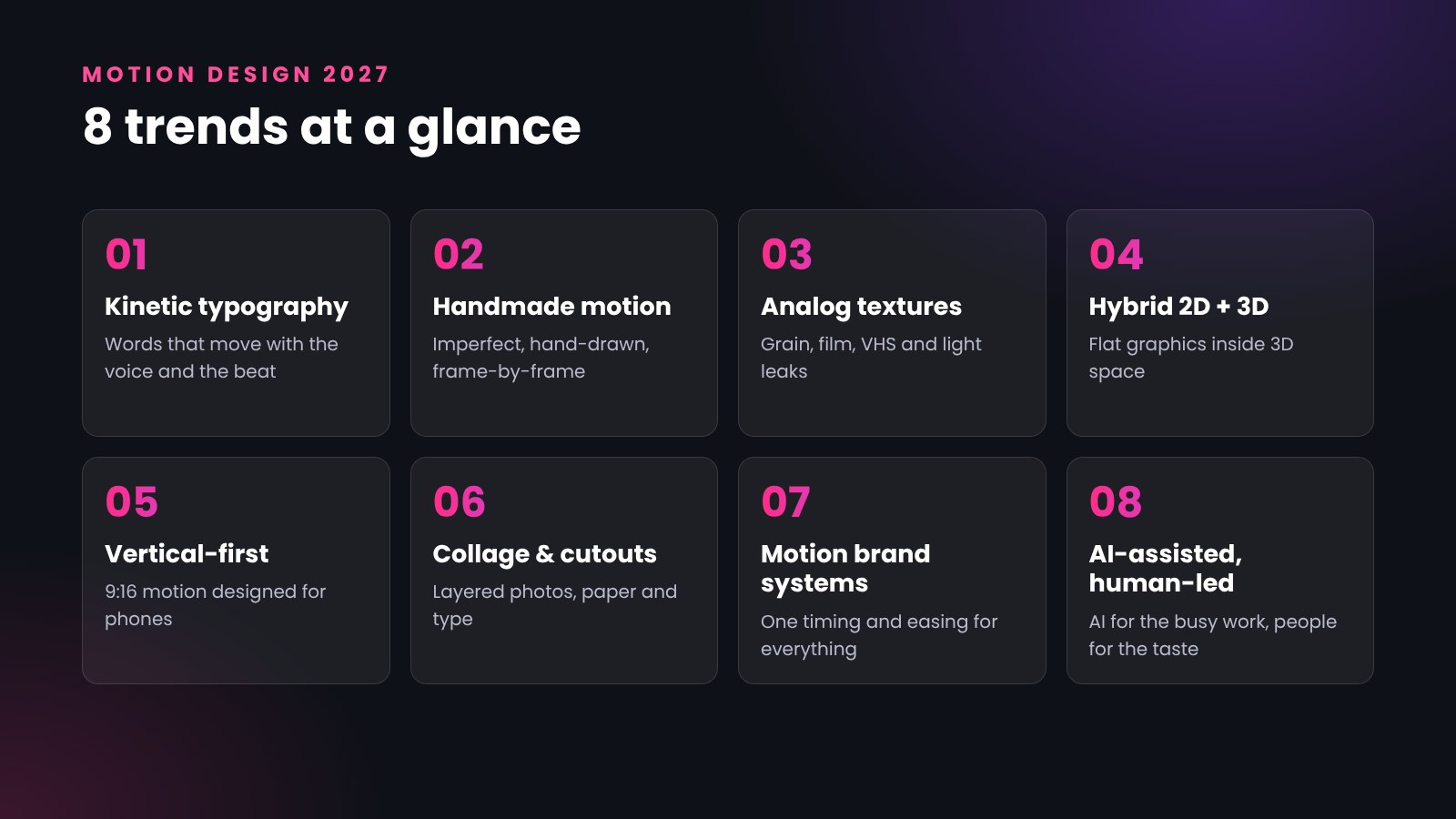
Trend 1Kinetic typography
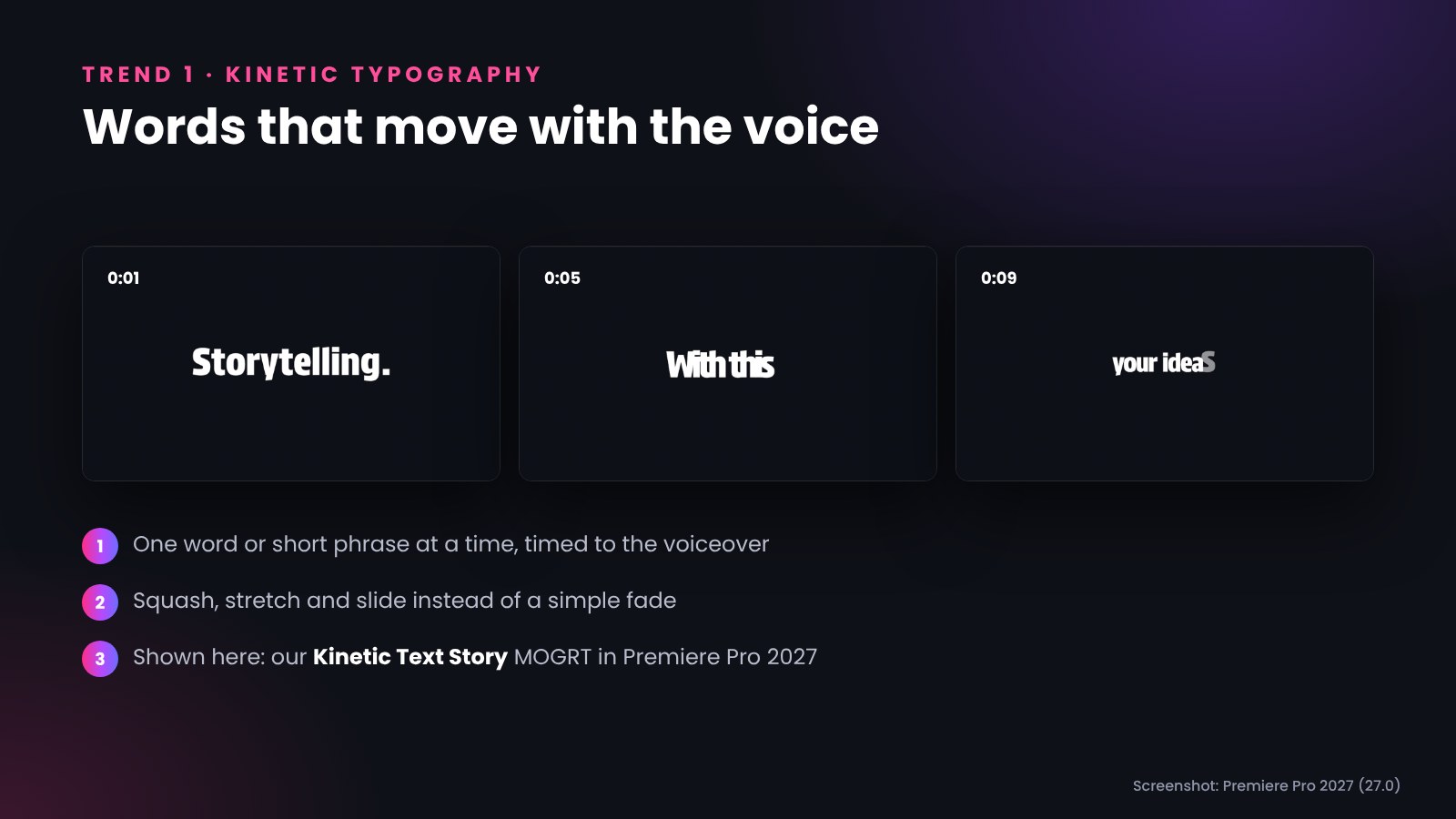
Kinetic typography means text that moves with the voice or the music: one word or short phrase at a time, with squash, stretch, flips and slides instead of a simple fade. Almost every trend report for 2027 lists it, because it works without sound on social media and keeps people watching.
- How to use it: time each word to the voiceover. Short words stay on screen for less time, important words stay longer and bigger.
- In Premiere Pro: a kinetic text MOGRT is the fastest way. You only type your words in Properties > Templates.
- In After Effects: use Text Animators with a Range Selector, or start from a kinetic typography template.
Trend 2Handmade, imperfect motion
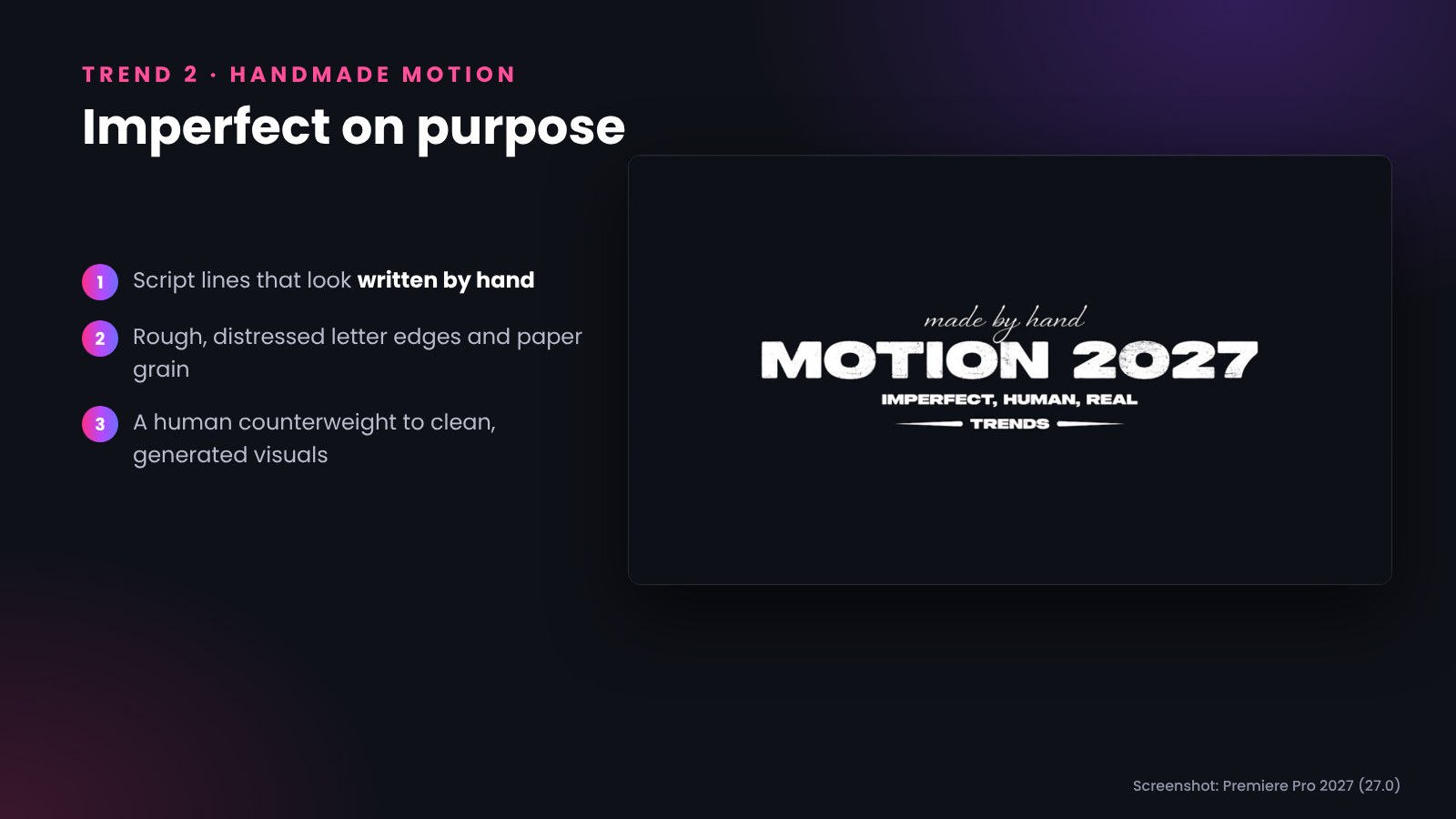
As more videos are made with AI, people notice things that look made by a person. That is why hand-drawn lines, handwritten words, paper grain and slightly uneven letter edges keep coming up in the 2027 forecasts. Some studios even bring back frame-by-frame animation for small details.
- Pair a handwritten script with bold caps, like in the title above.
- Add a subtle texture or grain, but keep the main message easy to read.
- Let small things wobble a little instead of moving with perfect, robotic easing.
Trend 3Analog and retro textures
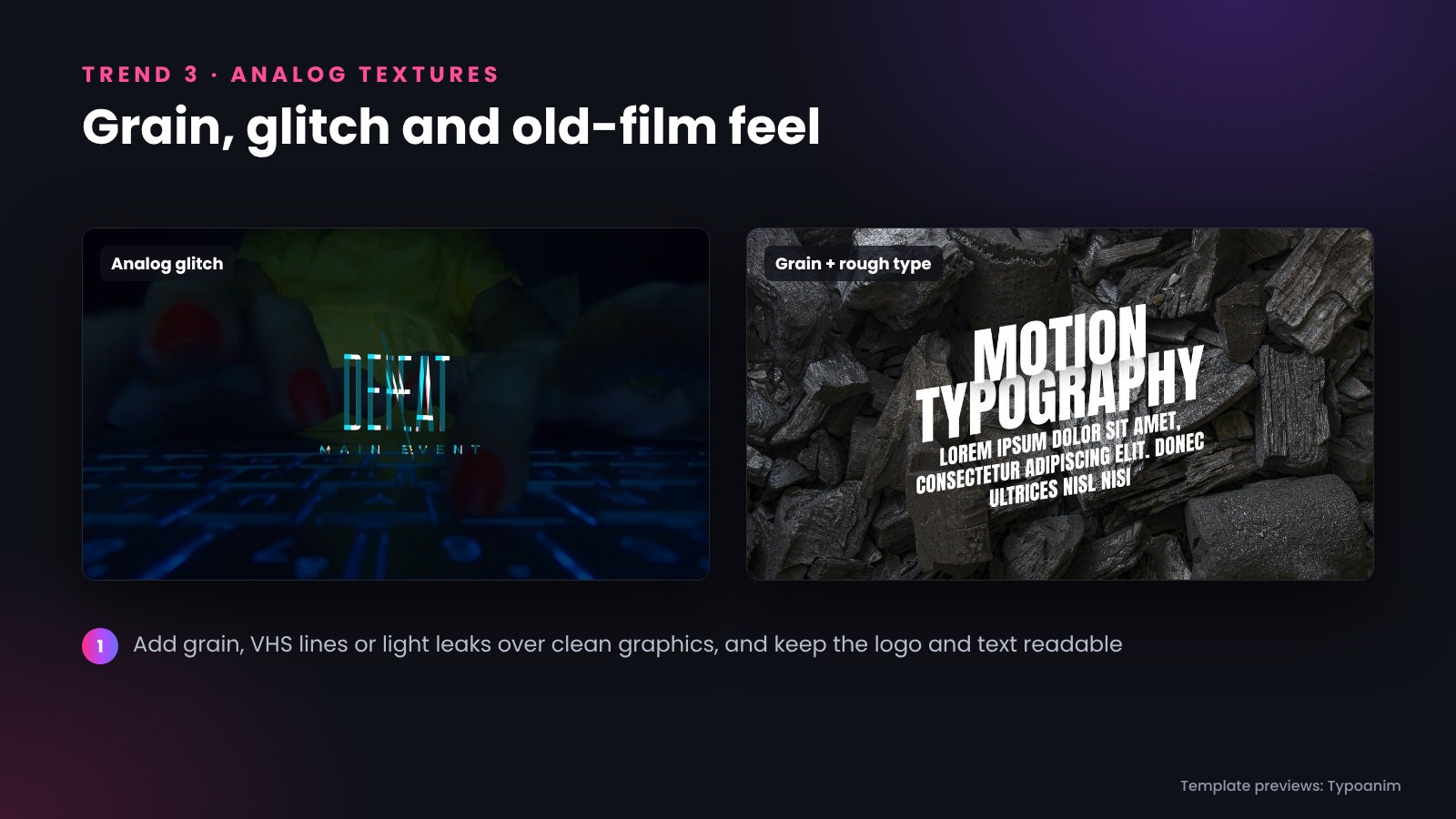
Film grain, VHS lines, light leaks and short glitches give clean digital graphics a warmer, more physical feel. In 2027 the trick is to use them as a layer or a transition, not as the whole design.
- Keep logos, product names and key text clean and readable. Put the texture around them.
- Use glitches as a quick transition between scenes, a few frames long.
- Grade the footage first in Color mode, then add a grain or glitch layer, or use a template that already includes the texture.
Trend 4Hybrid 2D and 3D
Flat illustrations inside a 3D space, 3D text next to hand-drawn shapes, real footage with simple 2D graphics on top: mixing styles is one of the most mentioned 2027 trends. After Effects 2027 makes this easier with new 3D materials for text and shapes.
- Start small: one 3D word or object in an otherwise 2D design.
- Match the light. A 3D object with a soft shadow sits better on a flat background.
- Learn more in our guide to adding materials to 3D text in After Effects 2027.
Trend 5Vertical-first motion
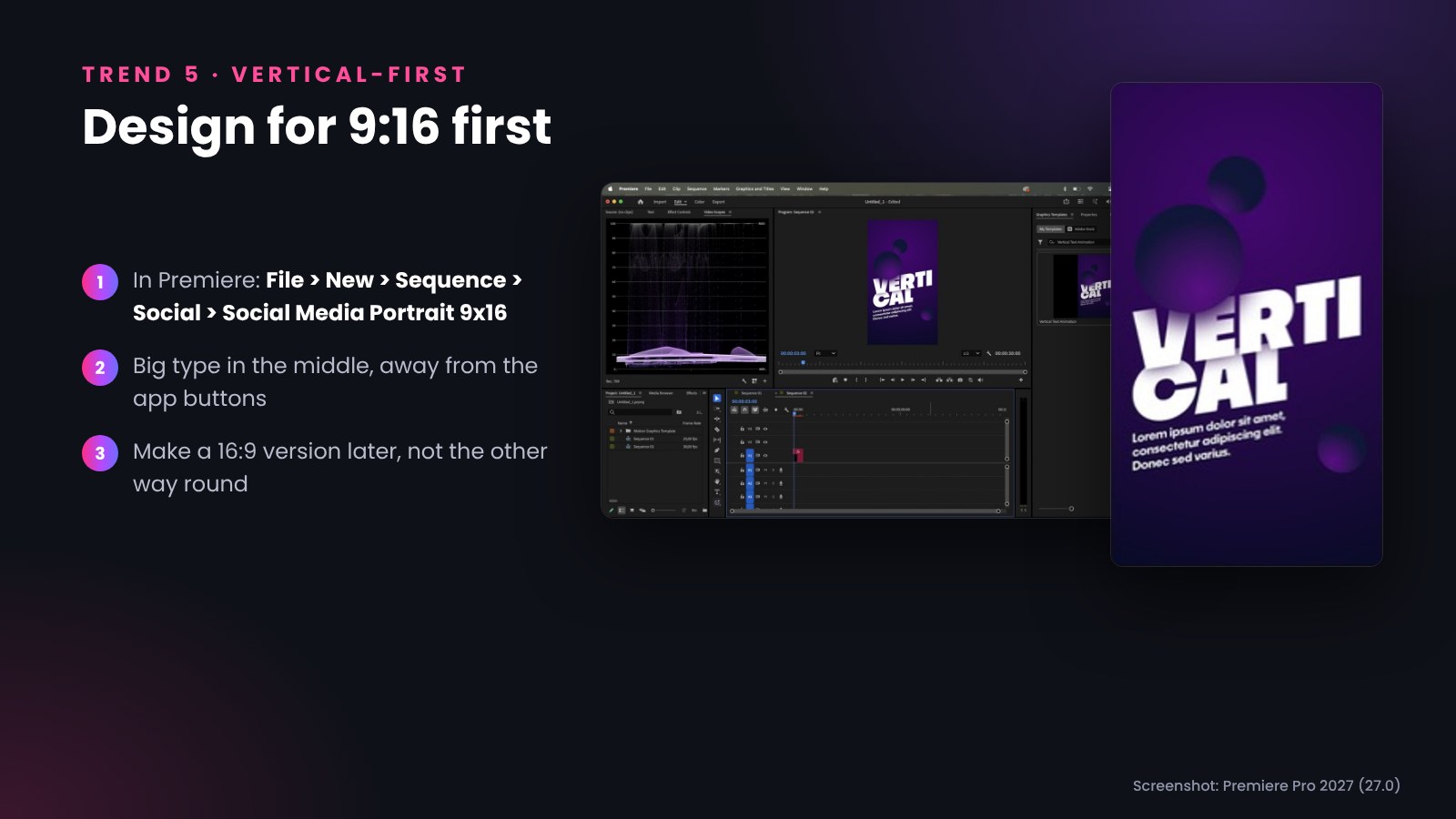
For many brands and creators, the phone is now the first screen. In 2027 more motion is designed in 9:16 first and adapted to 16:9 later, not the other way round.
- In Premiere Pro, choose File > New > Sequence and pick Social > Social Media Portrait 9x16.
- Keep big text in the middle of the frame, away from the app buttons at the bottom and the side.
- Use templates made for vertical video, so text sizes and positions are already right.
Trend 6Collage and cutouts
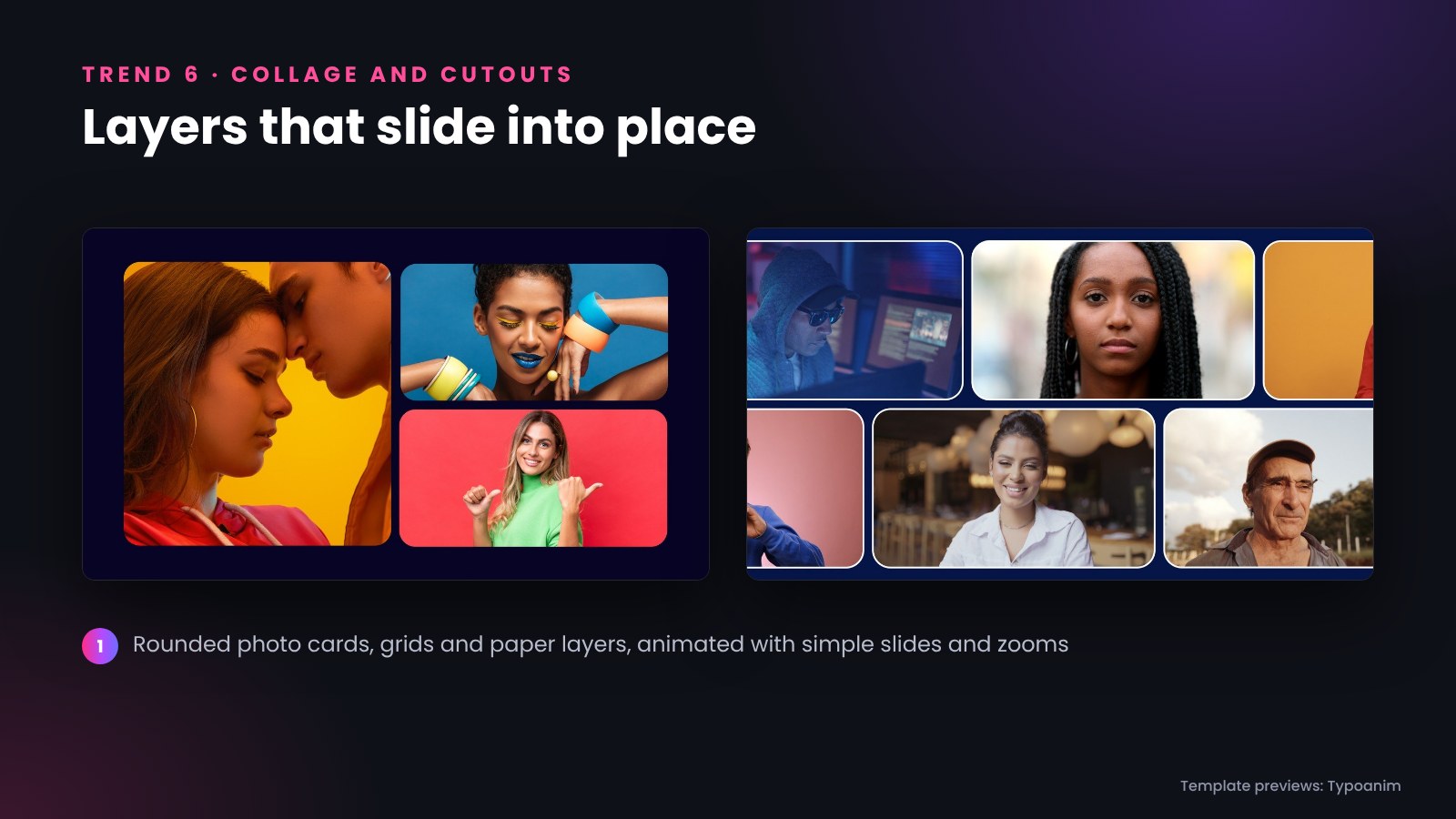
Layered photos, paper shapes and blocks of type that slide into place are everywhere in 2027 trend lists. Collage feels personal and playful, and it is a great way to show many photos in a short video.
- Use simple moves: slide, scale and a little rotation are enough.
- Rounded corners and soft shadows make photo cards look like real paper.
- Collage slideshows work well for events, travel recaps and product launches.
Trend 7: motion brand systems
Brands no longer stop at a static logo. In 2027 more of them use a full motion kit: a logo animation, lower thirds, titles and transitions that share the same timing, easing and colors. Logo reveals also keep getting shorter, as we explained in the one-second rule. Build one set of titles and lower thirds and reuse it in every video.
Trend 8: AI-assisted, human-led
Every 2027 forecast mentions AI, but with the same message: AI helps with the busy work, people decide the style and the timing. In After Effects 2027 the new AI Assistant can write expressions and fix problems for you. Read how to use the AI Assistant in After Effects 2027.
Templates for the 2027 motion trends
All of these work in Premiere Pro or After Effects 2023 and later, including the 2027 versions, and each one includes a PDF tutorial.
How we made this list
We read motion design and animation trend reports published in 2026, including 2027 forecasts from Fueler and GarageFarm and 2026 reports from Designity, VideoBolt and Graphic Design Junction, and kept the trends that appear in several of them. We then tested each trend in Premiere Pro 2027 with our own templates. See also our font trends 2027 and color trends 2027.
Motion design trends 2027: FAQ
What are the biggest motion design trends in 2027?
Kinetic typography, handmade and imperfect motion, analog textures, hybrid 2D and 3D, vertical-first video, collage, motion brand systems and AI-assisted workflows.
Is kinetic typography still popular in 2027?
Yes. It is one of the most mentioned trends, because moving text works well on social media, even with the sound off.
Can I use these trends in Premiere Pro without After Effects?
Yes. With Motion Graphics templates (MOGRTs) you get kinetic text, handmade titles and vertical animations right in Premiere Pro and only change the text and colors.
What size should a vertical video be?
1080 x 1920 pixels (9:16). In Premiere Pro, use the Social Media Portrait 9x16 sequence preset.
Motion design trends 2027: the short version
In 2027, motion feels more human and more mobile: words move with the voice, titles look a little handmade, textures add warmth, and videos are designed for phones first. Pick one or two trends that fit your brand, keep the timing consistent, and use templates to save time.
— Mansura